AI Portrait Collection
AI portrait planning and recreation tool
AI Portrait Collection
AI portrait planning and recreation tool
Showcase
Description
Based on a five-layer portrait methodology, this tool generates high-quality AI portrait collections for users. It supports character identity locking, scene planning, imaging methods, makeup anchors, pose skeletons, and multi-shot recreation, helping users steadily generate collections with a unified style.
Recommended by
Dancang
Why we love this skill
Separates character identity from photography planning to maintain facial consistency while reconstructing scenes, lighting, lenses, and poses into actionable, high-end portrait plans.
Best for
Creators who need to plan character photoshoots, design multi-shot prompts, or generate consistent photo collections based on reference plans.
How to use this Skill
Provide your input
Provide reference images for the character and photoshoot plan, or describe the theme, character, scene, camera angle, and photo count, and indicate whether images should be generated directly.
Run the Skill
The tool organizes character traits and photography plans, designs new multi-shot storyboards with a consistent style, and structures image prompts. Images are generated and checked for consistency only when requested.
Review your result
Receive a set of structured photoshoot prompts or high-quality character photos generated according to the specified storyboards.
Related Skills
View all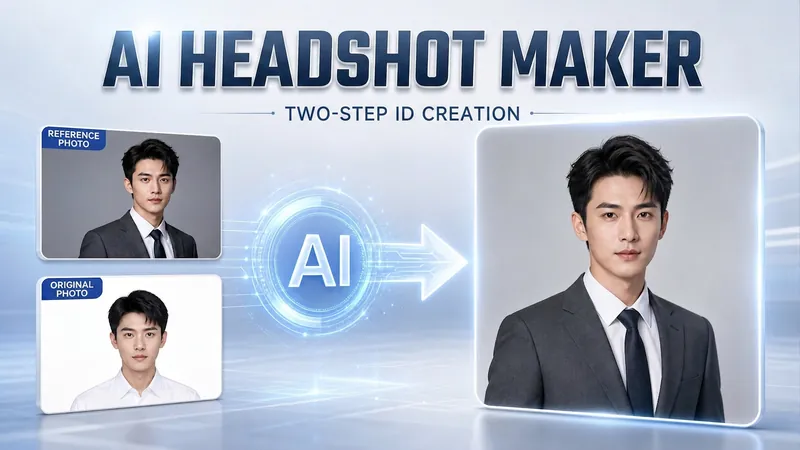 Image
Portrait Freedom-2-Step Prompt
Generate a high-end portrait that is uniquely yours from a single reference image. Many people creating AI portraits upload a selfie and say 'Generate a high-end professional headshot for me,' but often end up with a face that doesn't look like them, a style that is template-like and generic, plastic-looking skin, and makeup and clothing that don't match their personality. The root problem is asking the AI to simultaneously guess 'what you look like' and 'what style to use'—it fails at both. This skill breaks it down into two stable steps: First, you provide a single reference image (professional headshot, magazine portrait, black-and-white film, modern Chinese style, etc.). Instead of immediately generating an image, the AI deconstructs its 'photographic language' like a photographer—analyzing lighting, composition, focal length, background, color palette, mood, and texture—and then writes two complete prompt sets for male and female versions separately. Clothing, makeup, hairstyle, and pose are all written differently by gender, fundamentally avoiding disasters like 'putting a man in a silk camisole.' Second, you choose your set of prompts and pair it with a clear photo of yourself: the reference image handles the style, while your photo handles the identity—preserving your face shape, features, age perception, and expression, then applying the professional photographic quality from the reference. The result is a portrait that is unmistakably you with a cinematic quality. The reference image controls the style, your photo controls the identity—it's that simple. Changing the reference image changes the direction. ID photos, professional headshots, magazine covers, black-and-white film—one workflow handles them all, completely eliminating the homogeneity and plastic feel of AI portraits. Target audience: professionals needing a headshot/ID photo/personal brand portrait, social media influencers, job seekers, and anyone who wants a high-end portrait that is truly their own.
 Image
Realistic Studio Portraits
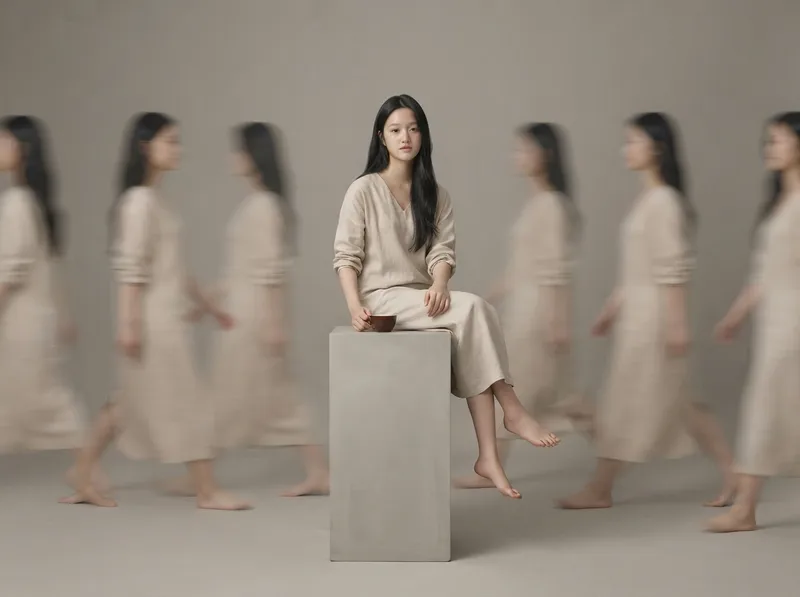
Based on uploaded photos of people or pets, this Skill generates ultra-realistic, minimalist full-body studio portraits. It supports styles such as long-exposure ghosting, clean solo full-body portraits, and cloned mirror images; faithfully recreates the subject’s appearance and directly uses the most suitable image-generation model to create the images.
 Image
Anime Character to Real Life
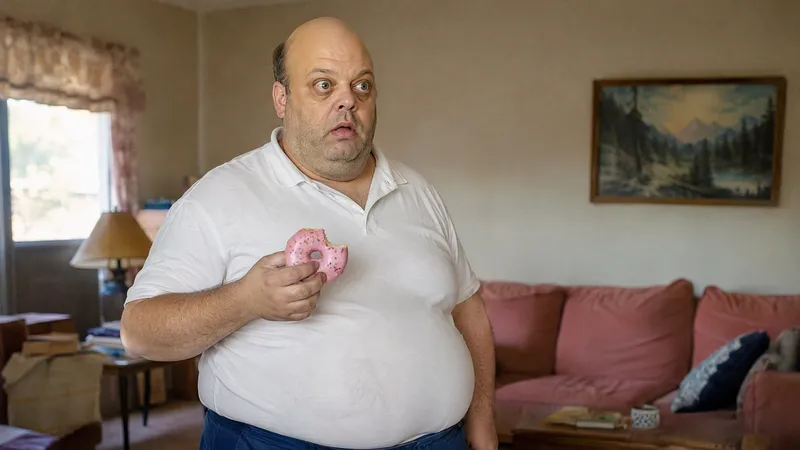
Bring your favorite anime characters to life as if they actually exist in the real world! This is an AI image generation skill designed specifically for anime, manga, and cartoon characters. Upload a character image to transform 2D characters into realistic portraits featuring real skin, natural hair, authentic clothing textures, and cinematic photography quality. Core Features: • High-Fidelity Character Recognition: Analyzes signature hairstyles, facial features, face shapes, eyes, clothing, and accessories to preserve character recognition. • Realistic Human Texture: Renders natural skin textures, subtle blemishes, realistic lighting and shadows, and photographic depth of field. • True to Original Design: Preserves classic color schemes, clothing silhouettes, and key features. • Cinematic Snapshot Style: Creates natural-looking photos as if captured in real life. • Multi-Aspect Ratio Support: Set ratios such as 3:4, 9:16, 1:1, and 16:9 as needed. • Multi-Model Support: Adjusts prompts and generation strategies based on currently available YouMind image generation models. Use Cases: Anime character live-action transformation, cartoon character realism, AI creative avatars, character concept design, short video visual assets, and social media content creation. How to Use: Upload an image or enter a character name, describe the features and visual style you want to retain, and get started.
Information
- Version
- v2
- Last updated
- Runtime credits
- Usage-based
- Models
- Auto
- Use cases
- Images & design
- What you get
- ImagePrompt
- Visual styles
- Photorealistic
