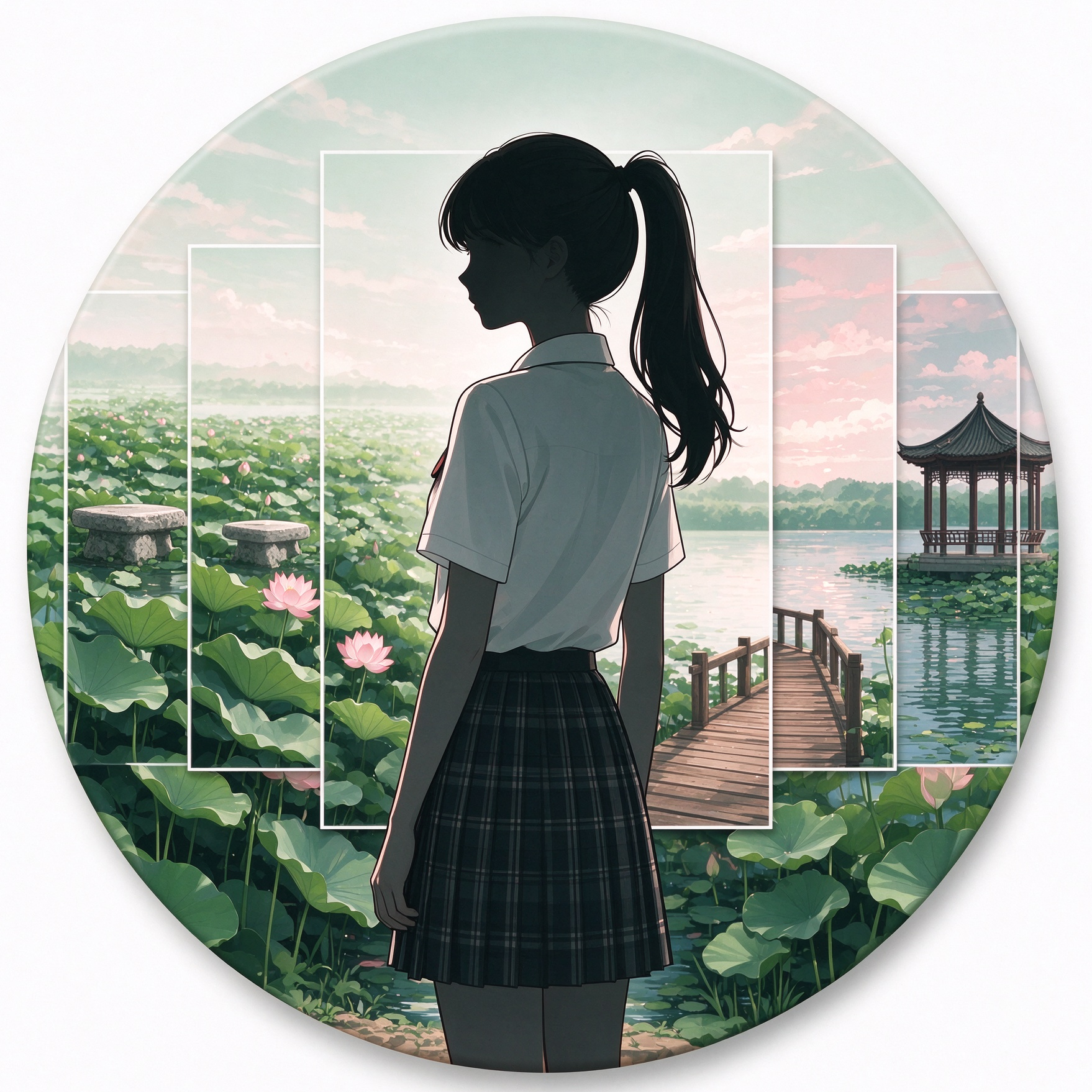
Lotus Pond AI Portrait Set
Create coherent JK-style outdoor portraits
Lotus Pond AI Portrait Set
Create coherent JK-style outdoor portraits
Showcase
Description
A professional portrait AI batch generation skill that produces a cohesive series of summer lotus pond JK outdoor portrait works in one go. It enforces locked facial features, hairstyles, and full outfits for the same character, utilizing multi-scene storyboarding, camera angles, and body posture variations to simulate real outdoor photoshoot results. It replicates the relaxed atmosphere of a casual park stroll while strictly controlling human anatomy, fabric physical folds, environmental lighting projections, and spatial depth of field to avoid common AI issues such as face drifting, limb distortion, outfit confusion, and lighting fragmentation. Ideal for producing complete portrait sets at once, suitable for photo references and AI portrait practice.
Recommended by
Dancang
Why we love this skill
Focuses on maintaining consistent facial features, hairstyles, and JK outfits to continuously generate 6 lotus pond portraits across standing, walking, sitting, and glancing-back poses. It strengthens human anatomy, fabric wrinkles, lighting, and environmental perspective for realistic results with high consistency.
Best for
Best for content creators and learners needing complete sets of outdoor portrait reference images or portrait generation practice.
How to use this Skill
Provide your input
Enter the request for summer lotus pond outdoor portrait sets, or add desired composition and pose references.
Run the Skill
Generate six outdoor portrait photos with consistent character, hairstyle, and outfit, featuring diverse camera angles, poses, and scenes.
Review your result
Receive a coherent set of realistic lotus pond portrait photos for reference or portrait generation practice.
Related Skills
View all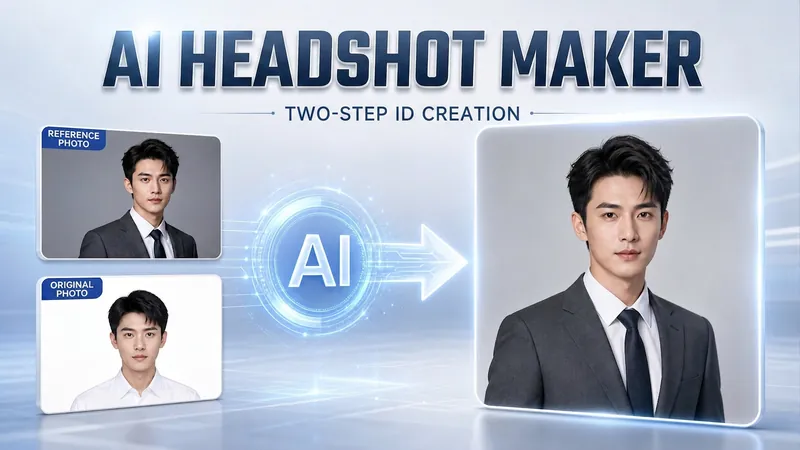 Image
Portrait Freedom-2-Step Prompt
Generate a high-end portrait that is uniquely yours from a single reference image. Many people creating AI portraits upload a selfie and say 'Generate a high-end professional headshot for me,' but often end up with a face that doesn't look like them, a style that is template-like and generic, plastic-looking skin, and makeup and clothing that don't match their personality. The root problem is asking the AI to simultaneously guess 'what you look like' and 'what style to use'—it fails at both. This skill breaks it down into two stable steps: First, you provide a single reference image (professional headshot, magazine portrait, black-and-white film, modern Chinese style, etc.). Instead of immediately generating an image, the AI deconstructs its 'photographic language' like a photographer—analyzing lighting, composition, focal length, background, color palette, mood, and texture—and then writes two complete prompt sets for male and female versions separately. Clothing, makeup, hairstyle, and pose are all written differently by gender, fundamentally avoiding disasters like 'putting a man in a silk camisole.' Second, you choose your set of prompts and pair it with a clear photo of yourself: the reference image handles the style, while your photo handles the identity—preserving your face shape, features, age perception, and expression, then applying the professional photographic quality from the reference. The result is a portrait that is unmistakably you with a cinematic quality. The reference image controls the style, your photo controls the identity—it's that simple. Changing the reference image changes the direction. ID photos, professional headshots, magazine covers, black-and-white film—one workflow handles them all, completely eliminating the homogeneity and plastic feel of AI portraits. Target audience: professionals needing a headshot/ID photo/personal brand portrait, social media influencers, job seekers, and anyone who wants a high-end portrait that is truly their own.
 Image
Portrait Light & Shadow Studio
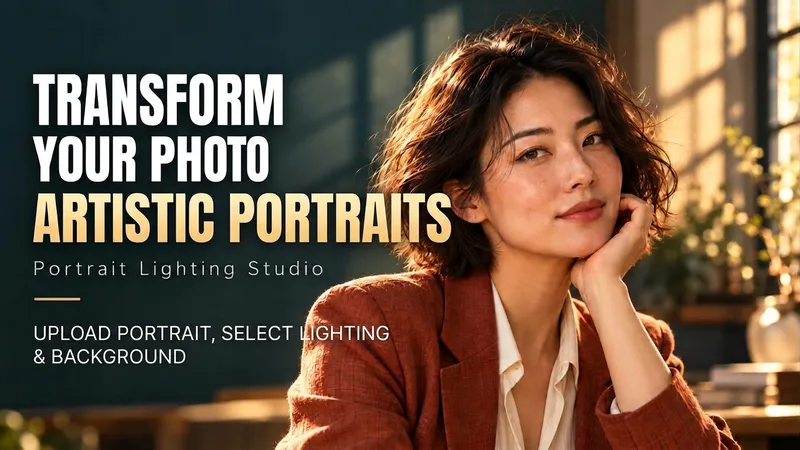
Upload portraits, adjust lighting, poses, and backgrounds to generate window soft-light, night scene, or studio-style portraits. Upload a portrait photo or describe a fictional character to create photographic avatars, personal portraits, and magazine-style portraits. The Skill combines the subject's visible features to arrange poses, lighting, framing, clothing, and environment, ensuring natural hand gestures, grounded body posture, and directional lighting. Three original scenes are ready to use: • Warm Pottery Window: Terracotta and warm wood tones, with a natural medium shot near a studio window. • Rainy Night Set: Warm light in a movie theater porch, cold wet street tones, and expressive gazes. • Coastal Golden Breeze: Sunset rim lighting, sea breeze, and relaxed full-body travel portraits. Professional headshots, solid-color studios, black-and-white portraits, and custom themes are also supported. Uploading a photo preserves primary clothing and accessories by default; to change outfits, backgrounds, or poses, simply specify your request. By default, it generates one 3:4 vertical text-free image per run; you can change the aspect ratio, create a series, or request Chinese, English, or bilingual prompts. Multiple images are generated separately, and after generation, subject recognition, hands, feet, support points, and lighting are verified. You can say: "Use this photo for the rainy night set, keep the hairstyle, and change to a dark jacket." or "Create a mature woman with short curly hair walking naturally in the coastal sunset."
 Image
Portrait Tension Poses
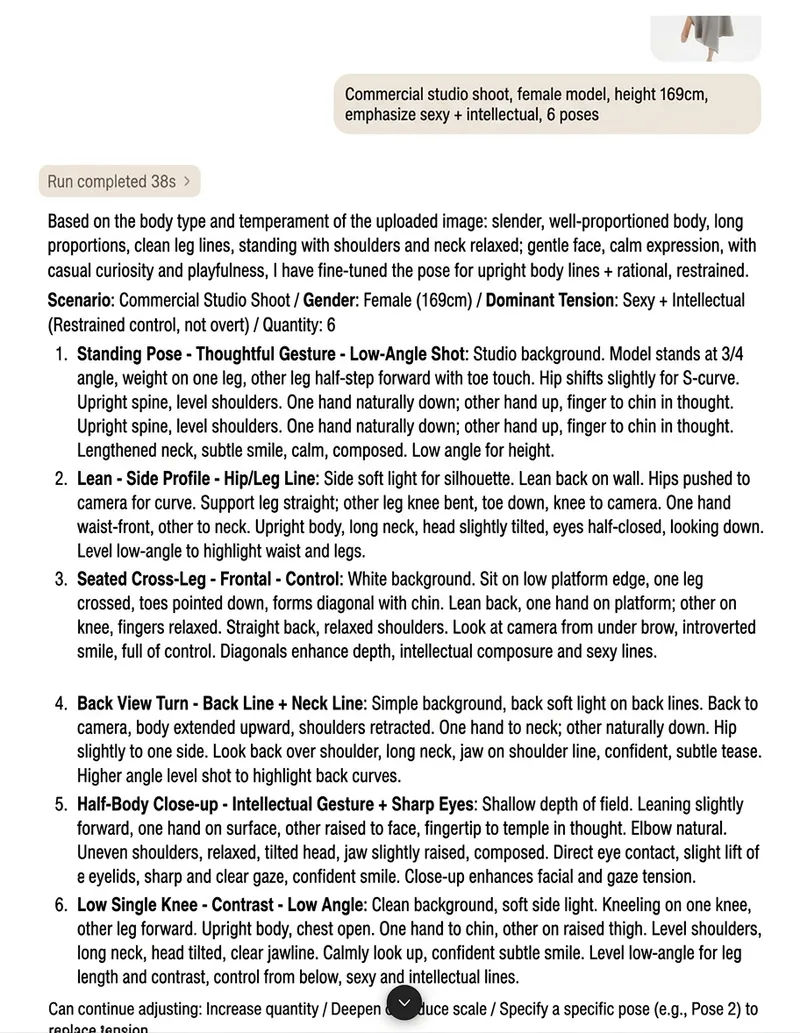
Provide the scene, model's gender, desired tension, and number of poses to receive a set of professional Chinese pose prompts ready for portrait photography. Whether the setting is a studio, outdoor location, street, home, pool, or stage, each pose is shaped around the requested qualities—such as sensuality, cool restraint, elegance, wildness, grace, edgy confidence, or languid ease—with specific guidance on camera position, composition, body axis, center of gravity, shoulder-to-hip relationship, arm and leg lines, and neck and head angles. Each pose also comes with a tailored expression derived from it. Following the chain of “pose → emotion → expression,” the prompts specify gaze direction, eyelid opening, eyebrows, lips, and subtle facial expressions. These details bring out the pose’s emotion and tension while giving each option its own distinct mood and avoiding repetitive expressions. After you upload a model image, the skill can also adjust pose lines and expressions based on body shape, proportions, facial contours, and overall presence. The clothing, makeup, hairstyle, accessories, and setting in the image do not limit the style direction you specify. The generated options aim to vary body positions—standing, sitting, kneeling, lying down, and leaning—as well as camera views such as eye-level, high-angle, low-angle, side, back, and close-up shots. This helps avoid repetitive, stiff, or lifeless posing and makes the prompts suitable for portrait photography, model direction, and AI image prompt preparation.
Information
- Version
- v2
- Last updated
- Runtime credits
- Usage-based
- Models
- Auto
- Use cases
- Images & designLearning & education
- What you get
- Image
- Visual styles
- Photorealistic
