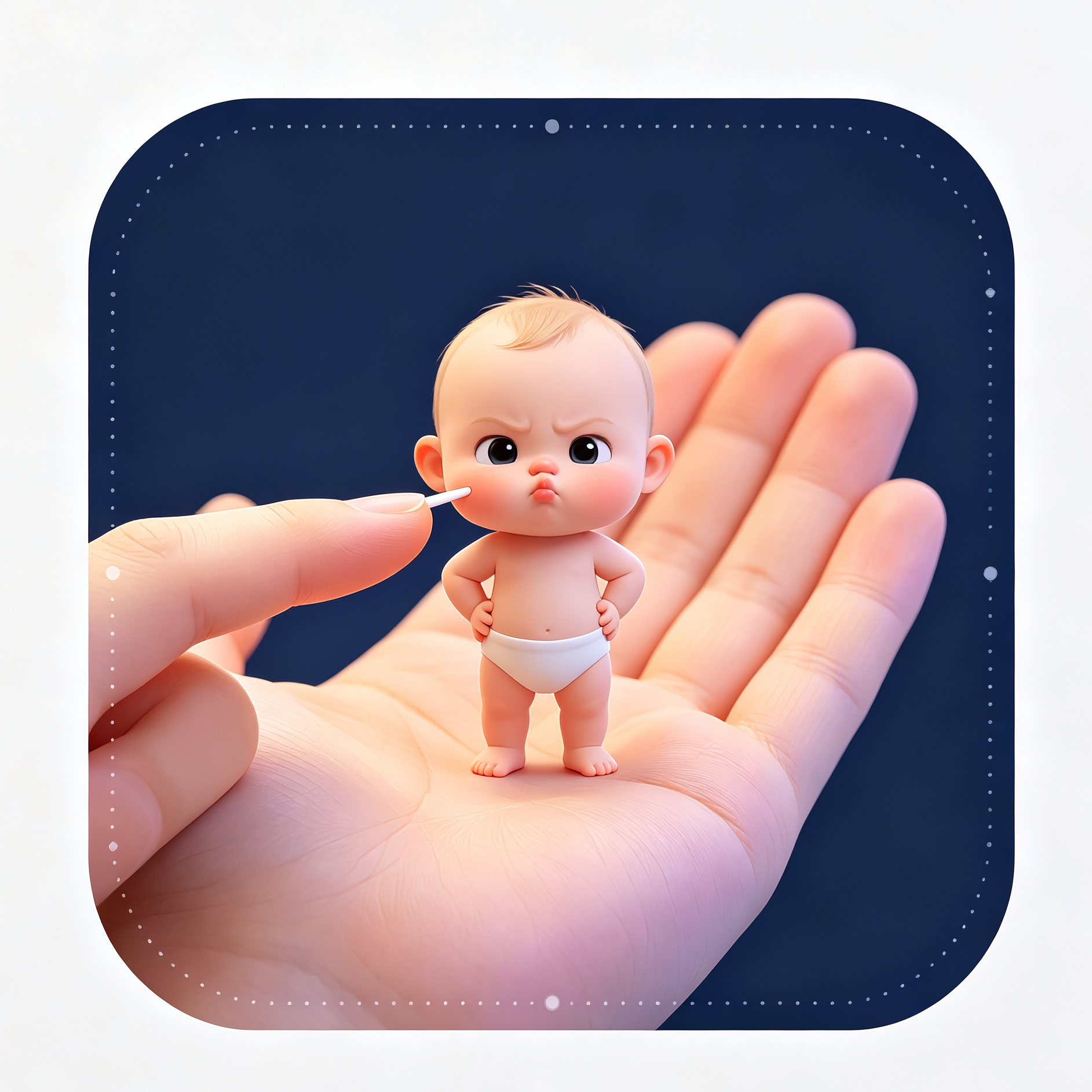
Mini Baby AI Generator
Create photorealistic miniature baby effects from photos
Mini Baby AI Generator
Create photorealistic miniature baby effects from photos
Showcase
Description
A mini baby AI generation skill. Upload a baby reference photo to lock in facial features and generate ultra-realistic macro miniature creative images. It includes 4 built-in scene templates: lifting, claw machine, key pendant, and palm cheek poke. With authentic and delicate lighting, it is perfect for fun commemorative photos and social media sharing.
Best for
Parents and content creators looking to generate miniature, ultra-realistic creative image prompts for baby commemorative photos or social media posts.
How to use this Skill
Provide your input
Upload a baby reference photo and optionally specify scenes 1 through 4. If none is specified, the default scene is used. Clearer photos better preserve facial and clothing details.
Run the Skill
After selecting the scene, the skill generates image-generation prompts based on the photo and scene settings, complete with restrictive descriptions.
Review your result
Receive an ultra-realistic miniature baby creative image prompt, which can be used to generate images with the specified composition, lighting, and scene.
Related Skills
View all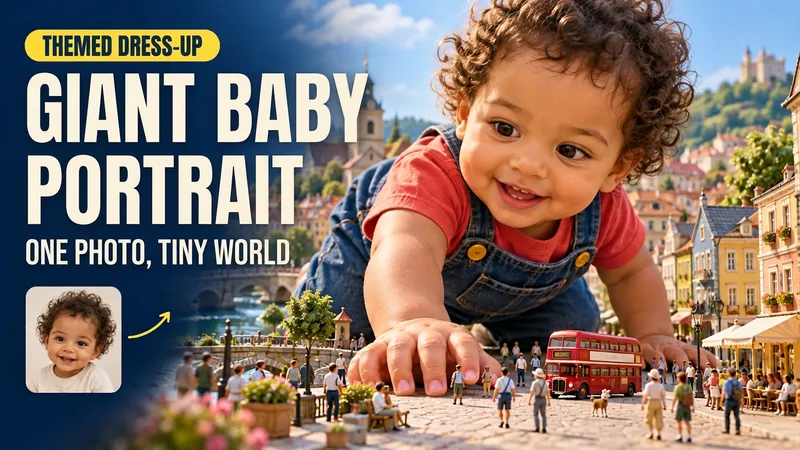 Image
Giant Baby Portraits
Turn an everyday baby photo into a whimsical portrait of them stepping into a miniature world. Upload a clear photo of your baby and describe a theme to create matching clothing, a natural pose, and a complete miniature world. Houses, vehicles, pedestrians, and amusement rides highlight the baby's giant size towering over the neighborhood, while skin, fabric, lighting, and contact shadows retain a realistic look. You can dress the baby in a yellow elf onesie crawling through a miniature town; have them explore while holding onto a tiny castle in a red hat and blue overalls; or seat them in the center of a residential neighborhood wearing a red top and yellow shorts. Clear themes such as Mario, Pikachu, Minecraft, and Crayon Shin-chan are supported, as are original scenes you describe yourself. You can specify the clothing, pose, setting, aspect ratio, and number of images. By default, one near-3:4 portrait image is generated. You can also request the original clothing, a landscape image, or a series. After generation, the result is checked against the photo for key features, hand and foot structure, weight-bearing points, giant scale, and lighting integration, with corrections made for clearly identified issues. The current environment must support photo-reference image generation. Similarity, poses, and the presentation of specific themes depend on the input photo and the actual model capabilities. Usage is subject to the platform's current rules. The showcase images are generated examples featuring fictional AI babies.
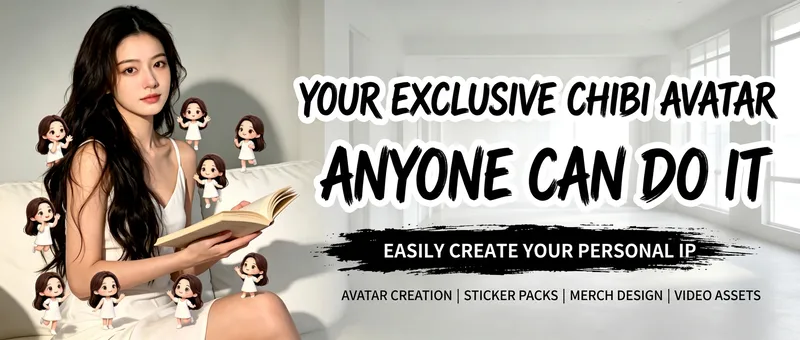
AI Chibi Avatar Generator
Upload a real-life photo to keep the original person's appearance, outfit, scene, and lighting intact without face swapping or excessive retouching. It generates multiple two-head-tall chibi mini-avatars with the same appearance and outfit in empty spaces. The avatars feature various poses and blend naturally with the original lighting to produce a niche, heartwarming atmosphere, making it great for profile pictures and social media posts. Supports both male and female presets.
 Image
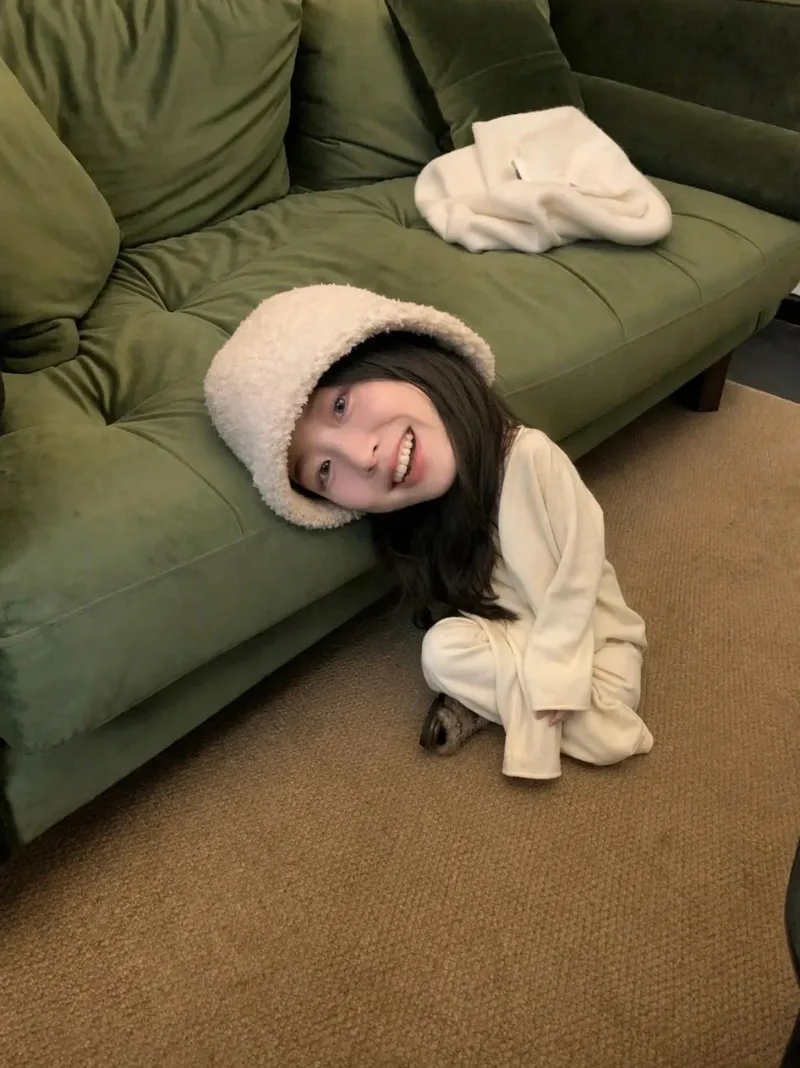
Miniature Portrait
Users upload a photo of a person, and the skill preserves the face, hairstyle, and skin tone while reconstructing the body into a miniature proportion of about 1.5 heads tall, placing them into a realistic living scene (defaulting to a beige fabric upholstered sofa, warm indoor lighting, and a peace sign). It outputs finished images with 100% realistic photographic quality. Clothing, scene, pose, lighting, aspect ratio, and number of images can all be fine-tuned upon request, using the current best image generation model by default.
Information
- Version
- v2
- Last updated
- Runtime credits
- Usage-based
- Models
- Auto
- Use cases
- Images & design
- What you get
- Prompt
