Basketball Star Poster Maker
Custom vertical posters in 5 visual styles
Basketball Star Poster Maker
Custom vertical posters in 5 visual styles
Showcase
Description
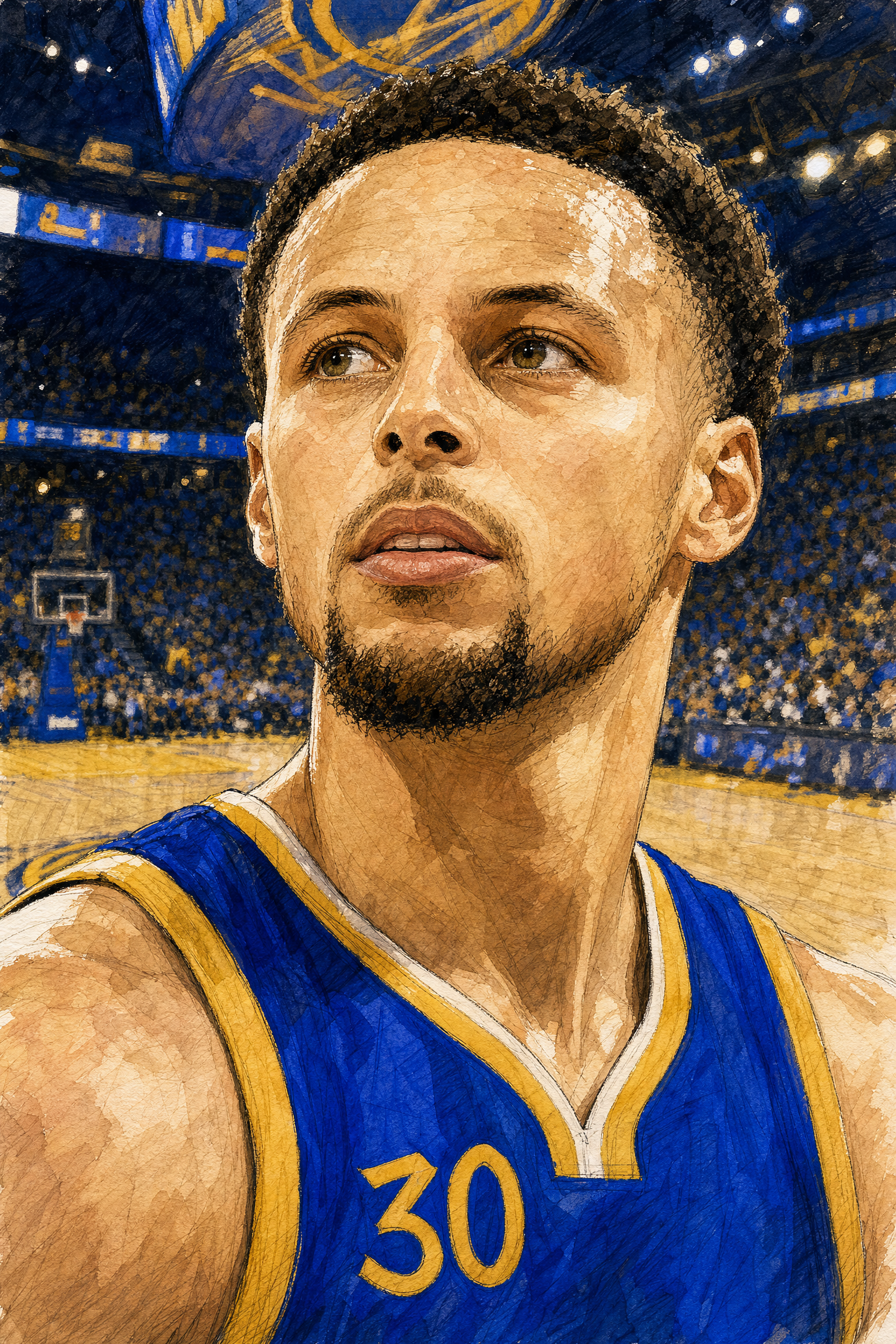
Enter any basketball star's name to generate a high-quality close-up or portrait poster. Freely combine 5 art styles (hand-drawn illustration, cute chibi, anime cartoon, Chinese-inspired, and cyberpunk) with 3 presentation modes (complete authentic team uniform, game scene, and random candid moment). With image quality as the priority, it automatically checks the team's authentic uniform and color scheme online while highlighting the subject's face and personality.
Recommended by
Dancang
Why we love this skill
Verifies the player, team, and authentic jersey details before combining five art styles with three presentation modes for credible, distinctive vertical posters.
Best for
Ideal for creating vertical personal posters of basketball stars in multiple visual styles.
How to use this Skill
Provide your input
Enter a basketball star's name, with an optional art style and presentation mode.
Run the Skill
Choose or confirm the art style and presentation mode, then generate a vertical poster featuring the star.
Review your result
Get a high-quality vertical poster highlighting the star's face and personality.
Related Skills
View all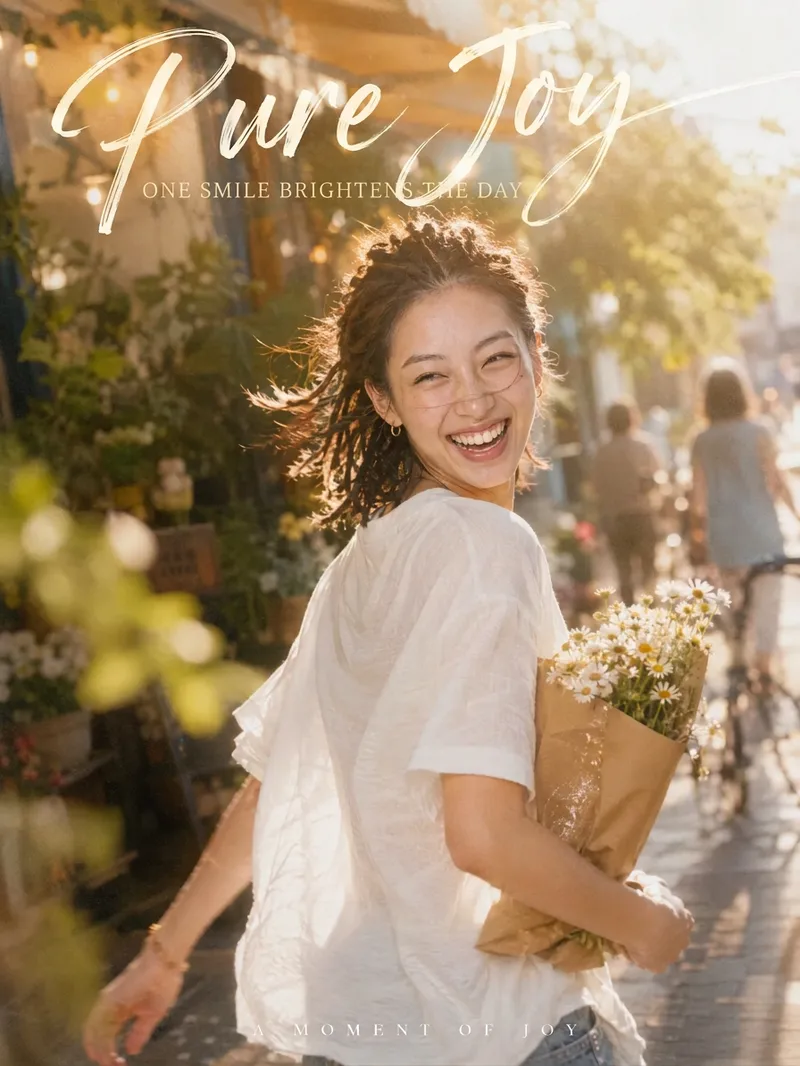 Image
ImageCandid Cinematic Shots
Your photo isn’t missing beauty—it’s missing "that second." 「Candid Cinematic Shots」first reads the person in your photo—their presence, outfit, setting, and mood—then designs a natural candid moment just for them. It might capture wind-tossed hair as you glance back, the instant bright light makes you squint mid-laugh, or your back as you walk past a street corner with a book in your arms. The image features an authentic handheld feel, film grain, backlight glow, and motion-blurred surroundings, keeping the subject sharp while the world moves around them. Add hand-lettered typography and Chinese-English captions, and one image takes on the polished feel of a magazine cover. Core highlights: 🎬 Truly candid: No posing or forced smiles—the expression and movement are captured in a moment of change 🎯 Made for you: Poses, props, settings, and captions are designed from your photo, so every generation is different ✍️ Artistic captions: A handwritten headline with short Chinese-English copy that fits your image instead of using a template 📐 3:4 portrait by default: Ideal for Xiaohongshu, WeChat Moments, and Douyin covers; the aspect ratio can be customized 🎛️ Adjustable: Choose the level of candidness, motion intensity, copy direction, and Chinese-English pairing Best for: Xiaohongshu, Douyin, and WeChat Channels creators: Make covers and personal-brand visuals Content creators in AI art and AI portrait photography: Create viral before-and-after videos Personal-brand and knowledge creators: Make profile photos and promotional graphics
 Image
ImageLive-Action Manga Collage
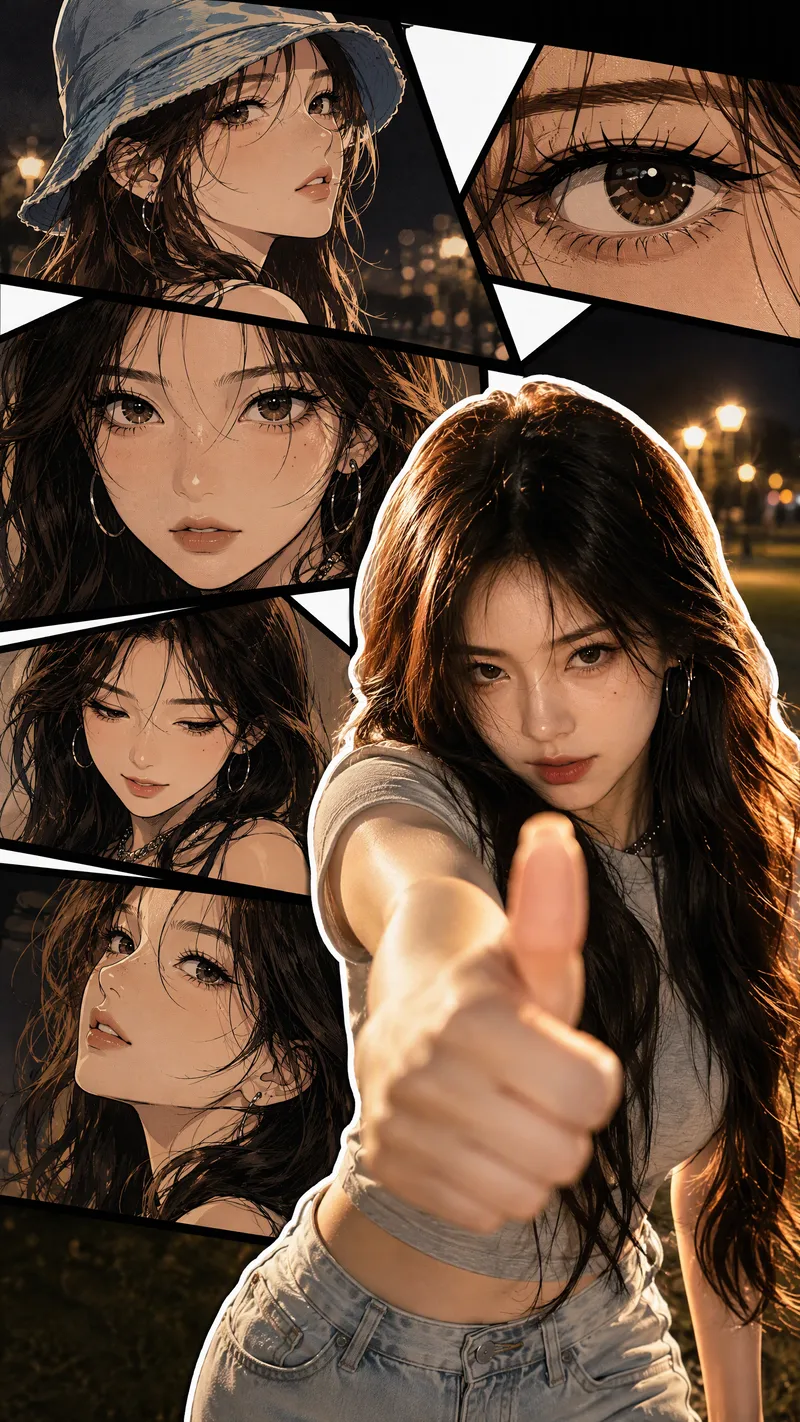
Turn a portrait photo into a 9:16 vertical collage poster that combines photographic realism with comic-style storytelling. The lower right preserves the person’s real appearance and original pose, while multi-panel manga scenes featuring the same face surround it on the left and upper right. Facial features, hairstyle, clothing, accessories, and overall character remain consistent between the real-person image and the illustrations. The poster blends retro Korean manhwa and American comic styles, with color cel shading, sharp black linework, halftone shadows, and finely rendered hair. Bold white outlines, black panel divisions, white geometric paper strips, and layered shadows create a magazine-inspired live-action manga collage. The comic panels can explore emotional angles such as a side profile, a particular gaze, looking down, or a low-angle view. The background extends the mood of the photo into scenes such as nighttime bokeh, a seaside sunset, streetlights on a lawn, or warm indoor lighting. By default, the image is clean and contains no text, speech bubbles, watermarks, or interface elements. It prioritizes preserving the body orientation, gestures, and expression from the photo without replacing the person or changing the pose. You can also specify the background, clothing, accessories, number of panels, or text. If you do not have a photo, it can create a person based on your description of their gender, age, and overall character, using the same vertical collage composition.
 Image
ImageAmerican Comic Art Generator
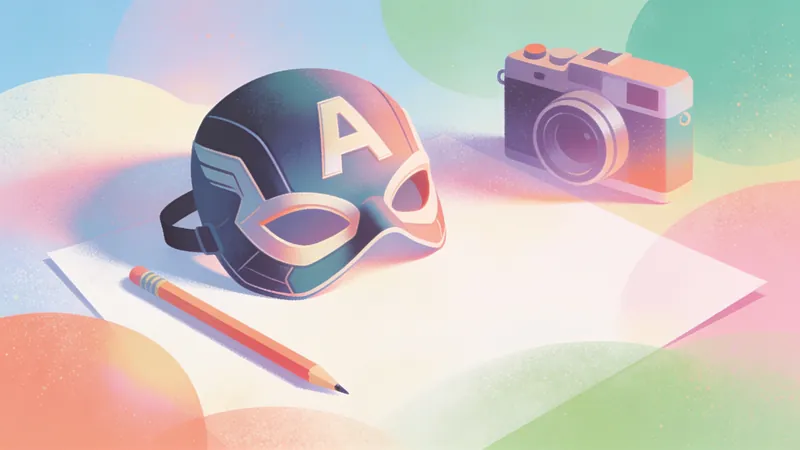
Transform written ideas, portrait photos, or ordinary images into illustrations with a distinctive American comic-book style. Create profile images, character posters, scene concept art, and comic-inspired visuals. From superhero action and character portraits to atmospheric city scenes, the skill preserves the subject’s defining features and visual focus while adding the energy of American comics. Choose a classic, modern, or cartoon American comic style, or provide a favorite comic artist or work as a visual reference. If you have no specific preference, the system selects a suitable comic sub-style based on the subject, action, and mood. The composition can be adapted for profile images, character illustrations, banners, or posters, with visual elements such as bold black linework, halftone textures, dramatic lighting, motion lines, and a comic-panel feel. For portrait photos, the skill aims to preserve facial features, recognizability, and the subject’s overall appearance. For ordinary images or illustrations, it redraws the core content in an American comic style while keeping the main subject intact. After generation, it also considers subject consistency, stylistic expression, and compositional balance, and provides the finished comic-style image along with a brief explanation of the style and composition.
Information
- Version
- v10
- Last updated
- Runtime credits
- Usage-based
- Models
- Auto
- Use cases
- Images & design
- What you get
- Image
- Visual styles
- Hand-drawnCartoonAnime
