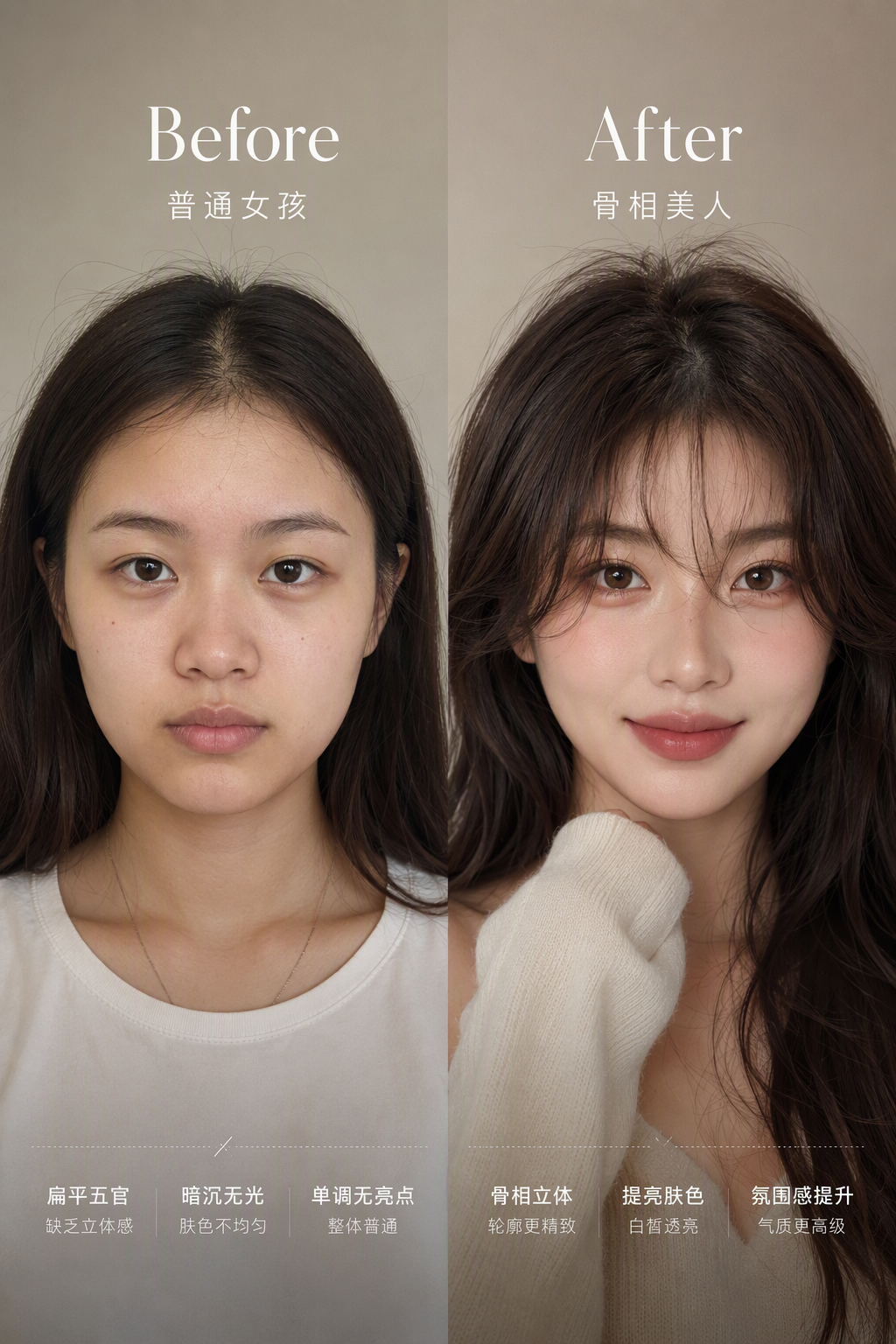
Bone-Structure Makeover Generator
Generate stunning Before/After makeover visuals
Bone-Structure Makeover Generator
Generate stunning Before/After makeover visuals
Showcase
Description
Designed for beauty bloggers, personal image consultants, makeup artists, and anyone looking to enhance their appearance. Say goodbye to cookie-cutter beauty filters. Simply upload an everyday photo, and the AI evaluates facial proportions and bone structure to preserve your unique identity while generating a high-impact Before/After makeover visualization. It also delivers a comprehensive diagnostic plan covering hair styling, facial feature enhancement, and outfit tips, helping you reach your best look effortlessly.
Best for
Everyday users looking to upgrade their personal style, as well as beauty bloggers, image consultants, and makeup artists.
How to use this Skill
Provide your input
Upload a makeup-free or everyday photo, and optionally share your preferred style direction.
Run the Skill
The system analyzes your photo and style preferences to generate a personalized image makeover plan covering hair, makeup, and fashion.
Review your result
Receive a Before/After makeover comparison image or portrait, complete with a diagnostic breakdown, practical tips, and ready-to-post notes.
Related Skills
View all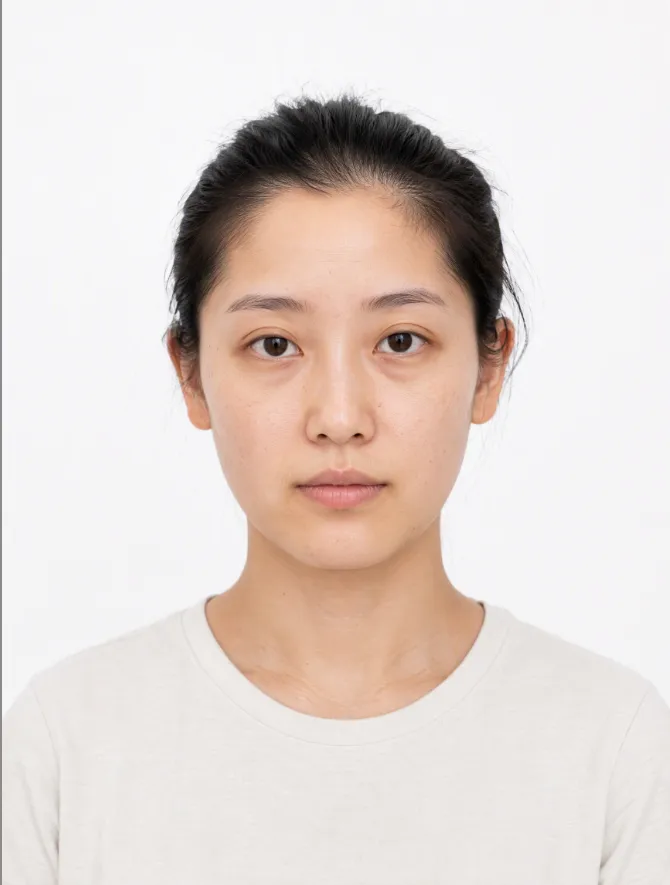
AI Makeup Try-On
# AI Makeup Try-On | AI Makeup Designer Upload a front-facing photo, and AI will analyze your skin undertone, eye shape, and lip shape. It will select the three most suitable looks from current makeup trends, generate try-on previews, and give you an application card you can follow step by step. ## What you’ll get - **Facial analysis**: Explains what suits you without judging your attractiveness or commenting on your skin - **3 makeup recommendations**: One light, one medium, and one bold look, with an explanation of why each suits you - **Makeup try-on preview**: Changes only the makeup while keeping your facial features, hairstyle, and background unchanged; after generation, it automatically compares the result with the original and redraws it once if there are discrepancies - **Application card**: Clearly explains the base, brows, eyes, blush, contour, and lips, including color, texture, placement, difficulty, time, and a product list ## When to use it Before a date, interview, wedding, or photo shoot, when you want to see which makeup look suits you before deciding how to apply it. ## Usage tips - Clear, front-facing photos with even lighting and no obstructions work best - You can include an occasion or style, such as a date, interview, wedding guest makeup, Korean-inspired, or Western-inspired looks - For adults only. Upload your own photo or one you have permission to use - The preview is an AI-generated visualization; actual results may vary with lighting, skin texture, and application technique - Each try-on uses about 100–200 credits (one generated preview; automatic correction generates one additional preview)
 Image
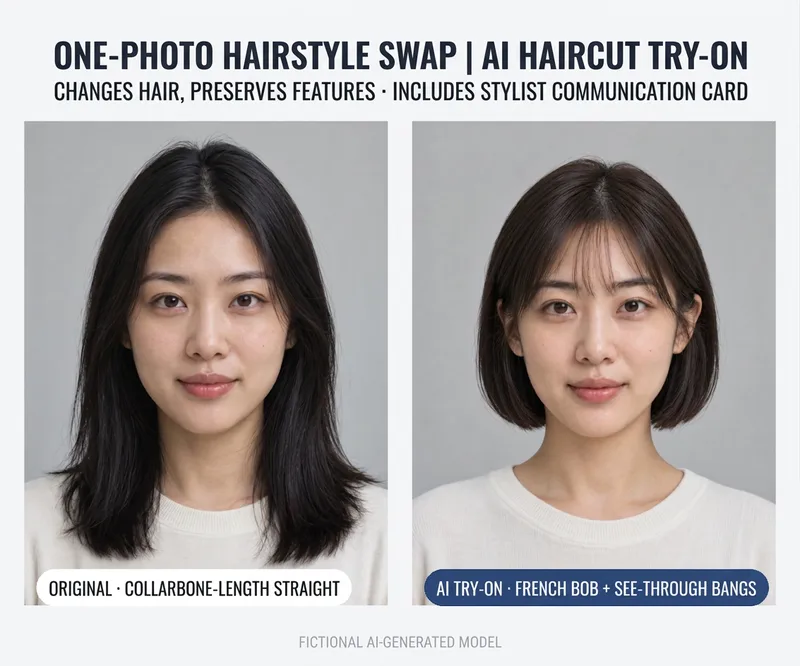
AI Hairstyle Try-On
# AI Hairstyle Try-On **See what you look like with a new hairstyle before you cut!** Want short hair but worried it won't suit you? Thinking about bangs or a new hair color, but not sure of the final result? Never quite know how to describe the hairstyle you want at the salon? Upload a frontal photo, and the AI will recommend 3 hairstyles of different styles. Once you pick your favorite, it generates a try-on preview image along with a communication card you can show your hairstylist. **Suitable for both men and women—take the guesswork out of changing your hair.** ## What You Get **① 3 Personalized Hairstyle Recommendations** Based on your visible facial contours, current hairstyle, and preferences, the AI recommends 3 hairstyles with varying degrees of change: - ✂️ Minor Change: Optimize your existing hairstyle - ✨ Moderate Change: Adjust length, bangs, or layers - 🌟 Major Change: Try a noticeably different look or hair color Each recommendation includes details on length, bangs, layers, color, and daily maintenance difficulty. **② AI Hairstyle Preview Image** After choosing your preferred hairstyle, generate a test cut preview. Focuses primarily on hair adjustments while retaining your original facial features, face shape, clothing, and background to help you easily judge the visual effect of the new style. Check recognition and hair changes after generation, using runtime settings to correct noticeable issues if needed. **③ Professional Hairstylist Communication Card** It gives you more than just an image; it tells you how to talk to your hairstylist: - Length and layers for the back, sides, and top - Shape of the bangs and cutting requirements - Clipper length recommendations for short men's cuts - Hair color notes and whether to consult ahead about bleaching conditions - Daily maintenance methods and questions to confirm in person Includes a ready-to-use description you can read directly to your stylist. **④ Multilingual Salon Communication** Getting a haircut abroad and not sure how to express yourself? Request English or other language versions of the communication card to help you explain the desired look to your stylist. ## When Is This Useful? - Want short hair, but worried it won't work out - Want to try curtain bangs, layered cuts, or different hair colors - Men looking for a fresher, sharper short haircut - Preparing for an interview, date, photoshoot, or important event - Wanting reference images and communication notes ready before heading to the salon ## How to Use 1. Upload a clear frontal photo. 2. Tell the AI what hairstyle direction you want to try, or leave it unspecified. 3. Review the 3 hairstyle recommendations. 4. Select your favorite and generate a try-on preview. 5. Bring the preview and communication card to your hairstylist to confirm the actual cut. ## Tips - Photos with hair naturally down, a clear front view, and even lighting usually yield better results. - Limited to adult photos; please upload your own or authorized photos. - AI previews are visual approximations and do not guarantee an exact replica in real life. - Actual results depend on hair texture, hair volume, hairline, cutting technique, and daily styling. - Minor details or hair deviations may occur with AI; confirm major changes with a professional hairstylist. - Image generation and extra corrections may consume credits; check platform details for actual usage. --- **One photo, three hairstyle inspirations, one stylist communication card. Try before you cut!**
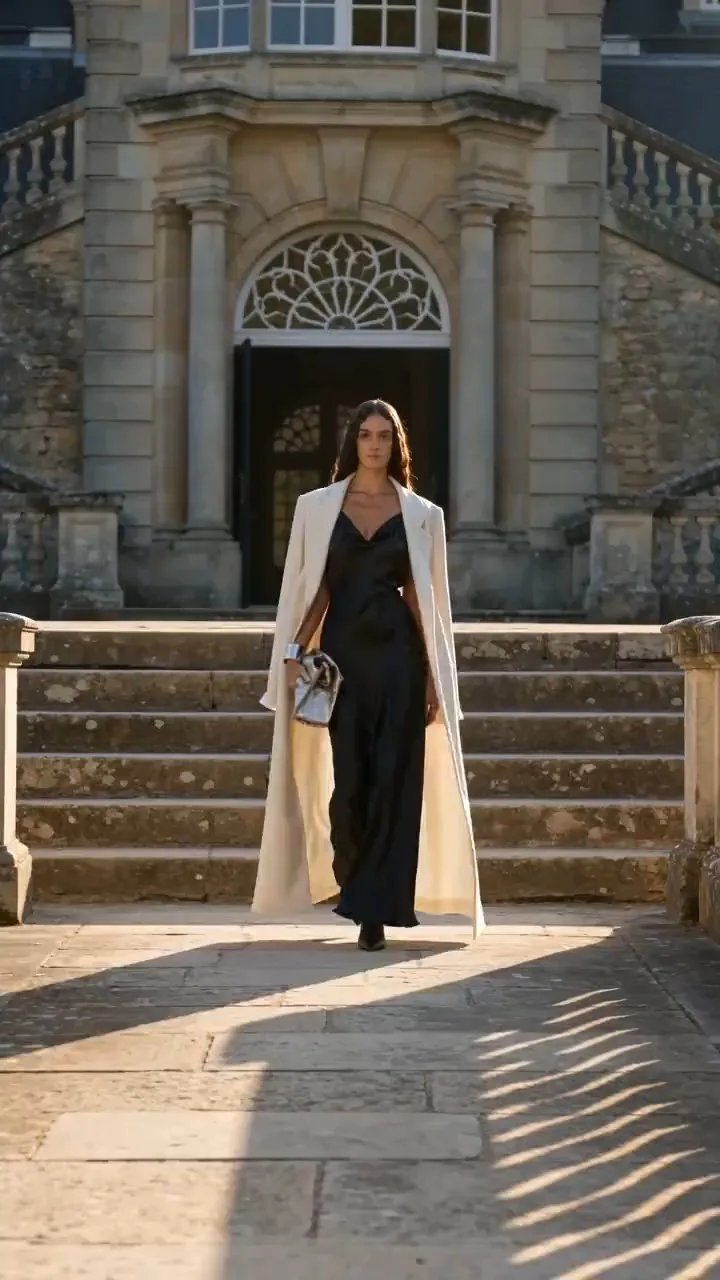
AI Fashion Try-On Video Generator
An AI-powered dynamic outfit change video assistant built specifically for fashion bloggers, stylists, and apparel brands. Simply upload a personal portrait and images of clothing and accessories to automatically recognize body shape and fabric textures. With one click, generate 4K cinematic dynamic try-on videos featuring realistic fabric drape and natural runway walks, while simultaneously producing high-engagement OOTD social media posts. Achieve high-end runway style fashion sharing at zero cost!
Information
- Version
- v2
- Last updated
- Runtime credits
- Usage-based
- Models
- Auto
- Use cases
- Writing & contentImages & designMarketing & growth
- What you get
- ReportImageSocial post
- Visual styles
- Photorealistic
