Spoken 3D Scene Modeling
Control Blender modeling with YM
Spoken 3D Scene Modeling
Control Blender modeling with YM
Showcase
Description
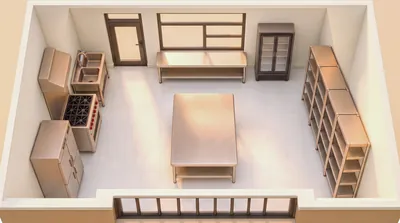
Through Blender MCP, directly control Blender to model and validate scene space, while iteratively refining AI image-generation prompts. For users who don't know 3D software, the AI agent handles all modeling, rendering troubleshooting, lighting validation, and prompt engineering. The ultimate goal is to keep scenes consistent when creating 3D animation videos: build the scene in Blender, control the camera, and pass the camera reference to the video-generation model.
Related Skills
View all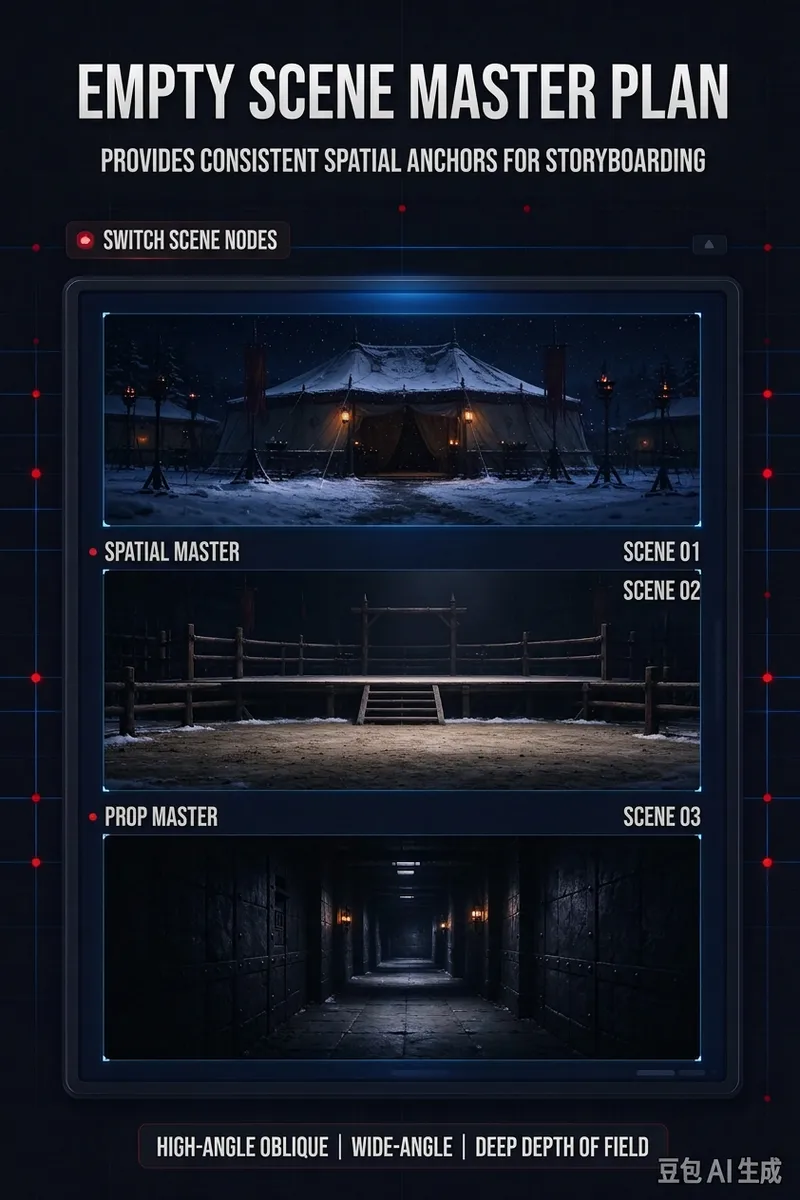
Novel Scene Image Prompts
Extract actual scene cuts one by one from novels, scripts, text storyboards, or plot outlines, transforming them into Chinese empty-scene reference prompts ready for AI image generation. Whether dealing with changes in location, time, weather, or the reappearance of the same location in different plot segments, scenes are independently organized in story order to prevent omissions or mismergers, establishing a stable spatial reference for subsequent comic storyboards. Each scene undergoes specific art design tailored to its narrative function, detailing spatial structure, entrances and exits, movement paths, foreground-midground-background layers, key props, visual focus, lighting relationships, materials, colors, and narrative traces, while classifying them as indoor, outdoor, vehicle, or special spaces. Even with limited source text, necessary visual scene information is supplemented. The final output includes a scene overview, overall visual tone, individual scene designs, Chinese image generation prompts, and Chinese negative prompts. Prompts emphasize cinematic high-angle oblique shots, high-angle wide-angle panoramas, 18mm-24mm lenses, deep depth of field, and complete spatial layouts, strictly maintaining empty scenes without characters or animals, making them ideal for cinematic establishing reference images rather than character storyboards, architectural floor plans, or ordinary interior renderings.
AI Video & Storyboard Prompts
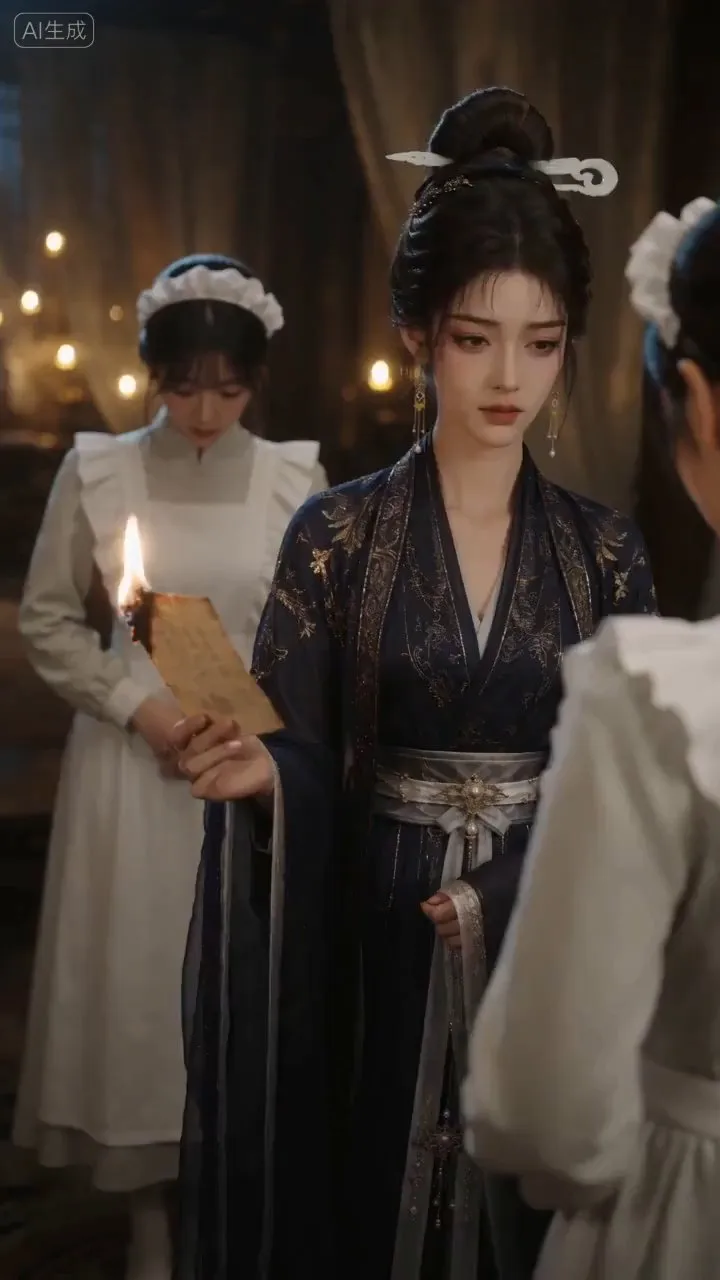
Turn storylines, character profiles, or existing video prompts into professional storyboards and ready-to-use shot prompts for AI video generation. Whether the scene involves contemporary life, historical drama, mystery, romance, or high-payoff drama, the skill focuses on character relationships, pacing, and emotional hooks. It clearly defines shot scale, camera position, perspective, camera movement, composition, lighting, ambient sound, and dialogue, giving every shot a clear visual focus and actionable movement. The skill pays close attention to character consistency and scene continuity. It helps lock in each character’s appearance, clothing logic, identity and status, and defining details, reducing generation issues such as facial changes, visual drift, spatial confusion, and unclear actions. A character’s gaze, expressions, breathing, hand movements, and physical reactions are also translated into visible performance changes, strengthening conflict, tension, twists, and emotional progression. You can start with a complete storyline or provide existing character assets, storyboards, or prompts for targeted optimization. When you already have an established character profile, it can be reused directly to avoid redesigning it. The complete sequence can then be organized into clips of 15 seconds or less for generation with mainstream AI video models, while preserving visual, audio, and duration details for easy copying, use, and further editing.
 Video
Scene Anchor Studio
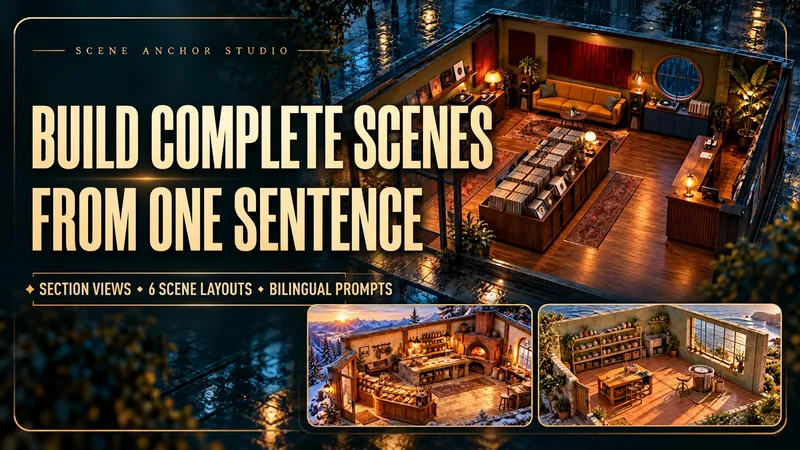
Turn a scene description, reference image, or sketch into a spatial plan and six camera-shot prompts built around one shared layout. Place doors, windows, furniture, and key props in a common coordinate system. Define materials, atmosphere, light direction, and the relationships that later shots should preserve. When you request image generation, create a text-free 45° cutaway scene reference to inspect and refine the space. Your kit includes a scene brief, fixed spatial anchors, a cutaway reference when requested, six feasible shot prompts, and targeted drift-repair instructions. Each shot specifies camera position, viewing direction, framing, visible elements, occlusion, and continuity constraints. The shot prompts form a production plan for further image or video creation. Explore original locations such as a rain-night record shop, a mountain bakery, or a seaside pottery atelier. Use the kit for AI short-film planning, calming visual stories, product narratives, and multiple views of a recurring location. Bring an existing scene to identify shifted furniture, flipped windows, or changed lighting and receive correction prompts. Output follows your input language by default. Chinese and English output is available on request.
Information
- Version
- v6
- Last updated
- Runtime credits
- Usage-based
- Models
- Auto
