
Cartoon Explainer
Turn complex topics into visual lessons
Cartoon Explainer
Turn complex topics into visual lessons
Showcase
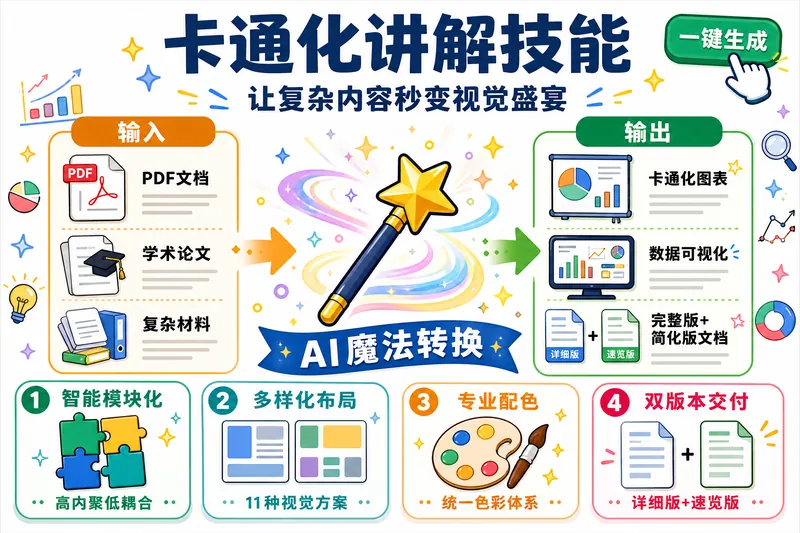
AI生成作业挑战卡通化讲解
卡通化讲解技能宣传图-3比2
AI生成作业挑战卡通化讲解
卡通化讲解技能宣传图-3比2
Description
Explain complex topics to beginners through a cartoon-style visual approach. Automatically divide content into modules and generate data-visualization-style cartoon images for each module (16:9, with white margins and a specific color scheme). Combine the original materials with AI-generated images to produce both full and simplified versions of the document, suitable for teaching and presentations.
Why we love this skill
Breaks down complex knowledge into clear modules and turns it into easy-to-learn, easy-to-present teaching documents with diverse cartoon charts. Delivers both in-depth and visual-only versions while preserving high-resolution originals, logical structure, and content completeness.
Related Skills
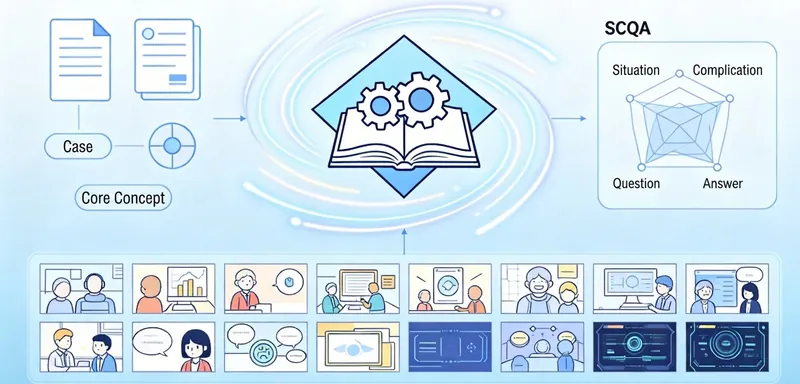
View allLecture Diagram Generator
Converts lecture transcripts into Keynote-style 16:9 teaching infographics, outputting both a text-and-image explanation version and a minimal image set. Each figure represents one concept with fine-grained breakdown. Four strict accuracy rules ensure quality, five visual pattern templates are used, every visual is individually QA checked, and programmatic verification is performed before delivery.
 Image
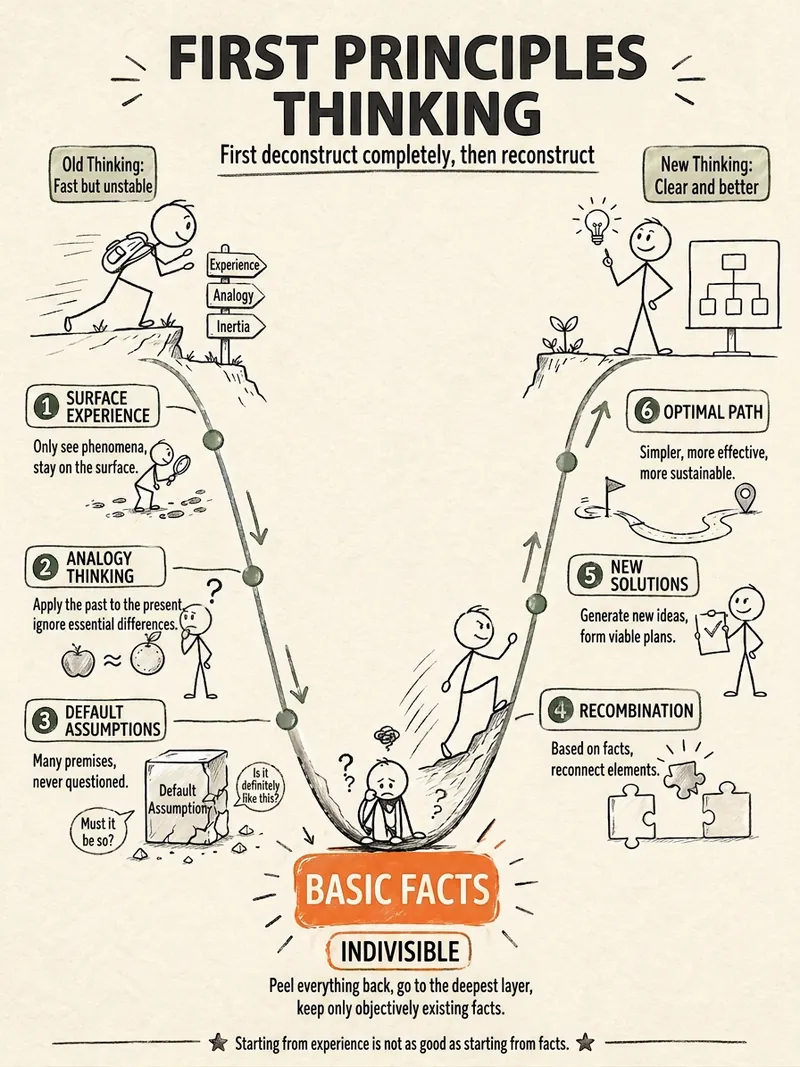
ImageScenario Comic Generator
Transform academic content (cases, teaching notes, theoretical concepts) in management, economics, sociology, etc. into vertical comics (9:16) for mobile, including narrative storytelling and knowledge cards. Supports three content types with full automation: content parsing → character modeling → script writing → image generation → cover creation. Suitable for social media sharing and teaching.
 Image
ImageStick Figure Explainer
Turn complex concepts, abstract theories, lengthy processes, notes, business analyses, or growth stories into prompts for vertical knowledge cards, infographics, and hand-drawn explainers optimized for GPT-Image 2. Whether you’re organizing a process, comparing before and after, analyzing causes, categorizing knowledge, or telling a story of growth from a low point to a breakthrough, it distills the key takeaway and matches it with a suitable composition, visual metaphor, and reading flow—making the content easier to understand and remember at a glance. You’ll receive a Chinese card structure guide and visual system recommendations covering composition, hand-drawn style, color philosophy, and typographic character, along with a ready-to-copy English image-generation Prompt. The default canvas is a 3:4 vertical format, suitable for knowledge cards, Xiaohongshu cards, vertical infographics, and posters. Depending on the topic, stick figures, simplified characters, or icons can be used to show states, actions, and emotions, while keeping the number of information modules under control to avoid crowded visuals, text that is too small, or scattered emphasis. It’s ideal for quickly turning reading notes, frameworks, workplace skills, psychology and personal growth topics, business insights, product workflows, and complex concepts into clear, narrative-driven, actionable visual content.
Information
- Version
- v5
- Last updated
- Runtime credits
- Usage-based
- Models
- Auto
