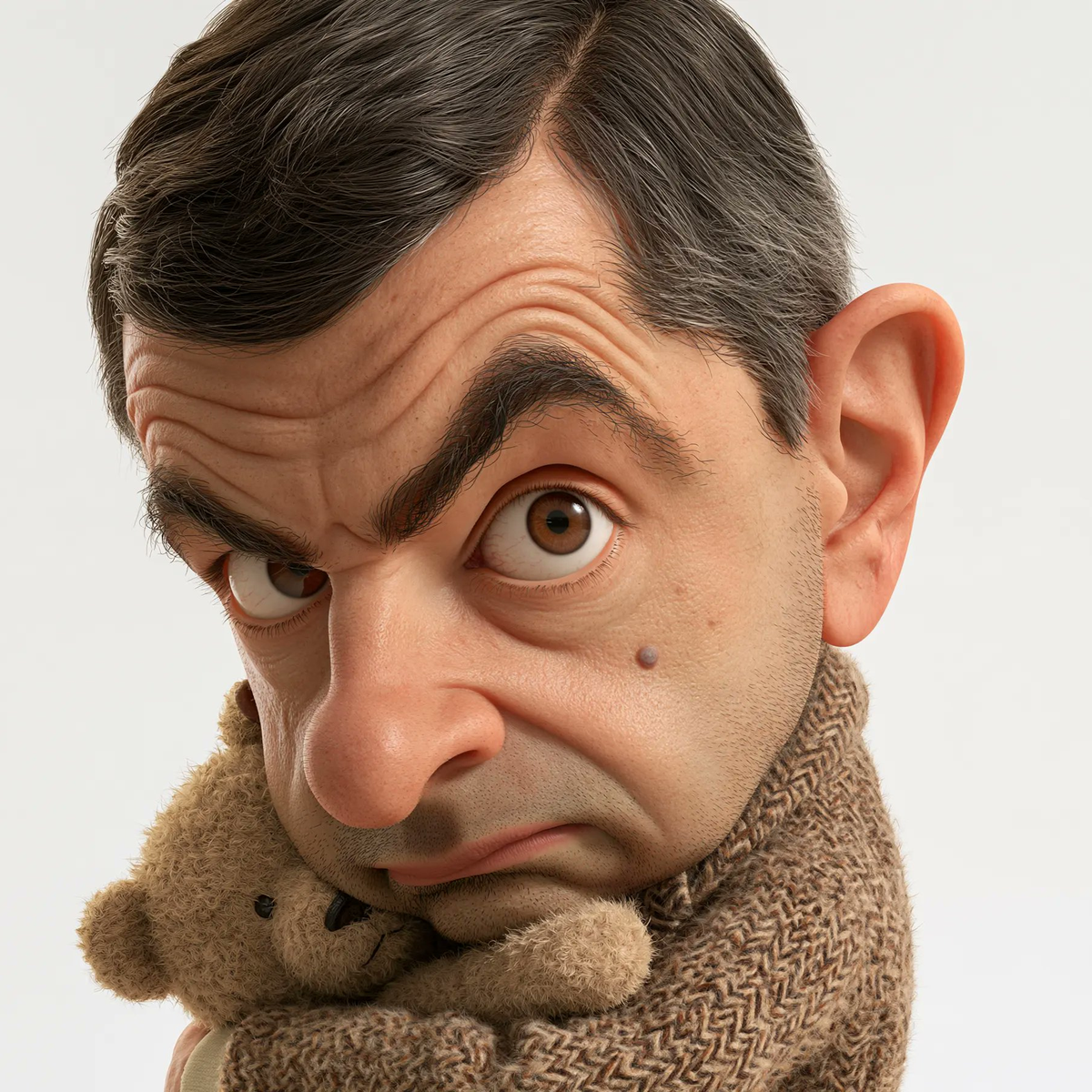
3D Celebrity Cartoon Studio
Generate surreal 3D cartoon portraits in one click
3D Celebrity Cartoon Studio
Generate surreal 3D cartoon portraits in one click
Showcase
Description
Target Audience: Content creators, illustrators, 3D design enthusiasts, and social media bloggers. What You Need to Provide: Any real celebrity name (such as Gordon Ramsay, Mr. Bean, Einstein, Snoop Dogg, etc.) or fictional character. You can optionally specify emotions, expressions, classic clothing, and iconic props. How It Works: Deeply deconstructs the character's signature facial features (hairline, eye bags, wrinkles, gaze), builds dramatic big-head, small-body humorous proportions, configures realistic pores, subsurface scattering light transmission, and lifelike hair, and outputs high-resolution prompts with cinematic lighting and a pure white background. Final Deliverable: Character feature deconstruction checklist, bilingual high-precision image generation prompts (supporting direct rendering in mainstream models like Midjourney, DALL-E, Flux, and GPT Image 2/2.5). Steps to Use: Enter the name of the celebrity you want to create; the Skill outputs structured prompts; you can generate images in one click within currently supported image generation model environments or copy the prompts for use in major image generation tools. Sample Showcase: The sample images show surreal 3D cartoon portraits of Gordon Ramsay, Mr. Bean, Einstein, and Snoop Dogg rendered using this Skill.
Recommended by
Dancang
Why we love this skill
Combines celebrity recognizability, exaggerated big-head proportions, and PBR-level skin details with signature outfits, props, and poses to craft 3D portraits that are both humorous and cinematic; supports minimalist input and delivers bilingual prompts and character analysis.
Best for
Best for content creators, illustrators, and 3D design enthusiasts who want to turn celebrities or fictional characters into surreal 3D cartoon portraits.
How to use this Skill
Provide your input
Provide the real name of a celebrity or fictional character, and you can also add emotions, clothing, props, and aspect ratio.
Run the Skill
The Skill extracts the character's signature features, combines exaggerated proportions, clothing, props, and cinematic lighting settings, and generates structured bilingual image generation prompts.
Review your result
Receive a character feature breakdown list and copyable bilingual image generation prompts. In image generation-supported environments, you can also generate corresponding 3D cartoon portraits.
Related Skills
View all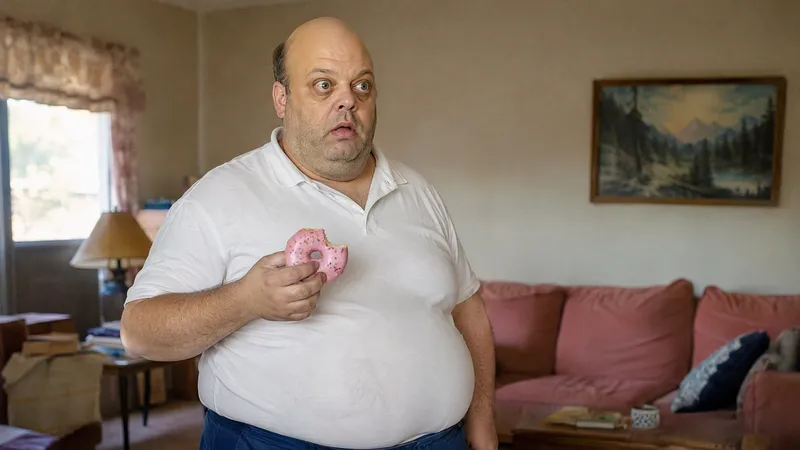 Image
Anime Character to Real Life
Bring your favorite anime characters to life as if they actually exist in the real world! This is an AI image generation skill designed specifically for anime, manga, and cartoon characters. Upload a character image to transform 2D characters into realistic portraits featuring real skin, natural hair, authentic clothing textures, and cinematic photography quality. Core Features: • High-Fidelity Character Recognition: Analyzes signature hairstyles, facial features, face shapes, eyes, clothing, and accessories to preserve character recognition. • Realistic Human Texture: Renders natural skin textures, subtle blemishes, realistic lighting and shadows, and photographic depth of field. • True to Original Design: Preserves classic color schemes, clothing silhouettes, and key features. • Cinematic Snapshot Style: Creates natural-looking photos as if captured in real life. • Multi-Aspect Ratio Support: Set ratios such as 3:4, 9:16, 1:1, and 16:9 as needed. • Multi-Model Support: Adjusts prompts and generation strategies based on currently available YouMind image generation models. Use Cases: Anime character live-action transformation, cartoon character realism, AI creative avatars, character concept design, short video visual assets, and social media content creation. How to Use: Upload an image or enter a character name, describe the features and visual style you want to retain, and get started.
 Image
Precise AI Character Images
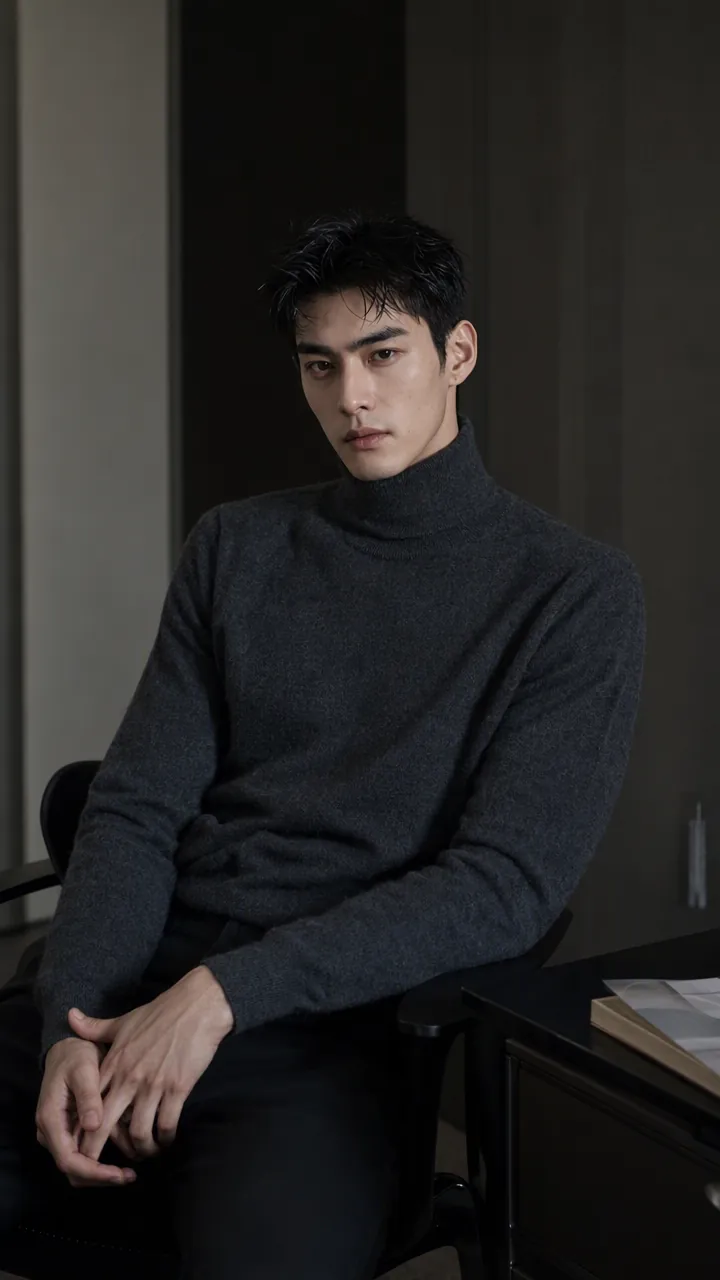
Turn the character you envision into ready-to-use prompts and finished images. Start with a seed description or a broad theme, then define key details step by step, including hairstyle, hair accessories, clothing, expression, pose, camera, lighting, and setting. Whether you’re creating a classical Chinese woman, a cyberpunk girl, a Japanese-style character, a realistic portrait, or a custom character concept, you can develop a cohesive visual direction based on the character’s overall mood. Choose Quick Image Generation to let AI complete the character design automatically, or use Fine Control to adjust each element through selections or custom input. Results include structured prompts in both Chinese and English, along with a matching Negative Prompt, making them easy to understand and reuse with leading models such as FLUX, Midjourney, and SDXL. You can also generate the finished character image with AI. After generating an image, continue fine-tuning specific dimensions, such as hairstyle, expression, pose, camera angle, lighting, setting, or art style. Regenerate while keeping the other details unchanged, with each modification clearly identified. Ideal for character design, character concept art, avatar creation, illustration planning, and exploring visual directions.
 Image
Bot Q-Style Avatar Pro
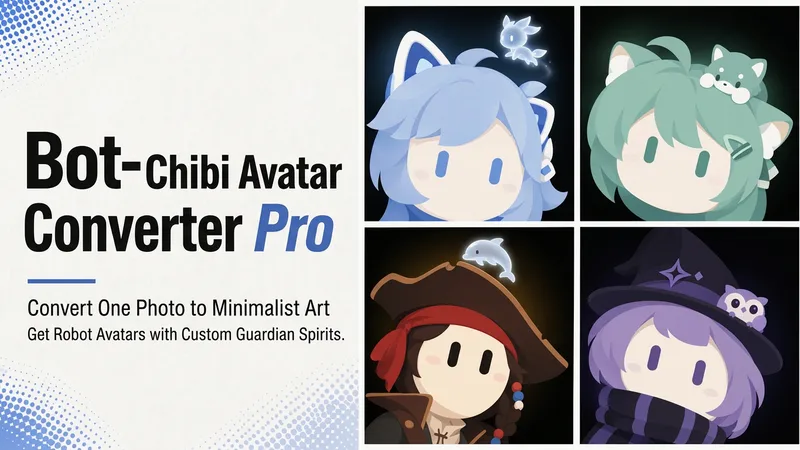
Upload a photo, a character image, or simply describe it in one sentence, and turn it into a minimalist 2D “robot avatar” with a consistent style—no mouth or nose, large vertical oval eyes, a charcoal-black background, and soft theme-colored backlighting. You can also add a dedicated guardian that stays by its side. [What it can do] - Handles four input types: real-person photos, character or original IP art, pet photos, and text-only descriptions can all be transformed. - One style, a cohesive set: all avatars share the same minimalist robot visual language, creating a highly recognizable avatar wall without making everyone look alike. - Natural, realistic skin tones: skin color is captured from the original image for a clean, natural result—not a stark white mask. For real-person photos, the person’s actual skin tone is used. - Optional exclusive “Guardian” overlay: if the character has a signature pet, one is added automatically. You can also request one yourself and choose between a “glowing spirit” or a “physical cute companion.” - Switchable backgrounds: the main avatar uses a charcoal-black background with theme-colored backlighting. For displays or covers, you can also switch to a full theme-pattern background. - Delivered as a set: in addition to the main avatar, you can add guardian stickers, dual-form comparison versions, and sticker packs. [What you’ll receive] One 1:1 minimalist robot avatar, with guardian stickers, dual-form comparison versions, and sticker packs available as add-ons for a complete set. [Who it’s for] - Individuals who want a highly recognizable avatar that doesn’t look like everyone else; - Social media creators and managers who need a consistent avatar wall or visual identity; - Bloggers and brands that want to humanize and develop their original IP, pets, or brand mascots into a series. [Note] This Skill is a general-purpose style engine. You provide the source materials in the conversation; it does not include or replicate any specific artwork or trademarked character. Make sure you have the rights to use any photos or images you provide. The finished work is AI-generated content.
Information
- Version
- v2
- Last updated
- Runtime credits
- Usage-based
- Models
- Auto
- Use cases
- Images & design
- What you get
- ImagePrompt
- Visual styles
- 3DCartoonPhotorealistic
