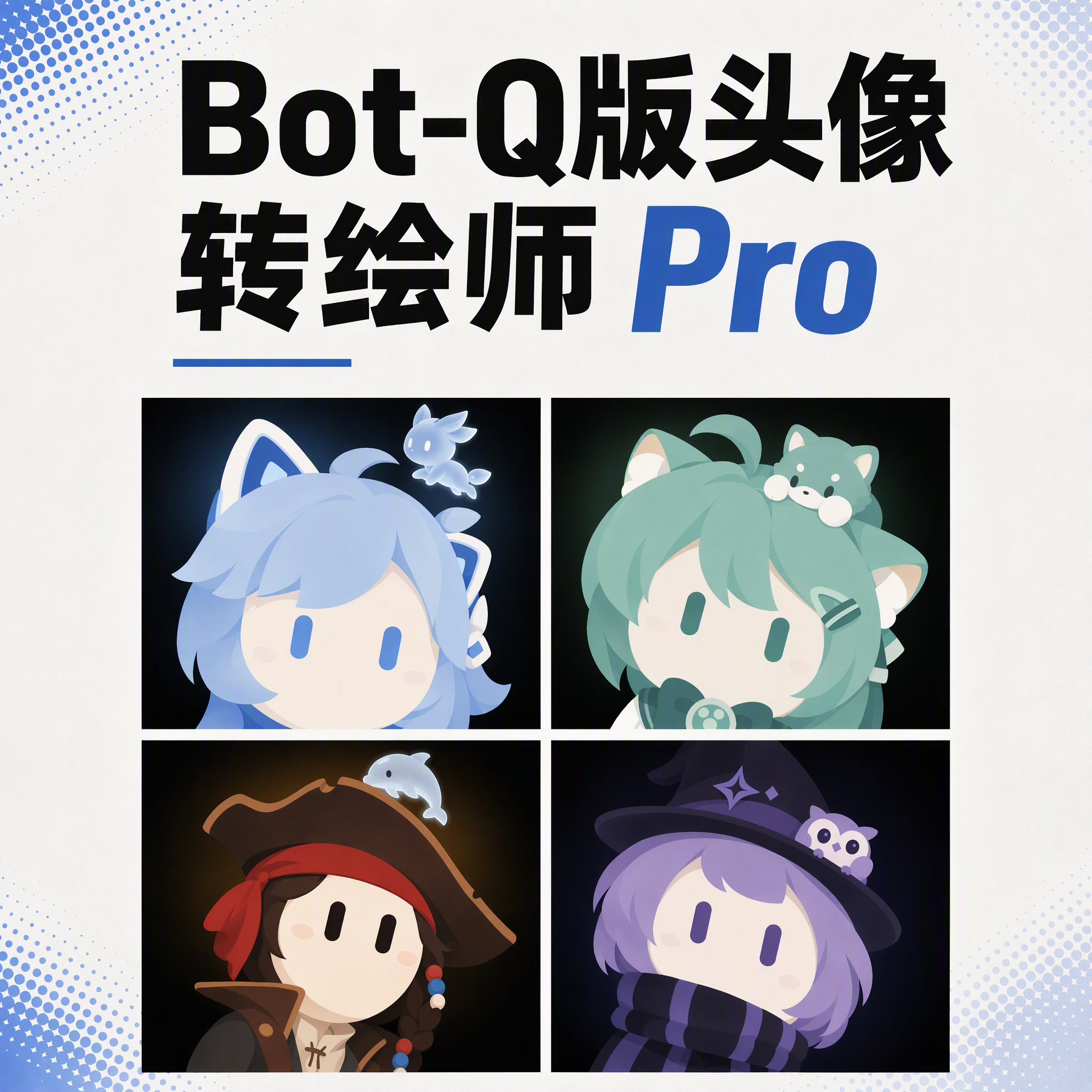
Bot Chibi Avatar Pro
Turn photos into robot avatars with guardians
Bot Chibi Avatar Pro
Turn photos into robot avatars with guardians
Showcase
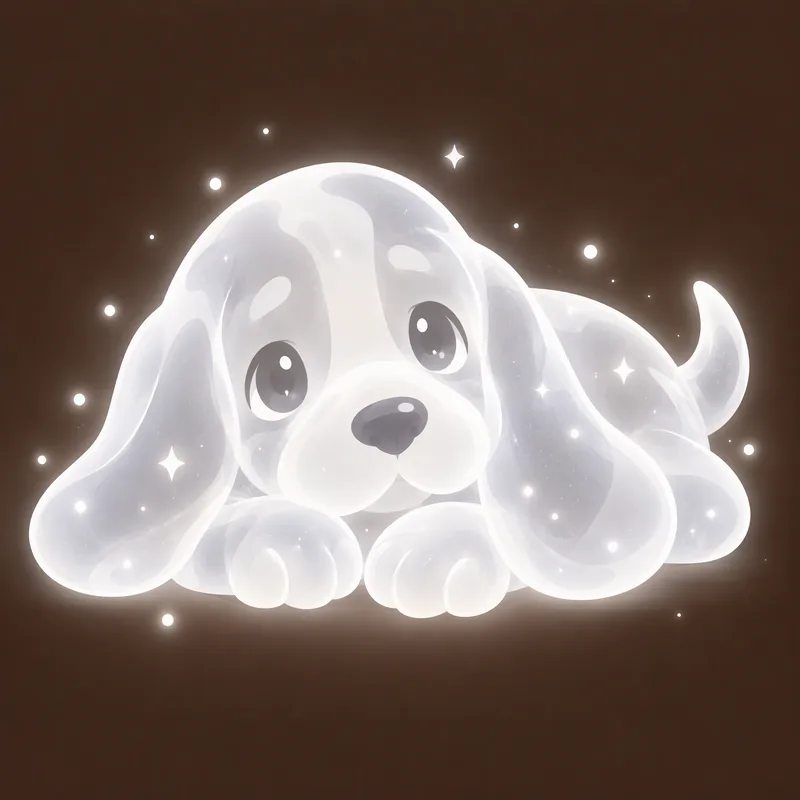
绘制邓布利多与海格Q版头像
猎犬守护神贴纸(发光灵体)
绘制邓布利多与海格Q版头像
猎犬守护神贴纸(发光灵体)
Description
Upload a photo, a character image, or simply describe it in a sentence, and it will be redrawn as a minimalist 2D “robot avatar” in a consistent style—no mouth or nose, large vertical oval eyes, and a charcoal-black background with soft theme-colored backlighting. You can also add a dedicated guardian that stays by its side. What it can do - Handles four input types: real-person photos, character or original IP images, pet photos, and text-only descriptions. - One style, a cohesive set: all avatars use the same minimalist robot visual language, creating a distinctive avatar wall without making everyone look alike. - Natural, realistic skin tones: skin color is captured from the original image for a clean, natural result—not a stark white mask. For real-person photos, the person’s actual skin tone is used. - Optional exclusive “guardian” overlay: if the character has a signature pet, one is added automatically. You can also request one yourself and choose between a “glowing spirit” or a “physical cute pet.” - Changeable backgrounds: the main avatar uses a charcoal-black background with theme-colored backlighting; for displays or covers, you can switch to a full theme-pattern background. - Delivered as a set: in addition to the main avatar, you can add guardian stickers, dual-form comparison versions, and stickers for messaging. What you’ll receive One 1:1 minimalist robot avatar, with guardian stickers, dual-form comparison versions, and stickers for messaging available as add-ons and delivered as a set. Who it’s for - Individuals who want a distinctive avatar without looking like everyone else; - Social media creators and managers who need a consistent avatar wall or content visual identity; - Bloggers and brands that want to humanize and develop original IP, pets, or brand mascots into a series. Notes This Skill is a general-purpose style engine. You provide the source materials in the conversation; it does not include or reproduce any specific artwork or trademarked character. Make sure you have the rights to use any photos or likenesses you provide. The results are AI-generated content.
Recommended by
淡苍
Why we love this skill
Transforms photos or character art into distinctive minimalist robot avatars with natural skin tones, signature eyes, guardians, set delivery, confirmation, and targeted iterations.
Related Skills
View all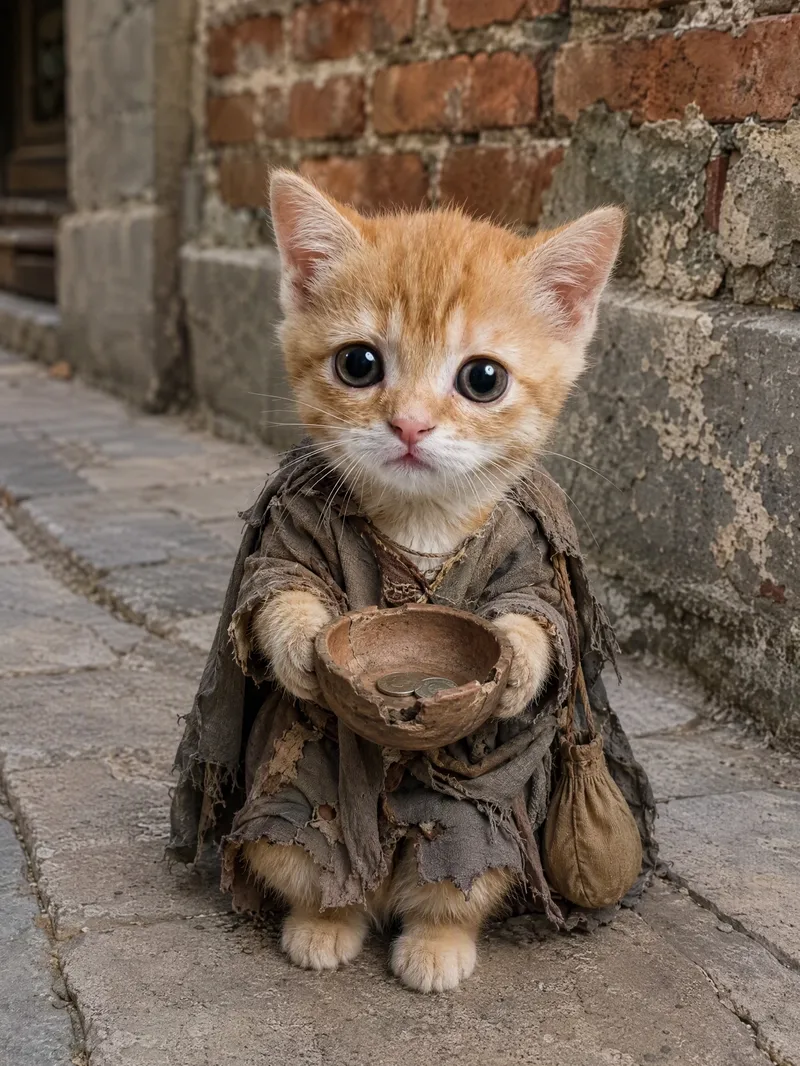 Image
ImageViral Pet Life Photo Maker
Turn your pet into the star of a life lived like a human, creating realistic, humorous, and shareable anthropomorphic lifestyle photos. After you upload a pet photo, the image will preserve its breed, coat color, facial features, expression, and overall personality as closely as possible, so the result truly looks like “this pet” experiencing a new life. Without a photo, you can also create a completely new character based on an animal breed and text description. Specify your pet’s expression and activities, such as lounging on the sofa watching a movie, drinking coffee in sunglasses, enjoying a sauna in a bathrobe, traveling in a sun hat, working out, camping, working, dining, or relaxing on the beach. Realistic fur texture, natural photographic lighting, everyday environments, portrait composition, and clothing or props such as sunglasses, hats, hoodies, coffee, pizza, and phones work together to enhance moods like cute, cool, awkward, content, or sleepy, while helping the pet blend naturally into everyday human scenes. Ideal for creating pet lifestyle photos, pet outfit content, and social-platform-style cute pet posts. Customize the setting, props, mood, and aspect ratio, with 3:4 images generated by default. You can also create multiple lifestyle scenes featuring the same pet. This Skill is not intended for owner-and-pet photos, cartoon avatars, reaction stickers, or standard pet beautification filters.
 Image
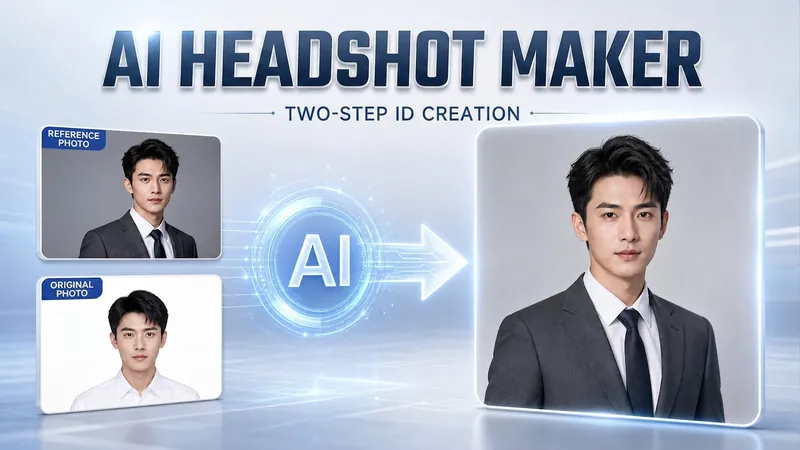
ImagePortrait Freedom-2-Step Prompt
Generate a high-end portrait that is uniquely yours from a single reference image. Many people creating AI portraits upload a selfie and say 'Generate a high-end professional headshot for me,' but often end up with a face that doesn't look like them, a style that is template-like and generic, plastic-looking skin, and makeup and clothing that don't match their personality. The root problem is asking the AI to simultaneously guess 'what you look like' and 'what style to use'—it fails at both. This skill breaks it down into two stable steps: First, you provide a single reference image (professional headshot, magazine portrait, black-and-white film, modern Chinese style, etc.). Instead of immediately generating an image, the AI deconstructs its 'photographic language' like a photographer—analyzing lighting, composition, focal length, background, color palette, mood, and texture—and then writes two complete prompt sets for male and female versions separately. Clothing, makeup, hairstyle, and pose are all written differently by gender, fundamentally avoiding disasters like 'putting a man in a silk camisole.' Second, you choose your set of prompts and pair it with a clear photo of yourself: the reference image handles the style, while your photo handles the identity—preserving your face shape, features, age perception, and expression, then applying the professional photographic quality from the reference. The result is a portrait that is unmistakably you with a cinematic quality. The reference image controls the style, your photo controls the identity—it's that simple. Changing the reference image changes the direction. ID photos, professional headshots, magazine covers, black-and-white film—one workflow handles them all, completely eliminating the homogeneity and plastic feel of AI portraits. Target audience: professionals needing a headshot/ID photo/personal brand portrait, social media influencers, job seekers, and anyone who wants a high-end portrait that is truly their own.
 Image
ImageReal-Person Doodle Portrait
Blend your real-person photo into a room or scene drawn with bold hand-drawn lines, creating a creative portrait that places a real person alongside a doodle environment. The person retains realistic photographic texture, facial features, clothing, and lighting, while the environment uses monochrome marker sketches to outline furniture, walls, and spatial contours. The result creates a striking visual effect of a “real person floating in a line-art world,” making it suitable for profile pictures, social cards, and stylized portrait artwork. You can upload a headshot, half-body photo, or full-body photo, then describe the living room, bedroom, study, café, studio, balcony, or other scene you want, along with the person’s clothing, pose, and expression. If you only have a headshot, the image can complete the body and place it in the specified space. If the original photo already includes a real environment, you can also keep the person unchanged while converting the background furniture, floor, walls, or street scene into a simple doodle line drawing, while maintaining the original composition. Deep ocean blue, burgundy, charcoal black, and other line-art colors are supported, with suitable aspect ratios matched to indoor portraits, open outdoor scenes, sports, or spacious environments. The setting will not be filled with excessive detail. Instead, it selects a few key objects and preserves negative space, making the contrast between the real person and the hand-drawn room clearer and more thoughtfully designed.
Information
- Version
- v21
- Last updated
- Runtime credits
- Usage-based
- Models
- Auto
