Character Identity Studio
One Character. Every Expression. Every Angle.
Character Identity Studio
One Character. Every Expression. Every Angle.
Showcase
Description
Give your character a clear identity—from the first look to every expression and angle. Character Identity Studio guides you through character creation with interactive selections. Explore ultra-realistic photography, realistic 3D, stylized 3D animation, 2D animation, anime, or illustration. Create a human, a fantasy character, or an animal mascot. DESIGN YOUR CHARACTER Choose appearance, facial features, hair, body type, clothing, and distinctive details. Describe exactly what you want or let the studio fill in the creative details. The guided workflow follows your language. APPROVE THE FIRST LOOK Start with one full-body character image. Refine specific features or request a new alternative. Reference production begins only after you approve the character. BUILD YOUR REFERENCE SET Receive three separate images, each arranged as a clean reference sheet: • 6 Facial Expressions: Neutral, gentle smile, laughter, sadness, anger, and surprise. • 6 Head Angles: Front, right profile, left profile, rear, and two 45° views—with neutral expressions wherever the face is visible. • 3 Full-Body Views: Front, side, and rear in a relaxed, neutral stance. Every sheet uses your approved image as its primary visual reference, helping preserve facial identity, hairstyle, outfit, proportions, and visual style. YOUR FINAL COLLECTION One approved character image + three reference sheets containing 15 panels. A practical visual foundation for AI character projects, animation planning, storytelling, and future image or video creation.
Related Skills
View all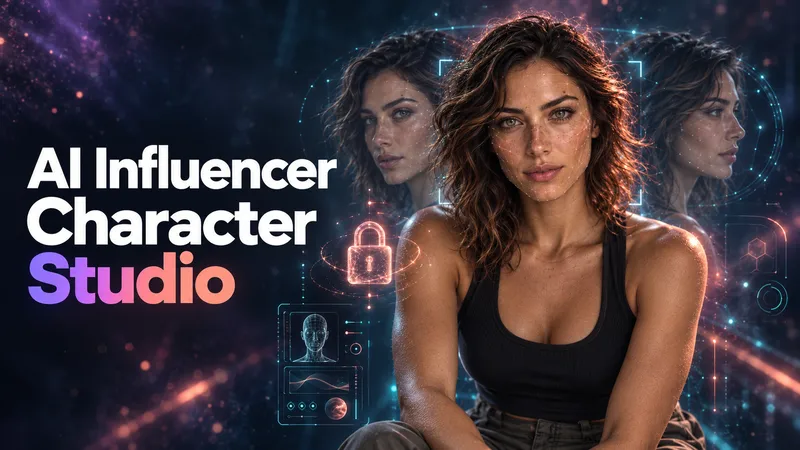 Image
ImageAI Influencer Character Studio
Don't just generate a face. Build a character people can recognize. AI Influencer Character Studio turns an idea or style reference into an original adult AI influencer with a defined look, personality, lifestyle, and reusable reference package. Choose photorealistic, anime, 3D, comic, or illustrated styles. DEFINE THE IDENTITY Build a Character Bible: your character's facial features, hair, eyes, body proportions, distinctive marks, and signature accessories, plus reusable identity and negative prompts. BUILD THE REFERENCE SET Approve your master portrait first, then create a 10-part set covering facial angles, profile, hair, full-body views, expressions, and a lifestyle scene. Images are checked against the approved identity, with visible inconsistencies flagged for review and targeted repair. GIVE YOUR CHARACTER A LIFE Develop a niche, personality, voice, backstory, wardrobe direction, daily life, target audience, and content pillars. Create a character with a world, not just a look. CONTINUE WITHOUT STARTING OVER Receive a portable HANDOFF.md containing your character profile, image inventory, prompt log, decisions, and next-session roadmap. Bring it back to resume later or carry the documented identity into another tool. Start with a clear vision, an inspiration image, or no idea at all. Guided questions and suggested defaults help you shape the character step by step. Works in your language, with English image prompts and explanations in your language. If image generation is unavailable, you receive a copy-ready prompt package instead. For original adult characters only, not real-person replicas. Video production and social media management are not included.
 Video
VideoUGC Product Video Studio
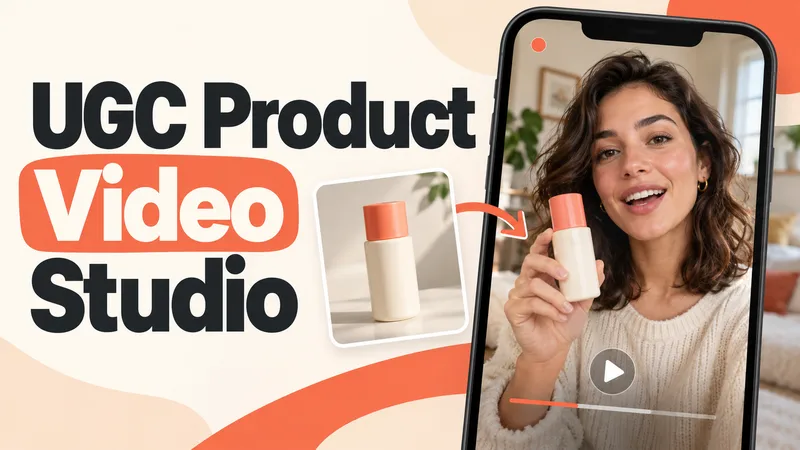
Turn a product photo into a complete UGC video workflow: a lifelike AI creator, a connected sequence of scenes, natural dialogue, and prompts tailored to your chosen video model. Built for product owners, marketers, and creators who want to show their product through a believable everyday story. You guide the creative decisions: • Design your character step by step. Approve the look, refine specific features, or request a different person. • Build a sequence of portrait shots, product details, demonstrations, location changes, and a product-only closing shot. • Explore image variations and approve the final scene set before the script is finalized. • Review the scenario and spoken text, then adjust the hook, tone, pacing, or closing line. Realism goes beyond skin texture. Prompts account for natural facial detail, smartphone framing, lighting, and character consistency. Images are checked for awkward grips, floating caps, nozzle direction, and other physical contradictions. Complex actions can be simplified or split into separate shots before animation. Choose your platform, video model, spoken language, and audio method: • Speech generated directly inside the video. • Separate speech text or audio for lip sync. • Off-screen narration. Prompts adapt to the selected model, with language and audio support checked for that route. After approval, generate the video in YouMind, prepare a prompt package for another platform, or stop with the production report. Receive complete image and video prompts, the approved script, reference mappings, timing, and quality-check notes. Your character. Your scenes. Your approval at every key stage.
 Image
ImageImage Remix: Recreate & Personalize
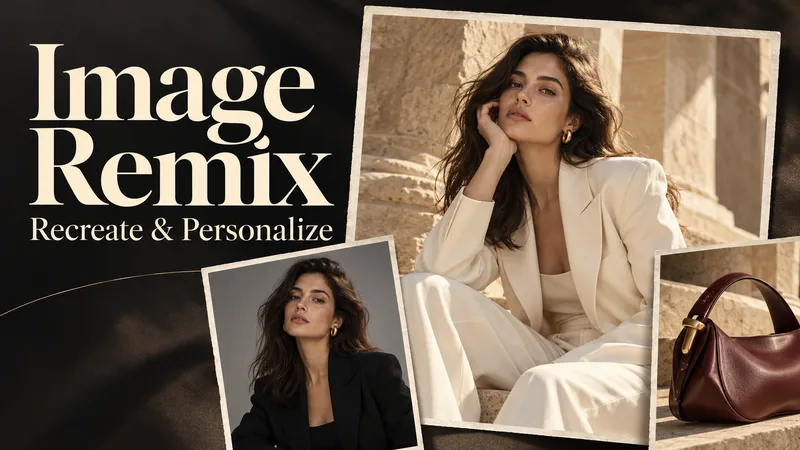
Create personalized visuals from striking reference images—for advertising, fashion concepts, editorial portraits, product scenes, and visual exploration. Image Remix analyzes what makes your reference work, then helps you adapt it to your subject, style, or product. Keep the composition and atmosphere you love while changing selected details through five guided choices. YOUR FIVE CREATIVE CONTROLS • Character / Subject — Preserve the source appearance, describe changes, or supply a reference. • Wardrobe — Keep the outfit, describe a new look, or use a clothing reference. • Environment — Preserve the setting or move the scene somewhere new. • Skin Realism — Choose smooth but realistic skin, natural texture, subtle freckles, or your own description. • Jewelry — Preserve, redesign, replace, remove, or provide a reference. HOW IT WORKS Upload a source image and make your selections. Add person, wardrobe, or product references where needed. The skill gathers any essential missing details, prepares a complete English generation prompt, explains the intended result in your language, and generates one image. CONTROL THE CHANGES. KEEP THE VISUAL IMPACT. Pose, framing, perspective, and atmosphere stay consistent unless you choose to change them. Lighting, shadows, reflections, and materials adapt to help the new elements feel naturally integrated. References have separate roles: a clothing reference guides the outfit, while a product reference guides the product’s design. This helps prevent unrelated faces, backgrounds, or accessories from carrying over. WHAT YOU RECEIVE • One personalized generated image. • A complete, reusable English image prompt. • A clear explanation in your language. Add optional instructions for lighting, framing, aspect ratio, or text. Refine the result through targeted revisions while keeping your accepted choices. Reference-guided recreation; pixel-perfect duplication is not guaranteed.
Information
- Version
- v5
- Last updated
- Runtime credits
- Usage-based
- Models
- Auto
