
Comic Storyboard Creator
Create fresh comic story posters in one click
Comic Storyboard Creator
Create fresh comic story posters in one click
Showcase
Description
Transform any topic into a clean comic storyboard page. Automatically generates titles, 6-panel storyboards, narration boxes, practical tips, and a closing quote. Ideal for Xiaohongshu posts, course posters, knowledge cards, school stories, and content product promotional images.
Recommended by
Nico@YouMind
Why we love this skill
This skill uses a fresh comic storyboard style to transform complex information into engaging narrative posters. It cleverly blends Japanese aesthetics with knowledge dissemination, making learning vivid and fun, a unique choice for information presentation.
Related Skills
View all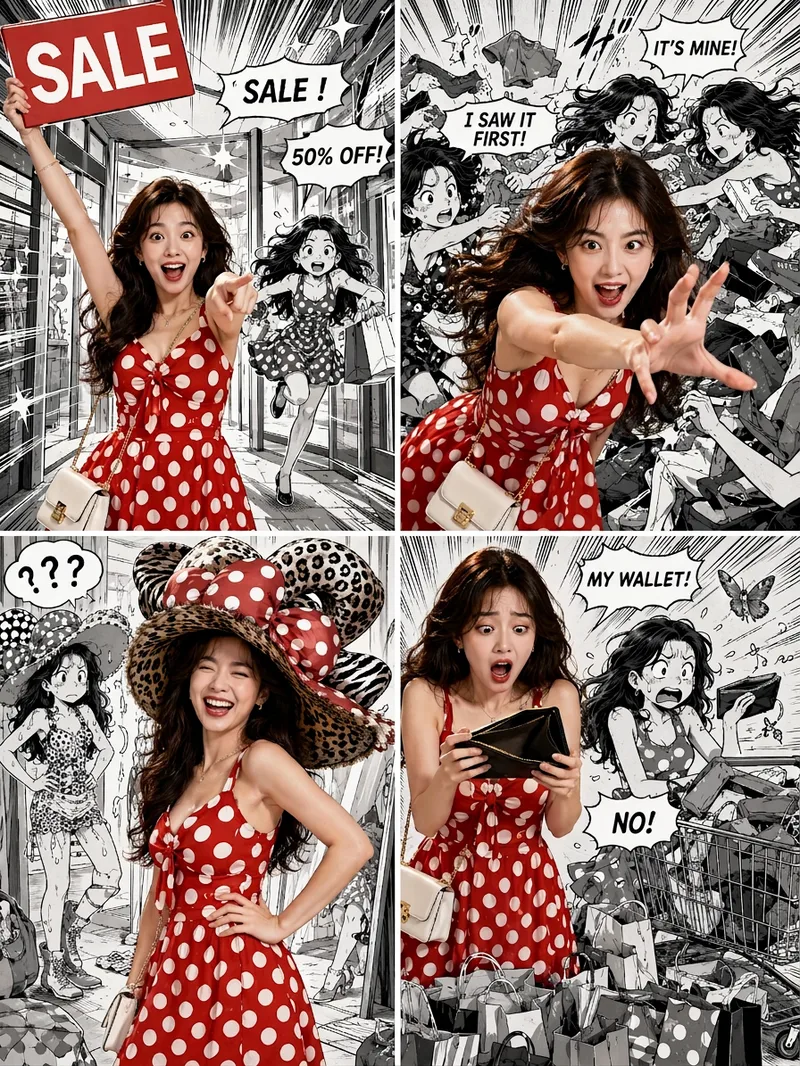 Image
ImageViral Comic Selfie
Turn a photo of a person into a story-driven four-panel pop comic: preserve the character’s facial features, hairstyle, skin tone, body type, and overall presence, with the same protagonist appearing across four connected scenes. The finished image uses a 3:4 portrait 2×2 collage layout, with each panel in a separate 3:4 frame and divided by thin white borders, creating a striking contrast between “realistic, colorful character × black-and-white comic storyboard backgrounds.” You can upload one or more photos and specify a theme, plot, four-panel beats, style, or text for speech bubbles and signs. The Skill organizes connected scenes from opening to climax, turning point, and ending, and aims to render the specified text accurately. If you upload only photos without additional instructions, it creates a fitting four-panel story based on the environment, lighting, occasion, and the person’s presence in the photos. Without a photo, it can also generate a consistent, realistic protagonist. The final deliverable is always one four-panel collage image rather than separate finished images, accompanied by a description of the theme and scene beats. You can continue refining the story theme, four-panel pacing, or text in the image, or recreate an enlarged version of a specific panel while preserving the character’s appearance.
 Image
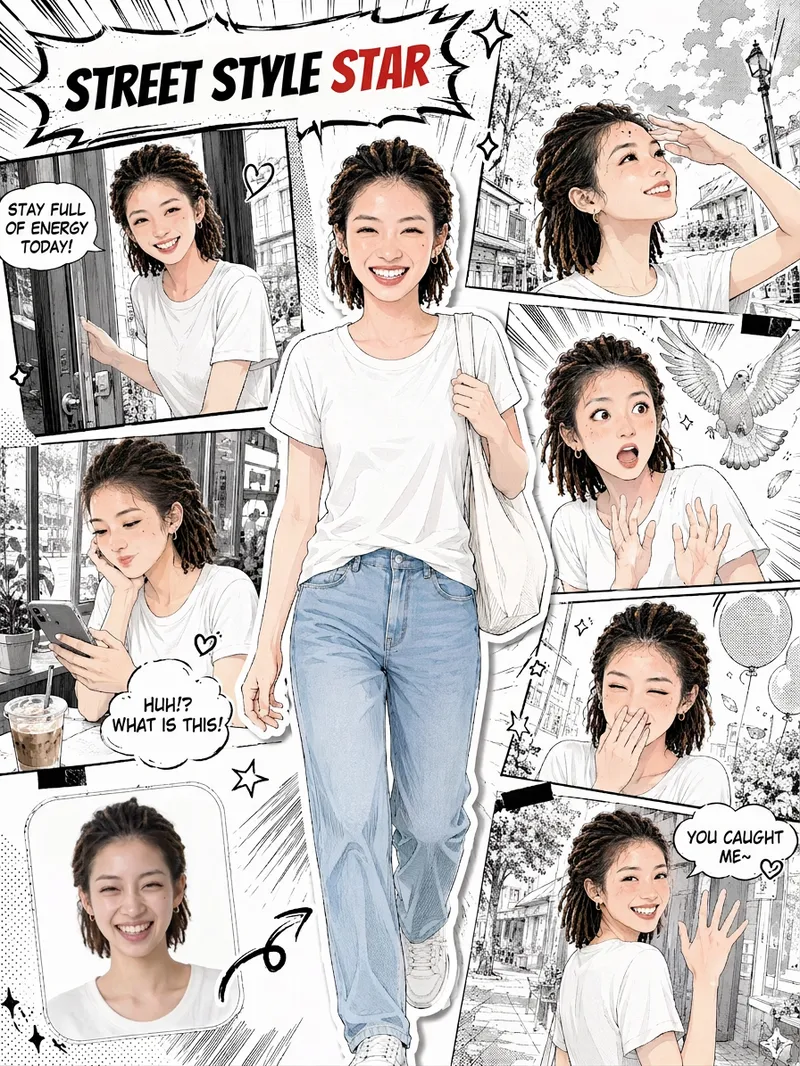
ImageSelfie Comic Hero
Upload a selfie and let it draw “your comic.” This is more than turning a photo into an anime avatar. It recreates your face, hairstyle, and outfit, placing you front and center as the protagonist. Around you is a story-driven sequence of comic panels: winking and flashing a peace sign, smiling sweetly with your chin in your hands, reacting to a surprise, looking back with a secret smile… Together, 5–6 panels of expressions become your own little story. You’ll get: 🎨 Japanese manga line art with a magazine collage style; you’re the only one in color in the black-and-white comic 🧑 Your face, hairstyle, and outfit are faithfully recreated, so every panel clearly looks like you 📖 Storyboards with a clear beginning, development, turn, and conclusion; speech bubbles are generated automatically based on your photo 🔄 Every generation is different, so you can create different stories from the same selfie 🖼️ An optional “selfie vs. comic” comparison thumbnail in the lower-left corner for extra contrast when sharing ✏️ Want to make it your own? Customize the storyboard theme, dialogue, title, and aspect ratio
Story to Xiaohongshu Comics
Turn a plot, story outline, or script into a vertical comic plan designed for Xiaohongshu. Starting with the characters, settings, conflicts, and emotional tone, it identifies the most visual moments and breaks them into clearly paced comic panels. Each panel includes specific visual details, shot type, actions, expressions, brief dialogue, and emotional keywords, keeping the story’s progression natural, faithful to the original text, and easy to draw. Before generating images, you can choose a visual style such as Japanese black-and-white manga, full-color webcomics, watercolor picture books, retro American comics, or chibi art. You can also confirm the linework, coloring, backgrounds, and color direction, while establishing reusable appearance details for the main characters so they remain consistent across the full set of images. Once the storyboard and visual style are confirmed, it generates 3:4 vertical comics including a cover image and the main pages, with clean areas reserved for dialogue or narration. The result is suited to Xiaohongshu reading and publishing. When finished, you’ll receive comic images arranged in order, a cover title, three title options, post copy with hashtags, and a complete editable storyboard script. It’s suitable for quickly turning short stories, school dramas, mystery twists, heartwarming everyday moments, emotional scenes, and similar content into serialized comics. Images are not generated until the storyboard and visual settings have been confirmed.
Information
- Version
- v2
- Last updated
- Runtime credits
- Usage-based
- Models
- Auto
