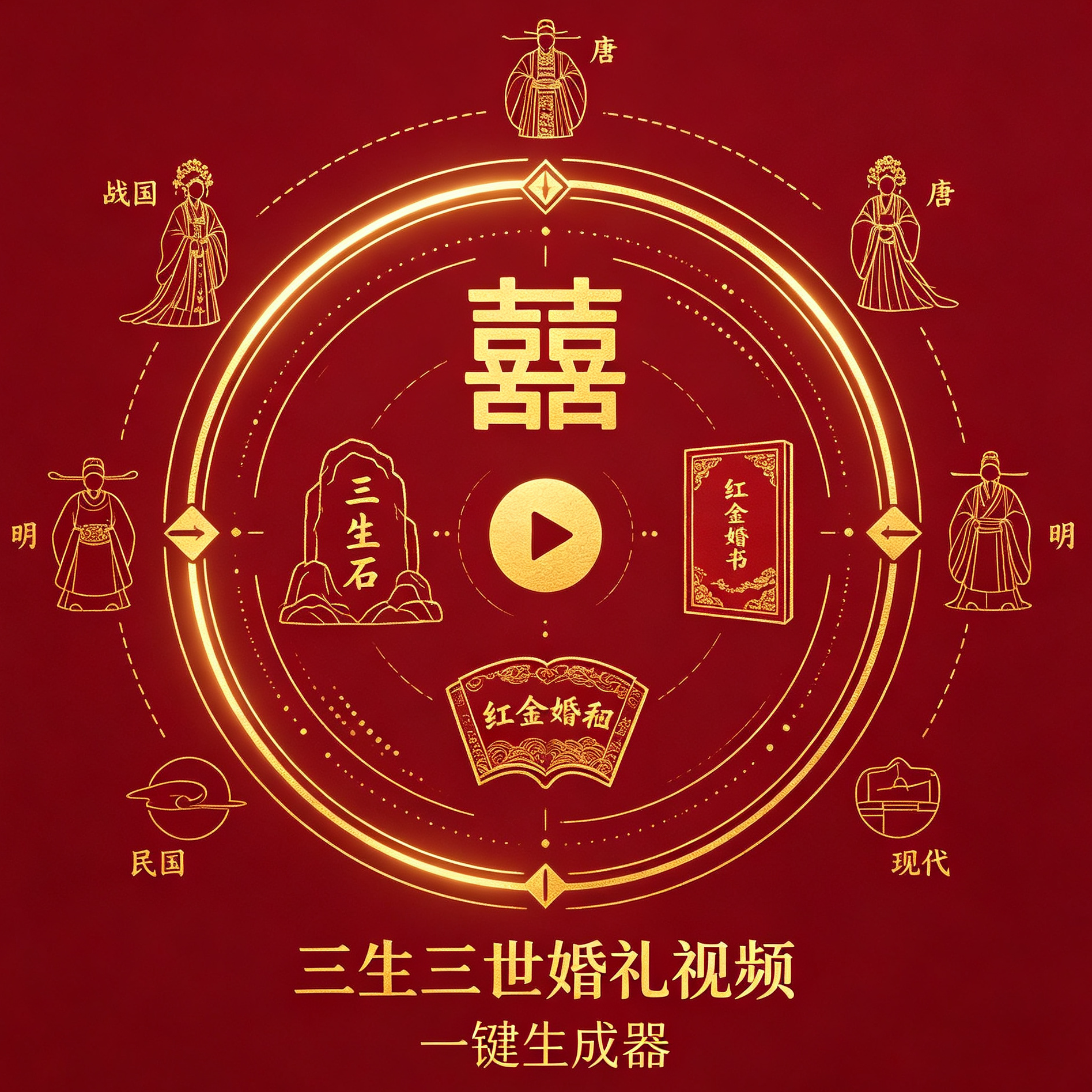
Five-Life Wedding Video Generator
Dual-photo vintage cross-era wedding MV generator
Five-Life Wedding Video Generator
Dual-photo vintage cross-era wedding MV generator
Showcase
Description
Simply input two reference photos for the male and female leads to fully automate the production of a five-life (Warring States, Tang, Ming, Republic of China, modern) cross-era wedding MV. It automatically generates a complete five-life plot blueprint, storyboards, subtitles, audio tracks, and QC inspection logic; supports partial patch reworking so a single error doesn't require re-rendering the whole piece, solving issues such as face drifting, inconsistent cross-era characters, hand glitches, and era confusion. It outputs standard finished videos supporting 1080P/720P at 24fps. The fully automatic mode disables plot keyframes by default, relying on reference photos to lock down character identity while prompts control the costumes, settings, and plots of each era. The advanced mode lets you manually enable plot keyframes to pre-review framing, composition, and attire. Built with 111 self-check validations and up to three rounds of independent reviews, failures trigger manual intervention, and it fully outputs the complete wedding video, benchmark frames, acceptance frames, QC report, subtitles, and audio track resource package.
Why we love this skill
Transform two photos of a couple into a five-lifetime wedding MV spanning the Warring States, Tang, Ming, Republic of China, and modern eras, with locked facial features and period-specific clothing, settings, and plots. Unique clip patching, risk mitigation, and multi-round QC mechanisms ensure stable results and professional delivery for grand narratives.
Best for
Ideal for turning couple photos into cinematic wedding commemorative videos with multi-era storylines.
How to use this Skill
Provide your input
Provide one reference photo each for the groom and bride, select the automatic or advanced mode, and set parameters such as eras and video specs as needed.
Run the Skill
After you submit your materials, the system integrates the subjects into wedding storylines across five eras—Warring States, Tang, Ming, Republic of China, and modern times—and handles video generation and quality checks.
Review your result
Receive a cross-era wedding MV along with supporting assets such as benchmark frames, inspection screenshots, subtitles, audio tracks, and a QC report.
Related Skills
View all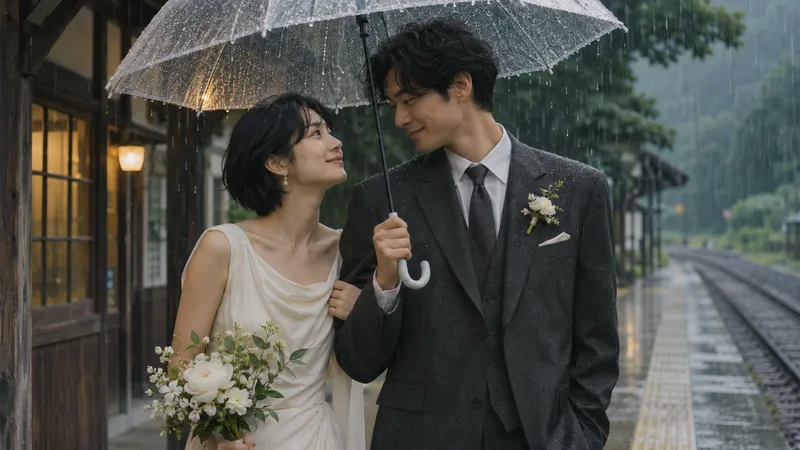 Image
Wedding Story Video Director
Ideal for creators, planners, and couples who want to organize a couple's story into a video proposal. Provide the stories both parties are willing to share, desired style, aspect ratio, duration, and authorized materials. The Skill organizes facts and items to confirm, and plans a story synopsis, narration draft, shot list, static image prompts, and optional video motion prompts. When the runtime environment supports image generation, you can further explore creating keyframes; video generation, voiceover, and editing require additional tool configuration and authorization, which may incur costs. This Skill does not guarantee the automatic generation of finished videos, nor does it guarantee cross-shot character consistency or exact likeness to real people. The four display images are fictional AI static visuals manually generated and edited locally based on the Skill's prompts, and are not real couples, client projects, live-action footage, or videos. Some images use character reference photos, yet details still vary. Full testing has not yet been completed on YouMind, and results depend on the models and tools used. How to use: Enter a few shareable key story segments, character descriptions, target duration and aspect ratio, and whether you want a static image or video proposal. Specify authorization scopes for real-person photos, voices, or music. Verify facts and storyboards first, then proceed with production based on available tools.
 Video
Romance Green Tea Slap Video
This skill mirrors the hit creation logic of top boundary-awareness accounts, focusing on independent heroines, maintaining emotional boundaries, and delivering satisfying takedowns of overstepping green tea characters, double-standard scumbags, and entangled exes in AI short videos. It follows a proven viral formula: realistic pain points, boundary-crossing crisis, holding the line, and a clear-headed conclusion. Without needing a professional screenwriter or filming crew, simply input your story theme or conflict plot to receive a complete, ready-to-copy production package: IP character settings and three-view prompts, a full short-video script, hook intro, rising conflict, impactful closing quote, first-frame cover prompt, 6-grid storyboard prompts, image-to-video prompts, and a directly generated full video. Designed for 15-to-120-second TikTok and Kuaishou emotional short dramas, it features a Pixar 3D semi-realistic cartoon style with strong emotional resonance, satisfying counter-attacks, and high completion rates. It supports monetization through ad revenue sharing, short-drama distribution, and commercial placement, letting beginners produce videos effortlessly.
 Video
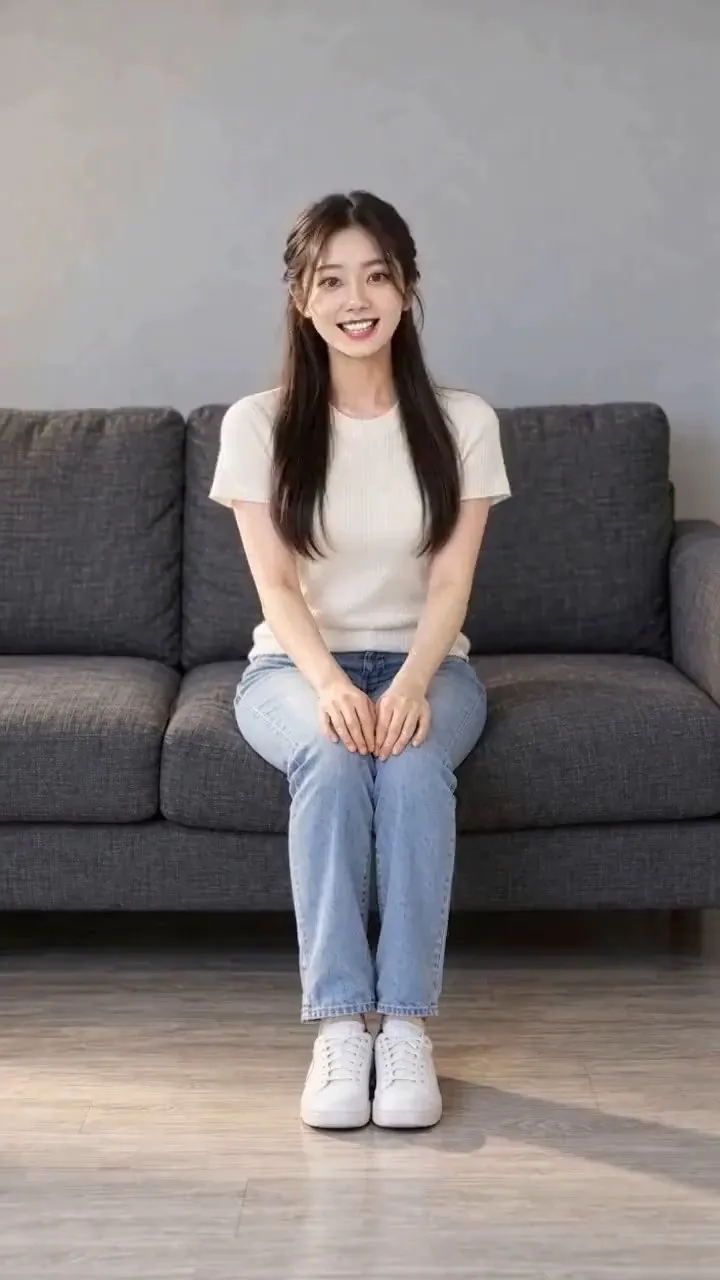
Uniform Video Creator
The AI Uniform Video Creator skill lets you upload a character reference image, generate a styled character portrait based on your desired uniform, and produce a complete 9:16 vertical story short video through segmented generation and stitching. It features an opening couch scene, voiceover instructions, character exit for costume changes, and re-entry interactive storytelling. Support for custom clothing, hairstyles, accessories, lines, and actions makes it ideal for video generation models and short-form drama content creation.
Information
- Version
- v3
- Last updated
- Runtime credits
- Usage-based
- Models
- Auto
- Use cases
- Images & designVideo & audio
- What you get
- ReportImageVideo
- Visual styles
- CinematicPhotorealisticTraditional Chinese
