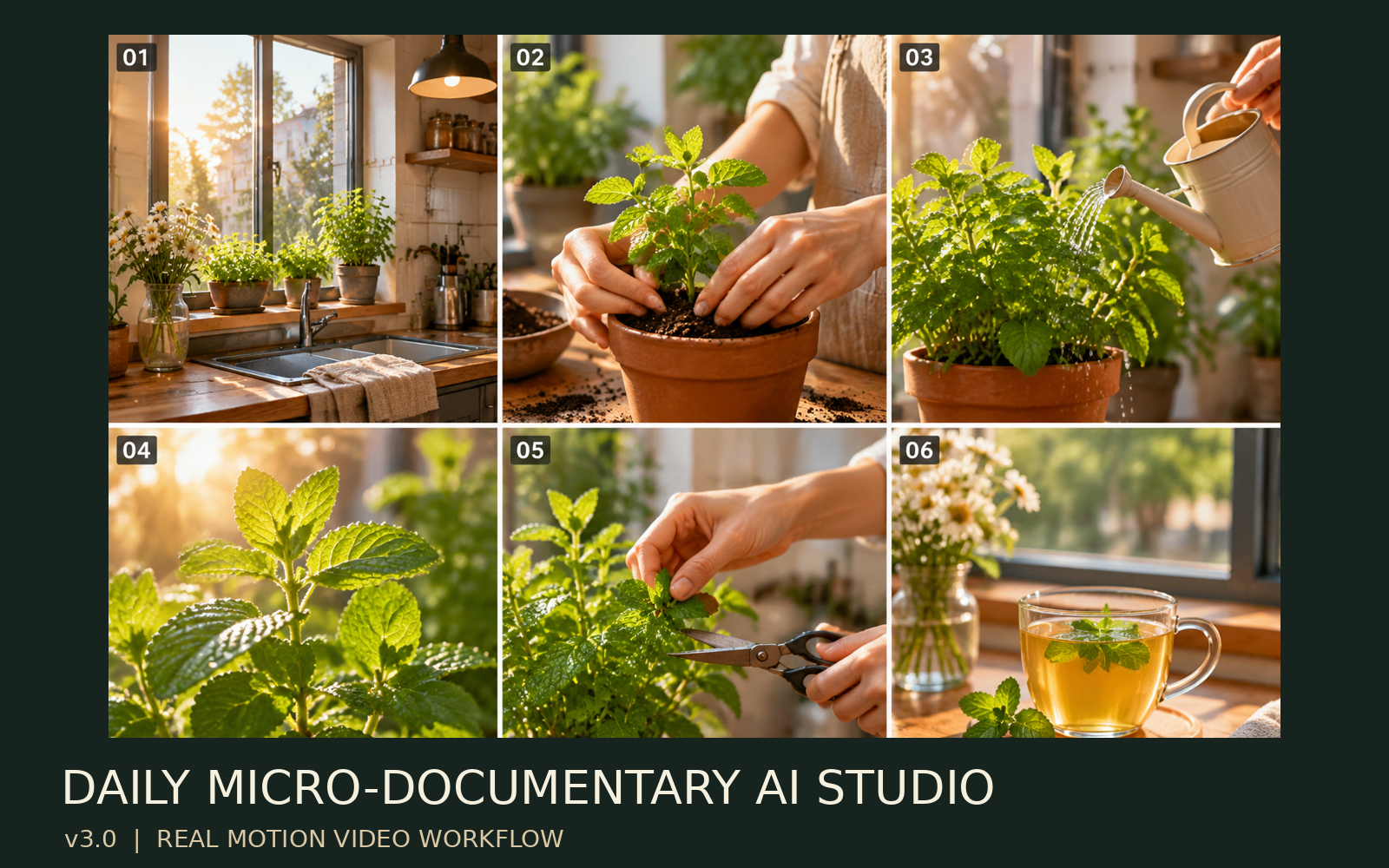
Daily Mini-Doc AI Studio
Turn everyday footage into dynamic videos
Daily Mini-Doc AI Studio
Turn everyday footage into dynamic videos
Showcase
Description
Turn real everyday footage into mini-documentaries featuring continuous dynamic shots, a unified visual style, voiceovers, subtitles, and a complete editing workflow. Aimed at playable MP4 files, it strictly separates plans, dynamic clips, previews, and approved final cuts. Use Cases Daily life logs, gardening, cooking, travel, crafting, studying, work routines, and YouTube Shorts, Instagram Reels, and Xiaohongshu videos. Defaults to 30–60 seconds, vertical 9:16, and a natural documentary style.
Recommended by
Dancang
Why we love this skill
Featured because it takes everyday footage from concept and dynamic storyboards all the way to real video clips, timeline editing, and export sign-off, while clearly distinguishing between static previews and dynamic final cuts. It honestly marks limitations when tools are constrained, balancing continuity, privacy, and copyright.
Best for
Great for turning gardening, cooking, travel, crafting, studying, or daily records into short videos.
How to use this Skill
Provide your input
Provide daily life videos, photos, voice recordings, journal entries, or creative ideas, and specify the theme, platform, language, duration, aspect ratio, and privacy limits.
Run the Skill
The system organizes your materials into stories, storyboards, and visual settings, generates or plans dynamic clips, voiceovers, subtitles, and timelines, and checks production status accurately.
Review your result
Receive a continuous, dynamic mini-documentary final video or preview, along with storyboards, prompts, voice notes, and review info; if tools are limited, unfinished parts are clearly marked.
Related Skills
View all Video
Desktop Theater
Transform a simple object, toy, character, or daily creative idea into an engaging short video complete with a story, camera angles, visuals, and audio. This Skill uses a professional short film director workflow to guide you through conceptualization, story design, character setup, storyboard planning, key visuals, video generation, editing optimization, and final review, producing the short video you envision. It is suitable for tabletop stop-motion, toy stories, miniature scenes, anthropomorphic objects, heartwarming shorts, creative ads, and social media short videos. It supports calling available video generation tools in YouMind to create shot by shot and integrate them into a final piece. The ultimate goal is to output a playable, downloadable MP4 video along with a cover image, subtitles, and publishing copy. Note: Stories, storyboards, and video prompts are not the final video. Completion is only marked after the video is actually generated and verified as playable. Target Audience: Video creators, AI creators, toy story creators, short video operators.
 Video
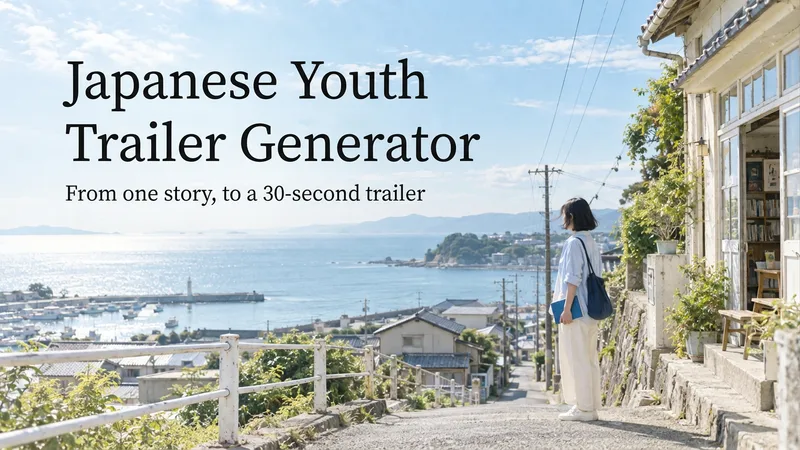
Japanese Youth Trailer Maker
How can you turn a story idea into a suspenseful Japanese youth trailer? This Skill breaks production into a repeatable workflow: define the style, write the script, choose scenes, establish characters, assemble the storyboard, generate video shot by shot, then organize editing and sound. Provide a story or reference image, and it first locks in the composition, lighting, colors, and details that must remain consistent. It then uses a four-panel empty-scene grid to select visuals and creates facial, half-body, and full-body references for each character, giving the people, clothing, props, and environment a consistent basis across shots. Before batch generation, sample images are used to calibrate light direction, skin tones, highlights, and character states. The default is 30 seconds, 16:9, and 8 shots; duration, aspect ratio, number of characters, and mood can all be adjusted. You can also create only the script, reference images, or storyboard instead of completing the entire film at once. Deliverables • Consistent visual rules and a suspenseful script • Scene, character, prop, and storyboard materials • Separate image and video prompts for each shot • A shot-by-shot timing, in/out point, editing, and sound table • Generated files and review records, based on the capabilities of the available tools When the appropriate media tools are available, the Skill continues with actual generation and review. When tools are unavailable, it delivers complete production materials and explains where the process stops. Image, video, and music generation costs are billed separately and depend on the runtime environment. The featured example, “The Day I Returned the Book,” consists of AI-original still images and storyboards; it is not yet a completed video.
 Video
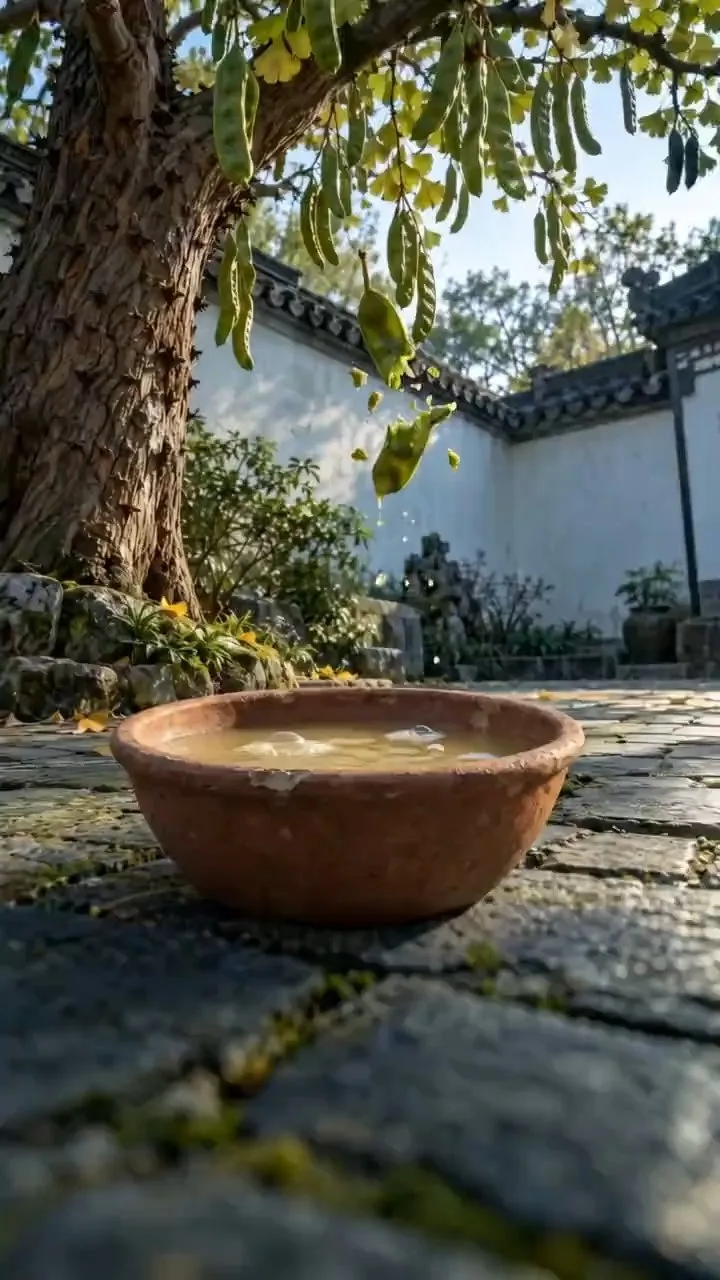
Ancient Craft Video Generator
Target Audience: 1. Creators focusing on traditional aesthetics, culture, history, and handicrafts. 2. New creators looking to start channels using AI video and build consistent series. 3. Studios and MCNs needing high-volume, batch content production. 4. Intangible heritage workshops, craft brands, cultural gift shops, and museum teams. 5. Creators targeting global audiences with Chinese culture content using English subtitles and voiceovers. Monetization Methods: Platform Creator Rewards: Publish on platforms like TikTok, YouTube, and Bilibili for creator fund earnings. Affiliate Showcase: Link topics to physical items like handmade soaps, inksticks, pottery, bamboo weaving, beeswax, and cultural crafts to drive sales. Client Services: Produce educational craft shorts for tourist attractions, workshops, brands, and museums. Brand Partnerships: Custom content and product placements for traditional, craft, and home brands. Multilingual Distribution: Add English subtitles and voiceovers for overseas platforms. Product Overview: In short: Enter an ancient craft name to automatically verify historical records, generate storyboards, subtitles, voiceovers, and prompts for image and video generation, producing an editable vertical video. What You Get: Editable timeline video with subtitles, voiceover, and background music Segment and subtitle sheets Narration script Image and video generation prompts for each segment Account Branding: Videos contain no default branding. You can optionally carve your account info onto pottery, place it at the end, or add a corner watermark. Usage Notes: Crafts involving toxic substances are presented qualitatively only, without formulas, temperatures, or yields, and include safety warnings. No content on gunpowder, drugs, or weapons. Styles are recreated via sampling and transition detection rather than frame-for-frame replication. First-time users are advised to run a preview before batch production.
Information
- Version
- v3
- Last updated
- Runtime credits
- Usage-based
- Models
- Auto
- Use cases
- Writing & contentImages & designVideo & audio
- What you get
- DocumentVideoScript
- Visual styles
- Photorealistic
