
Daily Fruit Animation Workflow
One fruit animation a day, all year. Through Ep. 11
Daily Fruit Animation Workflow
One fruit animation a day, all year. Through Ep. 11
Showcase
Description
An end-to-end production workflow for daily animations in the “Fruit Micro World” series, using a **six-step decoupled process with confirmation at each step**: ① organize the fruit knowledge card → ② story outline → ③ script → ④ production plan → ⑤ asset list and prompts → ⑥ video storyboard script. Each step produces exactly one document for that step, which is submitted for user confirmation before moving on; documents are never generated in bulk, and images or videos are never created ahead of schedule. The workflow strictly follows the material transformation, silhouette, naming, and image-quality standards in the “Fruit World · Style Guide,” with the primary goals of producing one episode a day, keeping it lightweight, saving credits, and creating finished videos quickly.
Recommended by
淡苍
Why we love this skill
Featured for its six-step delivery, staged approvals, fact-checking, and asset anchoring—balancing science accuracy with production costs for reliable serial updates.
Related Skills
View all
Script Forge Workshop
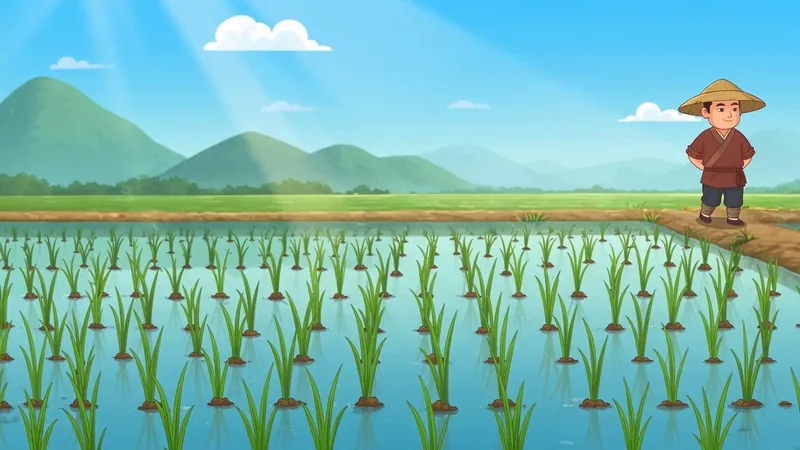
A script skill for producing one fruit animation episode per day: enter a short synopsis set in the Fruit World and receive a 30-second episodic storyboard script ready for video generation, including release copy, AI voice prompts, and BGM recommendations. Each script also ends with a fixed “empty-shot video prompt module” containing text prompts only; it does not generate empty-shot images or videos. Strictly follows the worldbuilding in the “Fruit World · Setting Handbook” while keeping credit usage light. After the script is produced, the companion “Daily Fruit Animation Video Generation Workflow” skill provides reference-image prompts, video-generation parameters, and the finished video.
 Video
VideoIdiom & Fable Video Maker
Quickly turn an idiom, historical anecdote, or fable into a continuous narrative storyboard script ready for video generation. Whether it’s “Waiting by a Tree Stump for a Rabbit,” “Plugging One’s Ears While Stealing a Bell,” “Sima Guang Smashes the Vat,” or an idiom you enter yourself, the Skill reconstructs the story’s setting, character relationships, key actions, and moral, then organizes them into a clear, tightly paced short-video plot. Two versions are provided by default: 15 seconds and 30 seconds. The 15-second version is ideal for quickly presenting the core plot, while the 30-second version adds environmental setup, character reactions, and climactic actions for a more complete and dramatic story. Each shot clearly specifies the emotion, framing, camera movement, and any necessary narration. Characters are given consistent visual traits to help maintain continuity across shots and work with common video generation models. All narration is written in a voiceover format—off-screen narration or spoken character dialogue—so the video model actually speaks the lines instead of rendering them as on-screen text. The default style is cartoon animation, but you can also request ink wash, paper cut, shadow puppetry, realistic, or other visual styles, or ask for only one duration. The final script is written entirely in Chinese and includes the scene atmosphere, character designs, shot descriptions, and continuity requirements. It is suitable for idiom animations, fable stories, Chinese-style short films, and traditional culture videos for children or general audiences.
AI Short-Drama Workflow v5
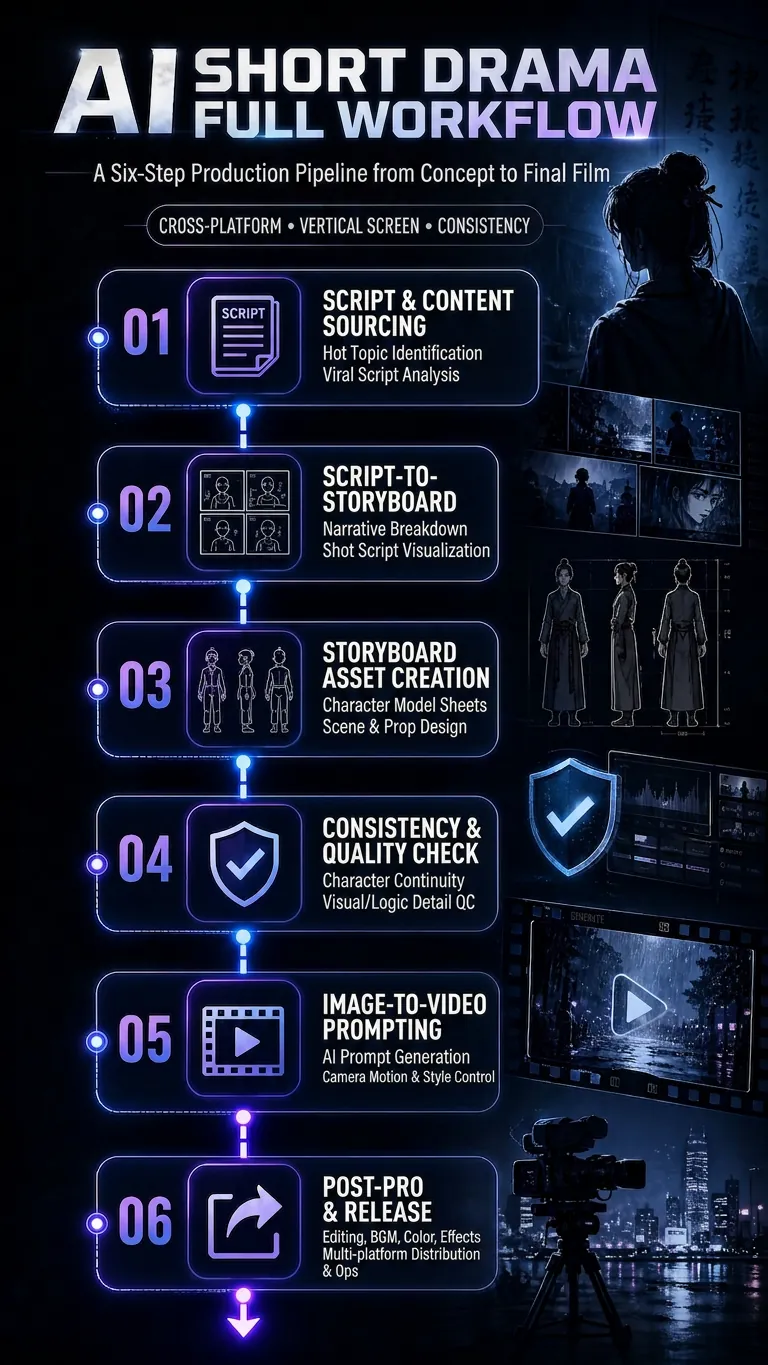
Turn a concept, novel, or script into an executable AI video production plan, covering three formats: AI short drama, AI comic drama, and AI live-action drama. The Skill includes a complete six-step production pipeline: find scripts and hit copy → adapt the script into a shot list (including shot language and dialogue-duration adjustments) → design shot assets (character turnarounds, scene concept art with physical lighting, and material details) → consistency checks and pre-generation quality control (asset binding, cross-shot consistency, and P0/P1 blocking gates) → image-to-video prompts (Vidu/Jimeng/Doubao standard templates + Jimeng Seedance first/last-frame template) → final-cut production and publishing quality control. By default, the workflow uses no subtitles or background music, retaining only dialogue and necessary sound effects. Supports locked visual styles including realistic cinematic, 2D Chinese animation, and 3DCG Chinese animation. Designed for scaled production on vertical platforms such as Douyin, Kuaishou, WeChat Channels, and Xiaohongshu.
Information
- Version
- v42
- Last updated
- Runtime credits
- Usage-based
- Models
- Auto
