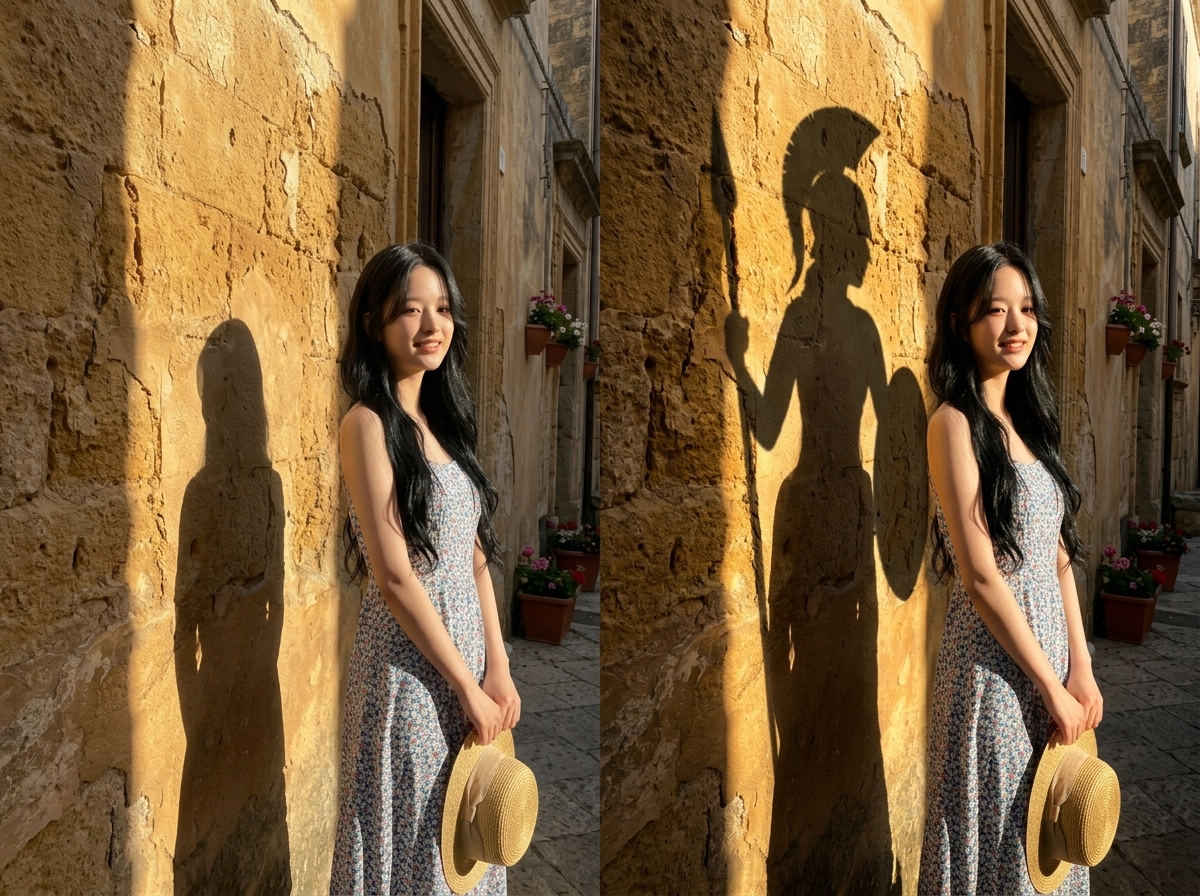
Shadow Identity Poster Maker
Turn a portrait into a twin-shadow poster
Shadow Identity Poster Maker
Turn a portrait into a twin-shadow poster
Showcase
Description
Upload a portrait to generate a concept poster split into two equal 1:1 halves: the left half fully preserves the original image with only subtle color grading; on the right, the person’s identity, face, hairstyle, clothing, action, pose, subject position, setting, and camera angle remain exactly unchanged. Only the lighting is redesigned, casting a giant hard-edged shadow of an “alternate identity” such as an animal, mythical character, building, plant, profession, or product structure. The shadow naturally grows from the feet or points of contact, follows the light direction and perspective, and has a crisp outline, realistic contact with the ground or wall, and natural tonal falloff. The poster contains no text.
Recommended by
Dancang
Why we love this skill
Creates a cinematic identity reversal by pairing a real person with a second identity in shadow, while preserving the face, pose, setting, contact points, perspective, and lighting logic.
Related Skills
View all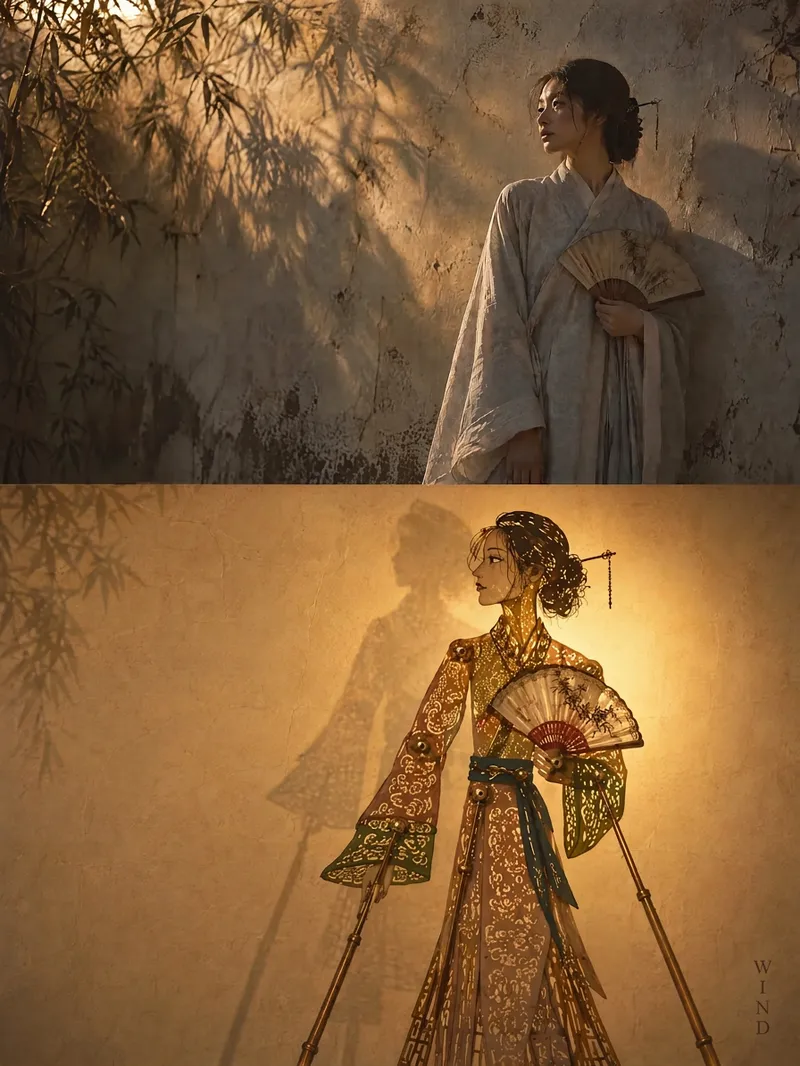 Image
ImageShadow Play Photo Poster
Transform your uploaded photos into an Eastern light-and-shadow poster that blends original memory with the mood of traditional shadow puppetry. Each photo is generated independently without collages. The top half preserves the original subject, posture, details, and realistic texture, while subtly unifying the colors with restrained warm tones and naturally expanding the environment. The bottom half translates the core figure, animal, building, plant, object, or landscape into a traditional Chinese shadow puppet performing on a rice paper screen. The poster extracts the most recognizable silhouettes, actions, handheld items, or structural features, presenting joints, overlapping plates, antique copper rivets, hollowed-out patterns, and subtle translucent color staining in a profiled, flattened style. Warm light shines from behind the puppet, creating a soft halo, paper texture, and slight shadows while maintaining clean negative space to avoid realistic copying, cartoonish looks, or cluttered stage backdrops. The position, volume, and orientation of the puppet adapt to the original composition, echoing the upper subject with a staggered offset. Each final piece includes a short title distilled from the photo's vibe, placed in a corner in small, vertical, handwritten-style text. After generation, the system checks fidelity, split sections, shadow play craftsmanship, lighting, negative space, and text clarity. Multiple photos are delivered one by one in a consistent Eastern shadow play style.
 Image
ImageDual Raster Poster Generator
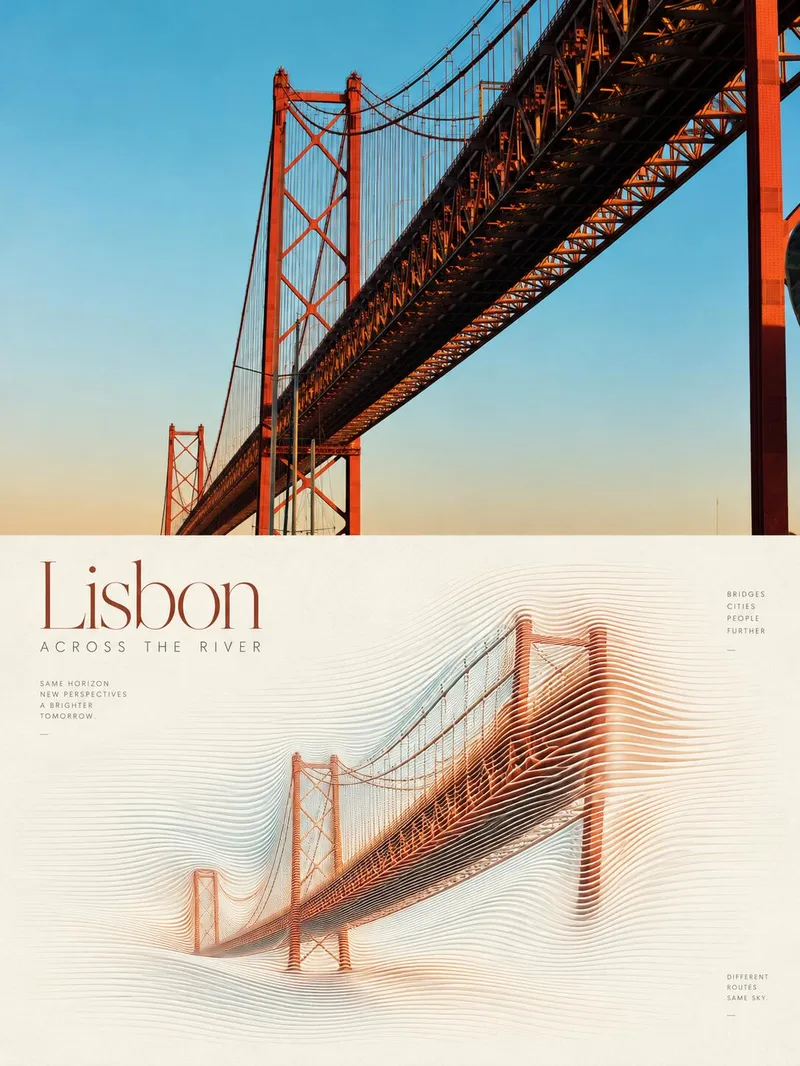
Upload one or more photos to independently generate a 3:4 vertical dual-panel poster for each. The top half preserves the original photographic texture in full bleed while keeping identity, facial features, posture, attire, composition, and lighting completely unchanged. The bottom half translates the same photo into a relief-like abstract line-field sculpture made of continuous, parallel, ultra-fine flexible curves. Generous white paper margins and restrained English magazine typography surround the design. The dual-panel structure, 50/50 horizontal split, and the principle of generating each photo independently without stitching remain fixed. Output quantity, low-saturation dominant colors, subject scale, and text can be adjusted as needed. It uses the highest-fidelity reference model by default, generating and self-checking each image one by one for delivery.
 Image
ImageLive-Action Manga Collage
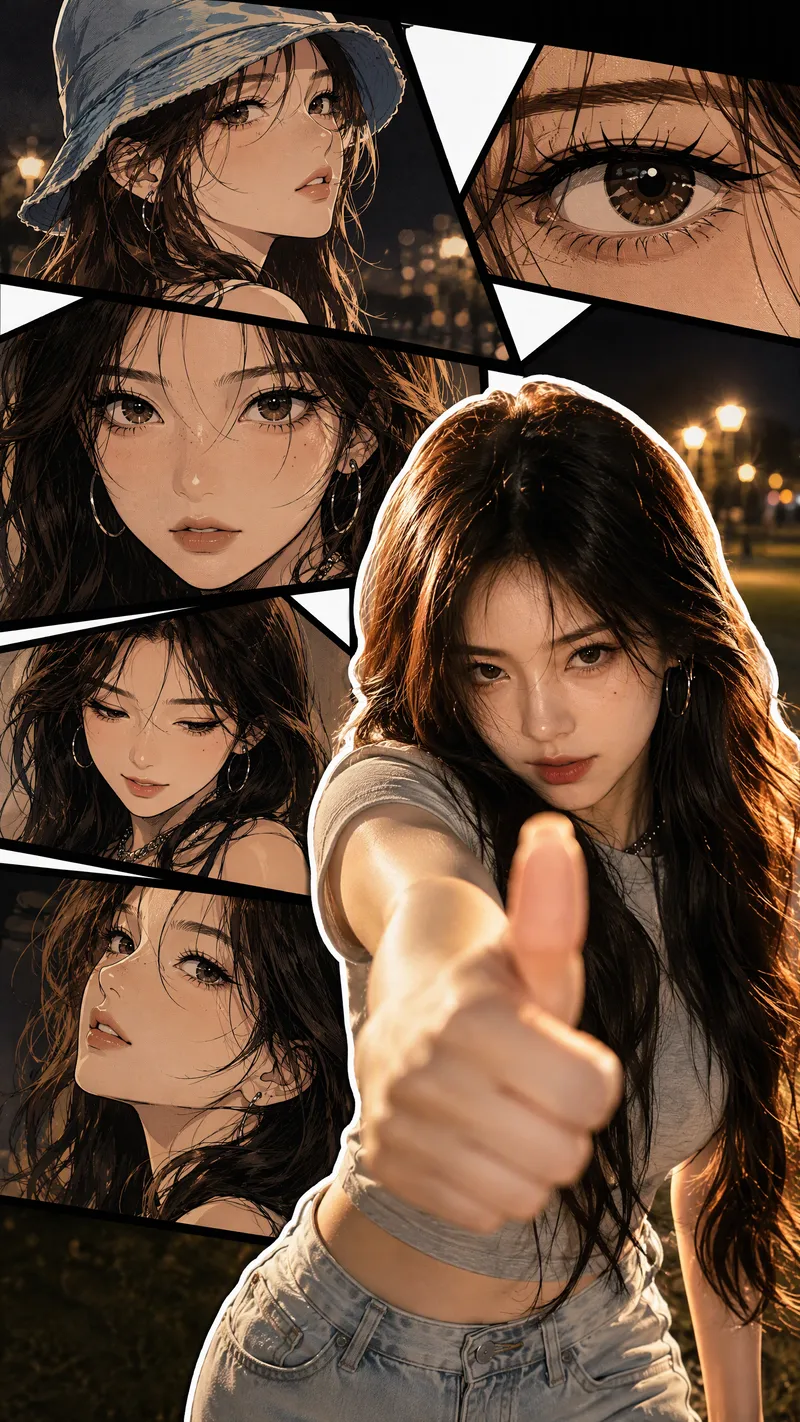
Turn a portrait photo into a 9:16 vertical collage poster that combines photographic realism with comic-style storytelling. The lower right preserves the person’s real appearance and original pose, while multi-panel manga scenes featuring the same face surround it on the left and upper right. Facial features, hairstyle, clothing, accessories, and overall character remain consistent between the real-person image and the illustrations. The poster blends retro Korean manhwa and American comic styles, with color cel shading, sharp black linework, halftone shadows, and finely rendered hair. Bold white outlines, black panel divisions, white geometric paper strips, and layered shadows create a magazine-inspired live-action manga collage. The comic panels can explore emotional angles such as a side profile, a particular gaze, looking down, or a low-angle view. The background extends the mood of the photo into scenes such as nighttime bokeh, a seaside sunset, streetlights on a lawn, or warm indoor lighting. By default, the image is clean and contains no text, speech bubbles, watermarks, or interface elements. It prioritizes preserving the body orientation, gestures, and expression from the photo without replacing the person or changing the pose. You can also specify the background, clothing, accessories, number of panels, or text. If you do not have a photo, it can create a person based on your description of their gender, age, and overall character, using the same vertical collage composition.
Information
- Version
- v3
- Last updated
- Runtime credits
- Usage-based
- Models
- Auto
