
Event Enrollment Poster Generator
Create event posters with titles, details, and sign-up tips
Event Enrollment Poster Generator
Create event posters with titles, details, and sign-up tips
Showcase
Description
Target audience: Creators and small teams who need to design posters for book clubs, open classes, events, or enrollment campaigns. What you need to provide: Event title, target audience, time and location, content, pricing conditions, registration method, aspect ratio, and authorized assets. Mark unknown items as pending; do not upload unauthorized logos, photos, or QR codes. How it works: First, organize the text fact sheet, then determine the information hierarchy and visual direction. Use available image tools to generate the poster, and systematically verify the title, numbers, location, and registration details. Final deliverables: Poster image, copyable text list, and verification notes. Original PNG attachments are prioritized; actual formats, pixels, and download capabilities depend on the tool used, without passing off JPEG previews as PNG originals. PSD/AI vector source files or automatic publishing are not provided. Usage: Paste the event briefing, specify the aspect ratio and style, review the text, facts, and cropping after generation, and request revisions if needed. Text planning is recommended via GPT, while image generation relies on the platform's image tools. The four display images are fictional design exercises generated locally during the final skill workflow, illustrating a book club, open class, experience day, and networking salon respectively. They are not real events or client projects. Individual examples may feature tight whitespace and do not serve as exact safe zones or print specifications; Chinese text, pixels, and composition still need to be checked. Not suitable for: Fabricated instructors, certifications, partnerships, enrollment revenue, or event results. The skill does not create real events, nor does it guarantee enrollment or ad review outcomes.
Recommended by
Dancang
Why we love this skill
Goes beyond generating posters by integrating fact-checking, information hierarchy, and readability checks to ensure titles, times, locations, and registration details are accurate. It transparently notes missing information, QR codes, and tool limitations.
Best for
Creators and small teams making posters for book clubs, open classes, experience days, networking salons, or enrollment campaigns.
How to use this Skill
Provide your input
Provide the event title, target audience, date and time, content, pricing, registration method, aspect ratio, style, and authorized materials. Mark unknown details as TBD.
Run the Skill
After you submit the brief, the system organizes information hierarchy, generates the poster, and verifies the title, numbers, location, registration details, and cropping.
Review your result
Receive an event poster image along with a copy-pasteable text checklist and information verification notes.
Related Skills
View all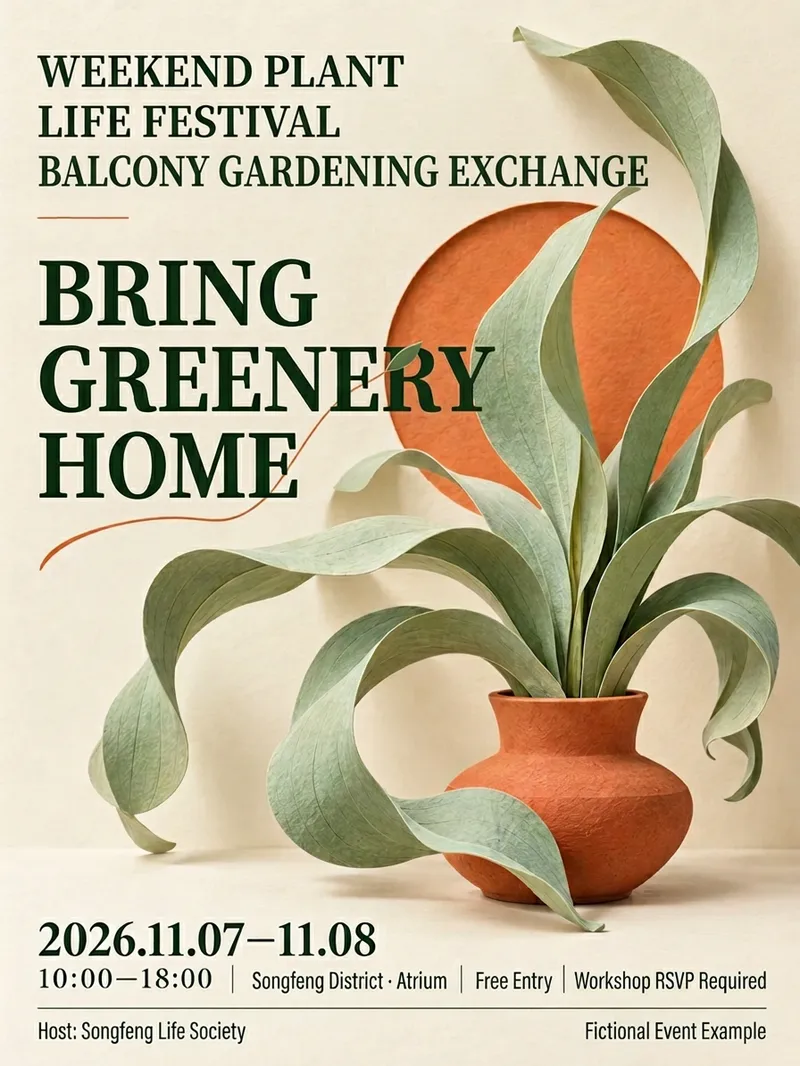 Image
Event Poster Designer
Send me the event name, time and location, and participation details to design a visually appealing promotional poster with clear key information. Suitable for community operations, retail stores, markets, trial classes, lectures, and promotional roles. Long event names are broken down by meaning while preserving the official full name. Dates, locations, pricing, and essential participation conditions are placed in easily visible spots. Organizers, co-organizers, and supporters are presented according to their original relationships without inventing discounts, quotas, addresses, or official endorsements. Offers 12 style directions that you can choose by number, feel, or reference image, or let me recommend 2 to 3 styles based on the event. The default is a 3:4 mobile poster with support for custom aspect ratios and color palettes; layout adjustments are made when other sizes are needed. After generation, event fields are checked word for word, reviewing title hierarchies, occlusion, and mobile thumbnail recognition, along with complete prompts and pending items. QR codes use only the original image you provide, without generating fake codes. This version uses a fictional botanical event for a single local node test; other styles and QR code workflows are not fully validated. The host requires image capabilities, and installation does not include runtime credits. Output is provided as images, with no promise of editable source design files, print-ready formats, or recruitment results. Not yet run or published within YouMind. Product and workflow design by leowang.
 Image
Handmade Paper Event Poster
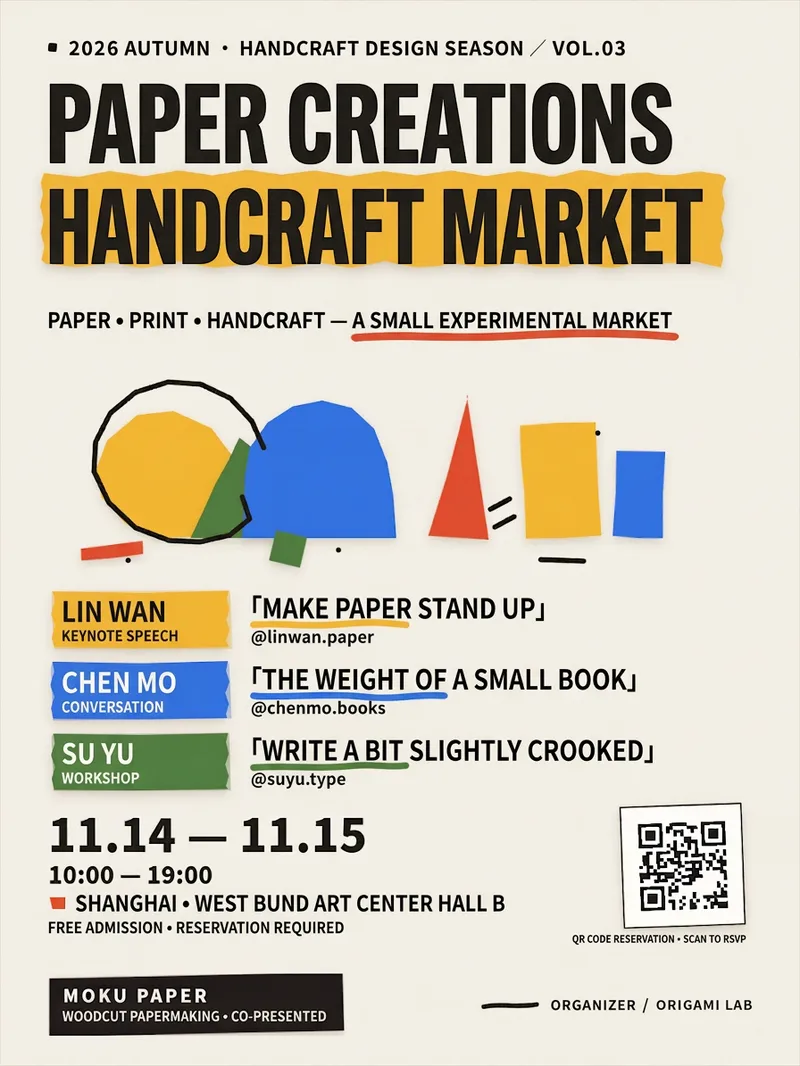
Turn your event text, QR code, and brand logo into a clear, ready-to-publish 1080×1440 vertical handmade paper collage poster, ideal for music festivals, markets, exhibitions, sharing sessions, workshops, and pop-up events. You only need to provide information such as the event name, title, guests, time and location, organizers, and sponsors. The Skill standardizes the formatting for dates, times, locations, topics, and account handles, and flags inferred content or pending replacements when information is incomplete to avoid mistaking examples for confirmed facts. The poster features an off-white paper background, colorful paper-cut geometric visuals, torn-paper guest tags, prominent date information, an RSVP QR code card, and a sponsor footer, balancing a handcrafted texture with clear information hierarchy. Guest counts adapt automatically for 2 to 4 people. Uploaded QR codes maintain their full proportions, and logos adapt to light and dark versions. When images are missing, clearly labeled placeholder QR codes or text marks are generated for easy replacement. Delivery includes a precise PNG poster, with an optional editable web version featuring an export button so you can easily update text, guests, colors, QR codes, or logos and re-export. Finally, it checks for text truncation, element overflow, QR code integrity, and layout overlap to ensure the final image is ready for online sharing or further production.
 Image
Content Cover Design Studio
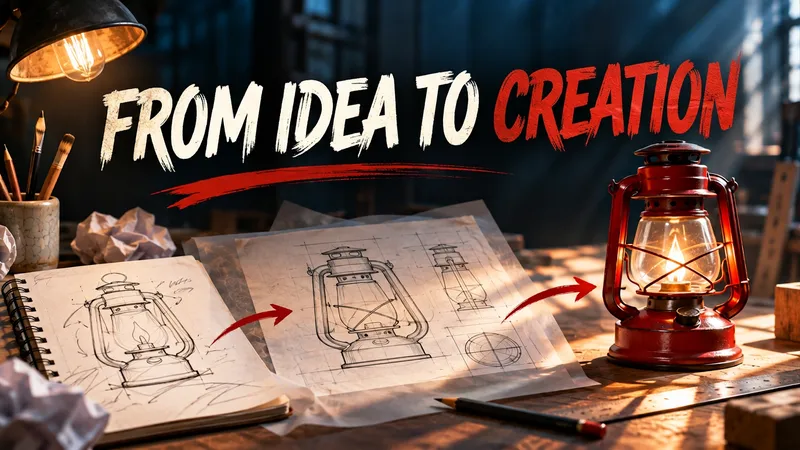
Ideal for content creators, newsletter authors, and course instructors. Provide an article title or summary, and optionally specify your target audience, aspect ratio, color scheme, and imagery. The Skill extracts the core theme, selects relevant visual metaphors, arranges the composition and title, and then generates an image using the currently supported image generation tool. By default, it creates a single cover featuring the title. Usage steps: 1. Paste your title or article summary; 2. Specify the target platform, aspect ratio, and visual preferences; 3. View the generated image, check the title text, and request revisions if needed. Displayed examples were generated locally following the Skill workflow, and performance within YouMind has not yet been tested. Visuals, Chinese text, and actual dimensions depend on the runtime environment and model; if image generation is unavailable, prompts will be delivered instead. Generated results may contain errors, so please review them before publishing.
Information
- Version
- v3
- Last updated
- Runtime credits
- Usage-based
- Models
- Auto
- Use cases
- Images & designMarketing & growth
- What you get
- DocumentImage
- Visual styles
- EditorialPaper art
