1192667212
 Image
ImageDraw That Day | Photo Poster
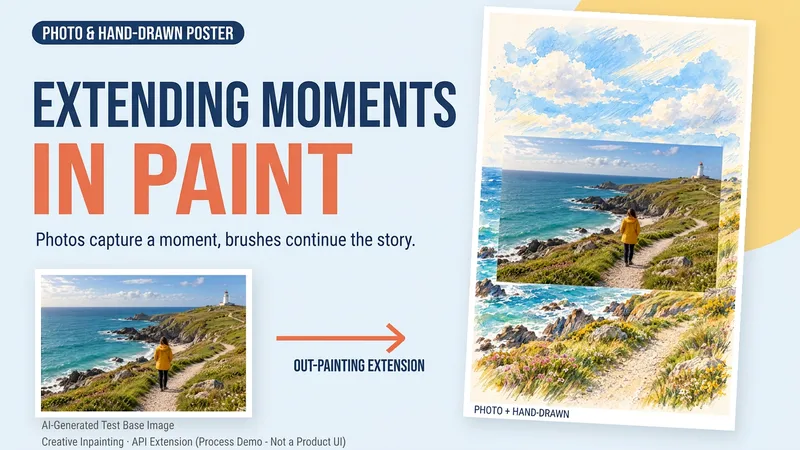
Some photos deserve another page. Upload a travel, walking, or everyday photo to create a keepsake poster where the photo meets hand-drawn scenery. The photo preserves that moment, while watercolor and colored pencil continue the scene beyond its edges. You can get: ① A keepsake poster: 2:3 portrait format by default, with a warm paper texture and no text. ② A grounded extension: starting from the sky, coast, road, or room in your photo, hand-drawn elements echo the original setting. ③ A note about photo preservation: when compositing is supported, the photo layer can be retained; with generative editing only, details may change, and this will be explained. ④ An optional short caption: use a sentence, location, or date you provide to preserve a little of how you felt at the time. Suitable for travel memories, everyday keepsakes, and social sharing. One image by default; it does not automatically create a full storybook. The scene beyond the photo is an artistic creation, not a recreation of the actual surroundings. Generation and compositing depend on the platform's current image tools and usage limits. We do not promise that the original photo will remain completely unchanged using a generative model alone. If the tools are unavailable, this will be stated clearly and a complete prompt will be provided.
 Image
ImageLay Out Your Everyday
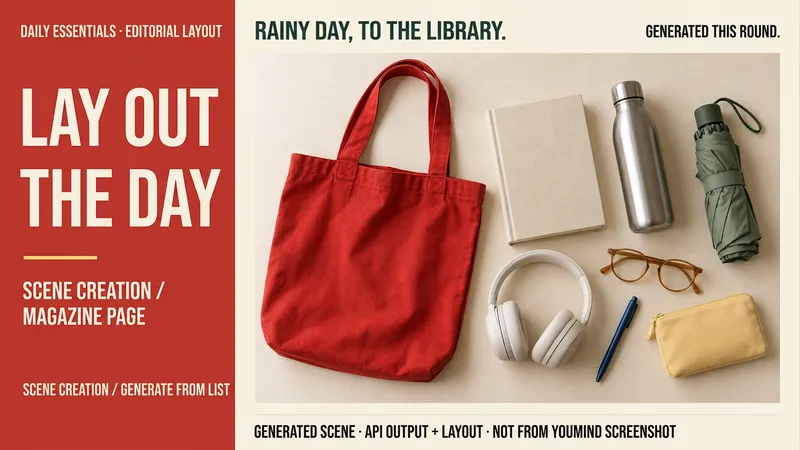
Rainy days at the library, weekend city walks, a short getaway… your everyday life can have a magazine-worthy look. Tell me a life scene, or share an item list and reference image, and I’ll create a story-driven overhead still-life image: a bag, book, headphones, and water bottle, each with its own place and texture. Here’s how you can use it: ① Scene creation: Start with one sentence and pair it with 6–8 fitting items, clearly labeled as a fictional scene. ② List-based arrangement: Generate an image using the items and quantities you provide, without adding props at random. ③ Visual design: Straight overhead view, natural light, and a balanced rhythm of density and open space. The default is text-free, vertical 3:4. ④ Targeted edits: Change items, background color, or aspect ratio while preserving as much of the approved image as possible. Great for lifestyle sharing, travel inspiration, and personal content images. One image is generated by default; you can request a landscape, square, or other visual style. Actual generation depends on the image tools and usage limits available on the current platform. Item counts, structure, logos, and small packaging text may vary, so product-level exact replication is not guaranteed. If the tool is unavailable, this will be stated clearly and a complete prompt will be provided. Usage is calculated according to the platform’s rules at the time.
 Image
ImagePhoto to Hand-Drawn Avatar
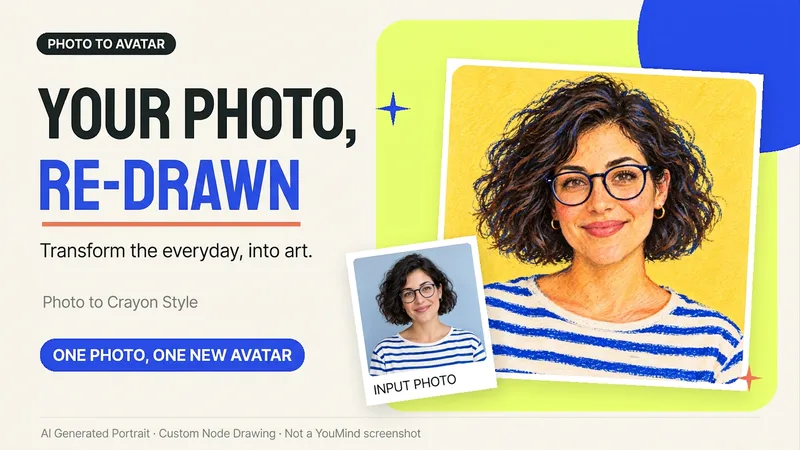
Want a hand-drawn avatar while keeping your hairstyle, glasses, and distinctive expression? Upload a clear photo of one person, then choose a warm crayon or cool marker style to create a square avatar for WeChat, social accounts, and personal homepages. You can also start without choosing a style; warm crayon is used by default. You can get: ① One hand-drawn avatar: clean background, head-and-shoulders composition, and no text by default. ② Preserved features: focuses on the hairstyle, glasses, face shape, and noticeable accessories to reduce a generic look. ③ Avatar-friendly composition: designed for circular cropping and recognizability at small sizes; when supported by the tool, the thumbnail and circular preview are checked. ④ Targeted edits: when changing the background, expression, or accessories, the previously approved version is prioritized for continuity. Photo conversion is supported, as is creating fictional avatars from text descriptions. Delivery is one image by default; a full sticker pack is not generated automatically. The final image and edits depend on the image tools and usage limits available on the current platform, and exact consistency of personal features is not guaranteed. If an image cannot be generated, this will be stated clearly and a copyable conversion prompt will be provided; the prompt will not be presented as a finished avatar. Usage is calculated according to the platform's rules at the time.
 Image
ImageOne Text, One Visual
Have you saved lots of articles but still struggle to find the key points at a glance? Give it an article, note, or clearly defined topic that you have permission to use. It will organize the information around one question and present it as a hand-drawn-style diagram. The first version focuses on method steps and operational workflows. You’ll get: ① A knowledge diagram with clear steps, conditions, and reading order. ② Copyable text, including the title, nodes, and key explanations. ③ A source checklist that preserves the original evidence and items requiring confirmation. ④ Short sharing copy to make it easy to post with the image. It won’t depict parallel content as causal, omit key conditions, or invent performance data. When there is too much content, it will narrow the topic first while preserving readable type size and whitespace for mobile viewing. Creating the final image requires access to an image or drawing tool in the current environment. If no tool is available, it will clearly state that the image has not been generated and preserve the complete image-ready draft. Image-generation usage is subject to the platform’s rules at the time. Suitable for study organization, knowledge sharing, and adapting content for social media. It does not publish on your behalf or guarantee traffic. The sample image uses a newly created article and local drawing tools; it is not a YouMind runtime screenshot.
 Research
One-Click Bill Checkup
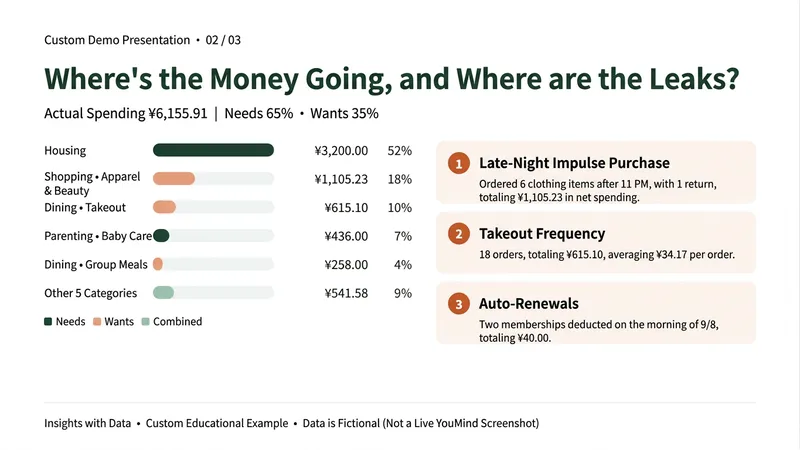
By the end of the month, do you only know that your money is gone—but not where it went? Don’t want to track every expense, and tired of ads and subscriptions in budgeting apps? This Skill gives one month of transactions a checkup. Upload a bill exported from WeChat or Alipay (or paste the text) to get: ① Actual spending: Automatically excludes Huabei repayments, transfers into Yu’e Bao, and incomplete orders. Refunds offset the original purchase, so transfers of thousands of yuan aren’t mistaken for spending. ② Where your money goes: Ranked spending categories, including how much goes to needs versus wants. ③ Checkup findings: Money leaks such as frequent food delivery, late-night impulse orders, automatic renewals, and frequent small purchases—each backed by numbers. ④ A draft budget for next month: Identifies the three habits worth changing most, estimates potential savings, and breaks them into weekly amounts based on your savings goal. When it’s unclear whether an entry is a red envelope, transfer, or split bill, it asks you first instead of guessing. It won’t guess amounts that are unreadable in screenshots. Choose between a gentle or sharp-tongued tone. Suitable for office workers who want to save but can’t stick with expense tracking, parents managing household spending, and young people who want a clearer view of their spending habits. The examples shown use fictional teaching data. This Skill only analyzes personal spending; it does not recommend investments, funds, insurance, or loans. Bills are used only for this analysis, and you should remove names, card numbers, and other personal information before uploading.
 Research
Merchant Document Precheck
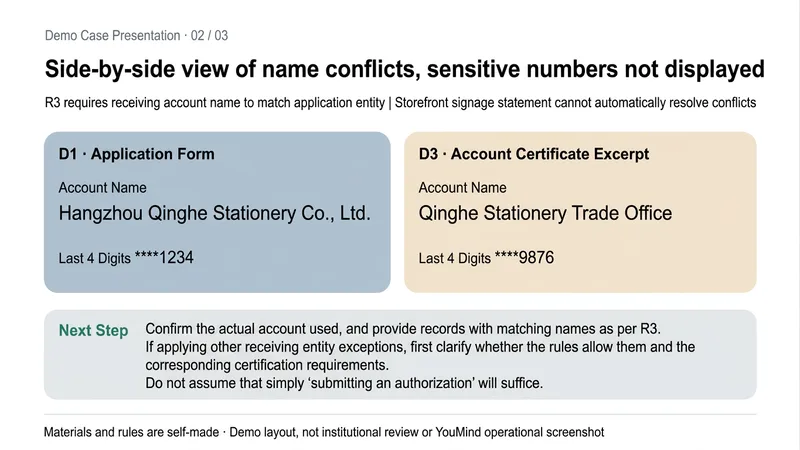
Why does the review keep coming back for more documents even after everything has been submitted? This Skill uses the review checklist and rules you provide to precheck merchant-submitted documents before submission, helping you organize omissions and conflicts in advance. You’ll receive: ① An itemized precheck: distinguishes satisfied, missing, conflicting, clearly not satisfied, and pending confirmation. ② A missing-items list: identifies the documents, fields, and explanations that need to be added. ③ A field conflict table: checks the entity, address, dates, and account against the applicable rules, with source locations noted. ④ A pre-submission action list: turns next steps into tasks you can check off. It follows the rules you provide and does not fill in platform requirements based on assumptions; if something is not found in the excerpts, it does not directly conclude that it was not submitted. Conflicting rule versions are flagged, and sensitive numbers are masked. Suitable for merchant operations, document organization, and pre-submission self-checks by small teams. The output is a copyable Markdown report. This is a precheck to help you prepare. It does not replace the final review by a platform, bank, tax authority, or regulator, and does not guarantee approval. Example materials are created for demonstration.
Test Paper Cleanup & Review
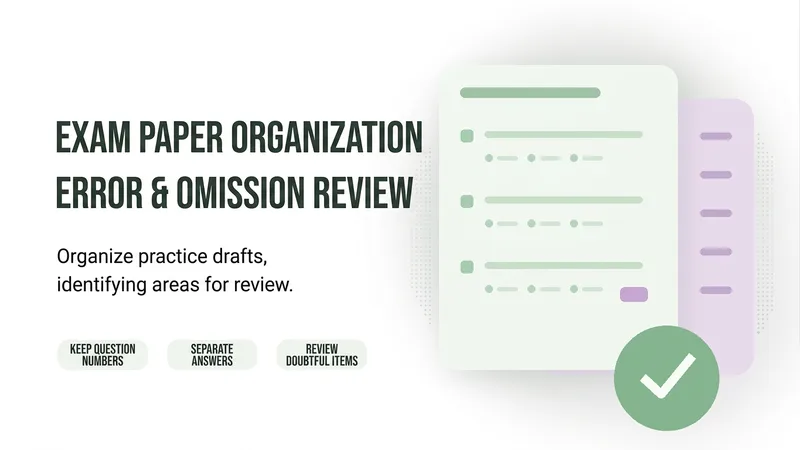
After a test paper is recognized, are question numbers skipped, options missing, or answers mismatched? This Skill helps turn readable test paper images, scanned pages, or existing OCR text into an easy-to-edit practice sheet, while listing items that need to be checked separately. You’ll get: ① Editable practice sheet: preserves sections, original question numbers, options, and answer blanks. ② Source answer table: matches answers from the provided materials by section and question number, with unmatched answers listed separately. ③ Error and omission review list: flags suspected missing questions, missing options, unclear symbols, and matching conflicts. ④ Processing scope notes: clearly states which pages were read and which have not yet been processed. When the original page is visible, the content is checked against the source. When only OCR text is available, the Skill checks structural issues only and does not guess or fill in missing content. For questions about identifying incorrect characters, incorrect options are preserved without changing the intended meaning. Suitable for teachers, parents, and people organizing study materials. For the first run, processing 1–3 pages is recommended. The output is provided as copyable Markdown text. Reading quality depends on the original image quality and the host’s capabilities. Zero errors are not guaranteed. The Skill does not solve questions, grade answers, or automatically generate Word attachments. The examples use self-created materials and contain no real student information.
 Write
WriteScope & Add-On Quote Helper
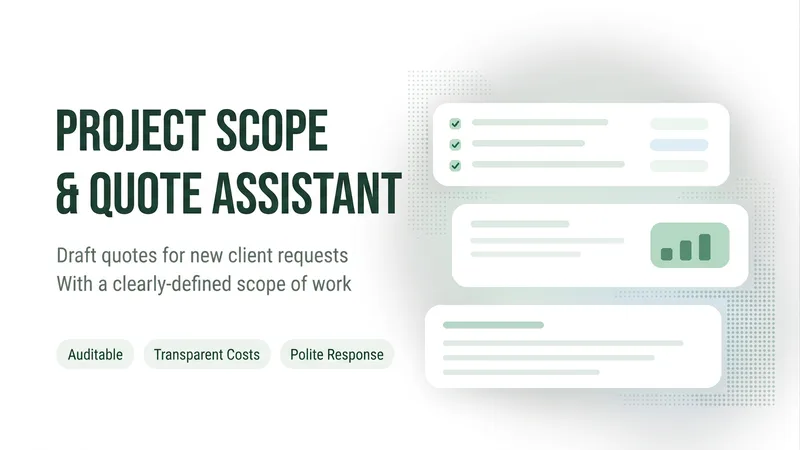
When a client says, “Could you add one more page?” or “Can you make one more change?”—what's included in the original quote, and what should be billed separately? This Skill helps freelance web professionals organize clients’ additional requests. Provide the accepted scope description, the client’s exact words this time, and your own rates and time estimates to get: ① Item-by-item scope comparison: Quotes the original text and distinguishes items within the original scope, well-supported add-ons, and items requiring confirmation. ② Open-question checklist: Identifies missing information that could affect fees, revision rounds, and delivery dates. ③ Add-on estimate draft: Lists hours and rates, keeps estimates as ranges, and notes items that have not yet been priced. ④ Customer reply draft: Clearly explains included items, proposed add-ons, fees, and scheduling conditions. It checks the remaining revision rounds and distinguishes defect fixes from new features. When the agreement is unclear, it marks the item for confirmation rather than guessing market rates or promising an unknown delivery date. Best for: independent website builders, small web studios, and project leads responsible for scope and pricing discussions. The output is copyable text and tables. Review it yourself before sending. Examples and rates shown are fictional teaching data. Amounts are based on the information provided by the user; this Skill does not provide legal rulings, send messages on your behalf, or guarantee payment.
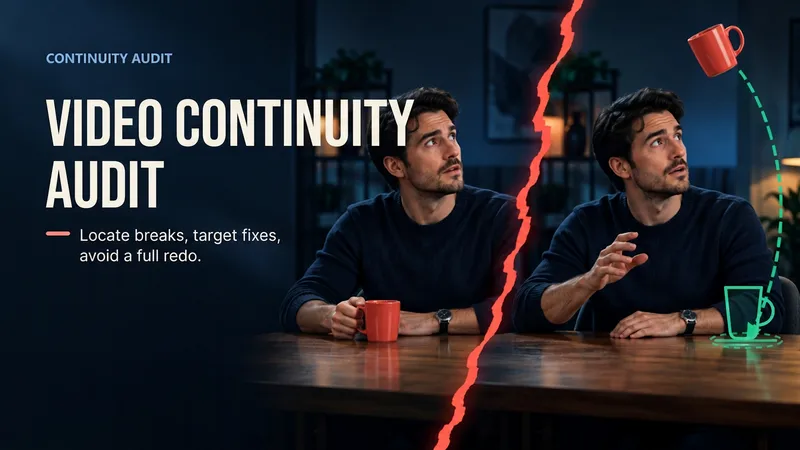
Continuity Studio | JINGXU
> Continuity review is now available for creators with a first AI video draft who don't want to redo the entire piece because of a single jump cut. Upload a video or keyframes from adjacent shots. It distinguishes observed facts from items that cannot be verified, then provides issue severity, a repair anchor, a minimum repair card, and a review checklist. Audio is reviewed only when actually accessible; source files are not modified. > Find the break. Fix one spot. Keep the cut. CONTINUITY SUPERVISOR is built for AI video creators with a usable first cut and a few costly continuity breaks. Upload a video or ordered boundary frames to receive scoped evidence, severity, a repair anchor, a minimum repair card, and regression checks. Audio is reviewed only when accessible; source files are never edited. > Find the break. Fix the shot. Keep the cut.