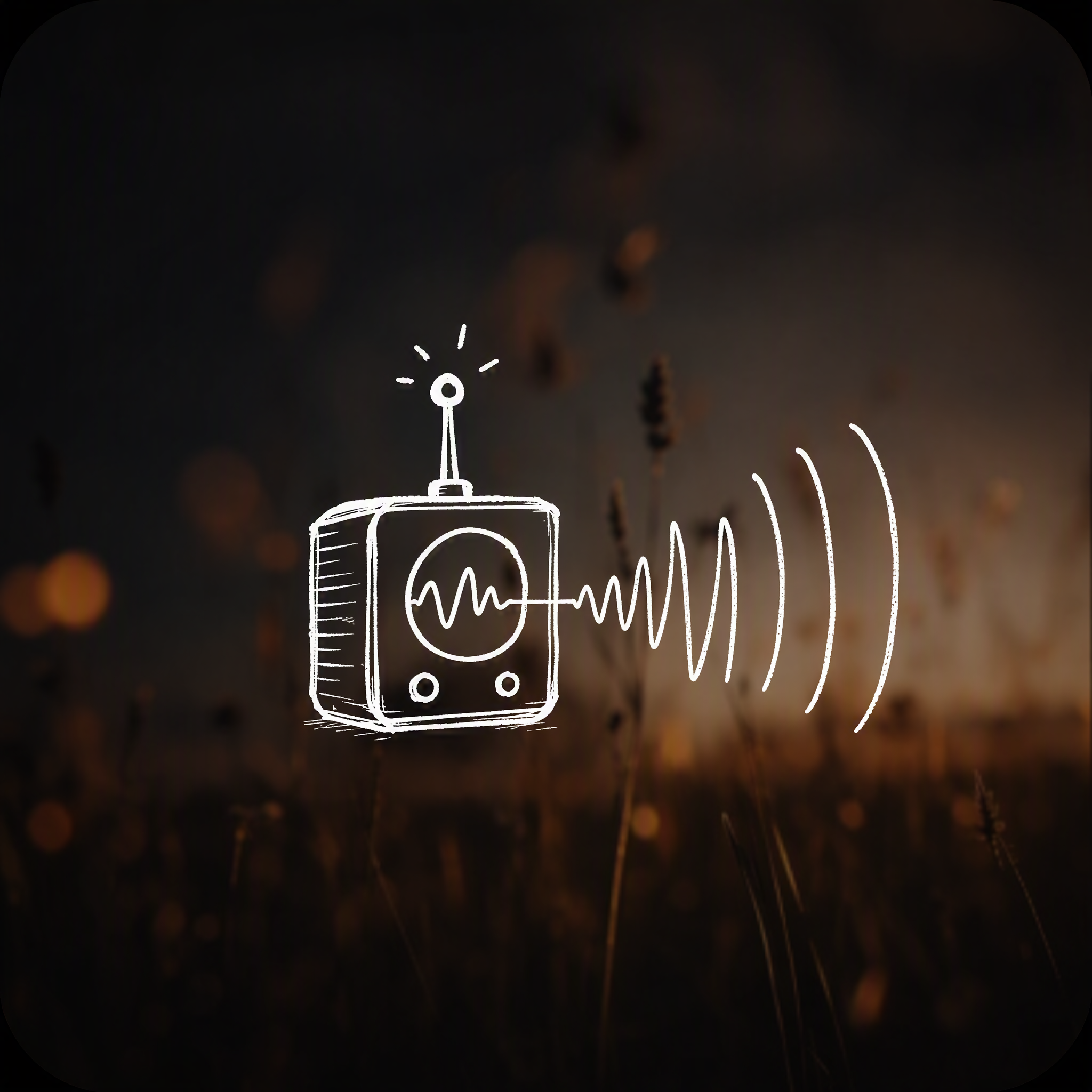
Future Vision Sketch
Turn real images into visions of future tech
Future Vision Sketch
Turn real images into visions of future tech
Showcase
Description
Turn a real photo into a “future vision image.” The approach is simple, yet carefully considered: use a realistic image as an anchor for the “present,” then layer white handwritten annotations on top—signal waveforms, directional arrows, handwritten labels, decoding legends, and a thematic statement. The core device is drawn only as a line sketch of something “not yet realized.” The result reads like an interpretation of reality, rather than decoration pasted on top. It imagines not magic or a new invention, but an existing technology extended to new objects and new relationships—from “we study them” to “we communicate with them.” Ideal for: science communication and knowledge visualization, brand visions and launch concepts, content covers, and imaginative expressions of a product’s “next step.”
Recommended by
Dancang
Why we love this skill
Transforms real photos into forward-looking visual concepts, combining documentary credibility with conceptual tension through hand-drawn annotations and unrealized line-art devices.
Best for
Ideal for science communication, knowledge visualization, brand visions, launch concepts, and expressing a product’s future direction.
How to use this Skill
Provide your input
Provide a real photo or scene description, optionally adding the theme, technology direction, and target audience.
Run the Skill
Combines a real-world scene with existing technology to create a future vision image layered with white handwritten annotations and a line sketch of a conceptual device.
Review your result
Get a conceptual visual that blends a realistic base image, informational annotations, and a sketch of a not-yet-realized device.
Related Skills
View all
Surreal Image Generation
Have you ever felt this way— Abstract thoughts swirling in your mind, yet unable to find the right visual language to express them? Written a deep, insightful article, only to struggle endlessly for an accompanying image—ordinary photos too literal, illustrations lacking soul? Want to create a 'thoughtful' visual for your brand, only to end up with clichés that everyone else has already used? Stuck in a creative rut, scouring your asset library, only to find every image repeating yesterday's self... We desperately need a visual language that can 'read' the emotions, conflicts, and philosophy behind the text. And now, all it takes is a theme, a piece of text—leave the rest to it. What is it exactly? A smart creative tool that transforms abstract concepts and deep thoughts into surreal, wordless images with a single click. How to use it? Ridiculously simple. Enter any text: a sentence, a short essay, a philosophical proposition, or even a few fleeting keywords. Choose a ratio: 16:9, 4:3, 1:1... you decide. Click generate—and a surreal image full of philosophical depth and visual impact appears instantly. No drawing skills needed, no design experience required. You think, it sees. What makes its visual language stand out? It doesn't rely on realism or flatter prettiness. Instead, it uses the 'grammar' of surrealism to translate your thoughts: Scale paradox — a giant apple floating above a miniature city; Material alienation — books growing bones, clocks flowing into rivers; Spatial misconstruction — staircases leading to the sky, windows opening to another universe; Collage grafting — unrelated elements colliding into striking metaphors. In terms of color, it is restrained to the point of being cold—low-saturation, high-end grays as the main tone, with local high-saturation highlights at key points, creating a dreamlike detachment and silent astonishment. Every frame is clean, exquisite, and balanced, uniformly using a pure white background—extreme simplicity to accentuate extreme absurdity. Where can it be used? Art creation for inspiration — let the subconscious surface as images; Concept covers / album visuals — instantly captivating at first glance; Deep articles / poetry illustrations — image and text resonate, striking the heart; Brand visual extension — create a unique, story-rich visual identity.
 Image
ImageSemi-Flat Illustration Maker
Have you ever faced challenges like these when expressing ideas visually? Your brand needs a sense of sophistication, but purely flat illustrations feel too thin, lacking warmth and texture? You want to convey product details through a realistic style, but worry the image will become too complex and distract from the content itself? Abstract concepts, emotional stories, or complex ideas never quite look right—either too obvious or too obscure? You search through asset libraries but can’t find visuals that are both modern and elegant, while accurately capturing the core meaning? What we want is a visual language that feels just right—designed yet authentic, simple and powerful yet refined and engaging. Now, all you need to do is enter a piece of text. It will generate a semi-flat realistic illustration that gives your brand, content, or concept a distinctive visual appeal. What is it? An intelligent generation tool that transforms written content into modern, semi-flat realistic illustrations. It thoughtfully combines the clean outlines of flat illustration with the soft lighting and sense of volume found in realistic styles, finding an elegant balance between “too simple” and “too complex.” How does it work? Three simple steps Enter your text—whether it’s a brand story, an emotional monologue, a product description, or an abstract philosophical concept. It captures the core meaning with precision; (Optional) Adjust your composition or color preferences—you can set the direction for the image or let it interpret your input freely; Generate—a carefully composed illustration with sophisticated colors and finely rendered texture appears instantly. No drawing experience is required. You provide what to say; it takes care of how to show it. What makes its visual language distinctive? Outlines, but not flat—It preserves the fresh, modern outlines of flat illustration while using soft shadows and subtle volume to make objects feel dimensional rather than thin; Realistic, but not photorealistic—It avoids excessive photo-level detail, retaining only the warmth created by light, shadow, and materials, so the image feels believable while leaving room for imagination; Clean, but not empty—A pure white background keeps the visual focus on the subject, ensuring the image stays clean, restrained, and centered on the message you want to convey. Every piece strikes a subtle balance between design appeal and storytelling power. Where can it be used? Visualizing brand stories—Modern illustrations tailored to your brand’s character, conveying restrained yet richly textured visual symbols; Illustrating in-depth content—Make articles, reports, or columns less dry by letting images resonate with the words; Product explanations / concept presentations—Transform complex features or abstract ideas into an intuitive, elegant visual language; Decorative art / cover design—Clean, sophisticated imagery that naturally suits books, albums, or interior decoration. What you receive is more than just an image You’ll receive a clean illustration with no text to distract from the image, along with a visual style analysis. It briefly explains why the composition, lighting, and color palette were chosen to reflect your text, helping you better understand the design logic behind the image and making it easier to explain the creative direction to your team.
 Image
ImageSecond World Photo Posters
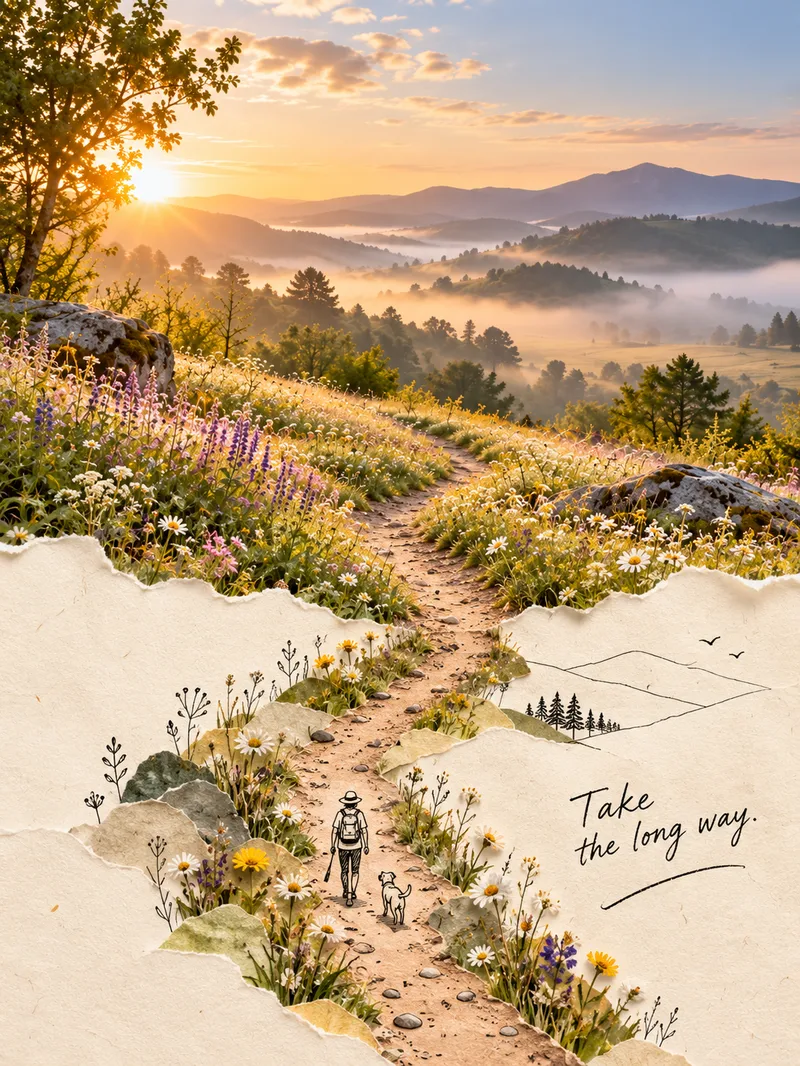
Upload an ordinary photo, and the skill will identify its most distinctive visual structure—not its subject—then extend it into a second world. The real-photo area remains 100% faithful to the original colors, lighting, and texture, with no color grading or redrawing, and occupies the main part of the composition—about two-thirds. The other section naturally grows from a warm cream-paper background in soft watercolor or minimalist black line art, creating an organic blend where the real and illustrated areas flow into each other rather than meeting at a clear dividing line. The poster also includes one minimalist line-drawn figure interacting with the structure and a short handwritten caption, resulting in a creative poster with the feel of an independent art magazine or photography book. It covers five approaches: torn-paper extension, watercolor second world, photo × minimalist black line, soft-edge blending, and turning objects into images. The process has two steps: first, review and confirm a creative concept; then generate the image—feeding the real-style anchor image into the image-generation model—and check each element. The skill includes five style anchor images.
Information
- Version
- v4
- Last updated
- Runtime credits
- Usage-based
- Models
- Auto
- Use cases
- Images & designLearning & educationMarketing & growth
- What you get
- Image
- Visual styles
- Hand-drawnPhotorealistic
