王林波
 Image
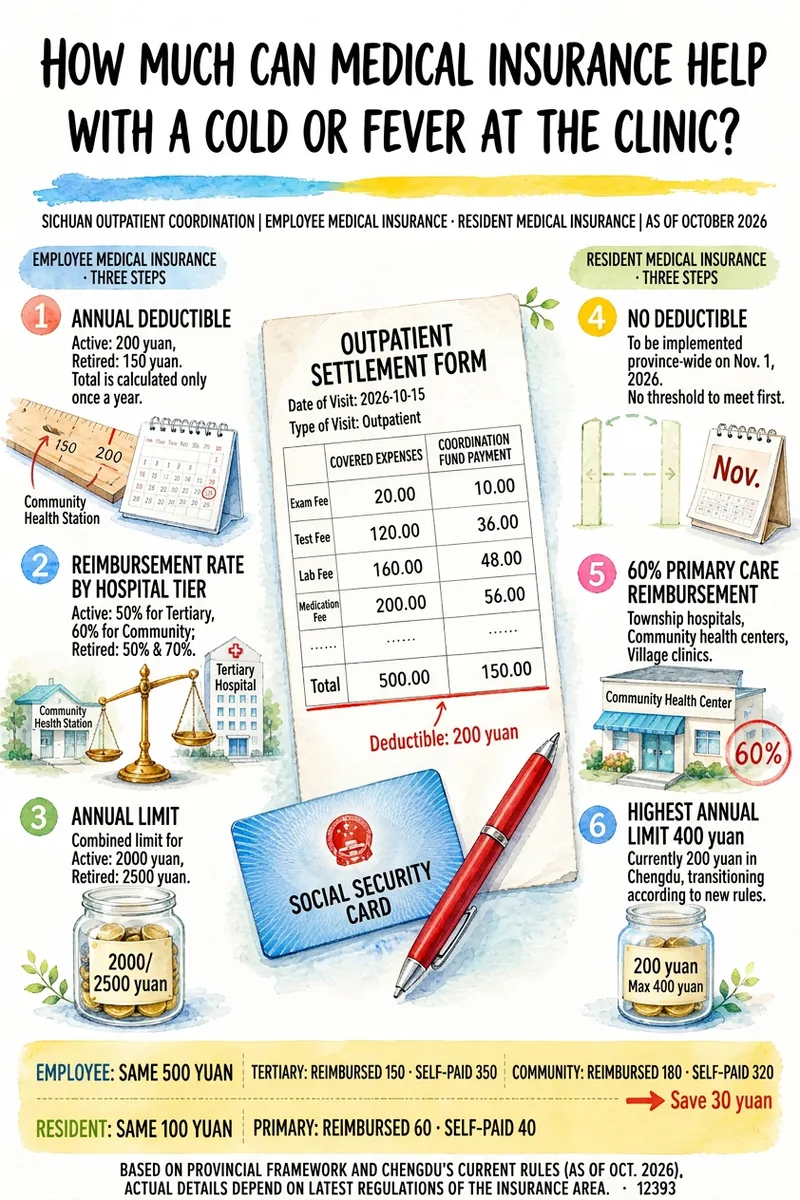
Watercolor Infographic
Transform any topic or key points into an infographic script, then generate a vibrant, translucent watercolor hand-drawn vertical image featuring generous whitespace, colorful shadows, brush-stroke colored numbers, large headings, and precise explanatory text. Ideal for methodologies, policy explainers, and personal habits. Free of watermarks, brand logos, and unverified facts.
 Image
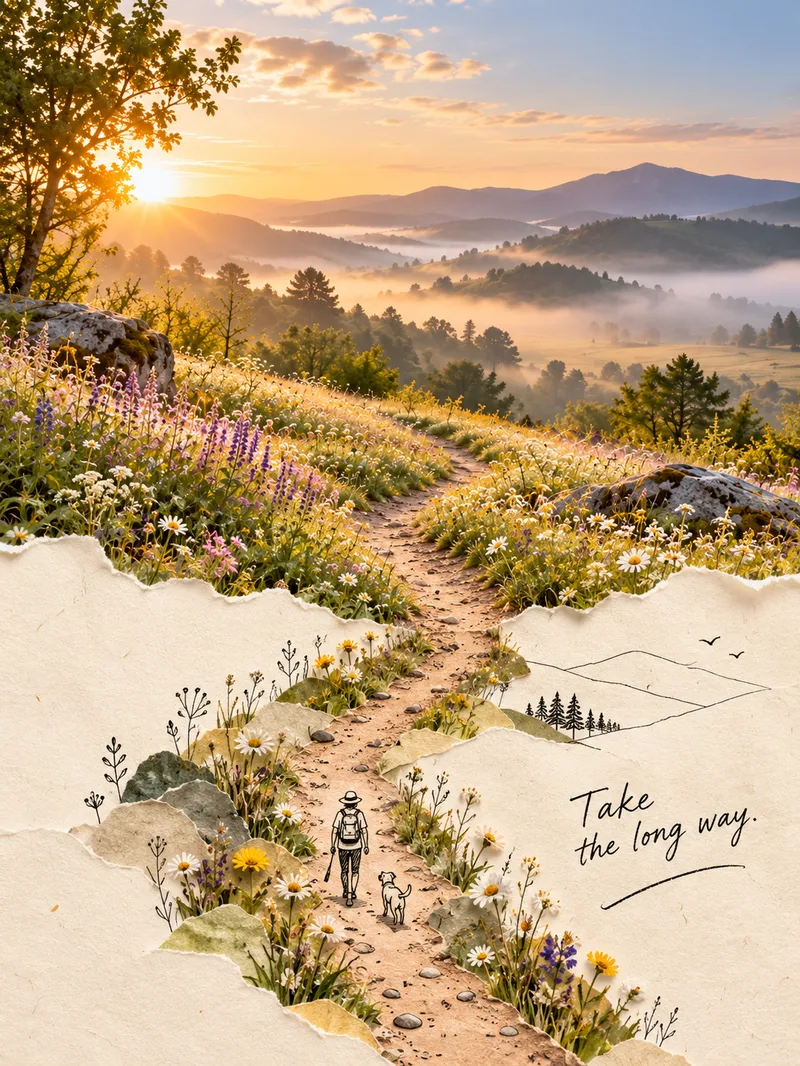
Second World Photo Posters
Upload an ordinary photo, and the skill will identify its most distinctive visual structure—not its subject—then extend it into a second world. The real-photo area remains 100% faithful to the original colors, lighting, and texture, with no color grading or redrawing, and occupies the main part of the composition—about two-thirds. The other section naturally grows from a warm cream-paper background in soft watercolor or minimalist black line art, creating an organic blend where the real and illustrated areas flow into each other rather than meeting at a clear dividing line. The poster also includes one minimalist line-drawn figure interacting with the structure and a short handwritten caption, resulting in a creative poster with the feel of an independent art magazine or photography book. It covers five approaches: torn-paper extension, watercolor second world, photo × minimalist black line, soft-edge blending, and turning objects into images. The process has two steps: first, review and confirm a creative concept; then generate the image—feeding the real-style anchor image into the image-generation model—and check each element. The skill includes five style anchor images.

Doodle Portrait Poster
Transform an uploaded portrait photo into a black-and-white, doodle-style hand-drawn poster. The image automatically analyzes the subject’s framing and pose, selects an accent color, renders the subject with a high-contrast mixed-media look, and adds hand-drawn doodles, inspirational handwritten lettering, and geometric accents around the subject. The final output is a 3:4 poster image. Customize the accent color, theme words, and aspect ratio.
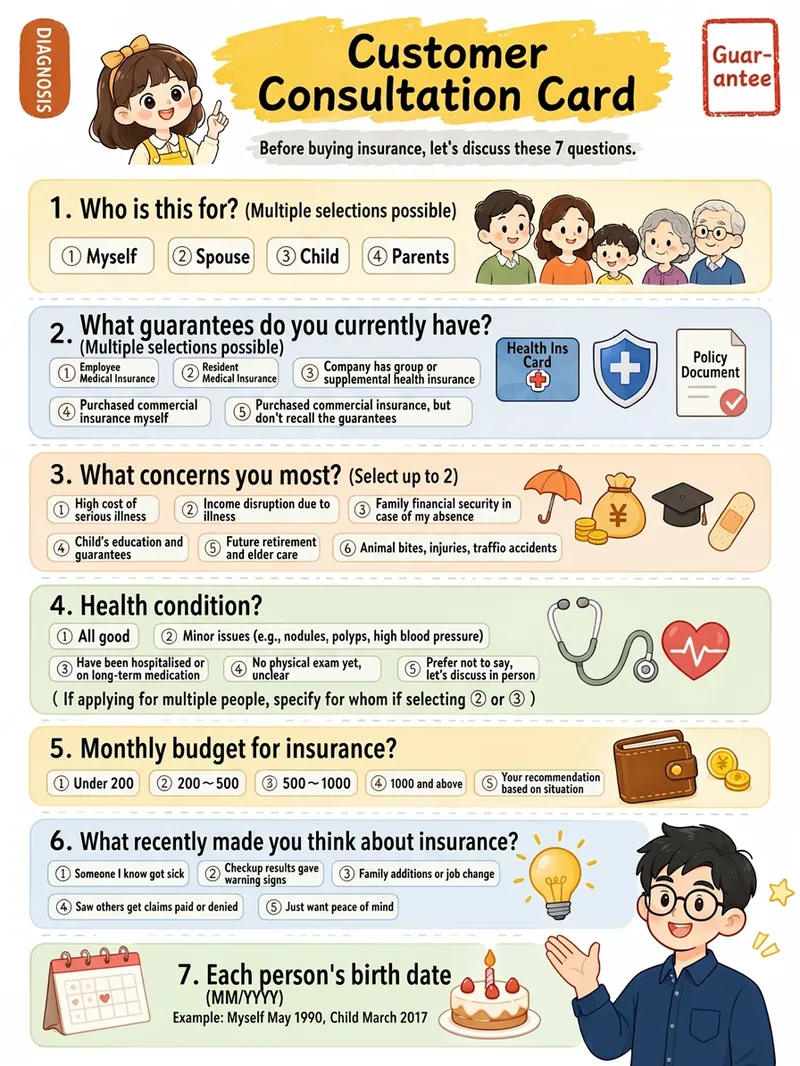
Xiaohongshu Hand-Drawn Infographics
Provide a complete piece of copy, choose the number of images and an aspect ratio (3:4 / 1:1 / 16:9), and generate Xiaohongshu infographics in a “hand-drawn knowledge card” style. The Skill includes a consistent visual system: bright, translucent pure-white paper texture with fine fibers, minimal speckling, and a clean, airy feel; bright yellow hand-drawn brush lettering for main titles; a gray brush-stroke subtitle band; a red stamp in the upper-right corner; a vertical capsule-shaped color label in the upper-left corner; colorful rounded module panels; and newly designed flat vector hand-drawn cartoon characters, along with a rich variety of icons and charts. During processing, it first organizes a “typesetting copy draft” that preserves the full text word for word for your confirmation. Once confirmed, it generates the images. Each module includes an icon or chart, keeping the visuals clear and readable while adding artistic character.
 Image
Hand-Drawn Infographic Collage
Enter a topic or a piece of educational copy to generate a vertical infographic in a hand-drawn collage notebook style, featuring large brushstroke titles, macaron-colored torn-paper sticky notes, clear handwritten text hierarchy, and cartoon characters with white sticker-style outlines that match the content. Ideal for long-form Xiaohongshu educational graphics about insurance, health, work, and general knowledge. The process runs in two steps: first, it produces a layout script and image-generation prompt for your review; then it generates the final image and performs a quality check.
 Image
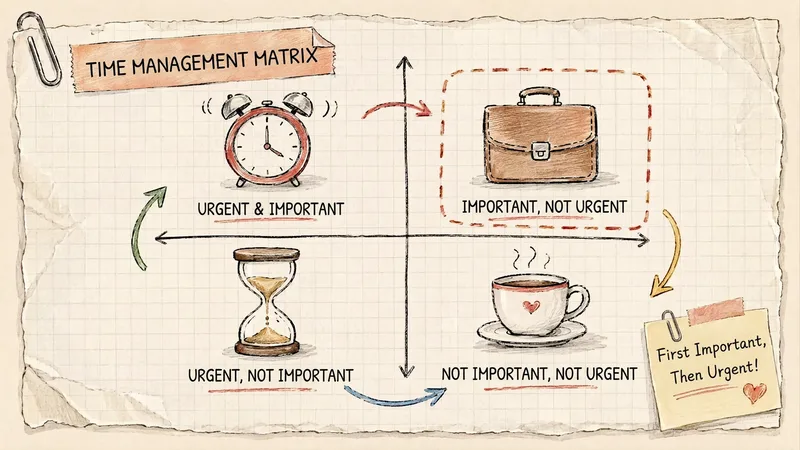
Grid Paper Sketch Infographic
Turn any topic into a hand-drawn science infographic in a grid-paper journal style, or transform an existing image into the same style with one click. It includes seven-dimensional style definitions, bilingual style prefixes, a negative checklist, and a self-checklist. First, confirm the topic and canvas (3:4 portrait / 16:9 landscape / 1:1 square), or read the original image you provide. It then generates a complete image-generation prompt for your confirmation before creating the image. Afterward, it checks each item on the list and automatically redraws anything that does not meet the requirements. Ideal for public account layouts, Xiaohongshu creators, professionals making PPTs, and teachers creating visual learning materials.
 Image
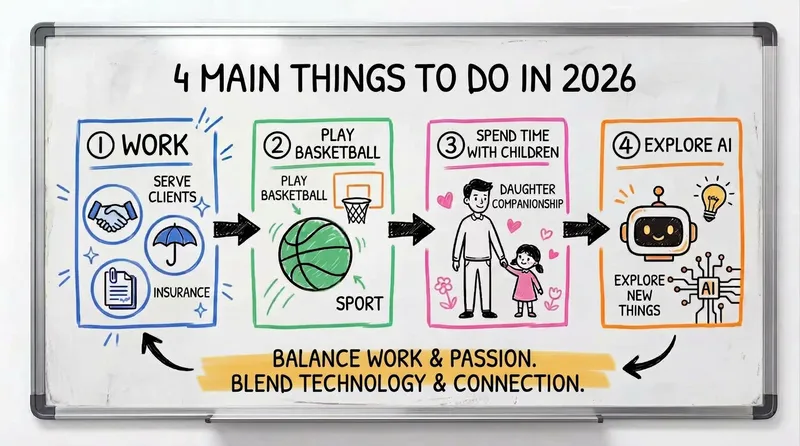
Whiteboard Sketching
Turn complex concepts into clear, hand-drawn whiteboard infographics. Present ideas professionally, communicate them with ease, and improve communication efficiency.