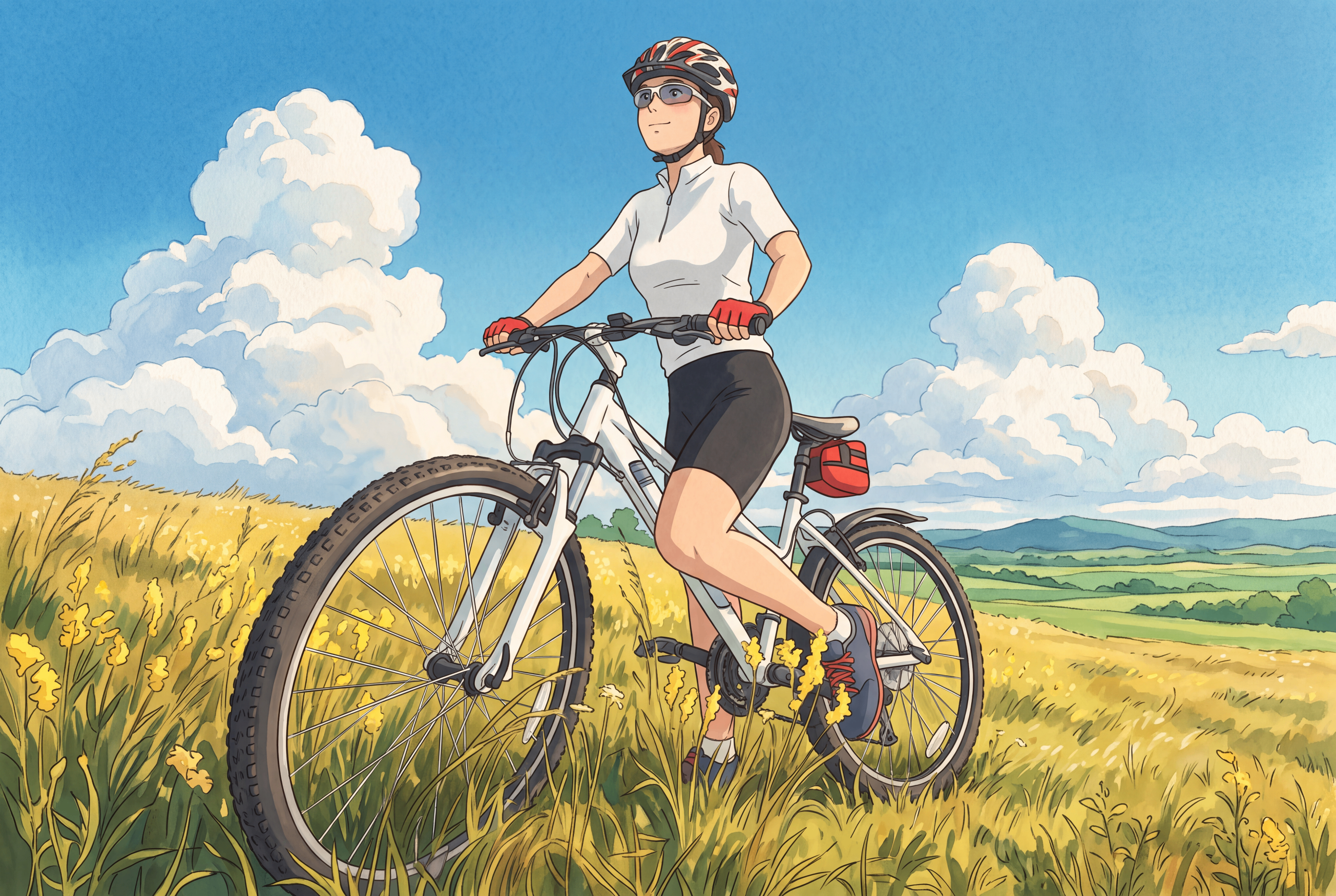
Ghibli Anime Style Redraw
Recreate classic Miyazaki film texture without changing composition
Ghibli Anime Style Redraw
Recreate classic Miyazaki film texture without changing composition
Showcase
Description
Expertly recreates the Studio Ghibli hand-drawn style! Strictly preserves the original characters' poses, camera angles, and overall composition without altering the picture content. Features hand-drawn watercolor textures, fluffy clouds, translucent soft lighting, and fresh, natural colors. Character facial features are adapted to Ghibli's soft style without distortion or random alterations, producing nostalgic, heartwarming animated illustrations perfect for social media sharing.
Best for
Ideal for content creators and everyday users looking to turn personal photos or existing images into hand-drawn anime illustrations.
How to use this Skill
Provide your input
Upload an image as the sole reference and optionally specify the desired animation visual style.
Run the Skill
Keeps the image content, character poses, perspective, and composition unchanged while converting it solely to a soft hand-drawn anime illustration style.
Review your result
Receive an anime-style illustration that preserves the original image content and proportions, ready for sharing on social platforms.
Related Skills
View all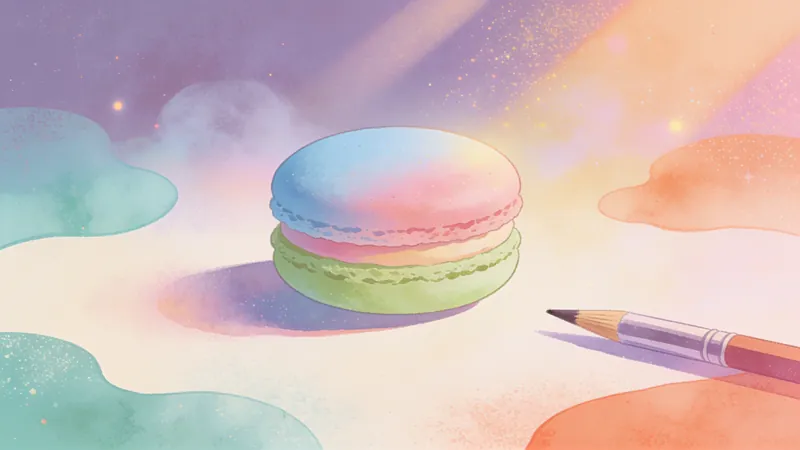
Macaron Hand-Drawn Illustration Generator
Macaron hand-drawn educational illustration generation transforms complex professional knowledge into highly approachable visual teaching materials. With fresh, healing macaron colors and delicate hand-drawn textures, it makes learning easy and fun. It excels at breaking down complex technical concepts, comparative analyses, or process steps, presenting them in soft tones like light blue, mint green, and lavender purple. This tool is perfect for educators, content creators, or science communicators looking to create high-quality teaching infographics. The tool features a unique pencil sketch line style combined with watercolor fills. The visuals include hand-drawn rounded frames, simple cartoon icons, and dynamic arrow guides to ensure clear information hierarchy. Whether you need to organize the logical relationships between knowledge points or illustrate how a product works, it provides professional yet beautiful visual solutions. The overall design maintains ample white space, paired with doodle-style decorative elements, ensuring readability while giving the images a warm, friendly scrapbook art feel.
 Image
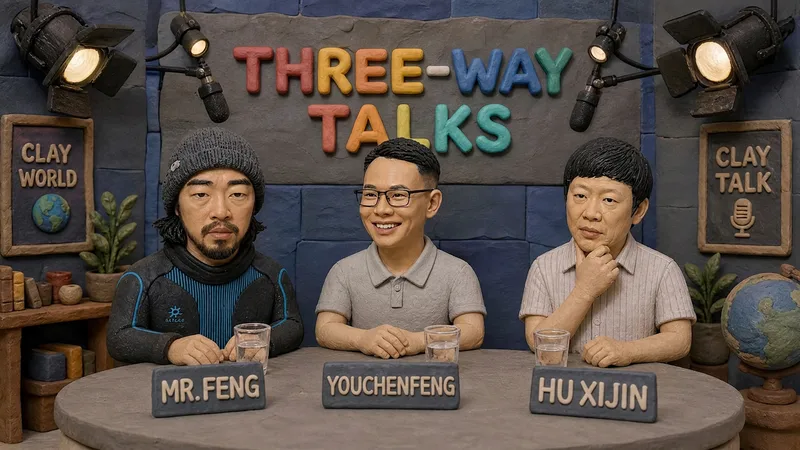
Handmade Clay Image Maker
Turn text descriptions, people, animals, objects, or reference images into handmade clay-style artwork that truly looks molded, pressed, and assembled by hand. Rather than simply applying a clay texture, this style gives characters, scenes, props, buildings, and text the soft, dimensional volume of physical clay, with natural finger presses, hand-shaped edges, kneading marks, and subtle asymmetry for a detailed, matte, warm, and tactile handmade feel. Whether you need clay characters, miniature worlds, art illustrations, posters and ads, product visuals, or clay typography and lettering, the style automatically matches the colors, composition, and spatial depth to the subject. When you upload a photo of a person or animal, it aims to preserve recognizable features such as facial structure, hairstyle, body shape, clothing, and distinctive accessories, then reimagine them as a cohesive clay art figure. When text is requested, it is also integrated into the scene as dimensional clay lettering. You can specify the aspect ratio, color direction, subject pose, scene elements, or strength of the handmade effect, or simply describe the theme you want. The result is a complete clay-style image, along with the mode, colors, composition, and key visual settings used for generation, making it easy to continue refining the result toward a macaron, candy, retro, Japanese low-saturation, earth-tone, or warm storybook direction.
 Image
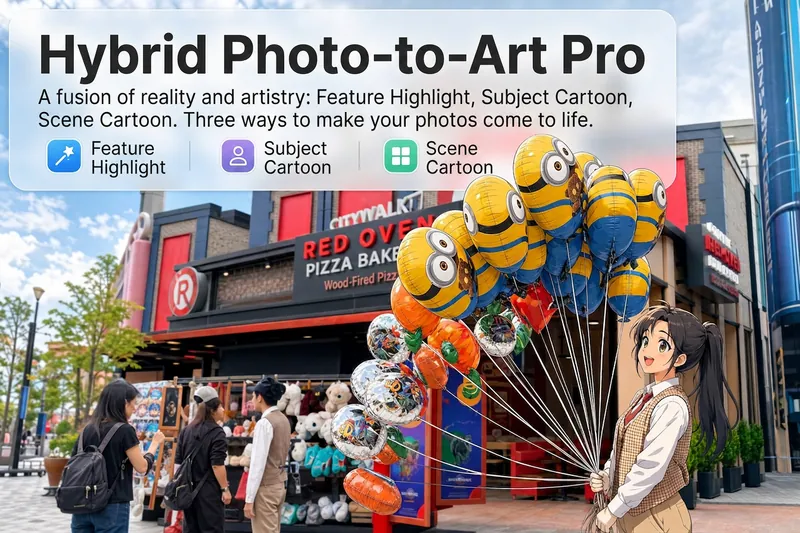
Reality Blend Artist Pro
Upload a photo, and AI first reads it like a visual analyst across five dimensions: what the subject is, how it is composed, its color palette, where the visual focus lies, and what emotion it conveys. It then tells you where a hand-drawn treatment would have the most impact and how to make it look best. Four real-and-drawn blend modes, four ways to play: 🔹 Local Accents — Keep the overall image realistic while AI selects 2–3 local areas to replace with a hand-drawn style. Patterns on a sign, the coffee cup in someone’s hand, or a few flowers peeking out from a flower bed—just enough to give the photo a sense of life. Choose from 4 hand-drawn styles: pencil sketch / watercolor wash / sticker doodle / clay relief. 🔹 Subject Anime — Turn a person, animal, or object into an anime-style subject while keeping the background’s realistic photographic texture. Choose from 5 anime styles: action manga / American superhero comics / Ghibli-style / Korean webtoon / Chinese ink wash. It feels like an anime character has stepped into the real world. 🔹 Environment Anime — Reverse the approach: keep the subject realistic while transforming the surrounding environment into an anime style. The contrast of being in a real world surrounded by a 2D universe is instantly amplified. 🔹 Selective Color Light Trails — Convert the image to black-and-white grayscale while keeping selected objects in their original, highly saturated colors. Clean white detail outlines surround the colored objects, extending into flowing, curling, psychedelic agate-like color trails that naturally follow the scene’s direction. Retro collage × surreal art turns a single photo into a movie poster in an instant. Each mode × 2 blending methods: Gradient Feathering (a natural transition between real and illustrated, like ink spreading through paper) / Hand-Drawn Border (a white outline, like a sticker placed on the image). No blind image generation—you're in control at every step. AI analyzes first → recommends an approach → you confirm → then it generates, helping avoid wasted results. For portrait photos, faces and facial features are automatically avoided and are not replaced with hand-drawn elements. The number of local areas is limited to 2–3, with professional constraints on their position and size—the result is a finishing touch, not a collage. 4 modes · 16 styles · 2 blending methods = 32 real-and-drawn combinations. The same photo can take on completely different moods.
Information
- Version
- v3
- Last updated
- Runtime credits
- Usage-based
- Models
- Auto
- Use cases
- Images & designLifestyle & entertainment
- What you get
- Image
- Visual styles
- Hand-drawnWatercolorAnime
