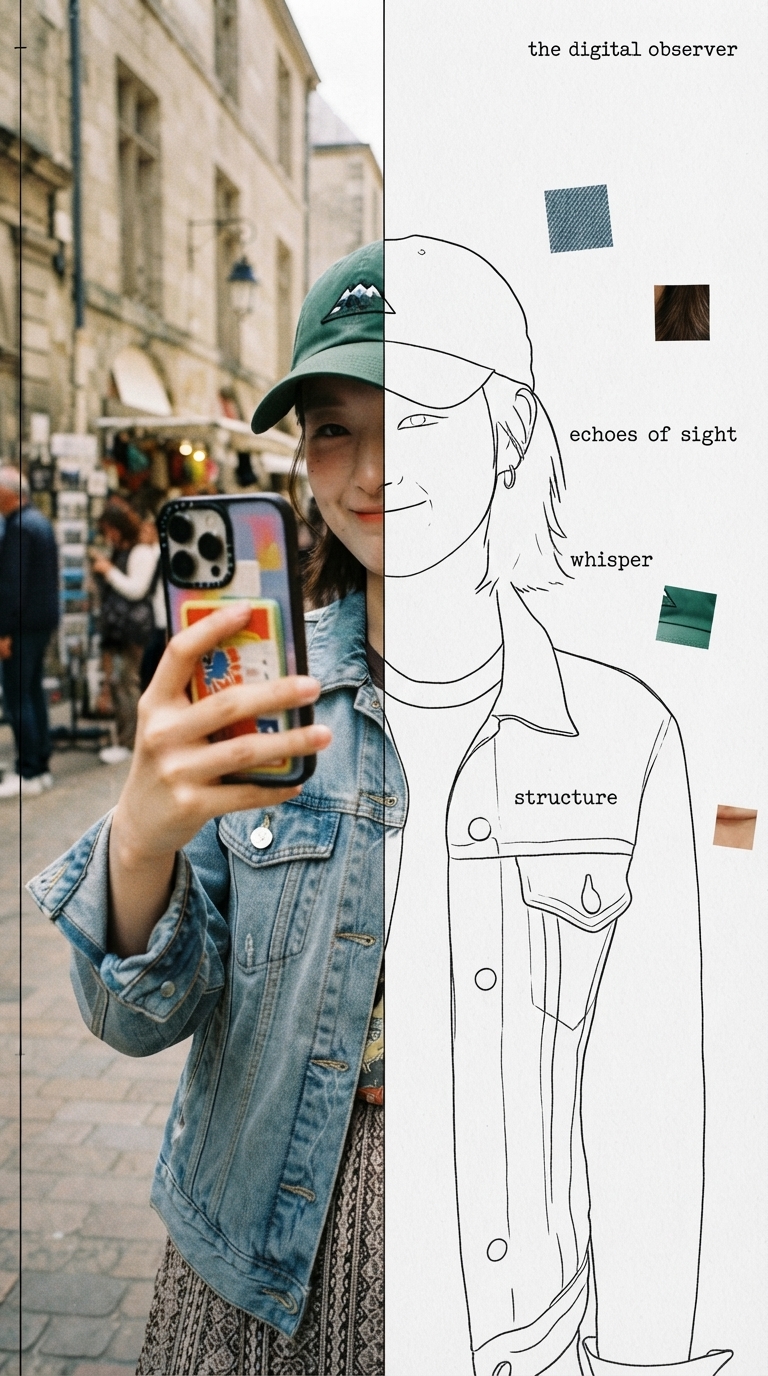
Half Real, Half Outline
Specimen-style editorial poster from one photo
Half Real, Half Outline
Specimen-style editorial poster from one photo
Showcase
Description
Upload a photo to automatically identify the subject and composition, then generate an experimental, specimen-style editorial poster with half a real color photo and half a hand-drawn outline on white paper: the photo area retains its true colors with reduced saturation and a film-grain feel; the white-paper mask area continues the shape of the obscured section with fine, hand-drawn black outline lines, along with 2–4 sensory or evocative keywords, 3–5 colored texture-fragment squares, a vertical binding line on the left, and a small poetic subtitle in the corner. Suitable for portraits, still lifes, animals, plants, and many other types of photos. By default, it follows the original image proportions without changing the aspect ratio, cropping, converting to black and white, or creating an infographic.
Recommended by
Dancang
Why we love this skill
Turns photos into restrained, experimental specimen cards, balancing low-saturation documentary imagery with hand-drawn outlines, precise labels, and floating texture fragments. Composition copy is confirmed before generation for poetic yet rigorous editorial design.
Best for
For creators who want to turn portrait, still-life, animal, plant, or scene photos into experimental editorial posters.
How to use this Skill
Provide your input
Upload a photo, and optionally specify the aspect ratio, masked half, title, or keywords.
Run the Skill
The system analyzes the photo and proposes the poster copy and composition. After you confirm or revise them, it generates the finished poster.
Review your result
Receive a specimen-style poster combining a true-color photo, white-paper hand-drawn outlines, texture fragments, and editorial layout.
Related Skills
View all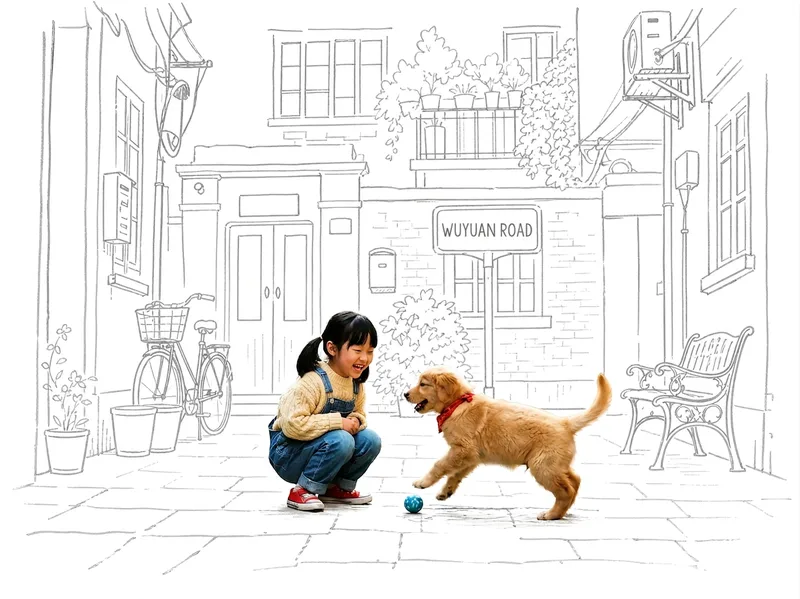 Image
ImagePhoto Meets Hand-Drawn
Turn any photo into a contrast-style poster featuring a photo-realistic subject set against a monochrome, hand-drawn line-art environment: people or other subjects are preserved 100% from the original image—no redrawing, outfit changes, or pose changes—while the surrounding scene and background are translated into casual sketch lines on warm white paper in a single ink color. The default output is a 3:4 portrait layout, with other aspect ratios available on request. Supports single-person photos, group shots, pets, still life, and other non-human subjects, as well as pure landscapes with automatic fallback processing. You can also fine-tune the line-art color, paper background color, amount of whitespace, and line weight while preserving the core structure.
 Image
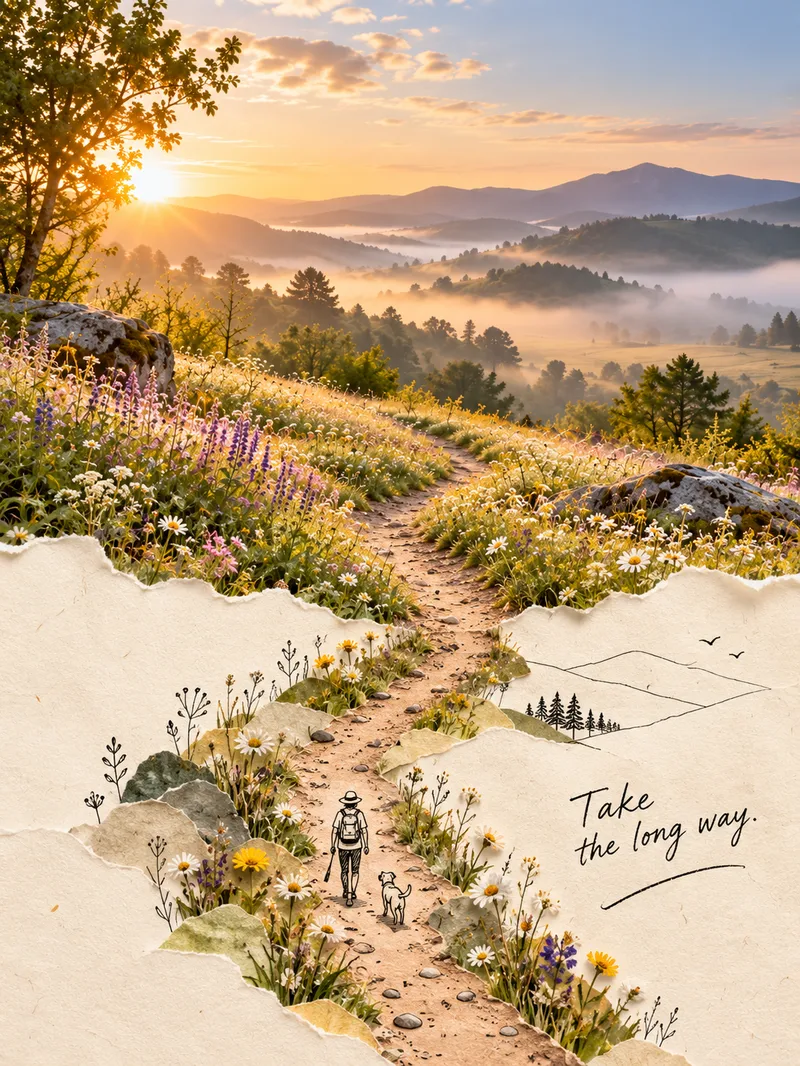
ImageSecond World Photo Posters
Upload an ordinary photo, and the skill will identify its most distinctive visual structure—not its subject—then extend it into a second world. The real-photo area remains 100% faithful to the original colors, lighting, and texture, with no color grading or redrawing, and occupies the main part of the composition—about two-thirds. The other section naturally grows from a warm cream-paper background in soft watercolor or minimalist black line art, creating an organic blend where the real and illustrated areas flow into each other rather than meeting at a clear dividing line. The poster also includes one minimalist line-drawn figure interacting with the structure and a short handwritten caption, resulting in a creative poster with the feel of an independent art magazine or photography book. It covers five approaches: torn-paper extension, watercolor second world, photo × minimalist black line, soft-edge blending, and turning objects into images. The process has two steps: first, review and confirm a creative concept; then generate the image—feeding the real-style anchor image into the image-generation model—and check each element. The skill includes five style anchor images.
 Image
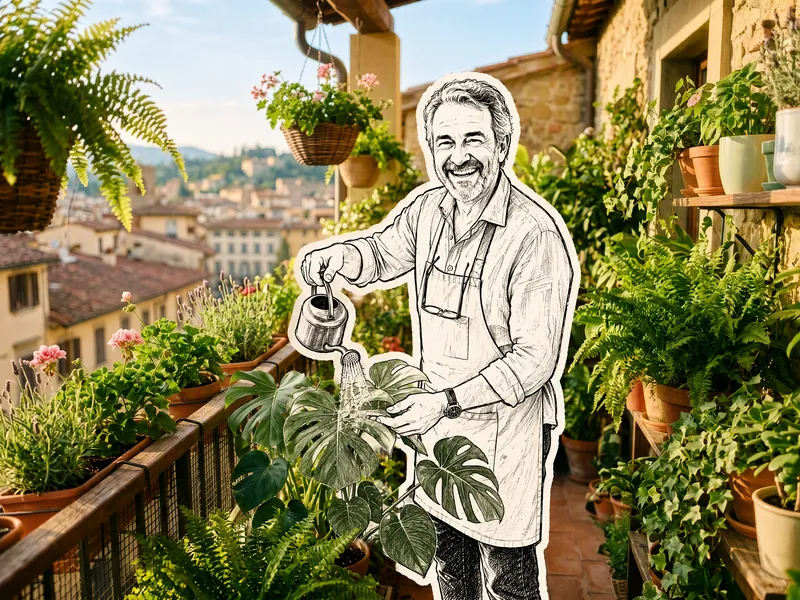
ImageHand-Drawn Doodle Sticker
Upload a photo to transform its subject—a person or pet—into a black-and-white hand-drawn doodle sticker illustration: thick black ink outlines, an off-white fill, sparse crosshatching, subtle line variation, and imperfect hand-drawn strokes. A thick, irregular off-white sticker border is added around the subject's outline. The real environment is preserved in full—furniture, objects, background, lighting, shadows, reflections, materials, camera angle, depth of field, and composition remain exactly as in the original photo. The result is a clean, editorial black-and-white doodle sticker character that blends seamlessly into a completely unedited real-photo background. The style is fixed by default, with optional adjustments to line width, fill color, hatching density, and more.
Information
- Version
- v4
- Last updated
- Runtime credits
- Usage-based
- Models
- Auto
- Use cases
- Images & design
- What you get
- Image
- Visual styles
- EditorialPhotorealisticPaper art
