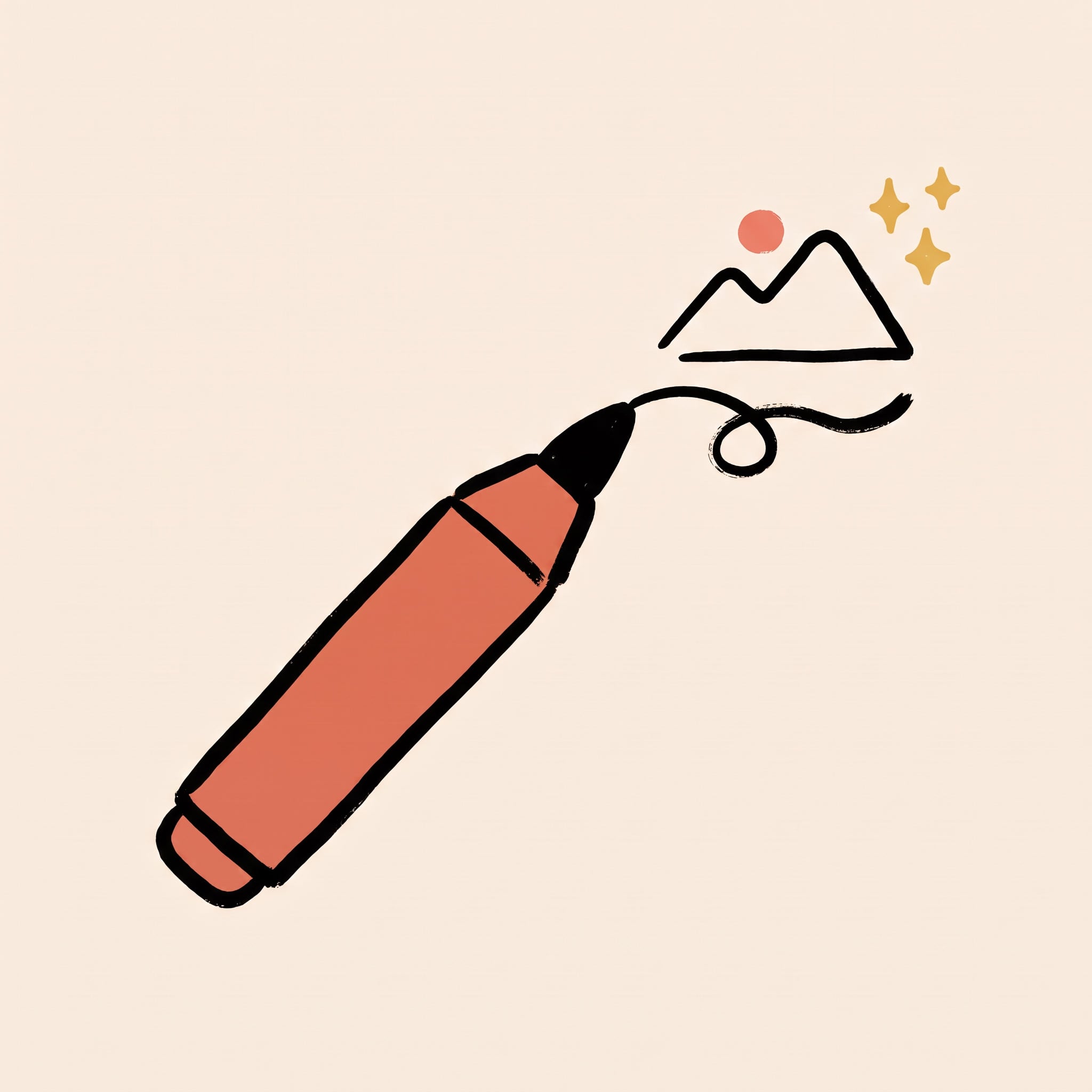
Minimal Hand-Drawn Illustration
Turn ideas into well-composed hand-drawn art
Minimal Hand-Drawn Illustration
Turn ideas into well-composed hand-drawn art
Showcase
Description
Turn articles, summaries, viewpoints, or creative ideas into minimal hand-drawn illustrations. The Skill first confirms the aspect ratio, then distills 3–5 key visual elements, automatically designs the color palette and spatial layout, and uses GPT Image 2 to complete the illustration. It places special emphasis on efficient canvas use and visual hierarchy, avoiding elements that are squeezed into a single line or large areas of empty space. Ideal for blog headers, WeChat Official Account covers, social media graphics, presentations, knowledge diagrams, and conceptual visuals.
Related Skills
View all Image
Semi-Flat Illustration Maker
Have you ever faced challenges like these when expressing ideas visually? Your brand needs a sense of sophistication, but purely flat illustrations feel too thin, lacking warmth and texture? You want to convey product details through a realistic style, but worry the image will become too complex and distract from the content itself? Abstract concepts, emotional stories, or complex ideas never quite look right—either too obvious or too obscure? You search through asset libraries but can’t find visuals that are both modern and elegant, while accurately capturing the core meaning? What we want is a visual language that feels just right—designed yet authentic, simple and powerful yet refined and engaging. Now, all you need to do is enter a piece of text. It will generate a semi-flat realistic illustration that gives your brand, content, or concept a distinctive visual appeal. What is it? An intelligent generation tool that transforms written content into modern, semi-flat realistic illustrations. It thoughtfully combines the clean outlines of flat illustration with the soft lighting and sense of volume found in realistic styles, finding an elegant balance between “too simple” and “too complex.” How does it work? Three simple steps Enter your text—whether it’s a brand story, an emotional monologue, a product description, or an abstract philosophical concept. It captures the core meaning with precision; (Optional) Adjust your composition or color preferences—you can set the direction for the image or let it interpret your input freely; Generate—a carefully composed illustration with sophisticated colors and finely rendered texture appears instantly. No drawing experience is required. You provide what to say; it takes care of how to show it. What makes its visual language distinctive? Outlines, but not flat—It preserves the fresh, modern outlines of flat illustration while using soft shadows and subtle volume to make objects feel dimensional rather than thin; Realistic, but not photorealistic—It avoids excessive photo-level detail, retaining only the warmth created by light, shadow, and materials, so the image feels believable while leaving room for imagination; Clean, but not empty—A pure white background keeps the visual focus on the subject, ensuring the image stays clean, restrained, and centered on the message you want to convey. Every piece strikes a subtle balance between design appeal and storytelling power. Where can it be used? Visualizing brand stories—Modern illustrations tailored to your brand’s character, conveying restrained yet richly textured visual symbols; Illustrating in-depth content—Make articles, reports, or columns less dry by letting images resonate with the words; Product explanations / concept presentations—Transform complex features or abstract ideas into an intuitive, elegant visual language; Decorative art / cover design—Clean, sophisticated imagery that naturally suits books, albums, or interior decoration. What you receive is more than just an image You’ll receive a clean illustration with no text to distract from the image, along with a visual style analysis. It briefly explains why the composition, lighting, and color palette were chosen to reflect your text, helping you better understand the design logic behind the image and making it easier to explain the creative direction to your team.
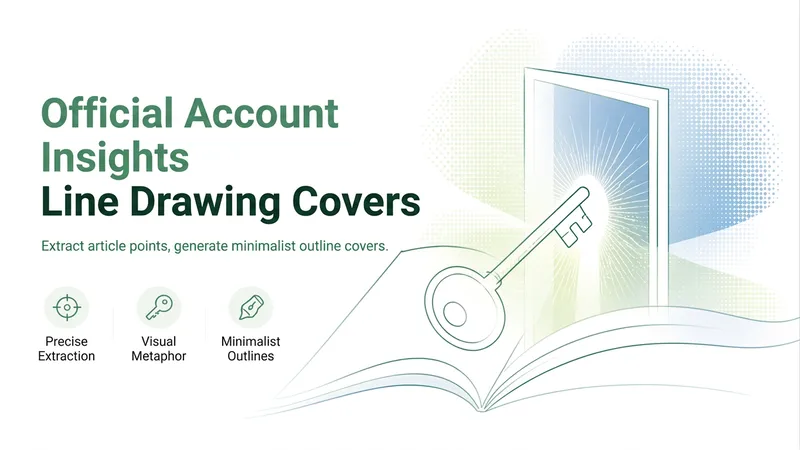
WeChat Line Art Cover
Transforms your article title, theme, core perspective, or text into an accurate and compelling visual metaphor, generating a minimalist line-art concept cover suitable for publication. Rather than simply drawing nouns from the title, it captures the real judgment, conflict, or paradox of the article, presenting a thought-provoking idea through a single core imagery. By default, it outputs an editorial-style illustration with a dark background, fine white lines, and a landscape wide format. The composition is restrained, clear, and retains ample negative space, making it ideal for article covers and mobile browsing. You can directly provide the title or text without describing the visual style; the skill selects object metaphors, character actions, or spatial relationships based on the content, avoiding complex scenes, clichés, and irrelevant decoration. It directly generates one cover by default, and also supports outputting complete prompts for image generation when needed. If you want to change the concept, adjust the aspect ratio, add color, or modify the visual style, you can also specify your requirements directly.
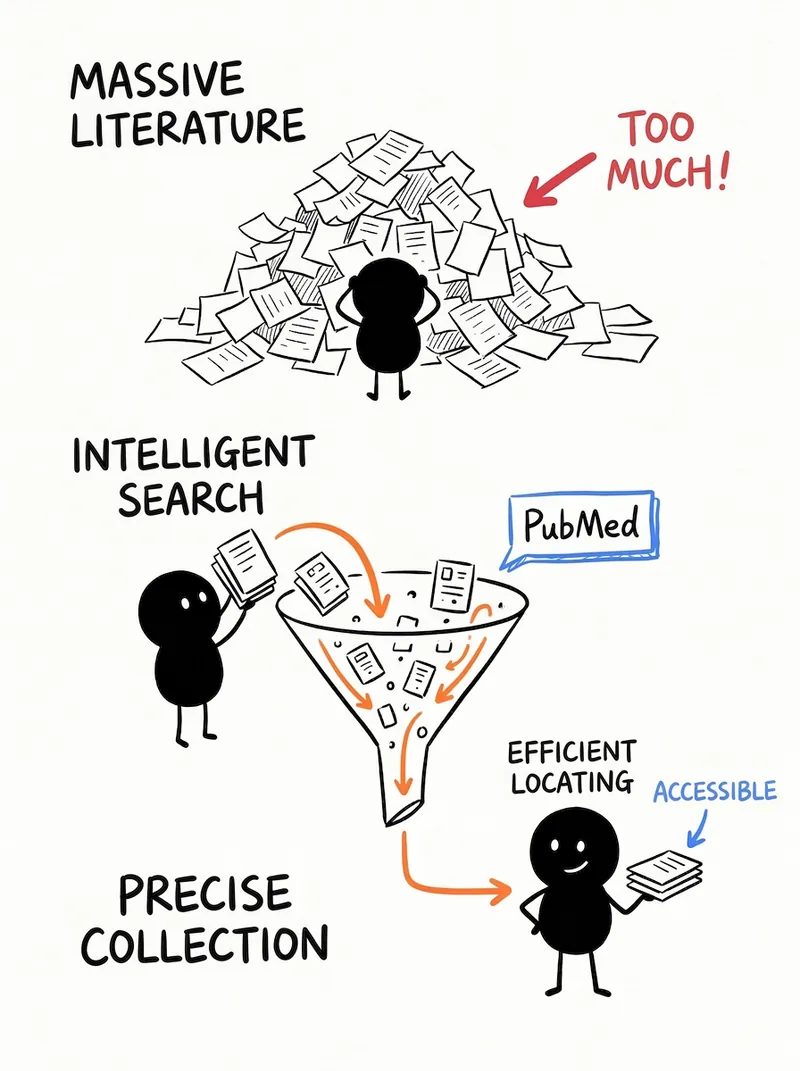 Image
Stick Figure Doodle for WeChat
Turn an article, note, or idea into a hand-drawn doodle concept diagram from end to end. @ a markdown article, or paste a long text/enter a topic in the task box, the skill will automatically read through, extract core ideas and comparison structure. Fixed style: pure black stick figure protagonist + orange and blue highlights + red handwritten annotations, inspired by Christoph Niemann × xkcd × Sketchnote, restrained, humorous, with a charmingly rough feel. Typical use: - Finish a WeChat article, @ it to generate a cover image directly. Suitable for: content creators, knowledge bloggers, independent consultants, product/operations.
Information
- Version
- v5
- Last updated
- Runtime credits
- Usage-based
- Models
- GPT Image 2
