Healing List Graphic Generator
Turn any topic into a warm hand-drawn list
Healing List Graphic Generator
Turn any topic into a warm hand-drawn list
Showcase
Description
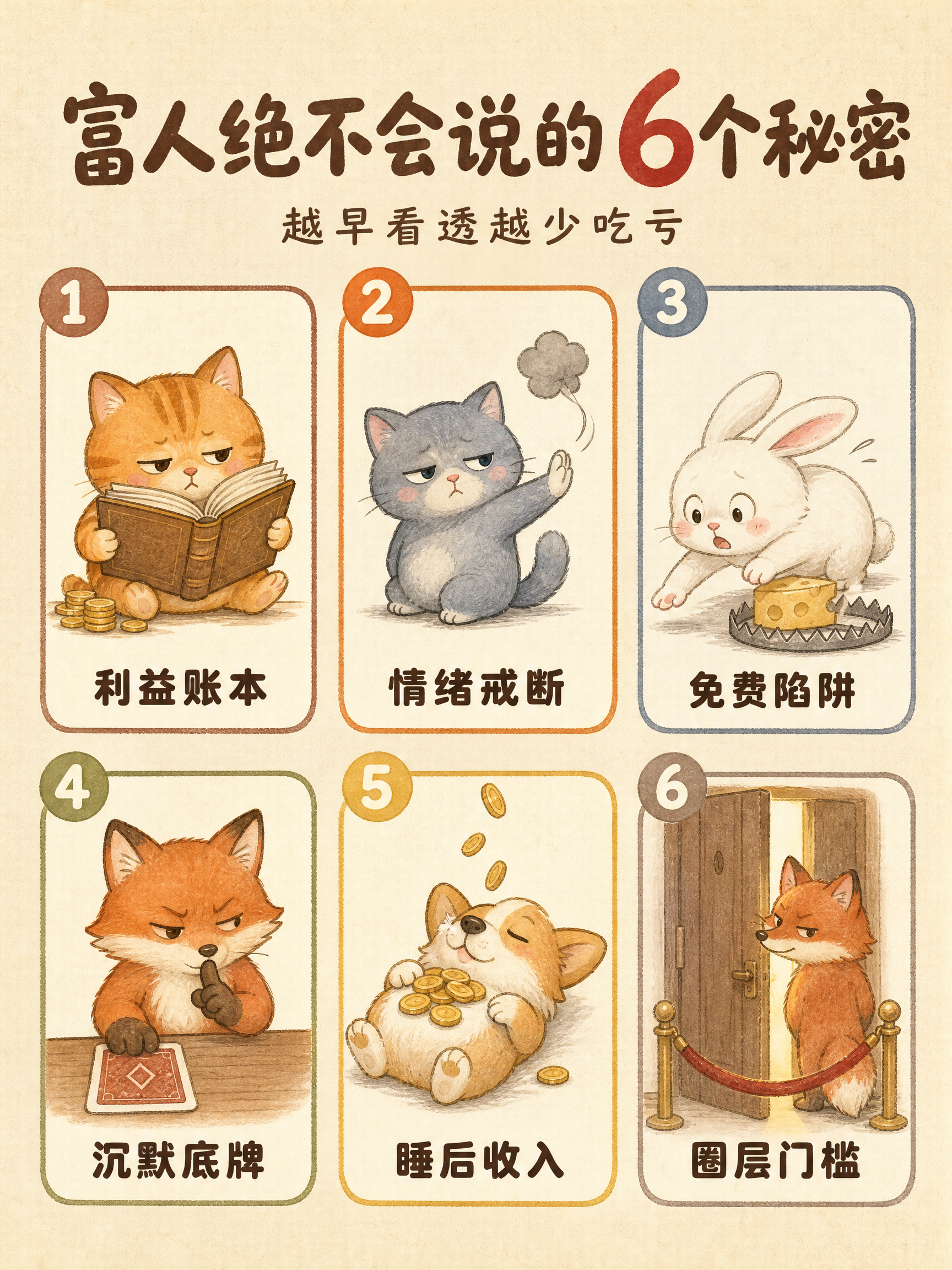
Give it a single sentence, and get a publishable graphic. Say "7 types of people to avoid" or "10 happiest moments in life"—it handles the rest: deciding how many items to include, writing the copy for each point, choosing the layout, and locking in the character and color scheme to deliver a finished product. ■ What the final image looks like Creamy textured paper background + rounded card grids + a chibi hand-drawn illustration per card + 4-6 character tags. Numbers in the title are enlarged and recolored so "8", "7", or "10" stand out at a glance; small green leaves and pink flowers accent the corners in a 3:4 vertical format, ready for RED without cropping. ■ Three pitfalls it helps you avoid · No garbled Chinese text — the title and card tags are crystal clear. · No broken grids — 3 to 12 items have matching layouts, keeping grid sizes uniform. · Consistent character style — create one today and another next week; the character and color palette remain consistent. ■ Adapts to your topic automatically For relationships (types of people to avoid, annoying behaviors) -> uses chibi animals to keep it lighthearted. For daily life (happy moments, healing small things) -> uses the same girl for better user resonance. Deep topics get steady colors, while warm topics get candy colors—no manual selection needed. ■ Who this is for Creators posting daily to maintain follower growth | Solopreneurs managing multiple accounts | Consultants, teachers, and parenting advisors with insights who struggle with design | Beginners starting a side hustle without design skills | Global creators making English and Traditional Chinese content. In short: others give you a graphic, this gives you a sustainable content series. Supports Simplified Chinese, Traditional Chinese, and English. Defaults to a 3:4 vertical format, perfect for RED, WeChat Channels, and Moments without cropping.
Recommended by
Dancang
Why we love this skill
Simply enter a topic to automatically determine item counts, tone, and characters, generating ready-to-publish warm hand-drawn checklist graphics. It integrates copywriting, grid layout, consistent characters, color palettes, and text verification into a stable workflow, excelling at creating cohesive healing visual series.
Best for
Content creators who need to regularly publish list-based graphics but struggle with copywriting, layout, and illustration design.
How to use this Skill
Provide your input
Enter a topic, and you can optionally specify the number of items, character type, tone, header name, or aspect ratio.
Run the Skill
The system automatically extracts the title and item copy, selects the character, color scheme, and grid layout, and generates the complete illustration.
Review your result
Get a warm, hand-drawn list infographic in a default 3:4 vertical format, featuring a title, card illustrations, numbering, and brief labels, ready for publishing.
Related Skills
View all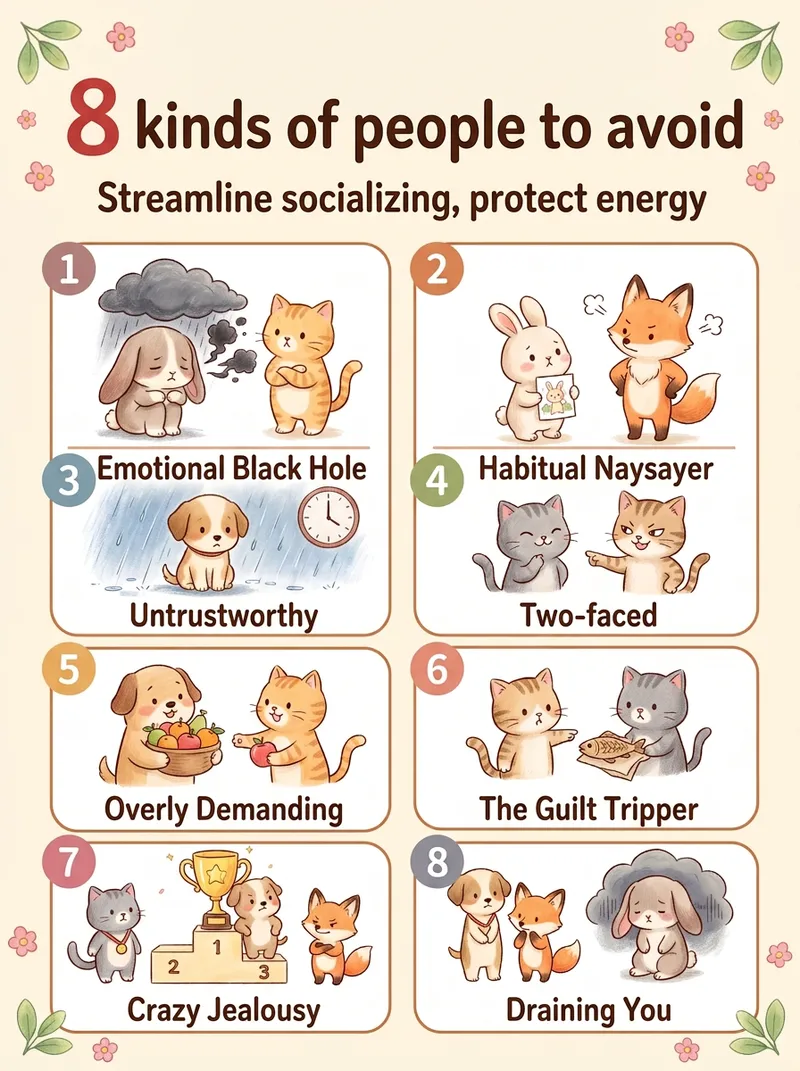 Image
ImageViral Healing List Maker
Best for: 1. Xiaohongshu and Douyin creators who need a steady stream of highly saveable image-and-text posts, especially in the emotional wellness, personal growth, parenting, and workplace niches. 2. WeChat Channels and public account operators who need visuals, cover images, or long graphics for sharing in Moments. 3. Short-form video creators who want to animate each image one by one and turn them into image-and-text videos. 4. Professionals in paid knowledge and private-domain businesses, including counselors, educators, parenting advisors, and career coaches, who use graphics for lead generation and course posters. 5. Multi-account operators who need to create content for several accounts quickly and consistently. 6. Beginners without design skills who want to create side-project content. 7. Creators targeting overseas audiences who use English and Traditional Chinese options to make “Life lessons” content for overseas Chinese communities and English-speaking users. Simply enter a topic, such as “The 10 happiest moments in life” or “7 types of people you should stay away from,” and the Skill will automatically generate a warm, hand-drawn, soothing list infographic. It automatically identifies the number of items and topic type, writes concise copy for each item, matches it to a grid layout, keeps the characters and color palette consistent, and generates the image in one go.
Idea to Infographic
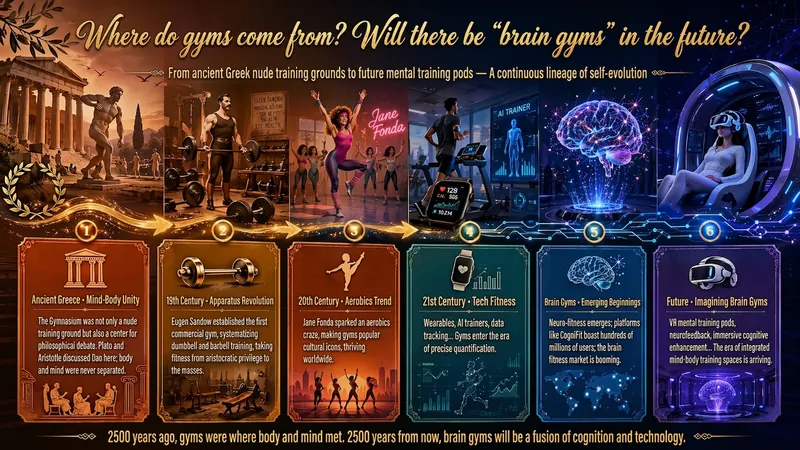
A single image, a single sentence is all it takes. Have you ever had this experience—you have a great idea and want to turn it into an infographic like the ones big accounts post, but: - Open an AI image tool, rewrite prompts over and over, and the result either has terrible layout or completely mismatched style. - Tried several prompt templates, each requiring three or four adjustments, and half an hour later you're still not done. - Want styles like financial literacy, Chinese classic, science, tech... each time you have to research colors and layouts from scratch. Now you don't have to. 「Idea to Infographic」automates all of this: You say "make an emotion management infographic," and it decides whether to use a warm Chinese style or a healing scientific style, searches and organizes core knowledge points, breaks them into 6-8 module cards, assembles the optimal prompt, and quality-checks—if it fails, it automatically redoes; if it passes, it hands it right to you. Four killer capabilities, all built-in: 🧠 **Style Engine** — Not a rigid four-choice. If your topic matches financial literacy, it automatically goes with deep blue gold; if it matches Chinese classics, it uses rice paper and ink; if it matches technology, it uses cyan neon. For topics outside these four? It automatically synthesizes a new style. Coffee encyclopedia → food warm tones; exercise and fitness → vibrant orange gray. No style it can't handle. 🔍 **Content Brain** — You give a word, it searches the web to fill out content; you give a paragraph, it extracts the core; you give nothing but a topic, it organizes everything clearly. All three input methods are supported—the simpler, the more effortless. 📐 **Layout Adviser** — Progressive ladders, side-by-side comparisons, causal chains, overarching-subcategory radiation... Five logical patterns automatically matched. Not just stuffing text into an image, but actually designing an infographic. ✅ **Self-Inspection** — After generating, it automatically checks layout, text density, image-to-text ratio, and style match. If there's an issue, it adjusts and regenerates, up to two times. You don't need to know how to write prompts; you just need to know how to speak. **Who is this Skill for?** - Social media creators who need to produce images daily but don't want to learn design. - Knowledge commerce creators who want to visualize course content but lack a designer. - Corporate trainers who need professional infographics but lack budget for outsourcing. 🔍 - Anyone who wants to turn an idea into a great image. In a word: You have the idea, it has the image. All the hassle in between, it handles for you.
 Image
ImageTurn Photos into Healing Comics
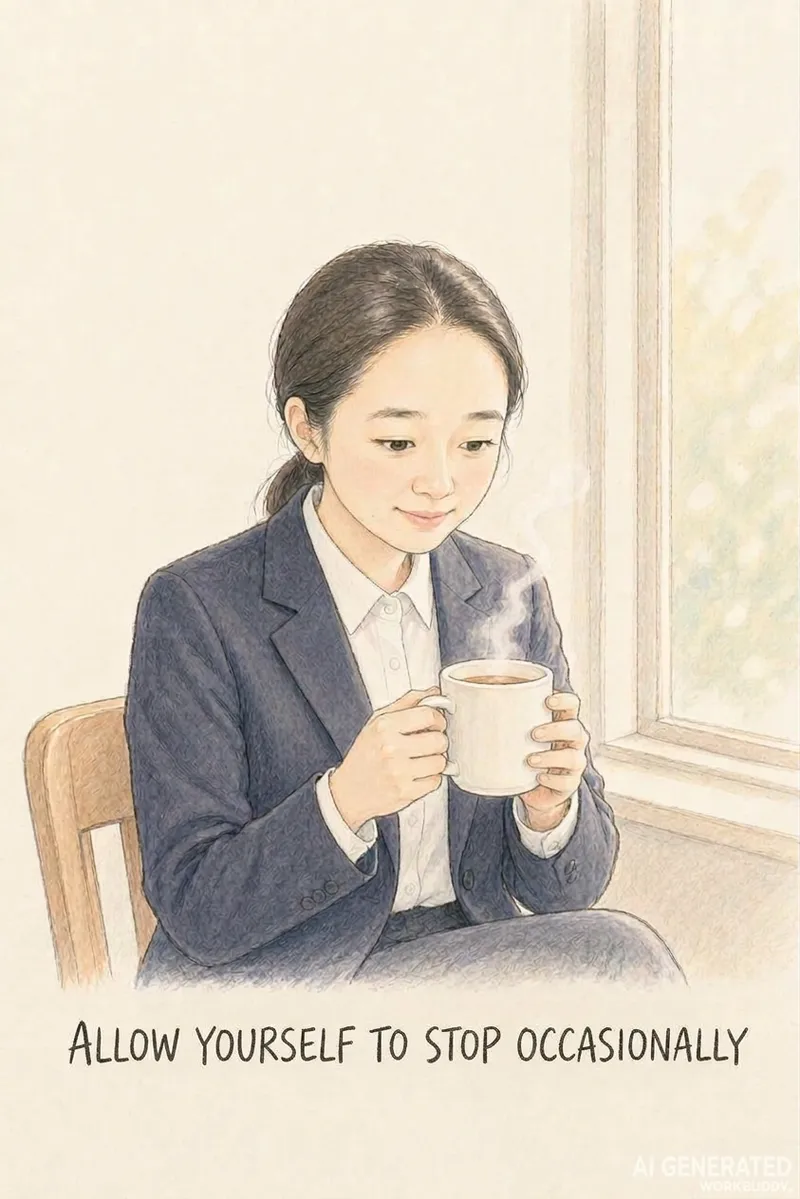
Turn a casual photo into a healing comic post centered around a theme like women's growth or rediscovering oneself. Upload a photo, theme, and content type or size, and the AI automatically generates a complete package with copy and visuals. Use this when users want to turn photos into healing comics, create casual snapshots into posts, make Xiaohongshu content with photos, create healing photo comics, make women's growth posts, turn photos into comic notes, or tell a theme through photos. 1.0.0 Do you ever have a casual photo you want to turn into a relatable post, but get stuck because you cannot draw, cannot write copy, or find that the character's face changes on every page, and memorable quotes just will not fit? This Skill turns 1 photo and 1 theme into ready-to-publish healing comic content, solving three major pain points: 1. **On-point messaging**: You provide a theme like women's growth, rediscovering oneself, or taking it slow, and the AI extracts emotional viewpoints and impactful quotes without making things up. 2. **Consistent faces**: The person in the photo maintains facial consistency across pages so they look like themselves, creating a continuous story unlike standard photo-to-anime tools that only output a single avatar. 3. **Ready to publish**: Generates images in Xiaohongshu 3:4, WeChat long image, or Douyin 9:16 formats without layout issues, featuring clear quotes that are easy to search and share. ✅ Tested example: A plain ID photo becomes Grown-up isn't becoming someone else, it's finding yourself, with a locked-in face across pages—including challenging angles like tilting the head or looking back—with natural poses and embedded quotes, ready for direct publishing. ✅ A guided workflow that utilizes free AI tools to run smoothly without consuming any platform credits. ✅ Includes a 9-page storyboard template, character locking terms, image generation instructions, and a platform size guide so you can replicate results instantly. Ideal for Xiaohongshu users, creators, individuals building a personal healing IP, and reading or personal growth bloggers looking for visual content.
Information
- Version
- v3
- Last updated
- Runtime credits
- Usage-based
- Models
- Auto
- Use cases
- Writing & contentImages & designMarketing & growth
- What you get
- Image
- Visual styles
- Hand-drawnWatercolorCartoon
