
Idiom & Fable Video Maker
Create 15/30-sec idiom & fable storyboards
Idiom & Fable Video Maker
Create 15/30-sec idiom & fable storyboards
Showcase
Description
Quickly turn an idiom, historical anecdote, or fable into a continuous narrative storyboard script ready for video generation. Whether it’s “Waiting by a Tree Stump for a Rabbit,” “Plugging One’s Ears While Stealing a Bell,” “Sima Guang Smashes the Vat,” or an idiom you enter yourself, the Skill reconstructs the story’s setting, character relationships, key actions, and moral, then organizes them into a clear, tightly paced short-video plot. Two versions are provided by default: 15 seconds and 30 seconds. The 15-second version is ideal for quickly presenting the core plot, while the 30-second version adds environmental setup, character reactions, and climactic actions for a more complete and dramatic story. Each shot clearly specifies the emotion, framing, camera movement, and any necessary narration. Characters are given consistent visual traits to help maintain continuity across shots and work with common video generation models. All narration is written in a voiceover format—off-screen narration or spoken character dialogue—so the video model actually speaks the lines instead of rendering them as on-screen text. The default style is cartoon animation, but you can also request ink wash, paper cut, shadow puppetry, realistic, or other visual styles, or ask for only one duration. The final script is written entirely in Chinese and includes the scene atmosphere, character designs, shot descriptions, and continuity requirements. It is suitable for idiom animations, fable stories, Chinese-style short films, and traditional culture videos for children or general audiences.
Recommended by
淡苍
Why we love this skill
Turns idioms and fables into video-ready narrative storyboards with character anchoring, dual 15/30-second dramatic arcs, and voiceover constraints for stronger consistency and usability.
Related Skills
View all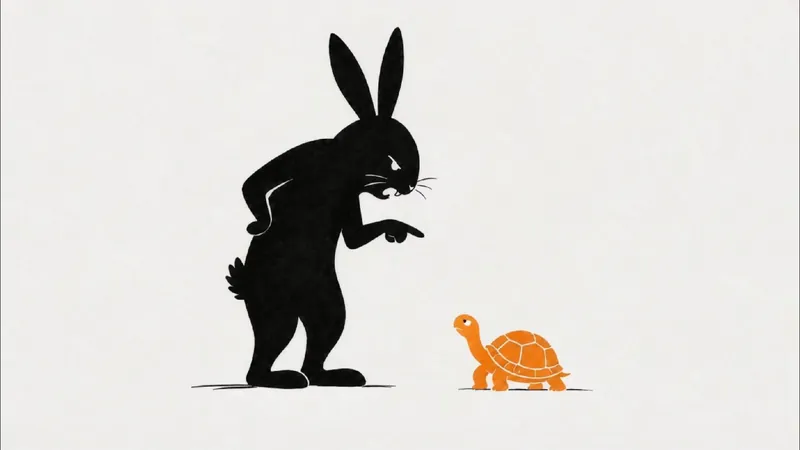 Video
VideoStick Figure Silhouette Gen
Want to present engaging stories like fables, historical anecdotes, or brand stories in a unique visual style? This skill helps you easily create landscape, minimalist stick figure silhouette short video clips. Just input a story theme, and it generates a complete production plan to make your story visually compelling. The skill provides a ~270-word, 45-second narration script for a smooth and expressive story delivery. It also designs 9 storyboard prompts for 16:9 landscape images, guiding AI to produce minimalist line art and silhouette styles with plenty of white space and clear visual focus, evoking a modern, minimal storybook illustration feel. Additionally, you get 9 Seedance 2.0 image-to-video prompts that perfectly match the storyboard, achieving line-by-line drawing and smooth fade-in effects like a whiteboard animation. Whether you're making short story videos, minimalist animations, or need storyboard and video prompts for line art, silhouette, or paper-cut styles, this tool has you covered. It transforms complex story themes into simple, expressive visual narratives that reach audiences in a fresh, artistic way—perfect for fables, fairy tales, anecdotes, or brand stories. You'll receive a complete voiceover script, storyboard cards, generated images and videos, plus detailed assembly tips to efficiently create your video.
AI Video & Storyboard Prompts
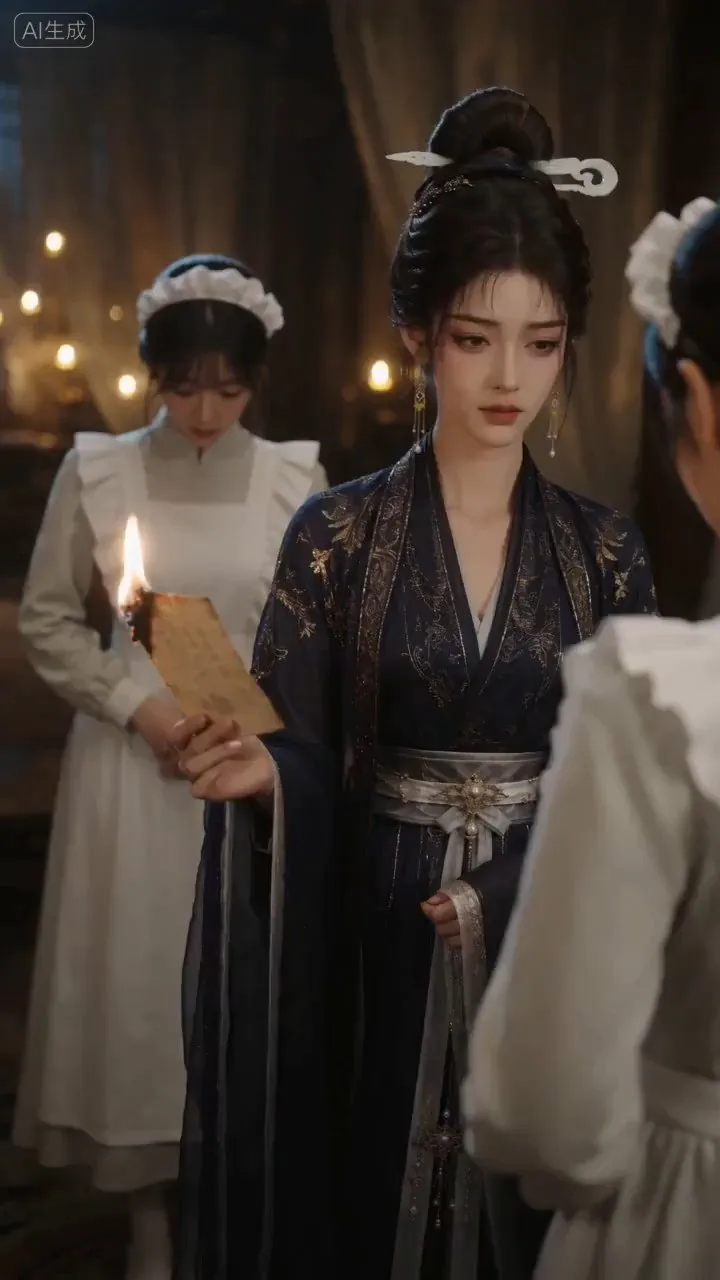
Turn storylines, character profiles, or existing video prompts into professional storyboards and ready-to-use shot prompts for AI video generation. Whether the scene involves contemporary life, historical drama, mystery, romance, or high-payoff drama, the skill focuses on character relationships, pacing, and emotional hooks. It clearly defines shot scale, camera position, perspective, camera movement, composition, lighting, ambient sound, and dialogue, giving every shot a clear visual focus and actionable movement. The skill pays close attention to character consistency and scene continuity. It helps lock in each character’s appearance, clothing logic, identity and status, and defining details, reducing generation issues such as facial changes, visual drift, spatial confusion, and unclear actions. A character’s gaze, expressions, breathing, hand movements, and physical reactions are also translated into visible performance changes, strengthening conflict, tension, twists, and emotional progression. You can start with a complete storyline or provide existing character assets, storyboards, or prompts for targeted optimization. When you already have an established character profile, it can be reused directly to avoid redesigning it. The complete sequence can then be organized into clips of 15 seconds or less for generation with mainstream AI video models, while preserving visual, audio, and duration details for easy copying, use, and further editing.
A Life in One Continuous Shot
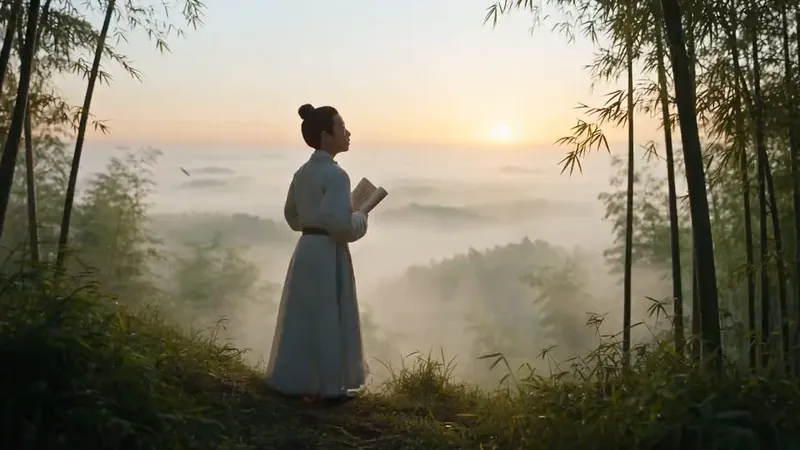
Condense the life of an ancient historical figure into a cinematic, 30-second, one-continuous-shot biographical video prompt, ready for use with video models that support native audio generation. Whether the subject is Li Bai, Yue Fei, Sima Qian, Wang Yangming, Li Qingzhao, Leonardo da Vinci, or another historical figure, the prompt draws from their documented life and presents a continuous journey from youth to old age. As the camera moves, the subject naturally evolves in appearance, build, hairstyle, clothing, status, temperament, and the objects they carry. The script emphasizes a true long-take experience: the camera continuously circles, tracks, dives, or moves through the scene, while transitions between life stages are achieved through physical occlusion and replacement using bamboo shadows, banners, corridor columns, moonlight, mist, scrolls, and other elements in the setting. This avoids abrupt jump cuts and creates a coherent chain of visually and causally connected transformations. Each stage incorporates the year, age, environment, historically accurate clothing and props, and active physical movements, ultimately coming together as a complete life epic. The skill also selects historically documented poems, famous quotations, or recorded remarks associated with the subject, weaving them into a spiritual arc from departure and hardship to awakening and final destination. These are paired with classical-style narration, ambient sound effects, and background music suited to the figure’s character. The default approach combines cinematic realism with classical Chinese aesthetics, while also supporting visual style adjustments such as ink wash, gongbi painting, paper cutting, shadow puppetry, and 3D Chinese animation. It is suitable for video scripts about biographies of ancient figures, a person’s entire life, and epic life stories.
Information
- Version
- v6
- Last updated
- Runtime credits
- Usage-based
- Models
- Auto
