Image Text Recognition
Image Text Recognition
Showcase
Description
Extracts text from screenshots, photos, and document images while preserving reading order, and organizes the content into tables or summaries.
Best for
Users who need to extract text from screenshots, photos, or document images and organize the information.
How to use this Skill
Provide your input
Upload screenshots, photos, scans, or other images containing text, and optionally specify the processing order or formatting.
Run the Skill
Recognizes visible text in the image while preserving reading order and original structure where possible, clearly marking unclear or obscured content.
Review your result
Provides the recognized raw text first, then organizes the content into a table or concise summary without adding facts not present in the image.
Related Skills
View all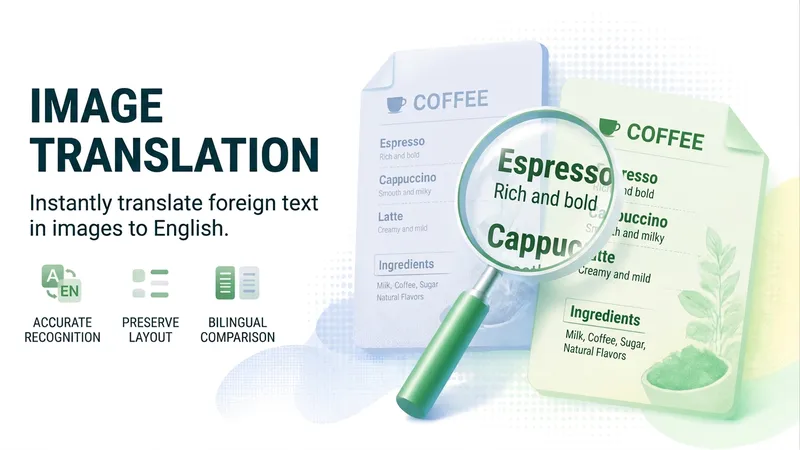
Image Translation
From overseas shopping manuals and foreign menus to street signs and ingredient labels, encounter foreign text with ease. Image Translation recognizes text and layout in images, translates them into Chinese in their original order while preserving tone and professional terminology, and provides bilingual comparisons. Strict rules: Medical, legal, and contract contents must be marked for human review; original meanings are never altered; and official documents are translated without modification.
General Text Recognition (PaddleOCR)
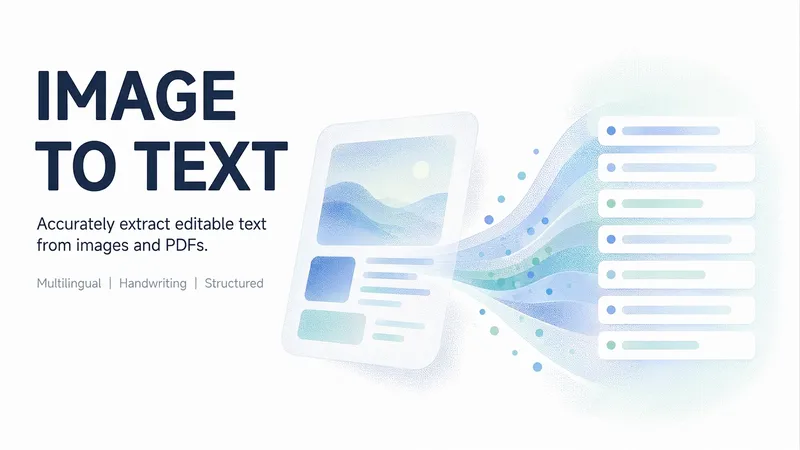
A general-purpose OCR skill for converting images and PDFs into structured text, powered by PaddleOCR (the PP-OCRv5 general text recognition pipeline). It supports multiple languages, including Chinese, English, and Japanese, as well as mixed-language content, printed text, and handwriting. The skill automatically matches the language and OCR version, selects the appropriate inference device and model tier, and enables preprocessing modules such as document orientation classification and text image correction when needed. It outputs recognized text, text box coordinates, and confidence scores. Suitable for document digitization, receipt recognition, and extracting text from screenshots.
 Image
Batch Article Illustration 2.0
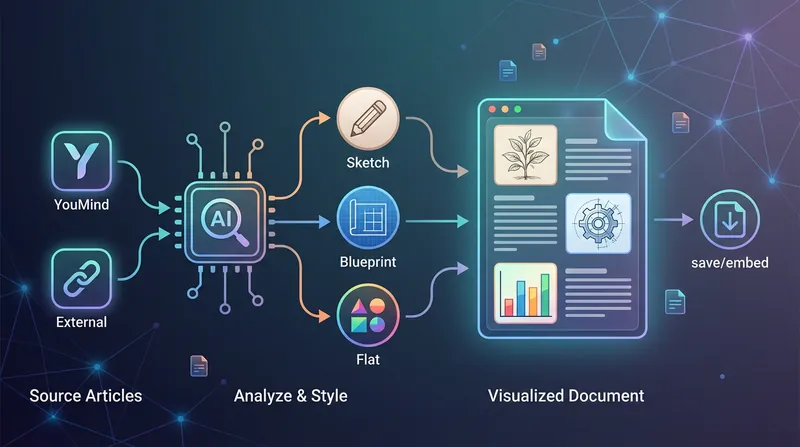
This is an intelligent visual enhancement tool designed for content creators. It deeply understands the flow of your text and automatically creates high-quality supporting illustrations for key paragraphs of your articles. Whether your content resides in a personal knowledge base or you need to process externally imported long-form articles, it accurately identifies core concepts, turning abstract text into concrete visual language and significantly improving the reading experience and shareability of your content. The tool offers three distinct visual styles to suit different creation scenarios: a fresh and lively minimalist hand-drawn style fits essays and popular science; a rigorous and professional architectural blueprint style is the ideal choice for technical documents and research reports; and a modern flat illustration style perfectly matches the aesthetic needs of social media accounts and knowledge notes. For long-form content, it also intelligently suggests illustration layouts to ensure a reasonable visual distribution with key points highlighted. During generation, you can flexibly choose how images are produced. You can have the generated illustrations seamlessly embedded directly into the original document paragraphs for automated layout, or you can opt to receive a standalone image resource package for manual distribution. This end-to-end collaboration, from content analysis to visual generation, makes your writing more impactful and complex ideas instantly clear.
Information
- Version
- v2
- Last updated
- Runtime credits
- Usage-based
- Models
- Auto
- What you get
- DocumentData
