Image Noise Reducer
Remove noise from AI images and refine texture
Image Noise Reducer
Remove noise from AI images and refine texture
Showcase
Description
You finally tweaked an image to perfection, only to find the details look mottled and noisy? That is a common issue with AI generation. This Skill helps you remove annoying noise without changing the original content, making skin, clothing, and environment textures smoother and more refined.
Recommended by
Dancang
Why we love this skill
Designed specifically for post-generation cleanup, this Skill removes blotches, noise, and fragmented details while preserving your original content and realistic textures. It unifies large color blocks, outlines, edges, and lighting for a clean, smooth image that retains its depth.
Best for
Ideal for creators looking to clean up AI image noise, unify visual texture, and keep the original content.
How to use this Skill
Provide your input
Provide an image that needs its detail texture optimized.
Run the Skill
Cleans and smooths the image to reduce mottled noise and cluttered textures while preserving the original content and scene.
Review your result
Receive an image with a cleaner look, sharper edges, and smoother color transitions.
Instructions
The overall image must be clean, smooth, and unified, emphasizing large color blocks and overall outlines, with sharp, clean edges, smooth and soft color transitions with a halo effect, and continuous, crisp lines. Clean, smooth surfaces, minimized textures, natural and soft shadows, clear large shapes, low micro-details, and smooth rendering. Ultra-high detail, Leica quality; smooth shadows, soft lighting, controllable detail, minimized textures, high clarity, refined edges, smooth gradients. Avoid fine noise, high-frequency textures, dirty grains, and dense small decorations. No noise, grain, artifacts, high-frequency details, dirty textures, over-sharpening, mottled patterns, or chaotic details. No brush texture, no visible brushstrokes, and no fragmented details. Preserve the realistic texture and details of the scene in the original image.
Related Skills
View all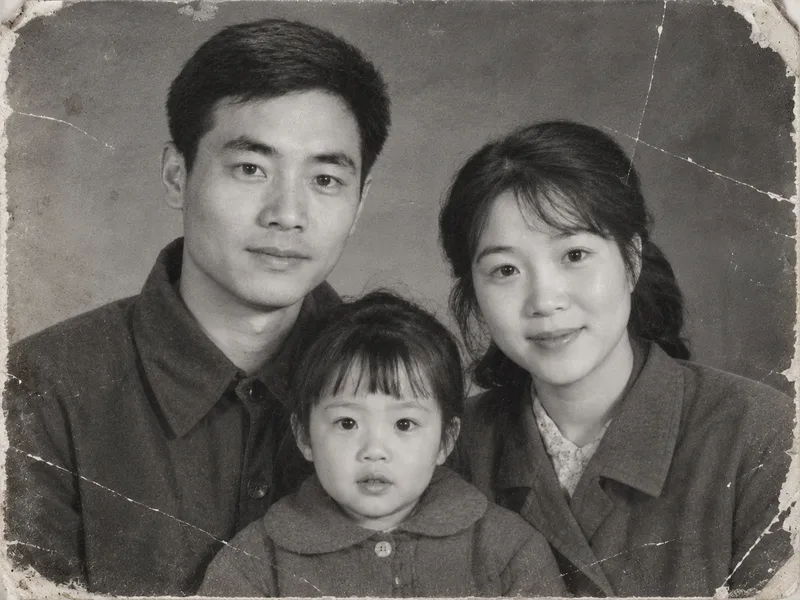 Image
Vintage Photo Restoration and Colorization
Transform black-and-white, yellowed, blurry, or damaged vintage photos into high-definition, natural color images. Remove scratches, creases, cracks, mold, stains, water damage, noise, and yellowing. Repair damaged corners and missing edges, rebuild clear facial details, hair strands, and clothing textures, and correct exposure and lighting contrast while applying reasonable, period-appropriate coloring based on ethnicity, clothing style, and era. Strictly lock facial structures, facial proportions, expressions, age traits, hairstyles, poses, and positioning of all subjects in the original photo, while keeping the composition, shooting angle, number of people, clothing styles, background objects, and scene layout unchanged. No face-swapping, no heavy beautification, no adding or removing people or objects, and no modern alterations. By default, it uses the image generation model with the highest fidelity to the reference image. The default output is one image per original photo with an aspect ratio matching the original. Clothing colors, background colors, and overall tones can be specified manually. Supports both single-image touch-ups and batch processing for multiple vintage photos.
 Image
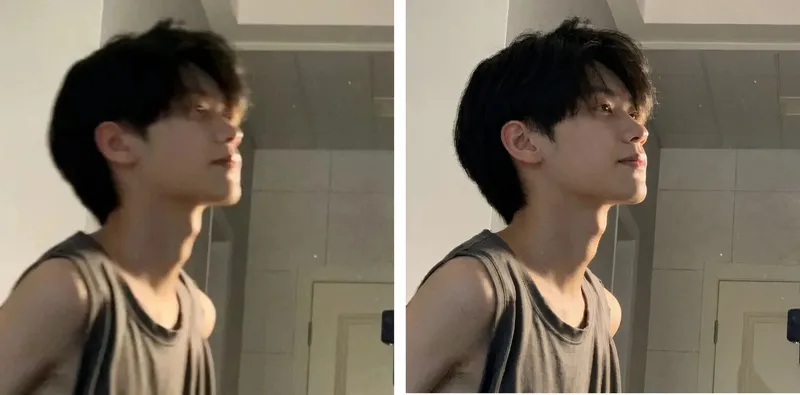
Blurry Photo Deblurer
Upload a blurry portrait, party snapshot, low-resolution mobile photo, or video screenshot to enhance image clarity using a professional restoration process, improving noise, compression artifacts, and local details. Using the original image as a visual reference, it prioritizes preserving the subject's true facial features, face shape, skin tone, perceived age, hairstyle, expression, clothing, and background. It maintains the original aspect ratio by default and supports custom output frames as needed. Suitable Subjects & Scenarios General Users: Party group photos, travel snapshots, and blurry mobile photos. Family Users: Family commemorative photos, friend group photos, and old photo quality enhancement. Photographers & Retouchers: Initial client photo enhancement and low-resolution material optimization. Self-Media Creators: Short video screenshots, social media avatars, and cover portrait materials. E-commerce & Design Professionals: Portrait material optimization and promotional image clarity enhancement. Content Studios: Batch material pre-screening, standardized restoration workflows, and post-production assistance.
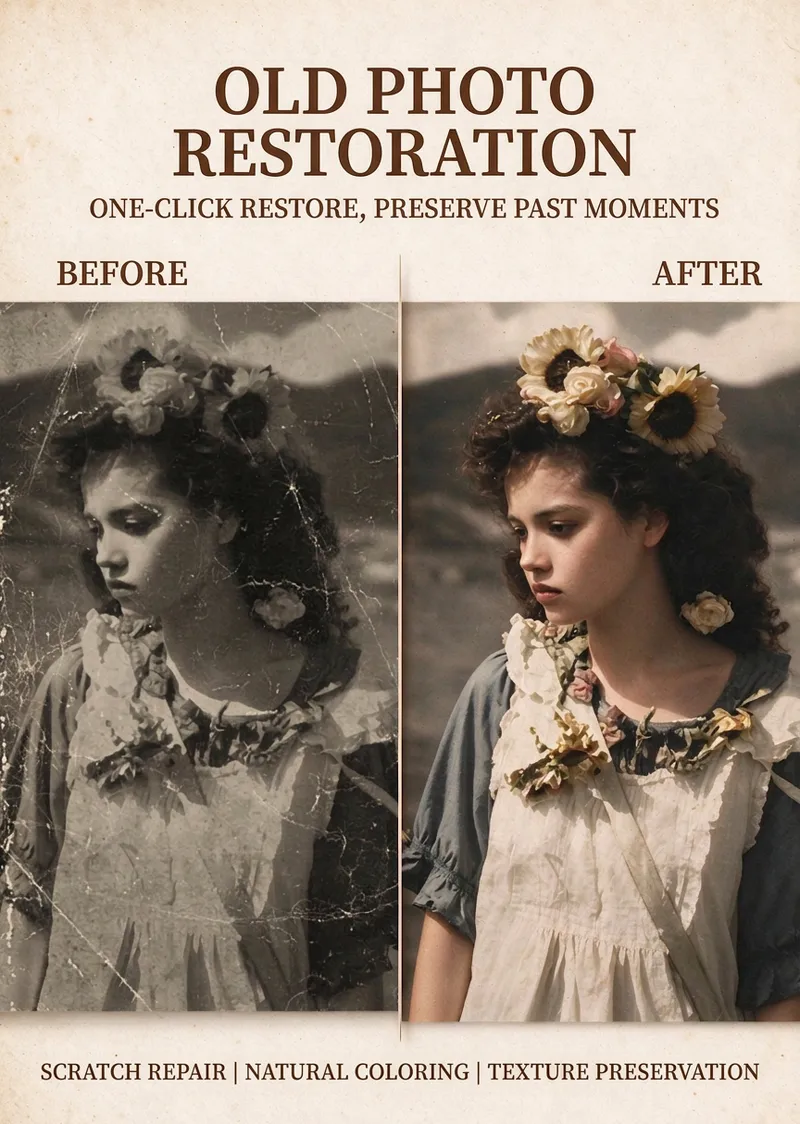
Vintage Photo Restoration
Restore clarity and life to yellowed, black-and-white, or damaged old photos while preserving their original vintage feel, facial features, and authentic memories. It is ideal for family photos, historical images, and old color photos from the 1970s, 1980s, and 1990s. The focus is on repairing scratches, cracks, mold spots, white dots, noise, and mild blur without altering face shapes, facial proportions, expressions, poses, or composition, nor adding extra people or background elements. For photos needing color, the result features a low-saturation, warm, and natural retro tone, presenting credible skin tones, clothing, and environmental colors matching the photo's era. Areas without clear evidence are kept restrained to avoid overly vibrant, heavily beautified, or distorted plastic looks. Clarity enhancement moderately preserves film grain while improving facial features, hair, and fabric textures. Missing or severely blurred details are not arbitrarily invented. After use, you will receive a concise restoration summary and the restored or colored image. You can request further adjustments, such as repairing without coloring, reducing saturation, or fixing damage without enhancing clarity. If faces are severely damaged and unrecognizable, limitations in completing them will be clearly noted.
Information
- Version
- v6
- Last updated
- Runtime credits
- Usage-based
- Models
- Auto
- Use cases
- Images & design
- What you get
- Image
