Turn Images into Bead Patterns
Create bead patterns from photos or character art
Turn Images into Bead Patterns
Create bead patterns from photos or character art
Showcase
Description
Upload any image to automatically analyze it and determine whether a beginner or advanced bead pattern is more suitable, with an explanation of the reasoning and a confirmation step. Generate a visual bead pattern image you can follow directly, and optionally add color-code references, bead lists, and assembly steps.
Related Skills
View all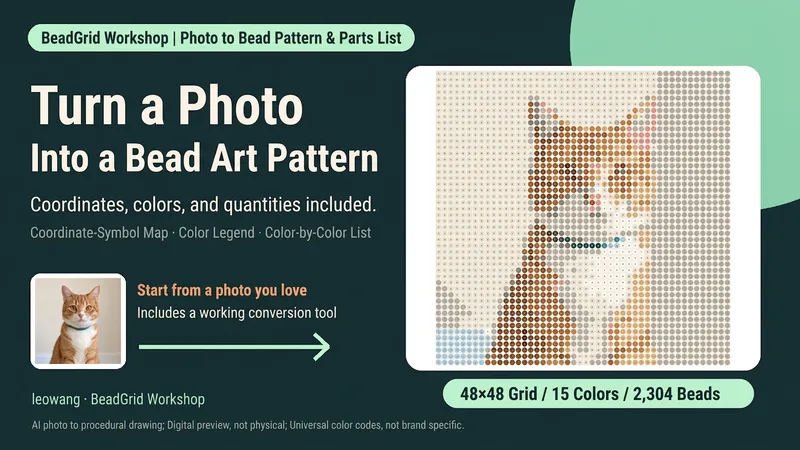
Photo to Bead Pattern
Want to turn a favorite photo into a bead design but unsure how many grid cells, colors, or beads you need? Upload a clear photo, set the crop, grid, and palette, and generate a bead pattern with row and column coordinates and symbols, a color legend, and a per-color bead list. You’ll also get pixel previews, a numbered-bead preview, row-by-row ranges, and a reproducible matrix. Suitable for bead-art beginners and craft enthusiasts. Includes a Python conversion tool, defaulting to 48×48 and up to 16 colors. Actual pattern generation requires a runnable Python and Pillow environment that can read the attached files; copying the instructions alone will not install the tools automatically. Without execution capabilities, it provides the parameters and a run plan, and clearly states that the pattern has not yet been generated. Default color numbers are general-purpose numeric identifiers, not physical color codes for a specific brand; backgrounds are not removed automatically. Opaque backgrounds are included in the quantity count. Physical assembly, color differences, and ironing have not been tested. Product design and workflow: leowang.
 Image
ImageViral Fuse-Bead Pattern Poster
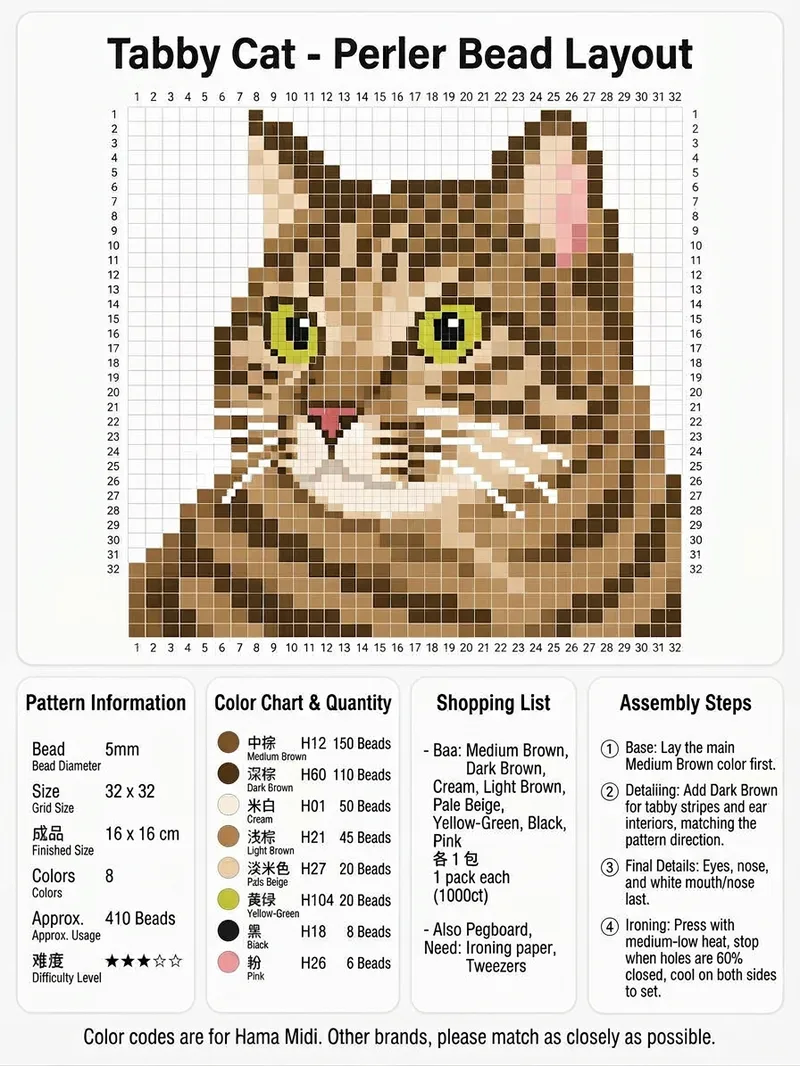
Upload an image of a person, animal, or object to get a complete fuse-bead pattern information poster. It converts the clear subject into a pixel grid and labels sequential row and column coordinates around the pattern, making it easy to place 5 mm fuse beads by square. It is suitable for creating Perler or Hama fuse-bead projects. The poster brings together the pattern dimensions, finished size, difficulty, number of colors, and total bead count. For each color, it includes a color swatch, color name, Hama Midi color code, and estimated bead count, along with purchasing suggestions and a tool checklist covering the baseplate, ironing paper, tweezers, and more. It also includes guidance on assembly order, facial features, reinforcing fragile areas, and ironing and shaping the finished piece, making it easy to save, share, and follow directly. Everything is combined into one clean vertical information poster. For other brands, choose colors with similar codes.
 Image
ImageFuse Bead Pattern Generator
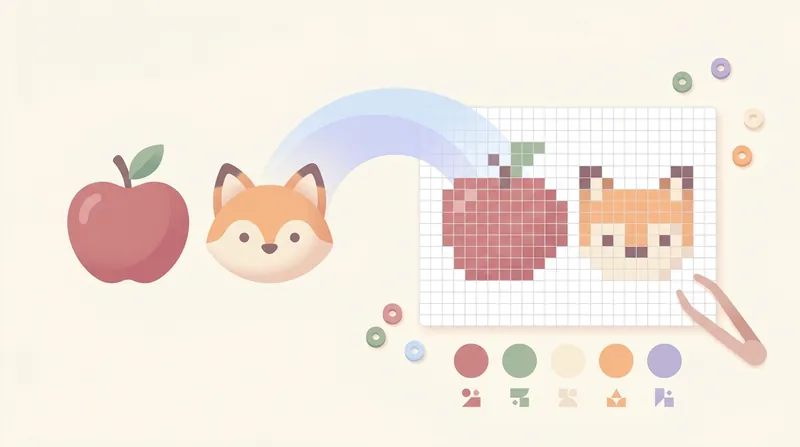
Convert cartoon images into fuse bead patterns, generating pixelated designs with a dual grid line system (darkened every 5 cells) and MARD color code palette.
Information
- Version
- v4
- Last updated
- Runtime credits
- Usage-based
- Models
- Auto
