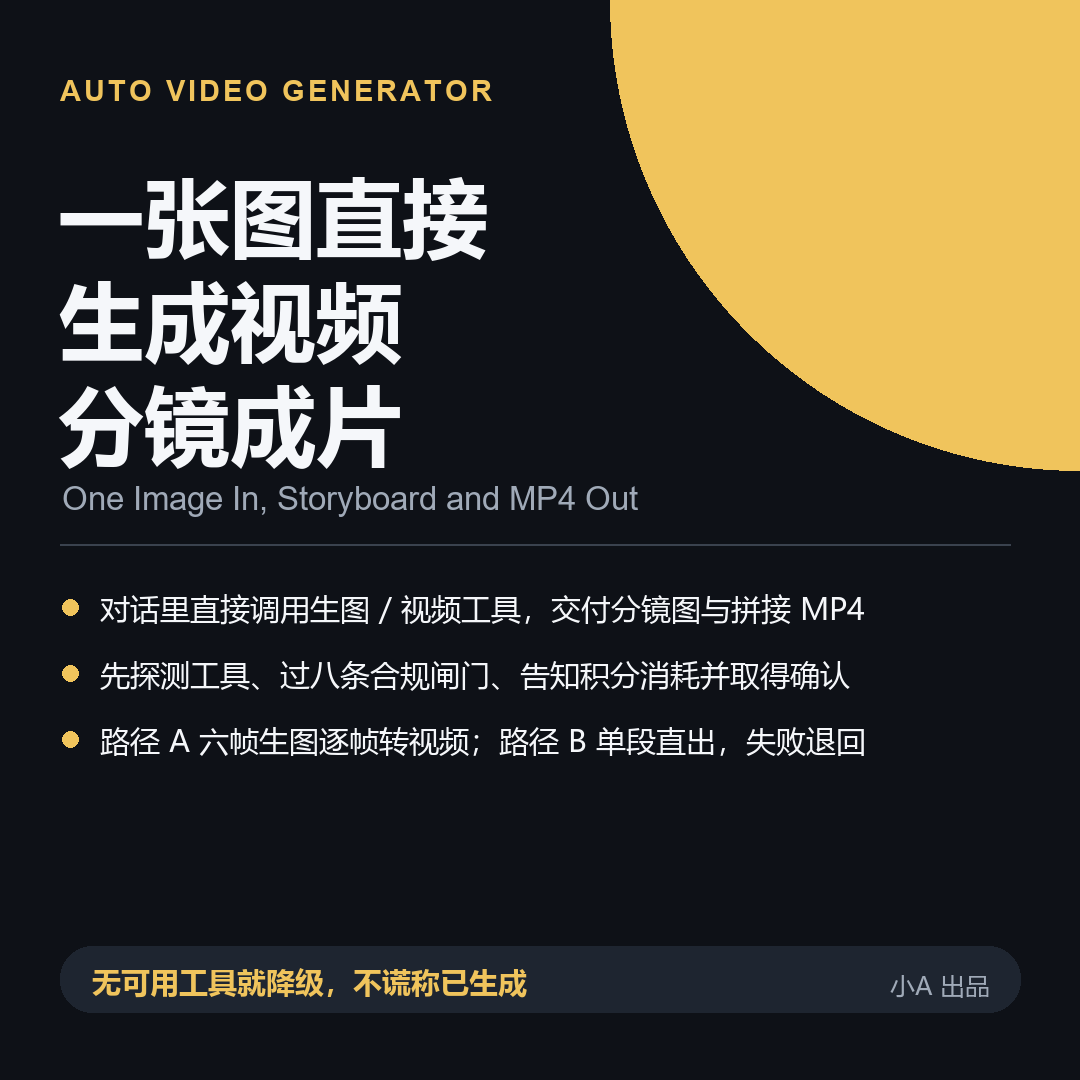
Single-Image Video Generator
Upload an image to auto-generate videos
Single-Image Video Generator
Upload an image to auto-generate videos
Showcase
教堂活动棒球帽短视频
教堂社区活动中的 JESUS 棒球帽
Description
Upload an image and directly invoke available image and video generation tools in the chat to automatically produce storyboard first-frame images, convert frame by frame into video, and stitch them into an MP4. It first detects tool capabilities, passes eight compliance gates, informs you of credit consumption and obtains explicit authorization before generating. It supports Path A (generating storyboards first then converting to video) and Path B (direct single-segment output), and can batch-produce videos for multiple neutral characters from a single image. If no tools are available, it degrades gracefully to a prompt package.
Recommended by
Dancang
Why we love this skill
It actually advances a single image all the way to storyboards, video, and final delivery rather than stopping at prompts. With tool detection, compliance gates, and explicit authorization as prerequisites, it balances subject consistency, credit limits, and failure control for creators who need auditable, actionable video output.
Related Skills
View all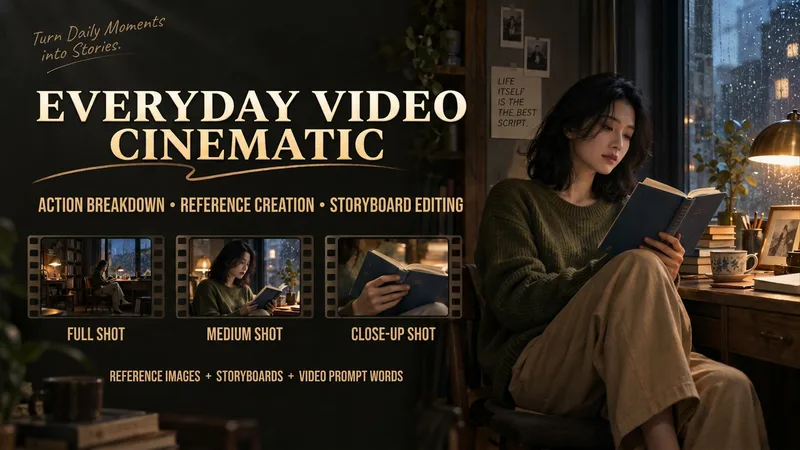
Make Everyday Video Cinematic
Provide everyday footage, ordered keyframes, or action descriptions, and tell it the mood you want. The basic deliverables are an event chain, cinematic storyboard, reference-material mapping, platform-neutral video-generation prompts, and review notes. Reading the original video, creating reference images, and generating the finished video continue according to the tools supported in the current environment. This version has not yet been fully tested with complete tasks in YouMind. The Skill first separates confirmed visual information, user-provided details, and unknown elements. It organizes the people, settings, and key objects, then redesigns the shots, pacing, lighting, and color. When it cannot read the footage, it guides you to provide keyframes and action descriptions. It focuses on checking whether people change appearance, whether extra props appear, whether action cause and effect is altered, and whether positions still connect after a cut. It is suited to everyday creators who want to give life moments, pet stories, and small shop stories a stronger narrative feel. When the environment supports image generation, it directly creates and checks reference images. When it supports a video-generation tool with the relevant reference inputs, it can continue to generate and review a short clip. Without the corresponding tools, it clearly delivers the completed plan and materials for external generation. Actual image and video generation capabilities, available parameters, and resource usage depend on the current environment.
 Video
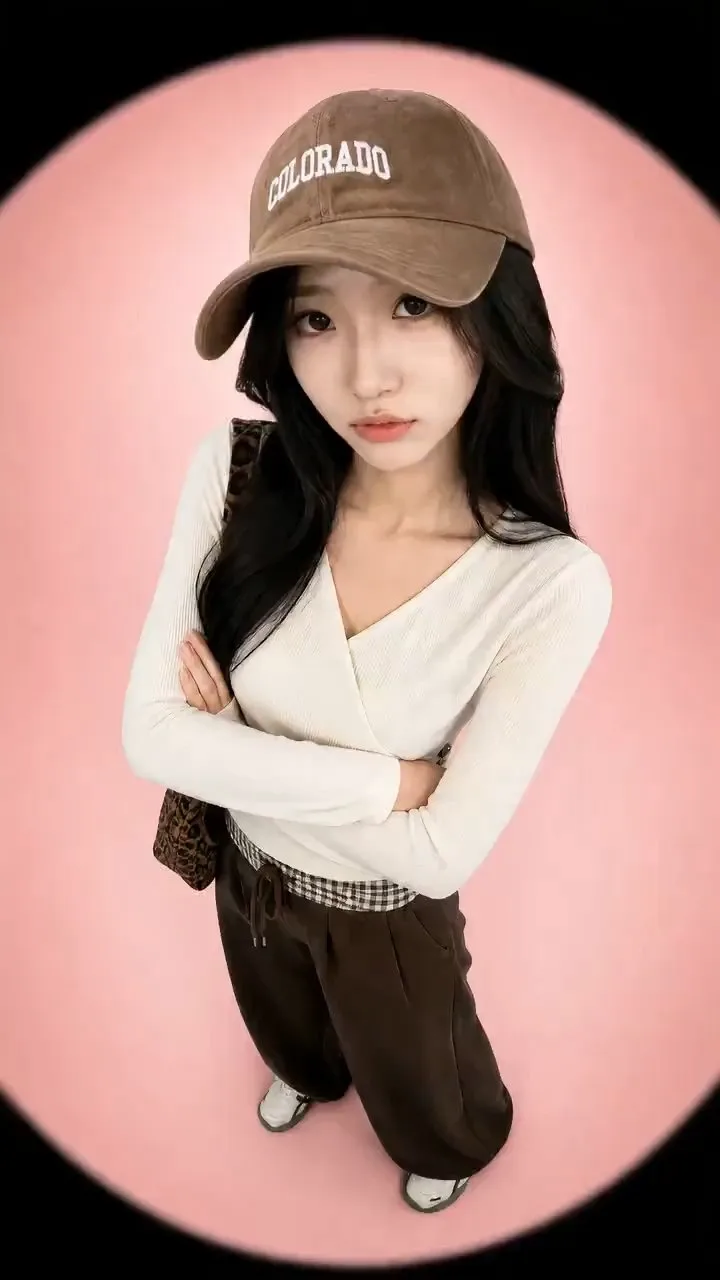
Virtual Try-On Video Generator
[Target Audience]: Apparel store owners, fashion bloggers, shopping short video creators, brand new arrivals, and transformation content for platforms like Xiaohongshu and Douyin. [Features]: Consistent face and accurate clothing colors: each outfit is independently generated using "character + that outfit" 6 mature styles, plus support for custom scenes Automatically matches YouMind's image and video models, defaulting to the most stable combination Generates images first, waits for your confirmation, then generates videos to save video credits [Styles or Scenes]: 1. Fisheye Glare: circular fisheye + flare jump cuts, trendy, fast, eye-catching 2. Magazine Editorial: neutral grey background + slow push-in + cross dissolve, high texture 3. Street Snap Camera: street walking + whip pan outfit change, authentic lifestyle feel 4. Retro Film: grain + date stamp + film burn edges, nostalgic and artistic 5. Beat Sync Transformation: fixed camera + snap/spin instant outfit change, great with music 6. Selfie Vlog: front phone camera perspective + hand-covering-lens outfit change, great for product recommendations · Defaults to style 1 if unselected; you can also write "I want something like a Japanese magazine style" or "in a coffee shop", etc. [One-Sentence Summary]: You just need to upload a portrait photo (or skip it, and a matching model will be automatically generated) and 3 to 6 clothing images, then choose a style: Fisheye Glare, Magazine Editorial, Street Snap Camera, Retro Film, Beat Sync Transformation, or Selfie Vlog, or directly describe your desired scene. It first profiles each piece of clothing, locks in the same character, and then sequentially generates final look images, storyboard keyframes, and video clips, finally providing an editing and transition list accurate to the second. Every step can be confirmed and redone individually without starting over from scratch.
 Video
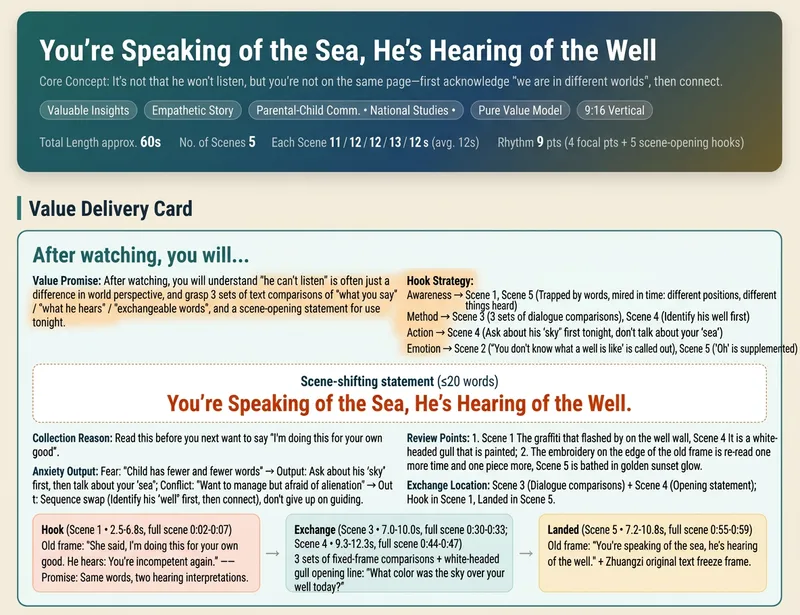
Short Video Creator
Turn a vague short video idea into a complete content plan ready for generation, editing, and publishing. Whether it is drama shorts, philosophical fables, cute pets, knowledge explainers, food reviews, travel scenery, product showcases, or emotional mood videos, simply describe the theme, characters, or effects in natural language to get genre-appropriate creative directions, story structures, visual styles, and audience value designs. The skill builds value cards around "what viewers take away," balancing save-worthy points, replay value, emotional resonance, and original recognition to avoid generic templates and homogeneous content, while preparing vertical short video assets for Seedance 2.0, Doubao, or Jimeng. Finally, it provides storyboard scripts, Chinese video generation prompts, and protagonist reference image prompts to help you generate scenes segment by segment and assemble them with background music and captions in editing software. It also generates titles, descriptions, tags, and publishing copy for Douyin, Xiaohongshu, and Video Channel, covering necessary disclosures for AI generation, fictional performances, and commercial content. Supporting creative directions like pure content, brand sponsorships, and in-app product tags, it emphasizes native platform alignment and compliant expression without external traffic redirection or exaggerated clickbait endings. All three deliverables are single-file HTMLs that can be opened and copied directly in the browser, suitable for completing short video production and publishing preparation all the way from creative planning.
Information
- Version
- v3
- Last updated
- Runtime credits
- Usage-based
- Models
- Auto
- Use cases
- Images & designVideo & audioE-commerce & sales
- What you get
- ImageVideoPrompt
