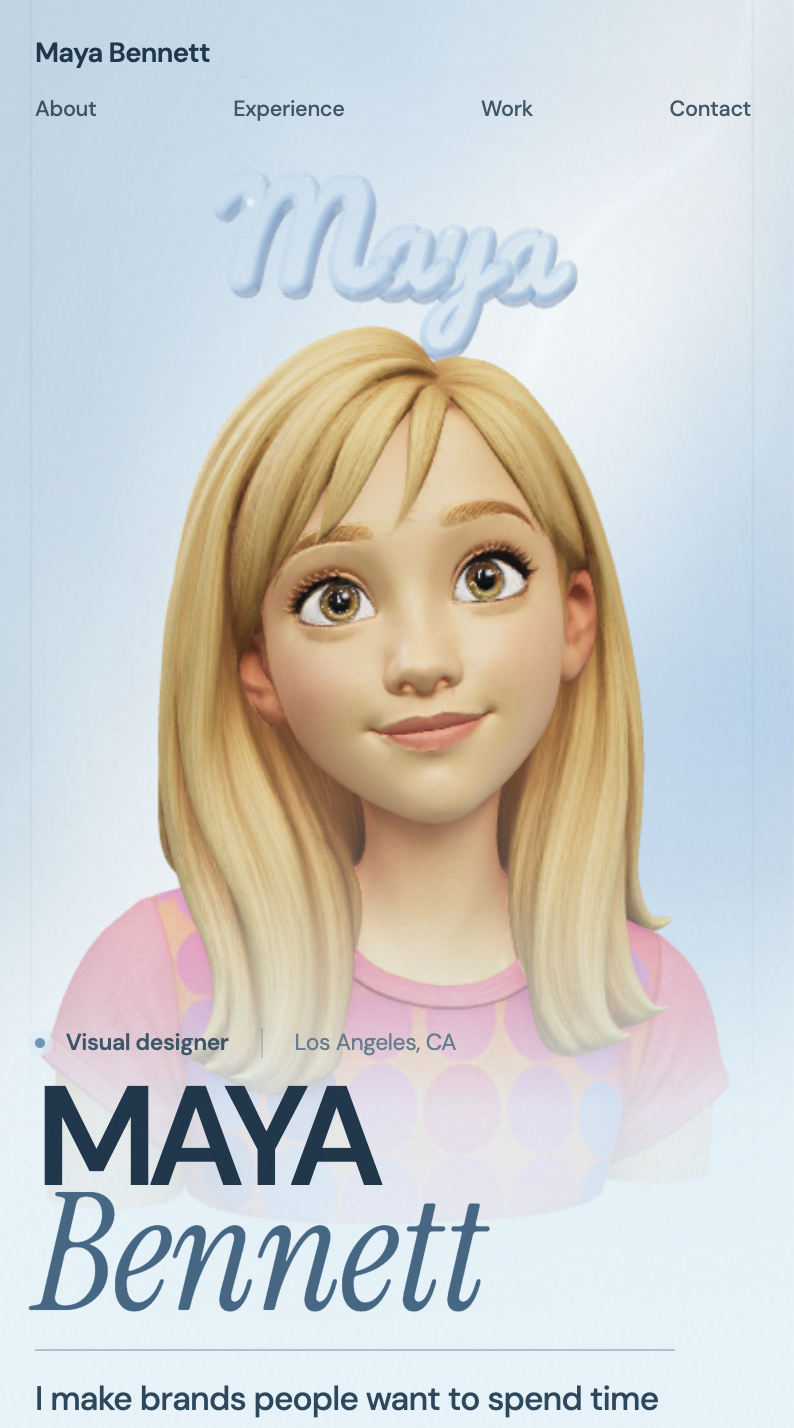
Figure and Field Portfolio
Build 3D portfolios
Figure and Field Portfolio
Build 3D portfolios
Showcase
Description
Create a personal 3D résumé website with an expressive stylized human character, a scroll-scrubbed camera, résumé stop points, a pinned horizontal project gallery, and contact links.
Recommended by
Shuting@YouMind
Why we love this skill
This is an editor’s pick for turning a portfolio into an immersive narrative: an animated-feature 3D character, translucent name sculpture, and scroll-synchronized camera make experience feel cinematic, while reading fields, accessible project views, and evidence-led content keep it credible.
Related Skills
View all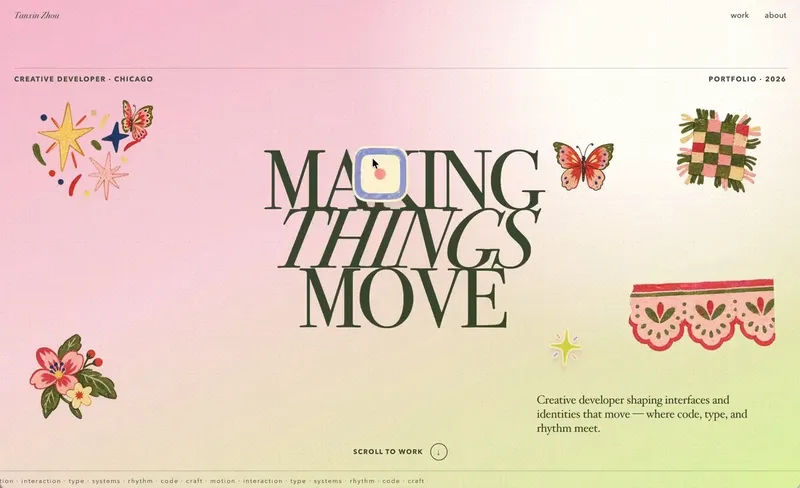 Webpage
Little Gravity Portfolio
Build an intimate one-page portfolio where real work leads, airy Riso fragments decorate the margins, and small objects fall gently into motion. Use for a creative professional's personal portfolio or selected-work page; keep factual claims user-supplied and generated imagery decorative.
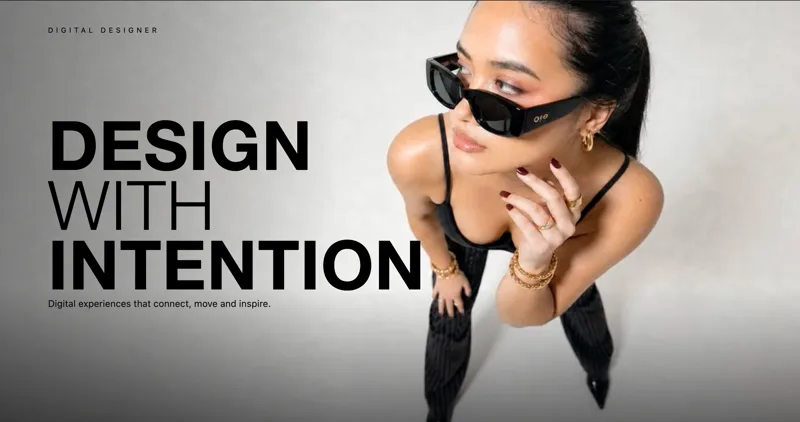
Interactive Mouse Scrub Portfolio
Create interactive websites featuring a signature cursor-controlled video scrub (where mouse movement rotates or plays through a video smoothly) paired with horizontal parallax collage storytelling.
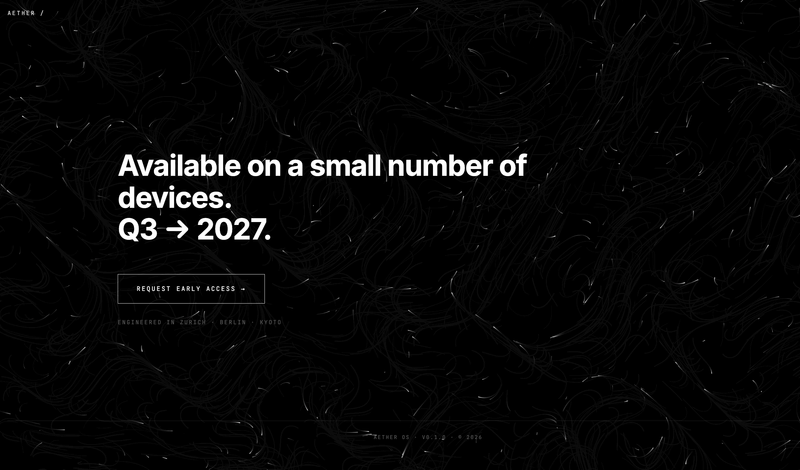
Particle-animation presentation (HTML)
This skill generates a sleek, single-page website with a striking black and white, futuristic aesthetic, ideal for showcasing a new product, an artist's portfolio, or a digital business card. It's designed for individuals or businesses who need a visually impactful online presence without the complexity of traditional website development. The skill produces a self-contained HTML file featuring 4-5 smoothly scrolling sections, each designed to capture attention with minimalist typography and high-contrast elements. The background comes alive with a custom-coded, monochrome animation—such as flowing particles or subtle noise gradients—that creates a dynamic, high-tech atmosphere without relying on external media. Upon loading, the page greets visitors with an engaging hero animation: an eyebrow text types out, followed by a dramatic "scramble" effect for the main title, and a smooth fade-in for the subtitle. Content in subsequent sections then gracefully appears as the user scrolls, ensuring a fluid and immersive experience. All images provided by the user are automatically converted to grayscale to maintain the consistent visual theme. The final output is a responsive, accessible, and performant webpage, delivered as a single, ready-to-deploy HTML file.
Information
- Version
- v5
- Last updated
- Runtime credits
- Usage-based
- Models
- Auto
