Opus 5.5-Isometric Explainer Video
Explain systems with flowing line art and captions
Opus 5.5-Isometric Explainer Video
Explain systems with flowing line art and captions
Showcase
Description
Turn a process, system, or concept into a captioned isometric explainer with precise line tracing, component assembly, visible flows, and connected camera moves. Customize the topic, audience, language, palette, duration, and narration. Builds the finished playable webpage video directly by default; storyboard previews only when you ask for them. Video export depends on runtime capabilities.
Recommended by
Dancang
Why we love this skill
An editor’s pick for turning complex systems into cinematic, spatial stories: recognizable structures assemble, mechanisms operate, and flows connect through precise isometric line art. It uniquely combines explanatory captions, procedural audio, and a playable downloadable video workflow.
Related Skills
View all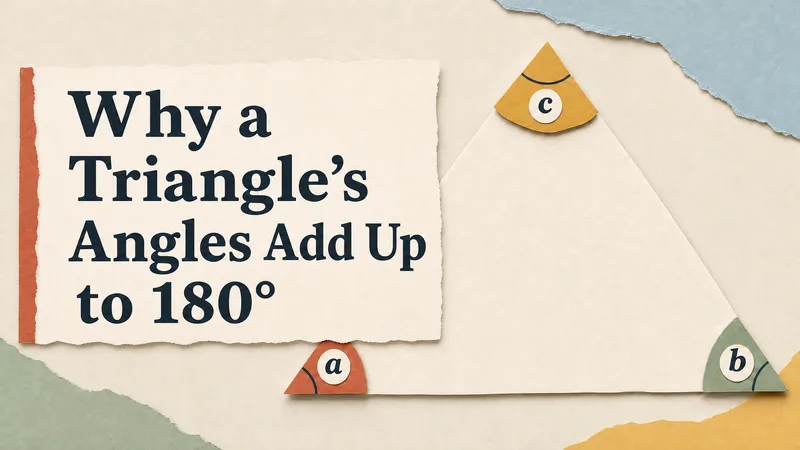 Video
Opus 5.5-Paper Cutout Explainer Video
Turn a topic, process, or product into a narrated paper-cutout animated explainer. Get a directly playable HTML video with layered paper illustrations, purposeful motion, background music, playback controls, and toggleable captions. Customize the subject, audience, language, palette, and format.
Create videos with Opus 5.5
Turn an idea, message, or creative brief into a polished motion video with a distinctive visual identity. This skill helps you shape the concept, key visuals, typography, color palette, composition, pacing, and transitions so every design choice supports the story you want to tell. It can create a wide range of video experiences, from expressive title sequences and promotional pieces to presentations, social content, and other visual storytelling projects. Your explicit requirements remain central, while the overall direction is developed with the judgment of a creative director and motion designer to produce engaging visual moments and smooth continuity from shot to shot. The result is a finished, browser-based video experience with carefully coordinated motion and design, checked for technical issues before delivery. Start with a clear prompt describing what you want to communicate, the tone or style you have in mind, and any must-have content or constraints.
 Image
Clay Isometric Explainer Studio
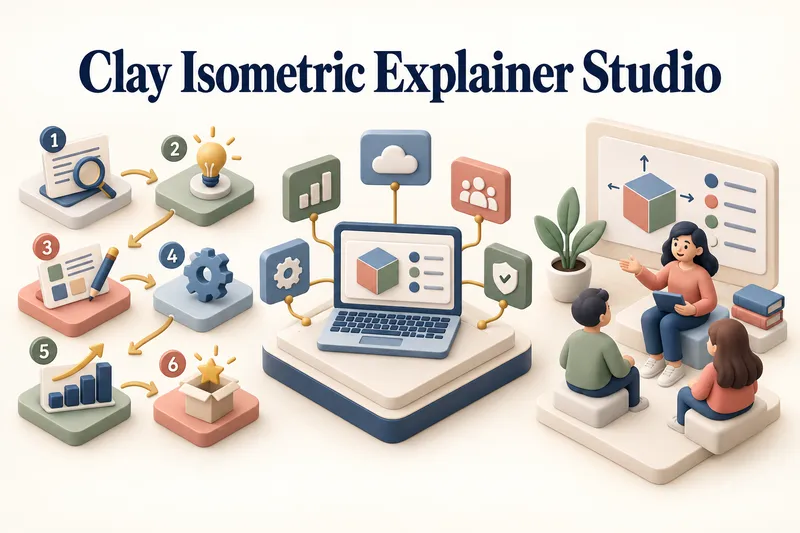
Turn any topic into a clear, memorable visual explanation. Clay Isometric Explainer Studio transforms products, processes, services, systems, and educational subjects into polished hybrid 3D clay and isometric visuals. You can start with only a topic. The Studio performs a focused research snapshot, identifies the core message, recommends the clearest visual direction, and guides you through the creative process step by step. It builds the information architecture, maps each idea to a visual object, defines a consistent style system, and prepares a complete production prompt. Titles, numbered stages, information cards, labels, and short explanations are planned and included directly during image generation. Choose an Explainer Scene, Process Flow, Product Feature Board, Educational Visual, or a coherent 3–5-piece Visual Series. After the still image is approved, optionally turn it into a short image-to-video animation with subtle object motion, natural clay character gestures, or guided focus through numbered stages. Ideal for presentations, websites, social posts, posters, PDF pages, product communication, onboarding, and learning materials. Not intended for decorative 3D scenes without an explanatory purpose, random visual elements, dense paragraphs inside images, or final editable design files.
Information
- Version
- v15
- Last updated
- Runtime credits
- Usage-based
- Models
- Auto
