
My Knowledge Cards
Turn articles and chats into knowledge cards.
My Knowledge Cards
Turn articles and chats into knowledge cards.
Showcase
Description
Easily turn conversations and articles into structured knowledge cards for quick research and cross-referencing. You can further organize them into a card box to build a knowledge system.
Why we love this skill
This skill can transform articles and conversations into structured knowledge cards, intelligently assess content value, and layer and categorize based on user scenarios, making it a powerful tool for efficient knowledge management.
Related Skills
View all
Knowledge Crystallizer
Refine fragmented knowledge and thoughts into structured, reusable insight cards. Supports various forms of knowledge input (article notes, video summaries, daily thoughts, etc.), automatically assesses input complexity, generates basic or deep insight cards, helping users build callable, combinable knowledge blocks.
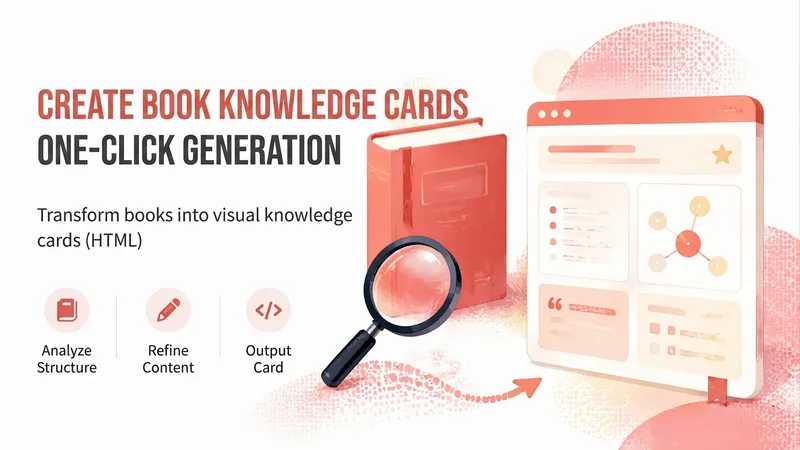
Book Knowledge Card Lite
Book → one visual knowledge card in HTML, with a warm red, whiteboard-style hand-drawn look. Covers the full flow: “Read a book → break down its structure → write in plain language → apply the template → run a final check.” Trigger phrases: knowledge card, make a knowledge card, turn this book into a knowledge card, book visualization, card HTML.
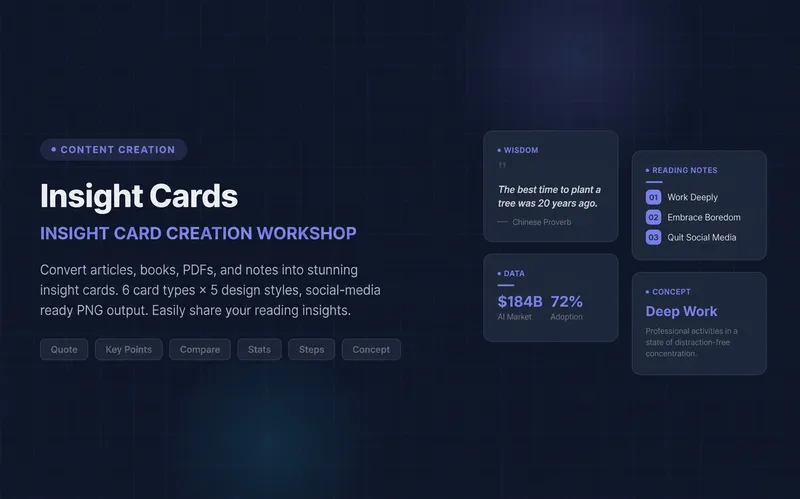 Research
Knowledge Card Studio
Turn articles, notes, or book excerpts into a single knowledge card or a 3–5-page carousel. Choose from six card types and five existing styles; each page delivers one takeaway while preserving quotes, numerical qualifiers, and sources. Create a reusable series brand profile with fixed colors, font hierarchy, margins, title placement, page numbers, and byline. For the next edition, provide the profile to reuse the same system and keep the series consistent—no need to explain the design requirements again. The default deliverables are editable HTML/SVG and the brand profile. When the environment supports actual rendering, sequentially numbered PNGs are also included. Missing glyphs, overflow, and inconsistencies across pages are checked and fixed; if the images were not actually rendered, the skill will not claim that image checks passed. No local scripts are required. Try it directly: create a five-page book-notes carousel, use a brand profile for the next edition, or turn quotes from the original text into cards. For complex relationships or charts, use Infographic Maker. For a finished WeChat Official Account post, use the WeChat Official Account Formatter.
Information
- Version
- v3
- Last updated
- Runtime credits
- Usage-based
- Models
- Auto
