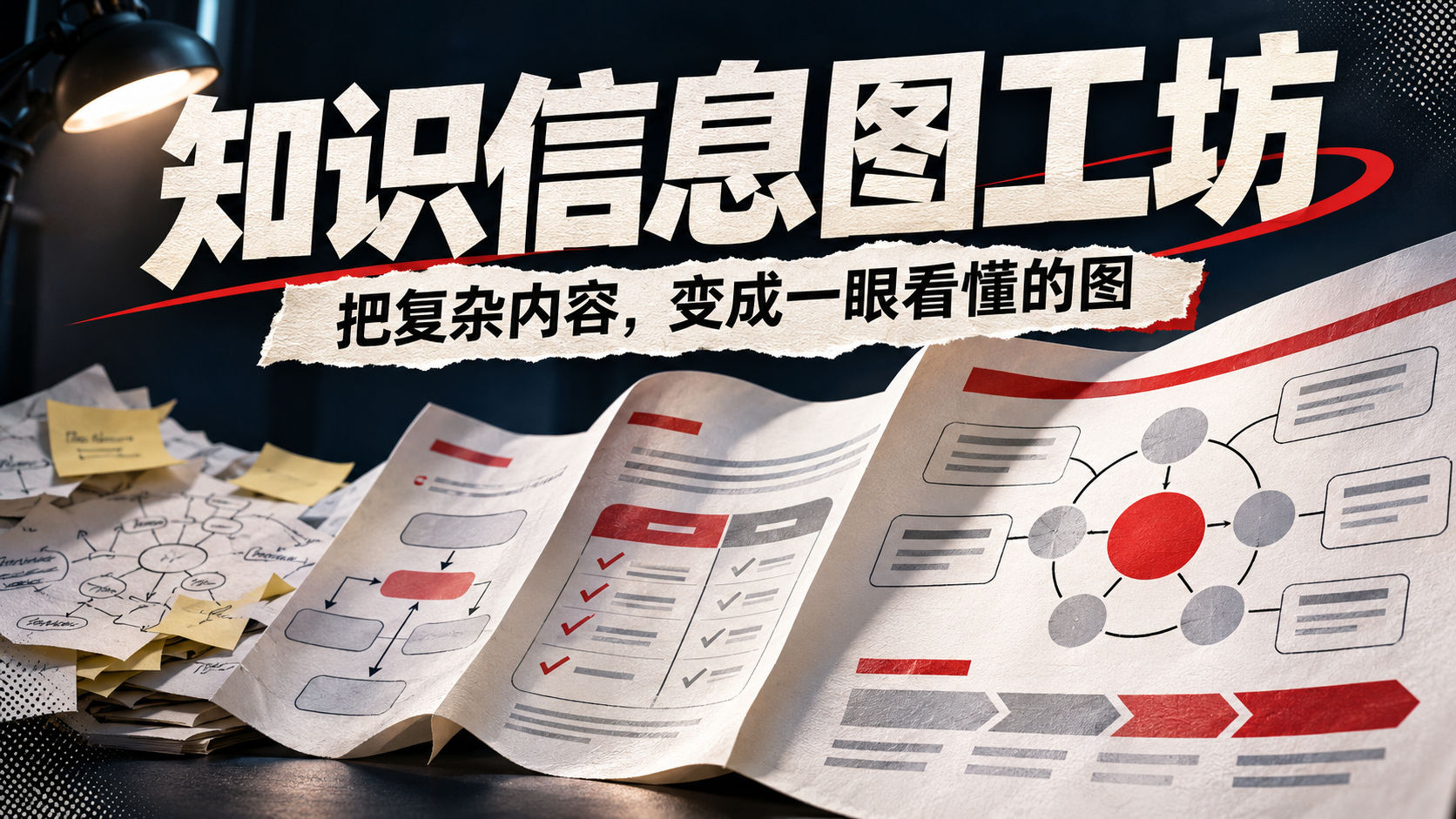
Knowledge Infographic Studio
Turn text into clear, readable knowledge maps
Knowledge Infographic Studio
Turn text into clear, readable knowledge maps
Showcase
Description
Give me a topic or source material, and I will organize the key points into a readable infographic. Ideal for content creators, teachers, learners, and small teams needing process explanations, comparative analysis, knowledge classification, and periodic reviews. How to use: Paste your content and tell me the audience and purpose. Optionally, you can choose a process, comparison, classification, or circular structure, and specify the aspect ratio and style. Simplified Chinese, a vertical layout, and four information areas are used by default. The skill first organizes the original text and infographic text, calls image generation based on the current environment, and delivers the final image, copyable text, and review tips. Delivery: An infographic and a corresponding text list. Four showcase examples were created using local prompt words and image generation tools to demonstrate the visual direction and have not been tested in the YouMind environment; results and available sizes depend on the image model and runtime environment; text, facts, and professional content still require manual review. If the runtime environment cannot generate images, copyable generation prompts will be provided without claiming that an image was generated.
Recommended by
Dancang
Why we love this skill
Transforms scattered text into logically rigorous, verifiable infographics. It builds a content record first, structures layouts by information relationship, and reviews image text for accuracy.
Best for
Ideal for content creators, teachers, learners, and small teams turning knowledge into easy-to-read visual guides.
How to use this Skill
Provide your input
Provide a topic or source material along with the target audience and purpose. You can optionally specify a process, comparison, categorization, or cycle structure, as well as the aspect ratio and visual style.
Run the Skill
Organizes the content into clear, verifiable infographic text and attempts to generate an image based on the available environment, while checking text consistency against the source material.
Review your result
Receive an infographic and a corresponding copy-pasteable text list. If the environment cannot generate images, copy-pasteable generation prompts are provided along with notes for human review.
Related Skills
View all Image
One Text, One Visual
Have you saved lots of articles but still struggle to find the key points at a glance? Give it an article, note, or clearly defined topic that you have permission to use. It will organize the information around one question and present it as a hand-drawn-style diagram. The first version focuses on method steps and operational workflows. You’ll get: ① A knowledge diagram with clear steps, conditions, and reading order. ② Copyable text, including the title, nodes, and key explanations. ③ A source checklist that preserves the original evidence and items requiring confirmation. ④ Short sharing copy to make it easy to post with the image. It won’t depict parallel content as causal, omit key conditions, or invent performance data. When there is too much content, it will narrow the topic first while preserving readable type size and whitespace for mobile viewing. Creating the final image requires access to an image or drawing tool in the current environment. If no tool is available, it will clearly state that the image has not been generated and preserve the complete image-ready draft. Image-generation usage is subject to the platform’s rules at the time. Suitable for study organization, knowledge sharing, and adapting content for social media. It does not publish on your behalf or guarantee traffic. The sample image uses a newly created article and local drawing tools; it is not a YouMind runtime screenshot.
 Image
Infographic Studio 2
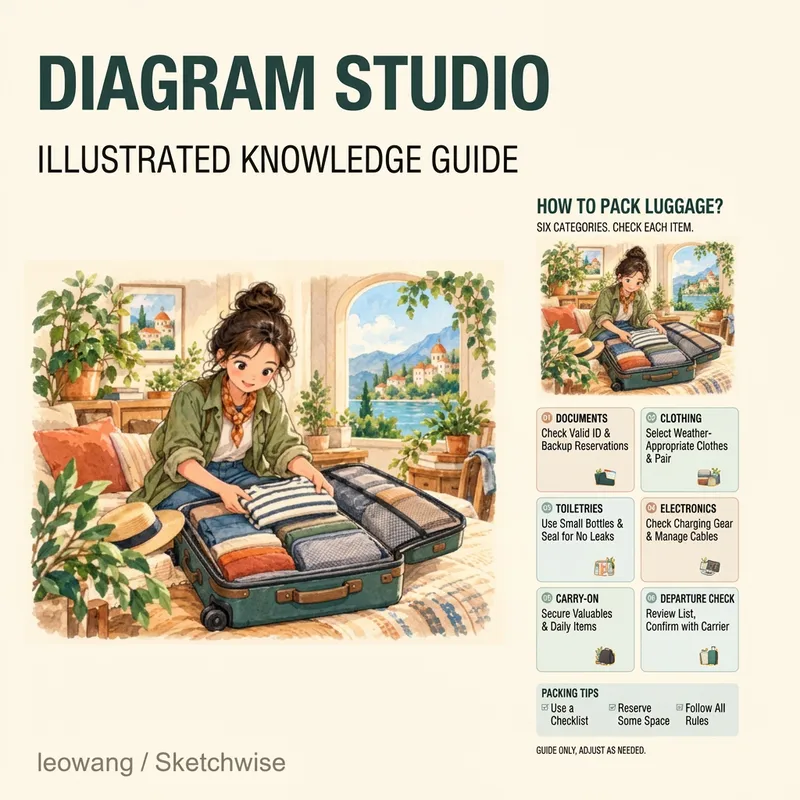
Have plenty of knowledge to share, but it ends up looking cramped and messy on an image? Infographic Studio organizes topics, articles, or notes into hand-drawn knowledge infographics: striking titles, content-matching illustrations, clear partitioned cards, and a summary at the bottom. Want a more visually appealing look? Choose the "Illustration Display Edition." Prefer an easier-to-read body text? Choose the "Clear Reading Edition." You can also use structures like steps, comparisons, or categories depending on the content relationship, and reference images are supported for layout, color scheme, or art style. Ideal for knowledge creators, educators, and anyone who needs to organize study notes. First clarify the text in the image, then design and generate it; when modifying a specific point, try to keep the other confirmed parts intact. v0.2 sample images use actual generated textless illustrations plus local typesetting. Actual image generation and file processing depend on the tools and quotas available to you in YouMind; when tools are missing, complete copy, layout, and prompts will be provided. Examples do not imply running inside YouMind. Adaptation and product design: leowang. Based on baoyu-infographic under the MIT license, preserving necessary copyright and license.
 Image
Infographic Generator
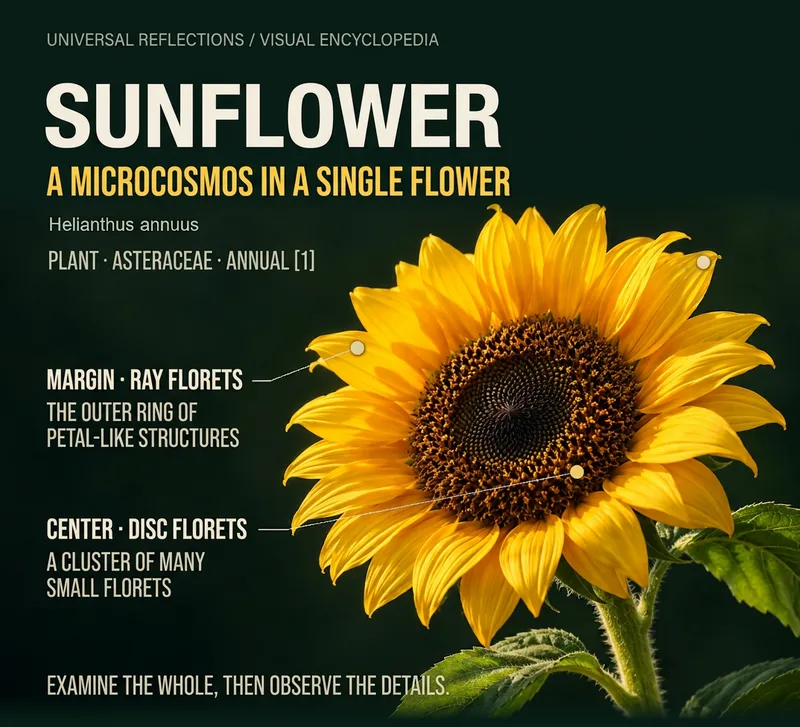
Input an object or theme to create an encyclopedia infographic featuring a main visual, local details, and knowledge explanations. First ensure the facts are accurate, then decide whether to use an overall closeup, local comparison, process diagram, or misconception analysis. Choose from concise, standard, or complete archive versions; use long formats for content-heavy topics to prevent text from shrinking too much. Ideal for science communicators, educators, and knowledge creators. Supports content routing for biology, materials, artifacts, locations and buildings, cultural concepts, and historical figures; current display cases are local sunflower layout drafts and do not imply all subjects have been fully tested. Image generation and file processing depend on YouMind's current tools and quotas. Examples use existing AI main visuals plus local cropping, relationship diagrams, and local typesetting, and have not yet been test-run on YouMind. Product design and prompt writing: leowang.
Information
- Version
- v2
- Last updated
- Runtime credits
- Usage-based
- Models
- Auto
- Use cases
- Images & designPresentations & reportingLearning & education
- What you get
- DocumentImagePrompt
- Visual styles
- EditorialCollagePaper art
