
Knowledge Card Studio
Transform knowledge into visual cards
Knowledge Card Studio
Transform knowledge into visual cards
Showcase
Description
Enter a topic and content to plan copy, layout, and visuals page by page, generated using available image tools. Ideal for creators who want to organize materials into sequential graphic content. The preview images are visual samples created locally following the skill workflow, where handwritten questions and charts are fictional illustrations; not yet fully tested in YouMind. Image and text accuracy and usability depend on the model, so please review before publishing. Usage: Paste your topic and materials; specify the audience, aspect ratio, and visual preferences; review the copy and modify as needed.
Recommended by
Dancang
Why we love this skill
Rigorously breaks down scattered knowledge materials into coherent visual text cards, planning questions, text, visuals, and layouts page by page while checking facts, typos, and mobile readability.
Best for
Ideal for content creators who want to organize knowledge materials into sequential graphic cards.
How to use this Skill
Provide your input
Paste your topic and source materials, and optionally specify the audience, platform, page focus, reference images, and aspect ratio preferences.
Run the Skill
The tool organizes your material into coherent page-by-page copy, layouts, and visuals, generating images as needed. Please review the content, text, and visuals.
Review your result
Receive sequential knowledge cards, page-by-page text, and their mapping to your input materials. Please check accuracy and usability before publishing.
Related Skills
View all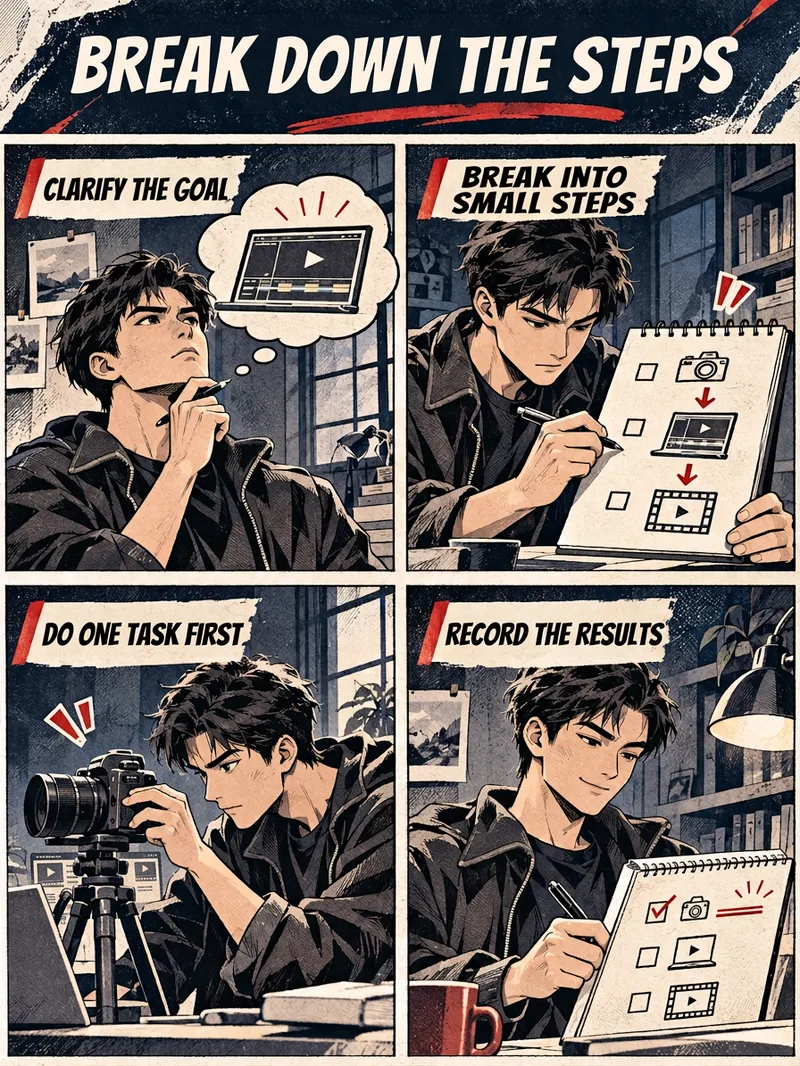 Image
Knowledge Comic Studio
Enter a knowledge topic and four steps, and the Skill will plan the four panels, characters, and text, generating them using available image tools. Sample images are fictional examples created locally following the workflow and have not been fully tested on YouMind. Image and text accuracy depend on the model; please verify before publishing. Usage: Paste the topic and materials; specify the audience, aspect ratio, and visual preferences; review the copy and edit as needed.
 Image
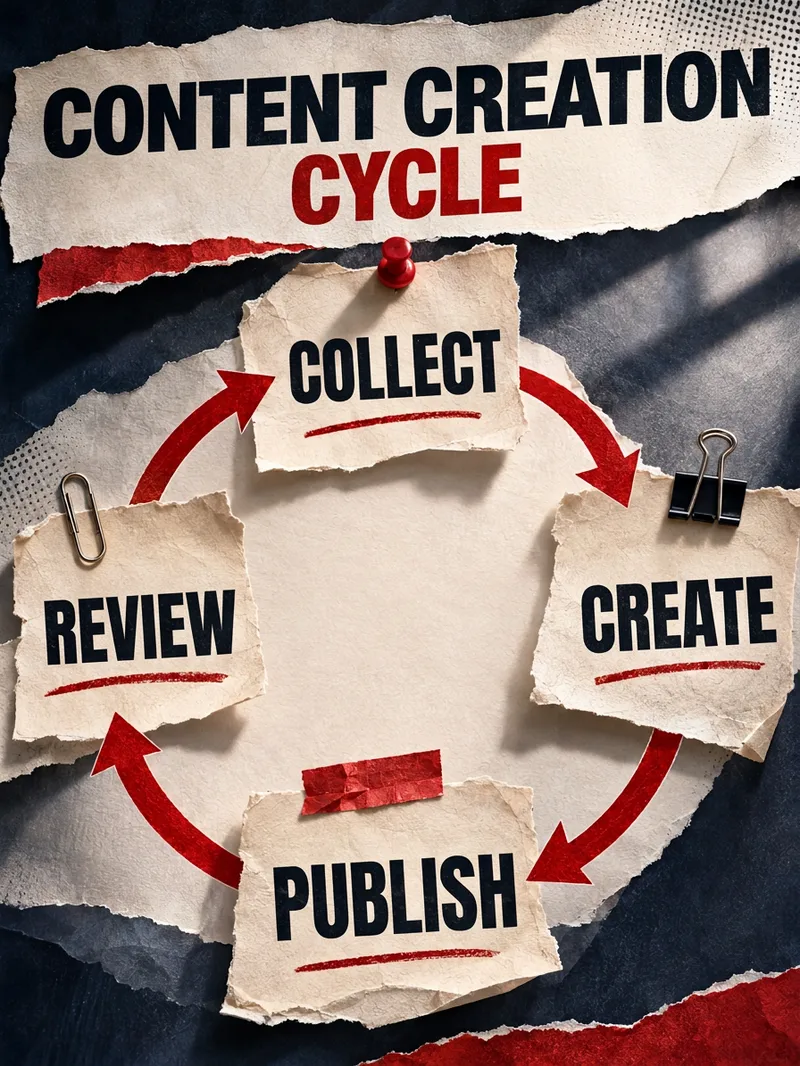
Knowledge Infographic Studio
Give me a topic or source material, and I will organize the key points into a readable infographic. Ideal for content creators, teachers, learners, and small teams needing process explanations, comparative analysis, knowledge classification, and periodic reviews. How to use: Paste your content and tell me the audience and purpose. Optionally, you can choose a process, comparison, classification, or circular structure, and specify the aspect ratio and style. Simplified Chinese, a vertical layout, and four information areas are used by default. The skill first organizes the original text and infographic text, calls image generation based on the current environment, and delivers the final image, copyable text, and review tips. Delivery: An infographic and a corresponding text list. Four showcase examples were created using local prompt words and image generation tools to demonstrate the visual direction and have not been tested in the YouMind environment; results and available sizes depend on the image model and runtime environment; text, facts, and professional content still require manual review. If the runtime environment cannot generate images, copyable generation prompts will be provided without claiming that an image was generated.
 Image
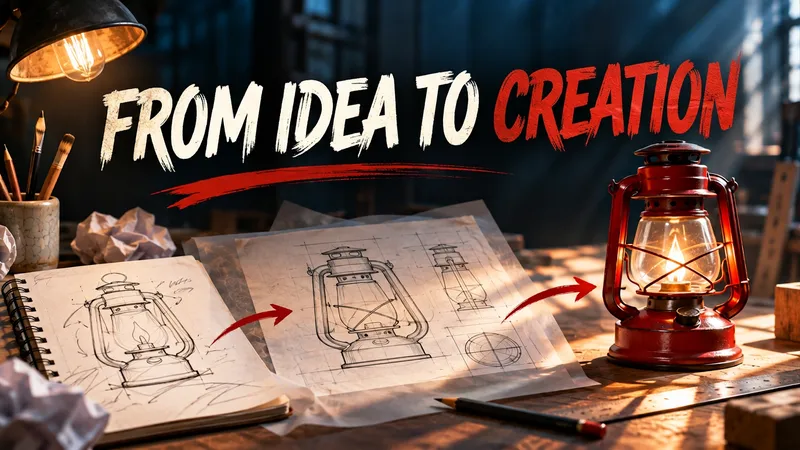
Content Cover Design Studio
Ideal for content creators, newsletter authors, and course instructors. Provide an article title or summary, and optionally specify your target audience, aspect ratio, color scheme, and imagery. The Skill extracts the core theme, selects relevant visual metaphors, arranges the composition and title, and then generates an image using the currently supported image generation tool. By default, it creates a single cover featuring the title. Usage steps: 1. Paste your title or article summary; 2. Specify the target platform, aspect ratio, and visual preferences; 3. View the generated image, check the title text, and request revisions if needed. Displayed examples were generated locally following the Skill workflow, and performance within YouMind has not yet been tested. Visuals, Chinese text, and actual dimensions depend on the runtime environment and model; if image generation is unavailable, prompts will be delivered instead. Generated results may contain errors, so please review them before publishing.
Information
- Version
- v2
- Last updated
- Runtime credits
- Usage-based
- Models
- Auto
- Use cases
- Writing & contentImages & designLearning & education
- What you get
- DocumentImage
- Visual styles
- EditorialPhotorealistic
