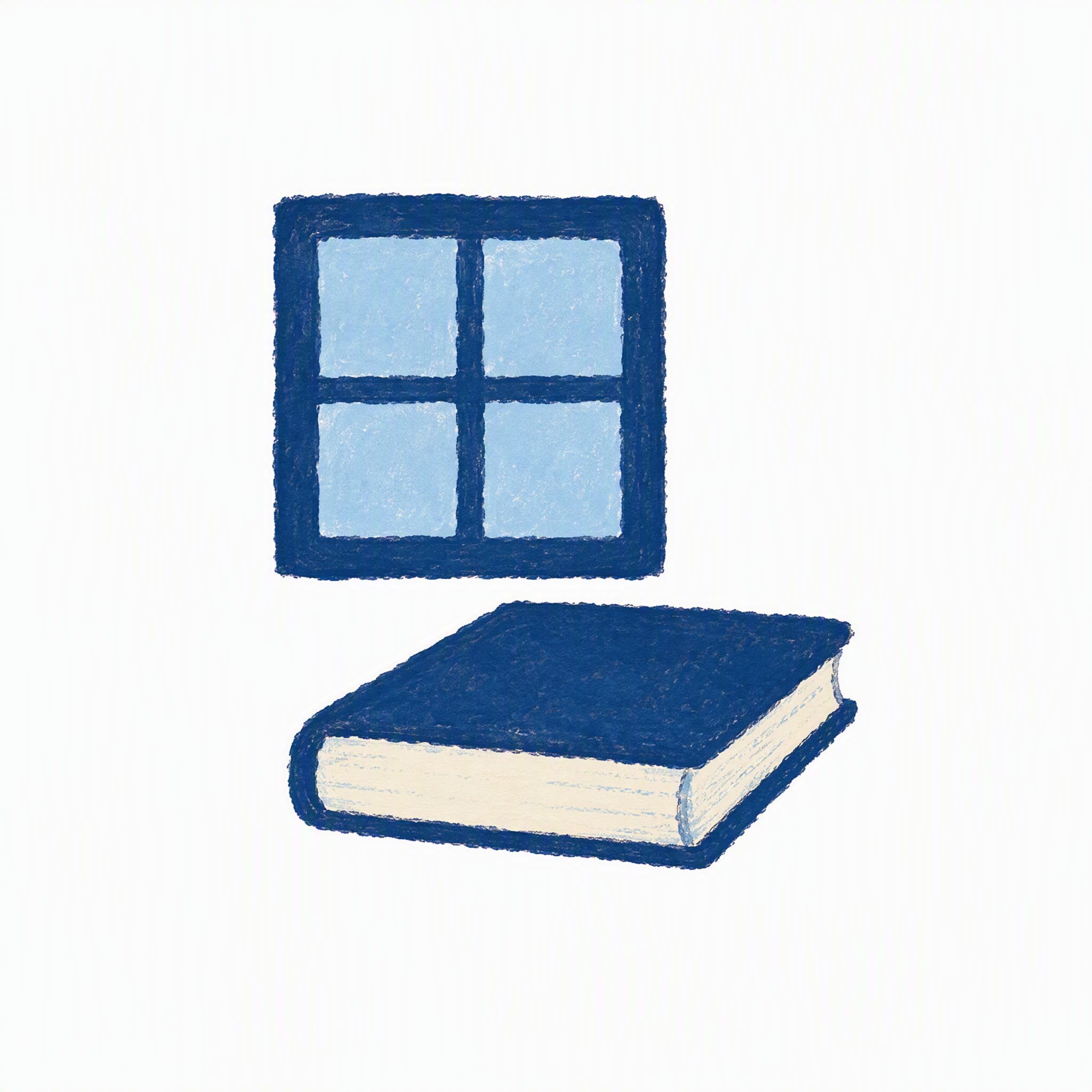
Everyday Life Essay Cover
Create a clean 16:9 essay cover
Everyday Life Essay Cover
Create a clean 16:9 essay cover
Showcase
Description
Create a clean 16:9 essay cover using scenes of everyday life and handwritten lettering, without depicting people.
Recommended by
Shuting@YouMind
Why we love this skill
Captures the feel of daily life through used objects, light, and space—without depicting people—then condenses it into handwritten text and a single editorial illustration, with faithful scene design and airy 16:9 composition.
Best for
For essay creators who want to express a story’s mood through scenes of everyday life and handwritten lettering, without depicting people.
How to use this Skill
Provide your input
Enter the article text, summary, title, publication venue, preferred colors, reference images, and more. If key details about the theme are missing, you’ll be asked clarifying questions.
Run the Skill
Based on the content, creates a scene of everyday life and light without depicting people, then combines it with handwritten lettering to make the cover.
Review your result
Receive a clean, wide essay cover image that combines lettering and illustration in a single composition.
Related Skills
View all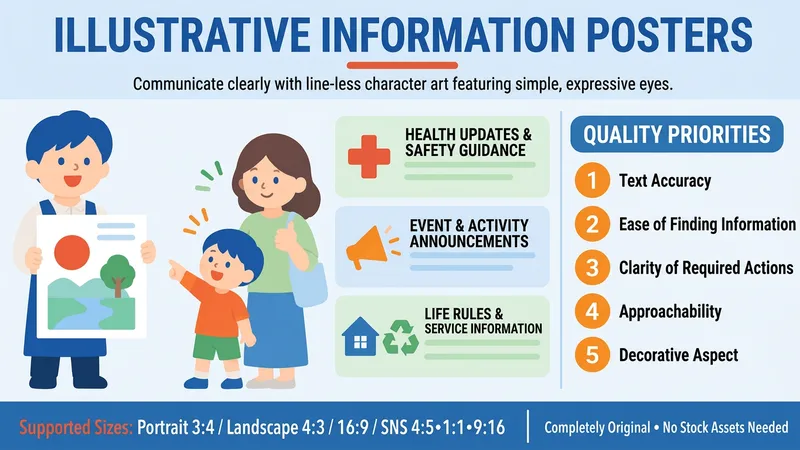 Image
ImageCharacter Info Posters
Create informational flyers and posters for schools, nurseries, communities, residential facilities, and various services, using original character illustrations featuring tiny dot-like eyes and skin-colored areas without outline lines. This Skill supports any situation that requires clear communication, from health and safety information to daily-life guides, announcements, and notices. It is a purely prompt-based Skill that prioritizes accurate text layout and readability above all else.
 Image
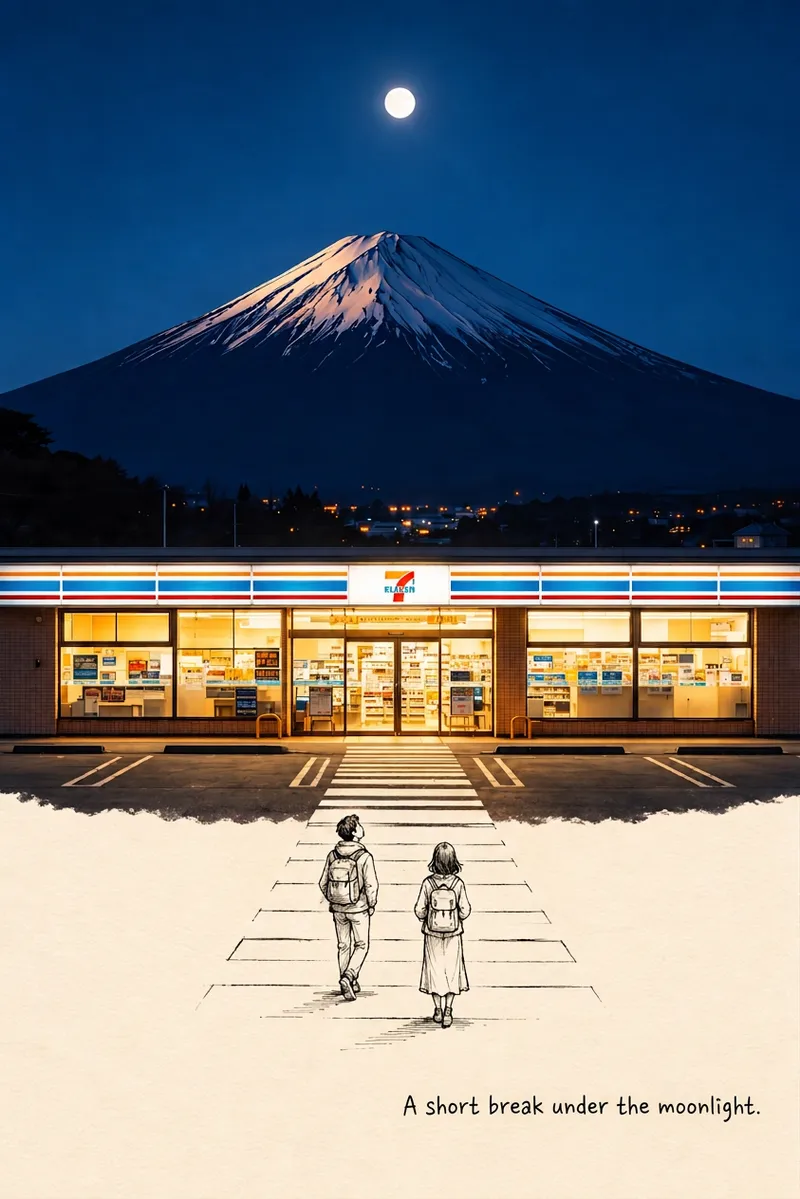
ImageReal-Life × Hand-Drawn Art
The upper half shows a real photographic scene, flowing naturally downward into black hand-drawn line art on cream-colored paper. Cute little characters in the line art continue the story from the photo.
 Image
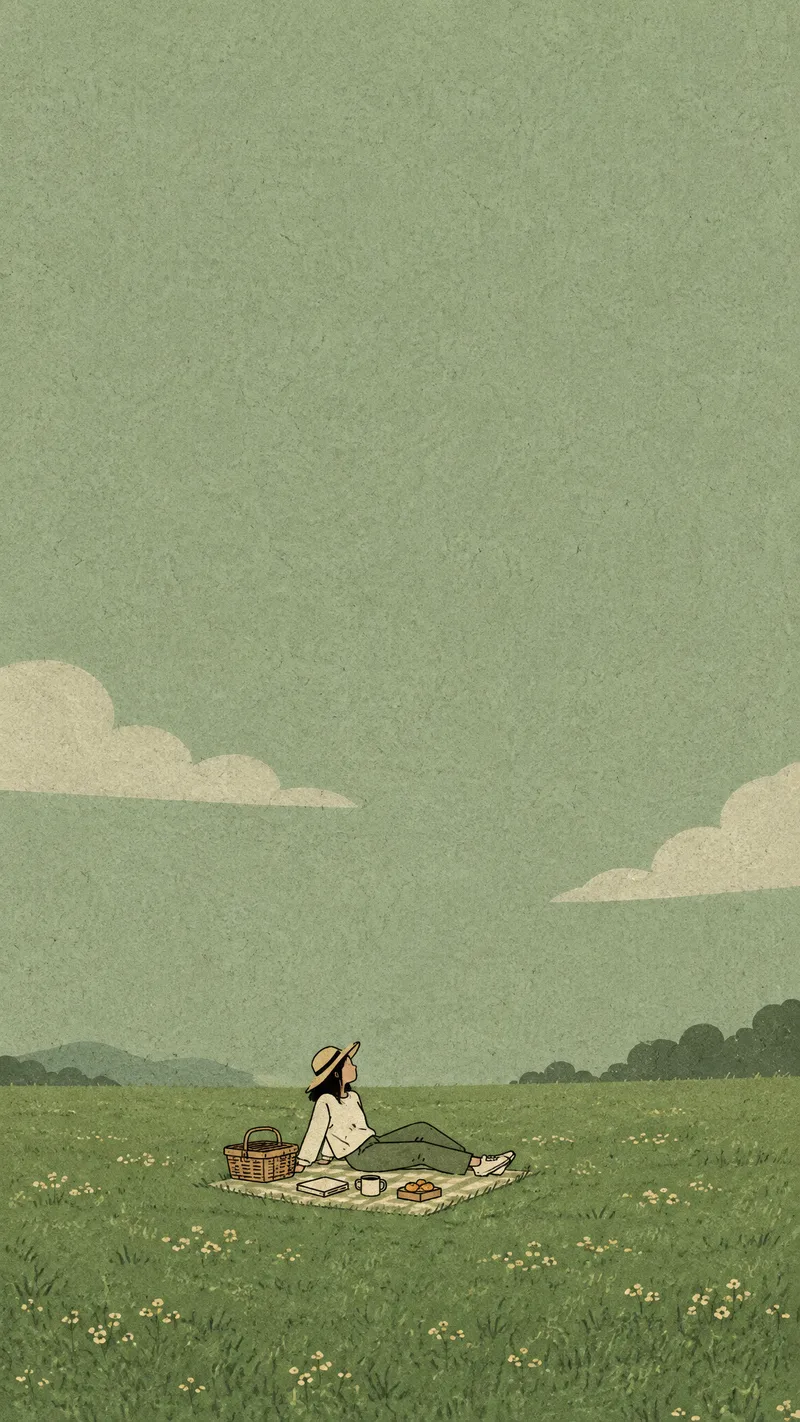
ImageHealing Small-Figure Art
This Skill was created with the 【Image Generation Skill · xiaoxiaodong】 Skill (https://youmind.com/skills/reference-image-skill-builder-RqmjHpF6UHmyjg?ref=DHFDMM). Turn the quietness, solitude, and healing feeling of everyday life into low-saturation illustrations with generous negative space, designed for wallpapers and social media sharing. Whether it’s gazing out at the sea, reading on the grass, walking alone, or spending a moment with a pet, the “small figure + large background” visual approach highlights a relaxed, natural mood. The artwork uses a vertical composition and expansive negative space, with people, animals, or a few props resting quietly at the bottom or lower middle. Soft Morandi and macaron color blocks form the sky, sea, grass, or distant mountains, paired with simple hand-drawn outlines, flat coloring, and a subtle paper-grain texture for a vintage, gentle, and quietly poetic look. Poses focus on relaxed states such as lying down, sitting quietly, reading, walking, or gazing into the distance, while avoiding complex expressions and ornate decoration. Ideal for phone wallpapers, social media story covers, mood illustrations, lifestyle content, and healing visuals with short text. Simply provide the scene, mood, or elements of companionship you want to express to receive a restrained, quiet illustration direction with plenty of breathing room.
Information
- Version
- v7
- Last updated
- Runtime credits
- Usage-based
- Models
- Auto
- Use cases
- Writing & contentImages & design
- What you get
- Image
- Visual styles
- EditorialHand-drawnFlat
