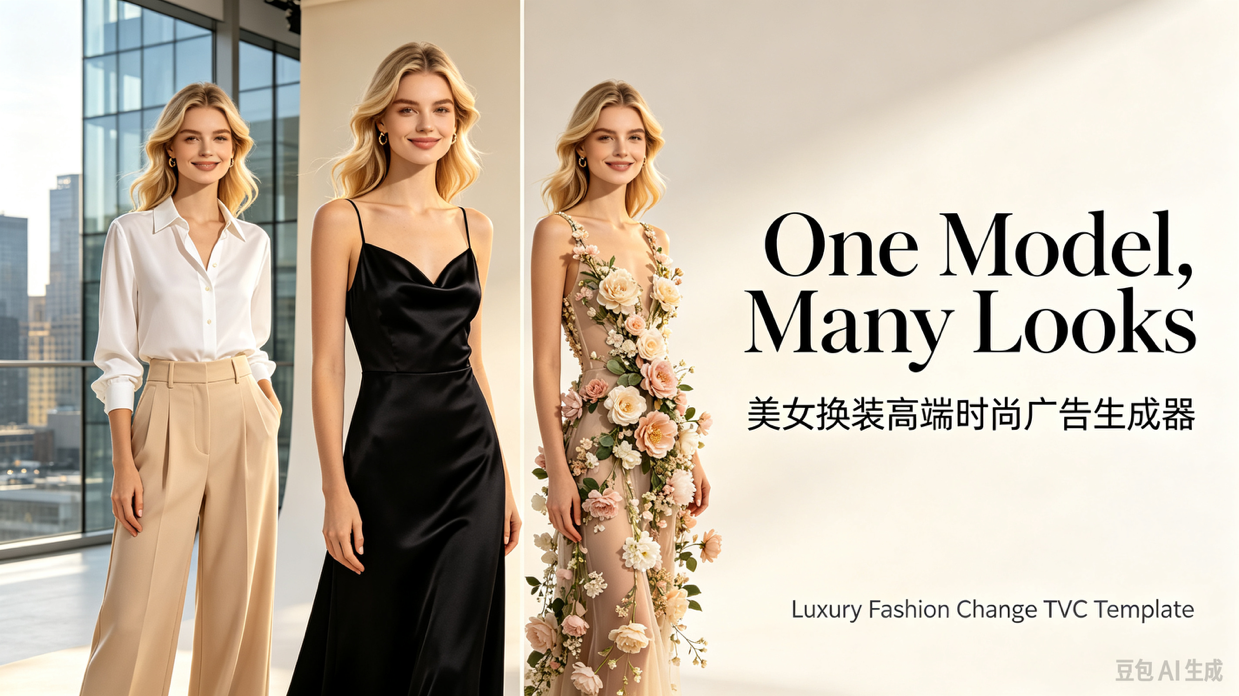
Luxury Fashion Ad Maker
Same Model • Multiple Outfits • High-End TVC
Luxury Fashion Ad Maker
Same Model • Multiple Outfits • High-End TVC
Showcase
Description
Generate high-end fashion advertising videos featuring the same female model transitioning through multiple outfits. Customize hairstyles, makeup, clothing, scenes, and camera pacing while maintaining character consistency, automatically completing unboxing, try-on, gait, detail close-ups, and brand outros.
Best for
Ideal for fashion brands, advertising teams, and content creators producing continuous outfit display and brand promo videos.
How to use this Skill
Provide your input
Provide the model characteristics, hairstyle and makeup, clothing and accessories, as well as requirements for the scene, camera pacing, and brand ending.
Run the Skill
After submitting your settings, a continuous fashion ad featuring the same model and outfits will be generated.
Review your result
Receive a vertical high-end fashion advertising video, including unboxing, outfit display, gait, detail close-ups, and a brand outro.
Instructions
Related Skills
View all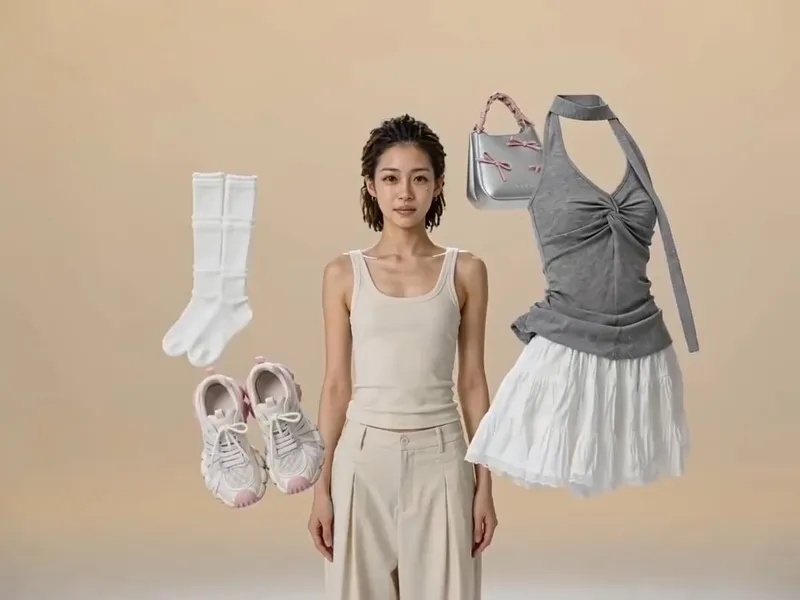
Floating Outfit Generator
[Who it is for]: 1. Fashion e-commerce sellers (Taobao, Pinduoduo, Douyin stores). 2. Outfit bloggers and fashion live streamers. 3. Garment factories, wholesalers, and independent fashion brands. In a nutshell: Upload 2 to 5 clothing images, choose the final outfit to wear, and automatically generate luxury-ad-grade clothing change videos. [Video Effect] Each outfit floats in a beige studio, swept away by black gloved hands with a crisp rhythm. Your specified final outfit magically appears on the model, with fabric fitting naturally like custom tailoring. 180° and 360° camera movements orbit the model, featuring fabric close-ups and full-body reveals. The model walks, turns, smiles, blinks, and freezes in a three-quarter side pose at the end. [Three Notes] If no character image is uploaded, the skill automatically generates a style-matched model; upload a character reference image to fix the face. The complete prompt is displayed before video generation so you confirm before calling the model, avoiding wasted credits. Video generation consumes platform credits; longer durations and more advanced models cost more. [Default Parameters] 4:3 aspect ratio, 10 seconds, Seedance 2.5 model. Add duration for more outfits: 3 outfits suggest 15s, 4 outfits 20s, 5 outfits 25s; over 15s automatically switches to Seedance 2.5.
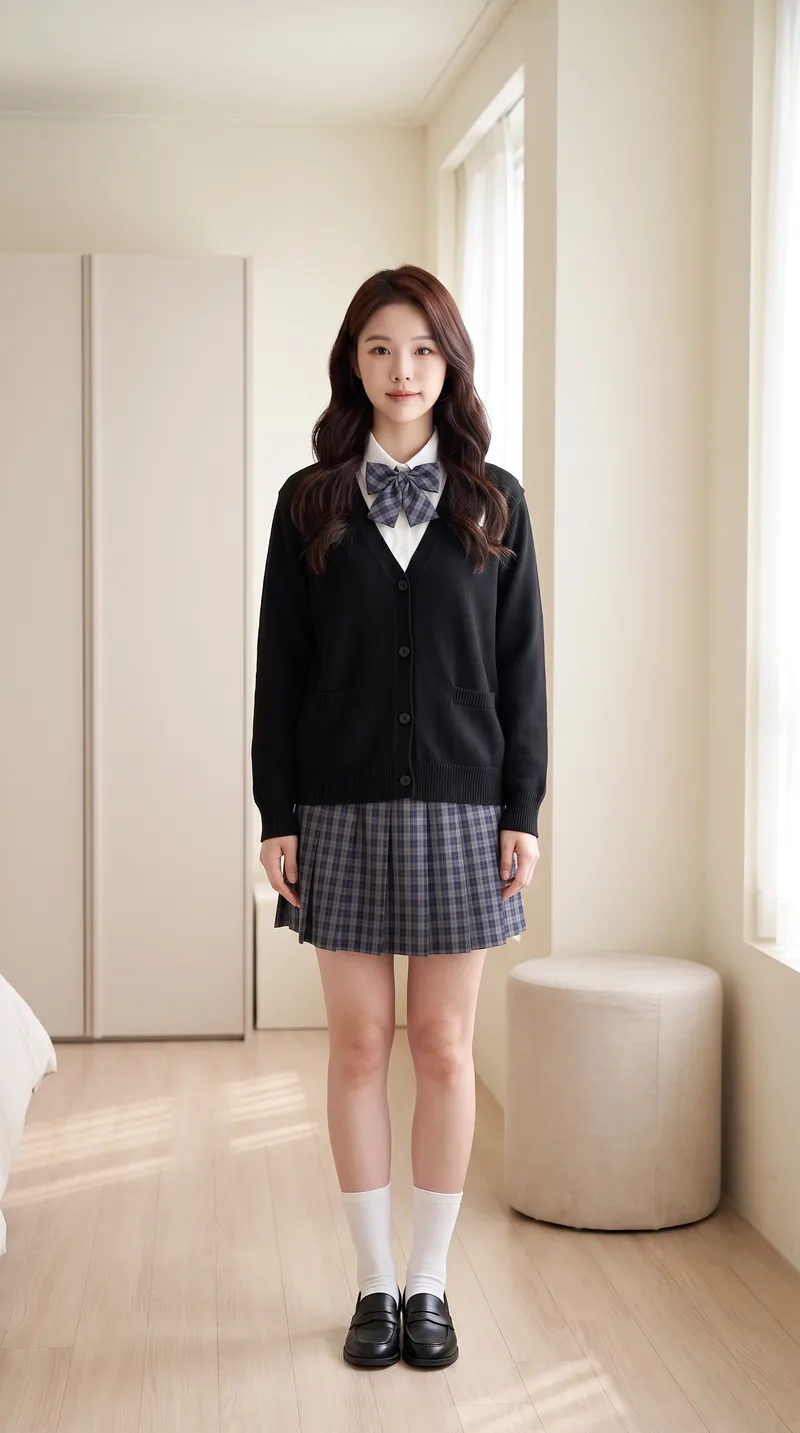
AI Try-On Video Generator
Transform a portrait and clothing images into a first-person interactive vertical short video for virtual try-on. [Input] * Portrait photo (optional): maintains face and person consistency if provided; otherwise automatically generates a matching protagonist based on style * 1-4 clothing images: tops, bottoms, shoes, bags, or accessories, with the upload order matching the dressing sequence * Optional parameters: style, scene, interactive effects, duration, and video count [Output] 9:16 vertical virtual try-on short video. The character remains consistent throughout, the scene is unchanged, clothing strictly matches the uploaded images and is put on one by one by "first-person hands," concluding with a full look freeze-frame. [Core Differences] * Two workflows: storyboard generation followed by video synthesis (controllable, precise clothing order) or direct one-step video generation (fast, suitable for batch production with few garments) * Full automation: automatically generates a matching protagonist without a portrait photo for zero threshold entry * Consistency locking: stable face, hairstyle, scene, and clothing style without drifting across the video * Default compliance: built-in clothing whitelist and negative words with initial styling forced to modest base layers, preventing prohibited content such as underwear, swimwear, stockings, or translucent items for immediate publishing [Who Is It For] * Fashion bloggers and content creators: try three outfits in one video and test styling without wearing them physically * E-commerce and apparel merchants: turn new arrivals into dynamic videos instantly, eliminating model and studio costs for content creation * Xiaohongshu/Douyin/TikTok operators: batch-produce hook videos featuring auto-dressing characters with completion rates higher than static outfit posts * Fashion styling educators, stylists, and buyers: quickly demonstrate multiple outfit options to clients * Independent designers and white-label sellers: create model showcase videos without physical photo shoots [Monetization Opportunities] * E-commerce sales: drive traffic with product links in videos and close sales directly using before-and-after try-on comparisons * Brand commercial deals: batch-produce promotional content for clothing brands with one style per video at a fraction of live-action shoot costs * Account growth: build series columns around try-on videos to grow accounts and monetize through traffic rewards and brand sponsorships * Asset resale: sell generic try-on template packs to peers or use them as training cases for coaching tutorials * Cost reduction for personal use: build an in-house product video asset library, saving time and money on repeated shoots [Applicable Scenarios] Outfit channel content production, e-commerce new arrival showcases, AI short video matrix marketing, outfit styling demos, social media grid posts, and client pitch samples.
 Video
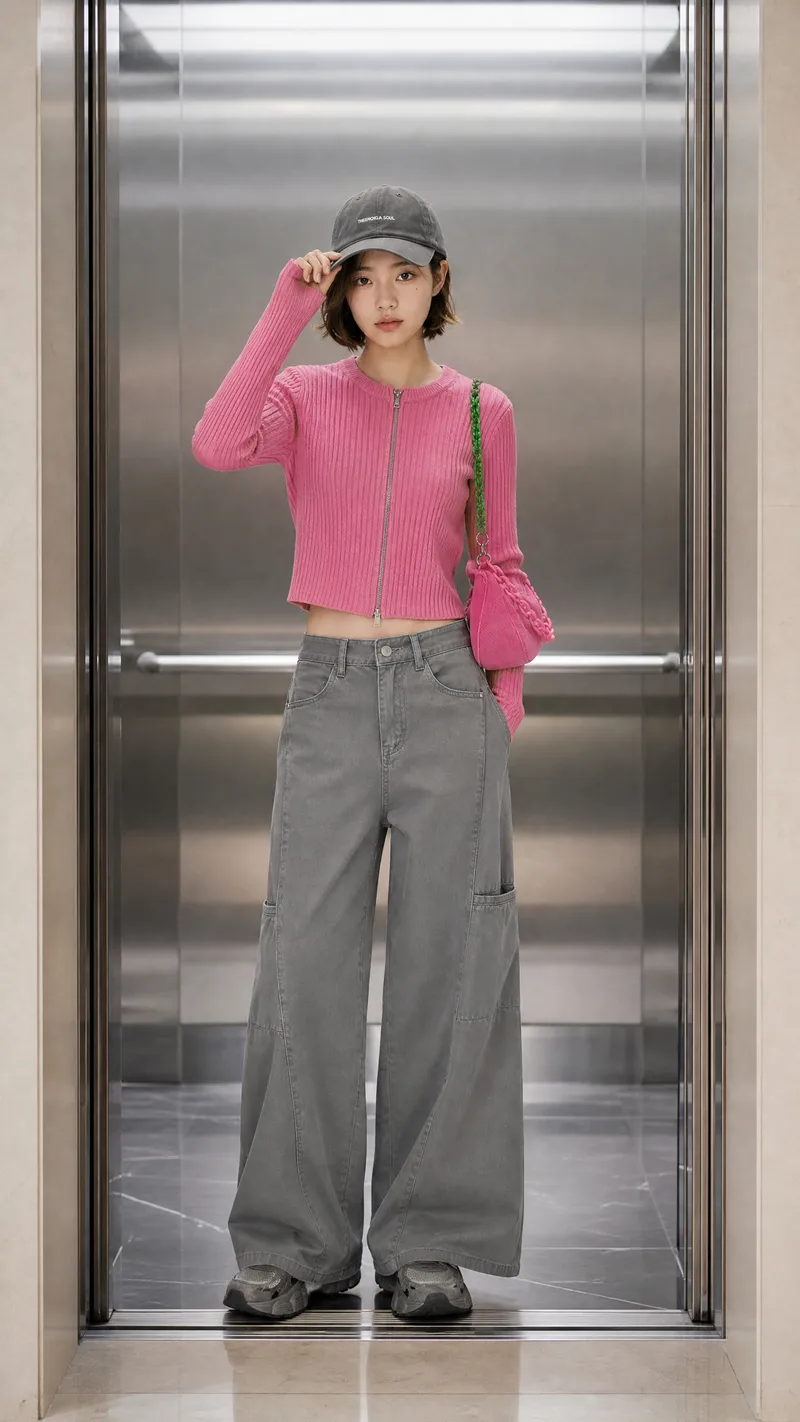
Door-Opening Outfit Video Generator
Target Audience: 1. Fashion Bloggers / OOTD Creators: Showcase 4 to 5 outfits in a single video to boost completion and save rates for weekly commute or winter coat collections. 2. Apparel E-commerce / Clothing Sellers / Boutiques: Use the same model to showcase multiple new arrivals, cutting down on shooting, model, and venue costs. 3. AI Virtual Model Account Operators: Keep a consistent character while swapping outfits and scenes to build a unified style. 4. Short Video Agencies and MCNs: Mass-produce structurally identical videos where changing the scene creates a new series. 5. Fashion Designers / Indie Brands: Quickly preview new releases and sample designs to test market response before production. Key Capabilities: Door-Opening Reveal Outfits: Each look follows a fixed structure of door opens, person steps in, subtle motion, and full-body display with hard cuts and unified pacing. 6 Built-In Scenes: Luxury elevator (default), fitting room curtain, revolving door/hotel lobby, wardrobe, subway door, and studio white backdrop. 2 Production Workflows: Route A generates storyboard images first for maximum accuracy and commercial use, while Route B generates the full video directly for drafts and quick tests. No Photo Needed: Automatically generates a matching character based on outfit style while keeping the face consistent. Clothing First: Colors, patterns, and accessories are faithfully restored from uploaded images. Built-In Quality Control: Inspects outputs item by item and allows re-generating only the flawed part. Monetization Methods: Account Content Monetization: Build fashion series accounts on platforms like TikTok or YouTube Shorts to earn through traffic, ads, and brand partnerships. Product Tagging / Affiliate Sales: Tag items directly in the video for multiple sales opportunities per clip. Freelance Services: Create new-arrival showcase videos for apparel merchants and boutiques for a low production cost. Brand Customization: Produce recurring series videos for brands, such as weekly elevator lookbooks, under monthly contracts. Virtual Model Accounts: Turn the character into an IP to earn through followers, ads, and endorsements.
Information
- Version
- v2
- Last updated
- Runtime credits
- Usage-based
- Models
- Auto
- Use cases
- Images & designVideo & audioMarketing & growth
- What you get
- Video
- Visual styles
- CinematicLuxuryPhotorealistic
