🥳 Memoji Sticker Burst
🥳 Memoji Sticker Burst
Showcase
Description
Use any image with this shortcut to generate 9 stickers.
Recommended by
Shuting@YouMind
Why we love this skill
This tool uses burst mode to capture subtle facial expressions, turning Memoji into more expressive personalized assets. It's a creative tool for customizing unique social sticker packs.
Related Skills
View all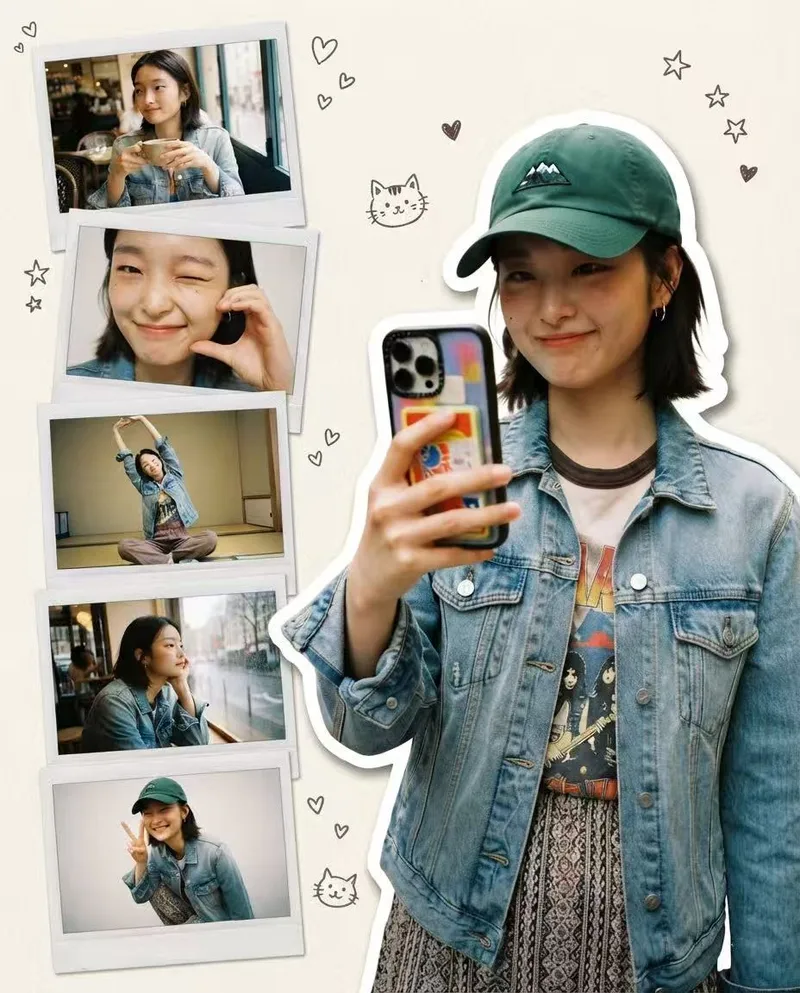 Image
ImagePolaroid Persona Generator
Upload one photo to generate six Polaroid-style portrait collage images featuring the same person with multiple expressions. Clothing and accessories are reproduced 100% from the original image.
Photo to GIF Emoji
Turn an image or reference GIF into a natural, seamless GIF emoji or sticker. The number of key images depends on the complexity of the action. After you confirm the keyframe visuals, the skill uses the YouMind desktop app to compile the animated GIF. ⚠️ Requires the YouMind desktop app.
 Image
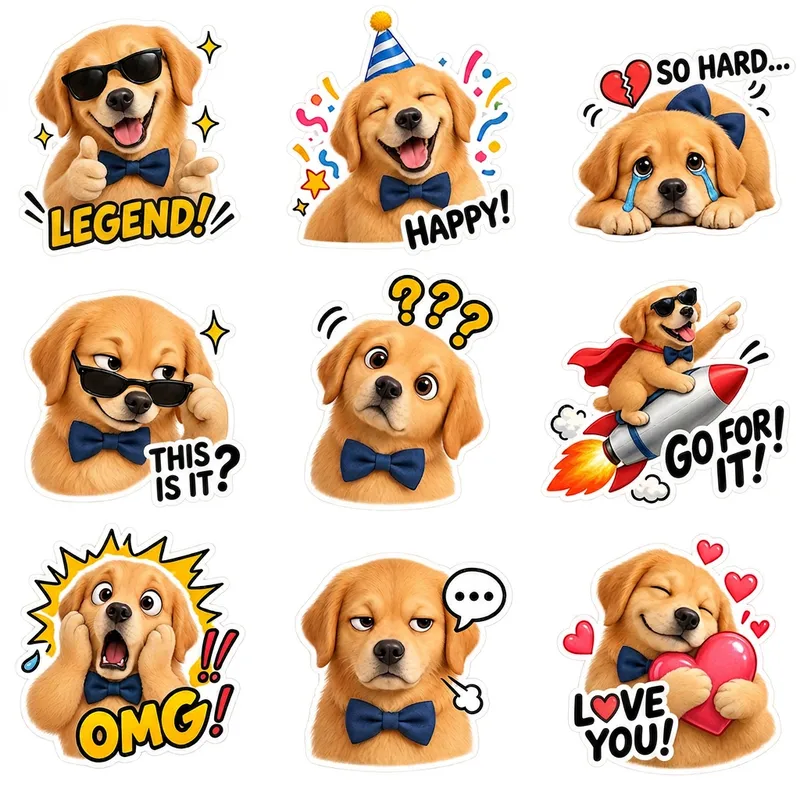
ImagePet Emoji Grid Stickers
Turn an existing cute pet character into a coordinated set of ready-to-use emoji stickers on a transparent background. Simply provide a complete pet character profile or an existing character reference image, and generate 9 chibi-style pet stickers featuring emotions such as happiness, excitement, anger, sulking, affection, and spacing out. Each sticker has a clear expression, action, and pose, while preserving the character’s recognizable visual identity across different moods. By default, you’ll receive one 1:1 square PNG sheet containing 9 individual stickers arranged in a 3×3 grid. The final image retains a truly transparent background and Alpha channel, with no white, black, or green background. It also includes no dividing lines, grid borders, background color blocks, ground shadows, or emotion labels. The stickers are spaced generously for use in chat, social sharing, content illustrations, and pet merchandise design. The character’s species, fur color, face shape, body type, accessories, and overall art style follow the original design rather than being redesigned as a similar but different pet. For more flexible sending, layout, or further editing, you can also generate 9 separate transparent PNG stickers, each retaining a consistent visual style and white outline.
Information
- Version
- v1
- Last updated
- Runtime credits
- Usage-based
- Models
- Auto
