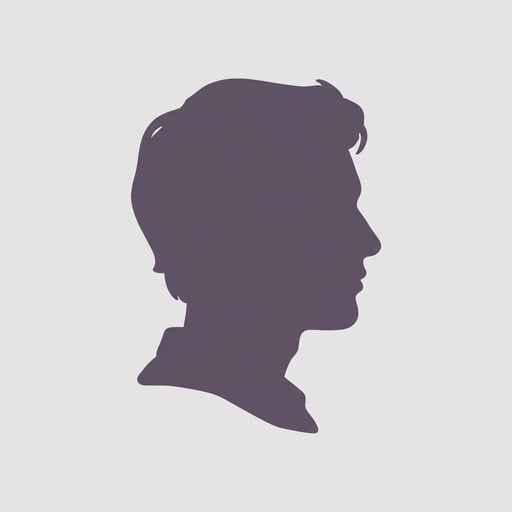
sqsl: Blue-Violet Portrait
Turn portraits into neon editorial art
sqsl: Blue-Violet Portrait
Turn portraits into neon editorial art
Showcase
Description
Extracts features from your uploaded portrait photo—including hairstyle, pose, composition, and expression—and transforms them into a modern, high-fashion minimalist illustration featuring black-and-white silhouettes with electric cobalt-blue and violet lighting.
Recommended by
Dancang
Why we love this skill
Transforms real portraits into minimalist fashion illustrations, preserving hairstyle, pose, and expression while balancing crisp vector aesthetics with fine grain for a quiet yet vivid urban poster feel.
Related Skills
View all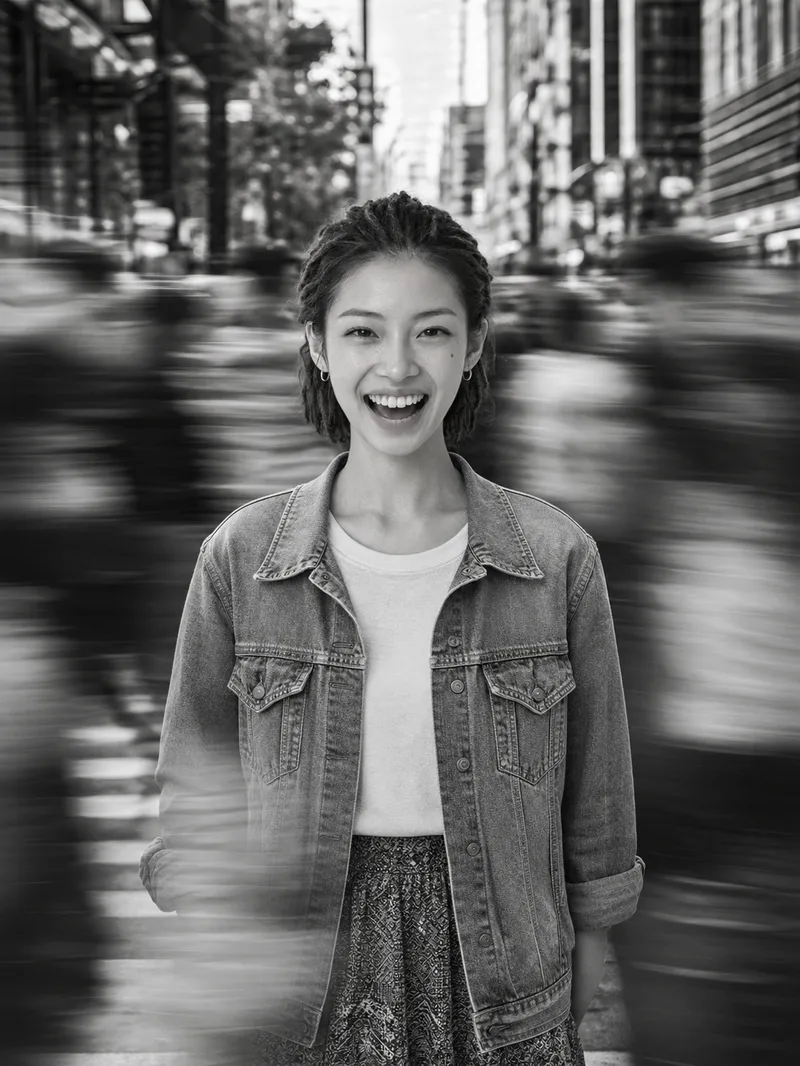 Image
ImageCinematic Street Portrait
Upload a single clear portrait reference photo to create an image, with the aspect ratio, light direction, focal length, and other details adjustable as needed. Using the uploaded reference photo as the sole basis for the person, this Skill creates a cinematic black-and-white street portrait with a sense of calm amid the bustle. The person’s identity is strictly preserved, including facial features, expression, skin tone, age, gender, body type, hairstyle, accessories, and clothing. They are placed at the center of a constantly moving crowd, with only the subject remaining sharp while the surrounding people and foreground show horizontal motion trails. The result has a pure black-and-white, high-contrast look with natural side lighting and a documentary street-photography feel reminiscent of film grain.
 Image
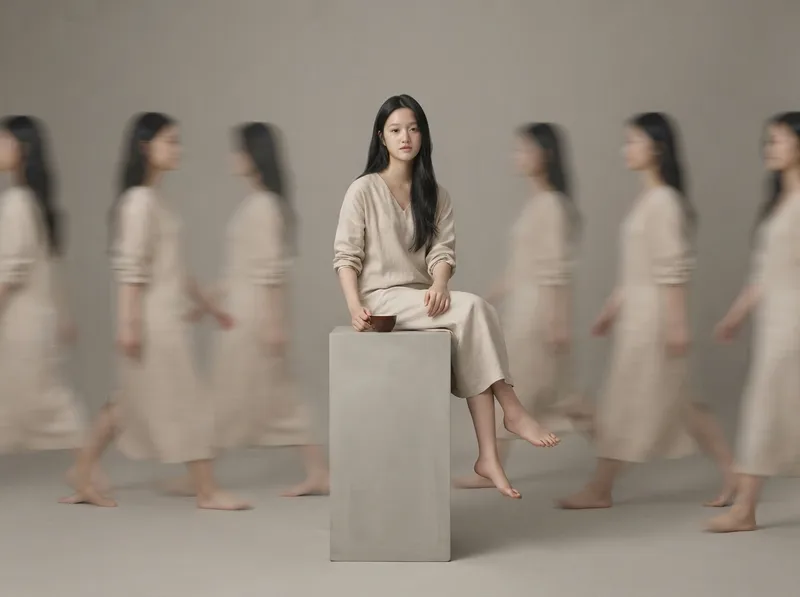
ImageRealistic Studio Portraits
Based on uploaded photos of people or pets, this Skill generates ultra-realistic, minimalist full-body studio portraits. It supports styles such as long-exposure ghosting, clean solo full-body portraits, and cloned mirror images; faithfully recreates the subject’s appearance and directly uses the most suitable image-generation model to create the images.
 Image
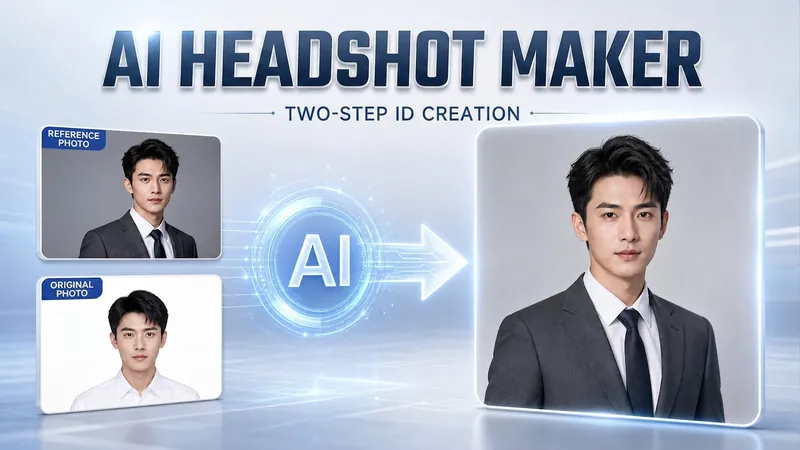
ImagePortrait Freedom-2-Step Prompt
Generate a high-end portrait that is uniquely yours from a single reference image. Many people creating AI portraits upload a selfie and say 'Generate a high-end professional headshot for me,' but often end up with a face that doesn't look like them, a style that is template-like and generic, plastic-looking skin, and makeup and clothing that don't match their personality. The root problem is asking the AI to simultaneously guess 'what you look like' and 'what style to use'—it fails at both. This skill breaks it down into two stable steps: First, you provide a single reference image (professional headshot, magazine portrait, black-and-white film, modern Chinese style, etc.). Instead of immediately generating an image, the AI deconstructs its 'photographic language' like a photographer—analyzing lighting, composition, focal length, background, color palette, mood, and texture—and then writes two complete prompt sets for male and female versions separately. Clothing, makeup, hairstyle, and pose are all written differently by gender, fundamentally avoiding disasters like 'putting a man in a silk camisole.' Second, you choose your set of prompts and pair it with a clear photo of yourself: the reference image handles the style, while your photo handles the identity—preserving your face shape, features, age perception, and expression, then applying the professional photographic quality from the reference. The result is a portrait that is unmistakably you with a cinematic quality. The reference image controls the style, your photo controls the identity—it's that simple. Changing the reference image changes the direction. ID photos, professional headshots, magazine covers, black-and-white film—one workflow handles them all, completely eliminating the homogeneity and plastic feel of AI portraits. Target audience: professionals needing a headshot/ID photo/personal brand portrait, social media influencers, job seekers, and anyone who wants a high-end portrait that is truly their own.
Information
- Version
- v5
- Last updated
- Runtime credits
- Usage-based
- Models
- Auto
