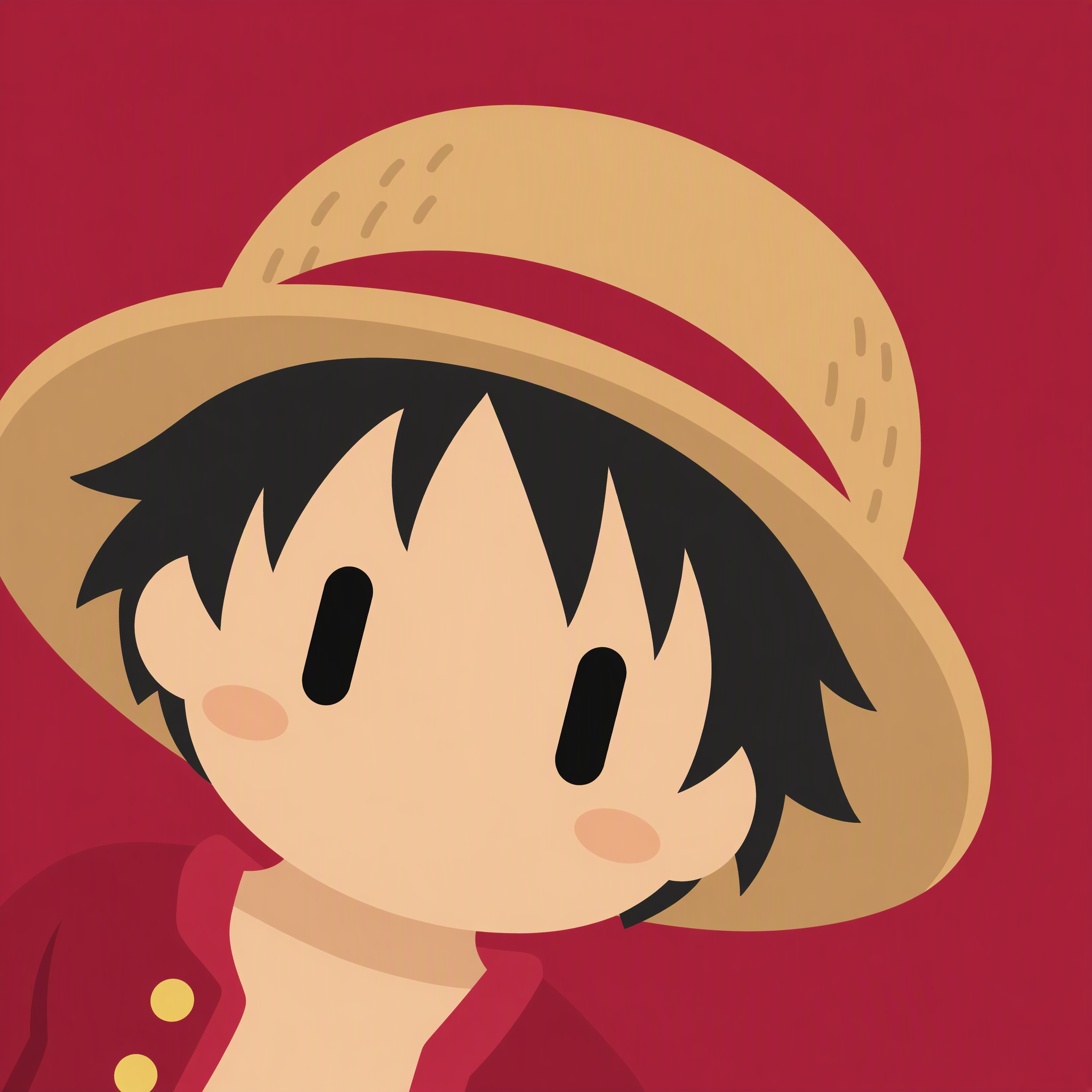
Viral Realistic Anime Avatar
Turn photos into minimalist robot avatars
Viral Realistic Anime Avatar
Turn photos into minimalist robot avatars
Showcase
Description
Turn a person or character image into a consistent minimalist 2D robot avatar, suitable for people, anime characters, dolls, mecha, and other subjects. The avatar extracts the original image’s basic skin or surface color, hair color, and hairstyle silhouette, while preserving a few of the most recognizable core features, such as ears, glasses, hats, beards, or mechanical parts. It will not add elements that are absent from the original image or copy character features from the style reference image. The final output is a 1:1 square avatar icon with large, smooth color blocks forming a rounded face and simplified hairstyle, paired with two solid-black vertical capsule eyes, low-saturation oval blush, and a consistent angled composition. The character appears enlarged from the lower-left corner, with the chin close to the bottom edge. The upper-right area retains solid-color background space, with the background color selected from one of the character’s representative colors and kept in clear contrast with the subject. The artwork does not include a mouth, nose, pupils, highlights, complex clothing details, text, logos, watermarks, or background patterns. Even when scaled down, the core silhouette and robot-avatar characteristics remain easy to recognize. If no person or character image is provided, upload one before starting the conversion.
Best for
For users who want to turn photos of people, anime characters, dolls, or mecha into consistent avatar icons.
How to use this Skill
Provide your input
Upload a person or character image; you may optionally provide a style reference image.
Run the Skill
Transform the subject into a consistent minimalist 2D robot avatar, extracting representative colors and key outline features while simplifying details.
Review your result
Generate a 1:1 square avatar with a rounded face, black vertical capsule eyes, a solid-color background, and clearly recognizable subject features.
Related Skills
View all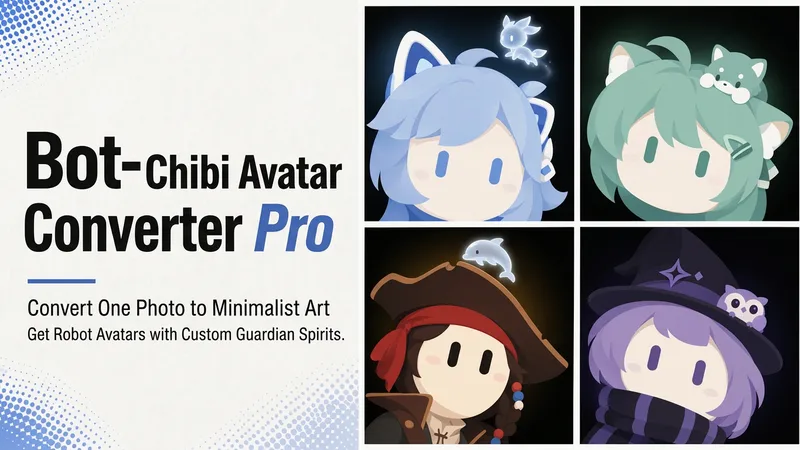 Image
ImageBot Q-Style Avatar Pro
Upload a photo, a character image, or simply describe it in one sentence, and turn it into a minimalist 2D “robot avatar” with a consistent style—no mouth or nose, large vertical oval eyes, a charcoal-black background, and soft theme-colored backlighting. You can also add a dedicated guardian that stays by its side. [What it can do] - Handles four input types: real-person photos, character or original IP art, pet photos, and text-only descriptions can all be transformed. - One style, a cohesive set: all avatars share the same minimalist robot visual language, creating a highly recognizable avatar wall without making everyone look alike. - Natural, realistic skin tones: skin color is captured from the original image for a clean, natural result—not a stark white mask. For real-person photos, the person’s actual skin tone is used. - Optional exclusive “Guardian” overlay: if the character has a signature pet, one is added automatically. You can also request one yourself and choose between a “glowing spirit” or a “physical cute companion.” - Switchable backgrounds: the main avatar uses a charcoal-black background with theme-colored backlighting. For displays or covers, you can also switch to a full theme-pattern background. - Delivered as a set: in addition to the main avatar, you can add guardian stickers, dual-form comparison versions, and sticker packs. [What you’ll receive] One 1:1 minimalist robot avatar, with guardian stickers, dual-form comparison versions, and sticker packs available as add-ons for a complete set. [Who it’s for] - Individuals who want a highly recognizable avatar that doesn’t look like everyone else; - Social media creators and managers who need a consistent avatar wall or visual identity; - Bloggers and brands that want to humanize and develop their original IP, pets, or brand mascots into a series. [Note] This Skill is a general-purpose style engine. You provide the source materials in the conversation; it does not include or replicate any specific artwork or trademarked character. Make sure you have the rights to use any photos or images you provide. The finished work is AI-generated content.
 Image
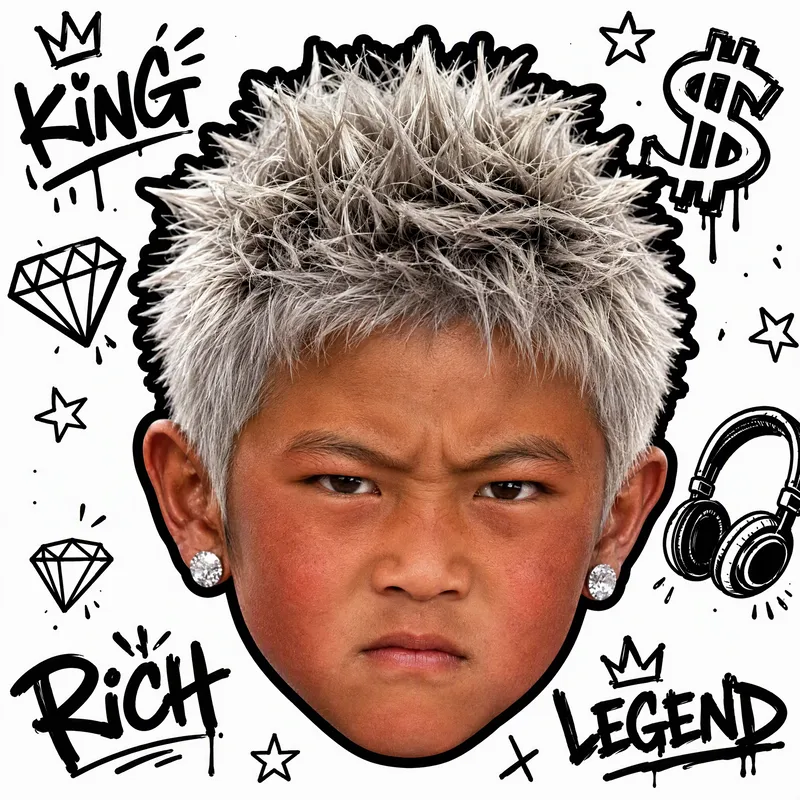
ImageWhite-Background Kid Portrait
Turn your childhood photos into a clean, eye-catching child portrait on a white background that closely resembles you. Upload one or more childhood photos, and the result will preserve the child’s facial features and recognizable identity in a realistic style, with a pure white background and a centered head-only composition—without the body, clothing, or original setting. It’s suitable for use as an avatar, sticker, or personal profile image. You can also specify visual directions such as hairstyle, hair color, hats, headscarves, earrings, glasses, expression, lighting, or street graffiti. The result will keep the same identity as the photo while following a clear visual style. If you have no specific requests, a trendy style will be selected for you, along with a brief explanation of the effect used. Each generation produces one square portrait, emphasizing realism, clarity, and a white-background look so the child in the photo is instantly recognizable.
 Image
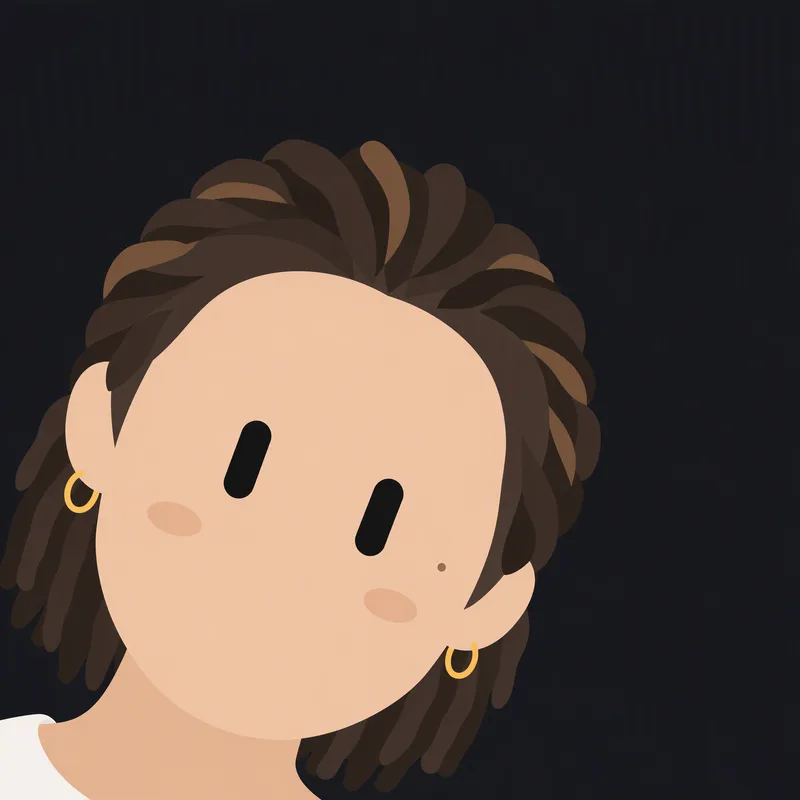
ImageBlack Capsule-Eye Avatar
Redraws a person or character from an uploaded image as a minimalist 2D robot icon, featuring signature black capsule-shaped eyes in the style of a Grok robot icon, while preserving the original image’s basic colors and key recognizable features.
Information
- Version
- v5
- Last updated
- Runtime credits
- Usage-based
- Models
- Auto
- Use cases
- Images & design
- What you get
- Image
- Visual styles
- MinimalistFlat
