Morandi Color Quote Card Design System v2.1
Morandi Color Quote Card Design System v2.1
Showcase
Description
A professional grid-style quote card generation system using the Morandi color palette and mathematical layout, with support for personal logo and signature. Optimized through real case testing, it is suitable for social media sharing, personal branding, literary content illustrations, and more. v2.1 has fixed technical annotation display issues, ensuring clean, professional cards without font size or color code annotations.
Recommended by
nene@YouMind
Why we love this skill
This skill intelligently transforms quotes into Morandi-colored cards with exquisite color and layout, highlighting deep meaning. It automatically matches colors and geometric elements to the theme, precisely emphasizing core concepts, making your shares artistic and thoughtful.
Related Skills
View all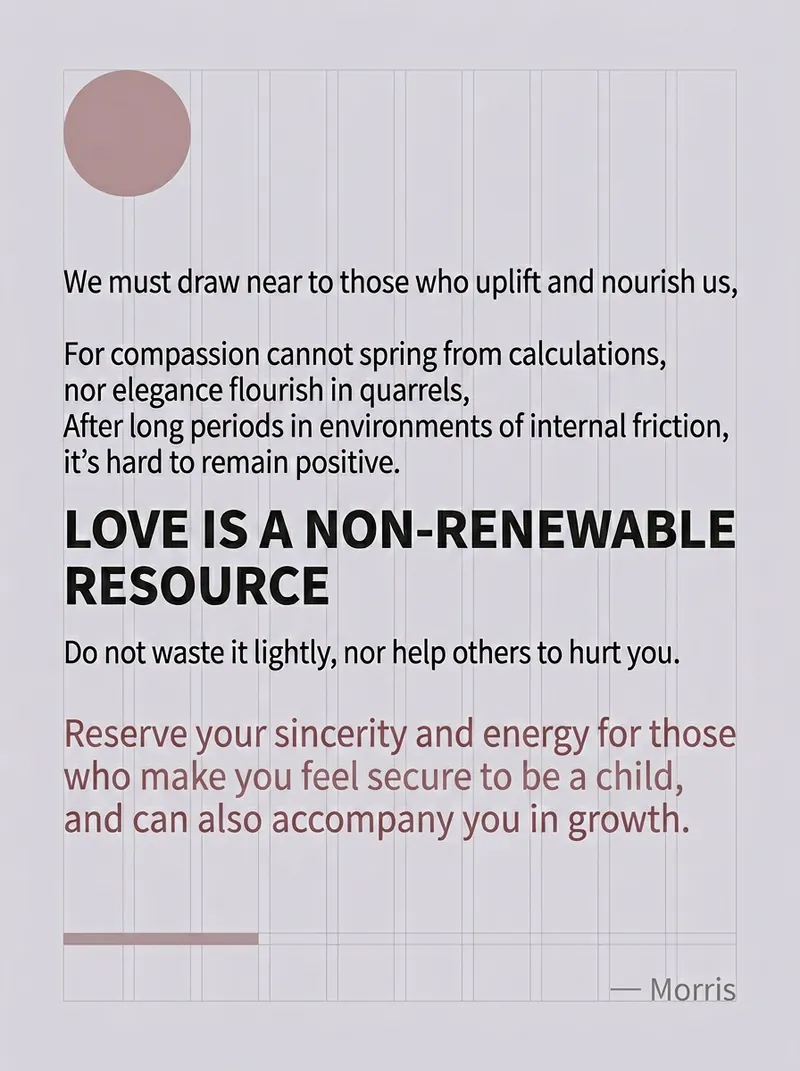
Morandi Quote Card System v2.0
A quote card generation system focused on grid style and Morandi color palette, proven through practical application to be the optimal design solution.
 Research
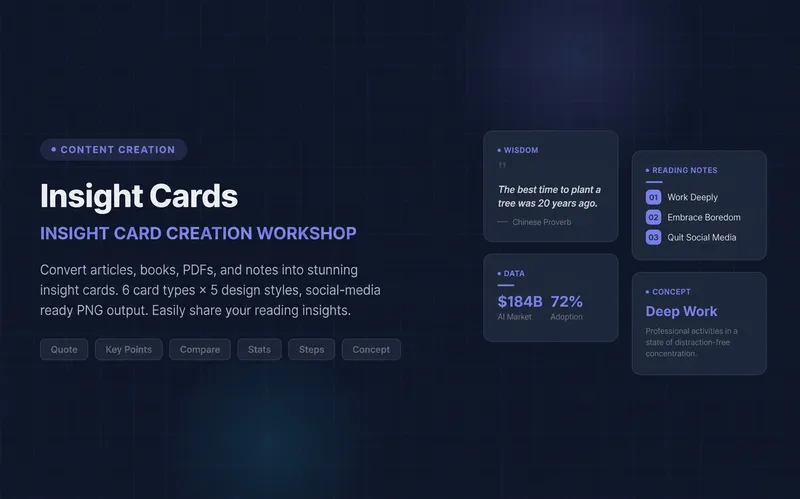
Knowledge Card Studio
Turn articles, notes, or book excerpts into a single knowledge card or a 3–5-page carousel. Choose from six card types and five existing styles; each page delivers one takeaway while preserving quotes, numerical qualifiers, and sources. Create a reusable series brand profile with fixed colors, font hierarchy, margins, title placement, page numbers, and byline. For the next edition, provide the profile to reuse the same system and keep the series consistent—no need to explain the design requirements again. The default deliverables are editable HTML/SVG and the brand profile. When the environment supports actual rendering, sequentially numbered PNGs are also included. Missing glyphs, overflow, and inconsistencies across pages are checked and fixed; if the images were not actually rendered, the skill will not claim that image checks passed. No local scripts are required. Try it directly: create a five-page book-notes carousel, use a brand profile for the next edition, or turn quotes from the original text into cards. For complex relationships or charts, use Infographic Maker. For a finished WeChat Official Account post, use the WeChat Official Account Formatter.
 Image
ImageDoodle Note Card Generator
Automatically analyze user-provided content, extract key points, and generate colorful doodle-style explanation cards for each point. Supports specifying the number of cards (default 3-5), multiple platform ratios (PPT, Xiaohongshu, Official Account cover, Official Account square image, Instagram, etc.), uses a hand-drawn note style, automatically detects user language (Chinese/English), supports custom title bar, and is suitable for educational presentations and social media sharing.
Information
- Version
- v1
- Last updated
- Runtime credits
- Usage-based
- Models
- Auto
