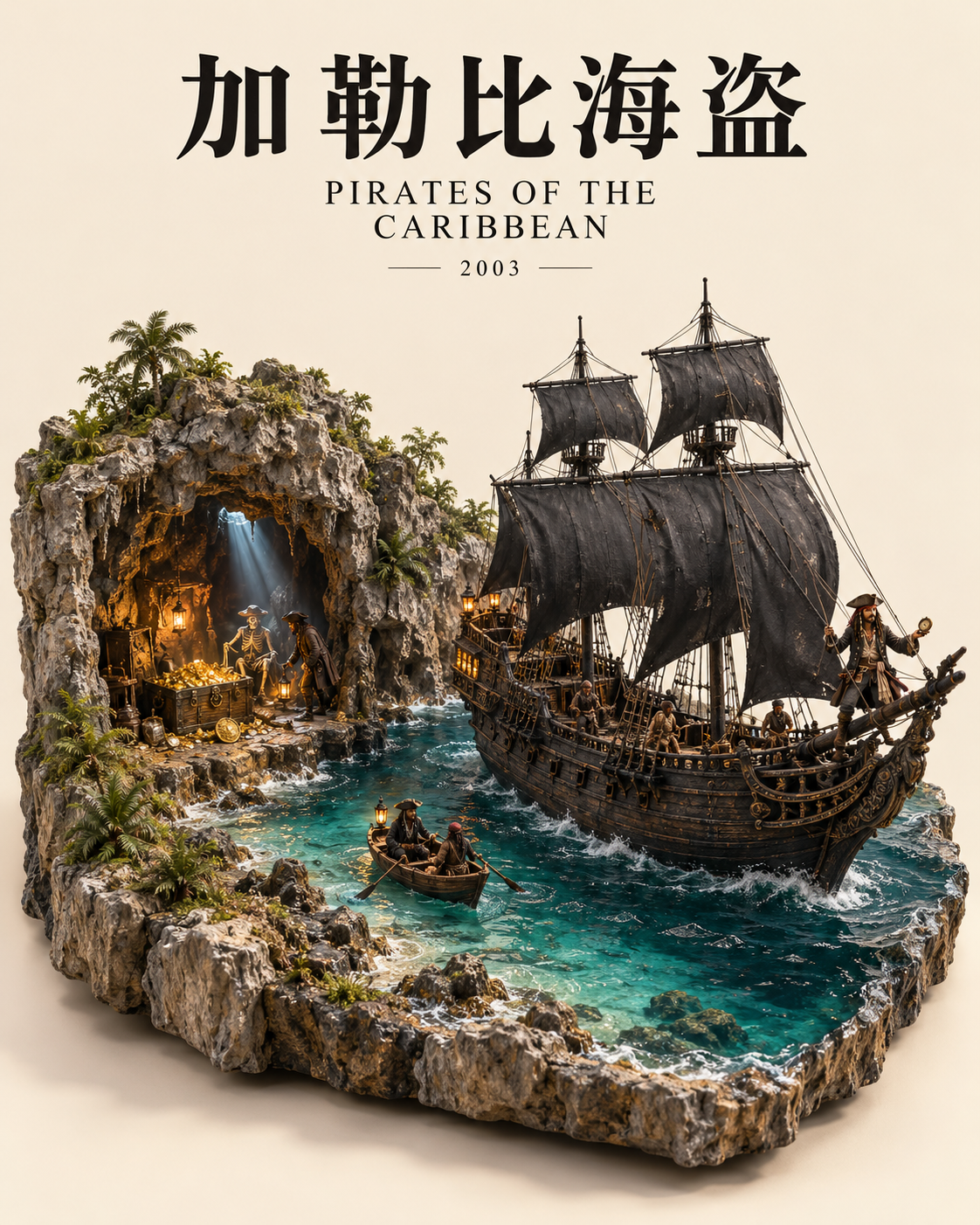
Movie Diorama Poster
Turn classic movies into collectible miniature landscape posters.
Movie Diorama Poster
Turn classic movies into collectible miniature landscape posters.
Showcase
Description
Condense a movie into a story-rich miniature world complete with a solid base, continuous paths, a unified miniature scale, Chinese main title, English title, and release year. It generates a 4:5 vertical poster by default and supports movie series, specific themes, revisions to existing works, and prompt-only output. Built-in directions for seven films include special handling for edge cropping, character proportions, war scenes, and era checks. Actual image generation requires platform capabilities, and results are checked item by item.
Why we love this skill
Transforms movies into collectible, top-down diorama posters. Beyond recreating famous scenes, it reconstructs a complete cinematic world through paths, topography, scale, and narrative details. Rigorously checks aspect ratios, composition, text, and movie elements for artistic quality and reliable delivery.
Best for
Movie lovers and content creators who want to condense film scenes and narrative elements into collectible miniature landscape posters.
How to use this Skill
Provide your input
Provide a movie title, and optionally add a series, theme, aspect ratio, title text, reference image, or revision request; you can also request just the complete prompt.
Run the Skill
Distills the movie content into an explorable miniature landscape with a complete base, connected paths, and unified scale, then generates or organizes the poster prompt accordingly.
Review your result
Receive a movie miniature landscape poster or a ready-to-use complete generation prompt. If an image is generated, the aspect ratio and key inspection results are also noted.
Related Skills
View all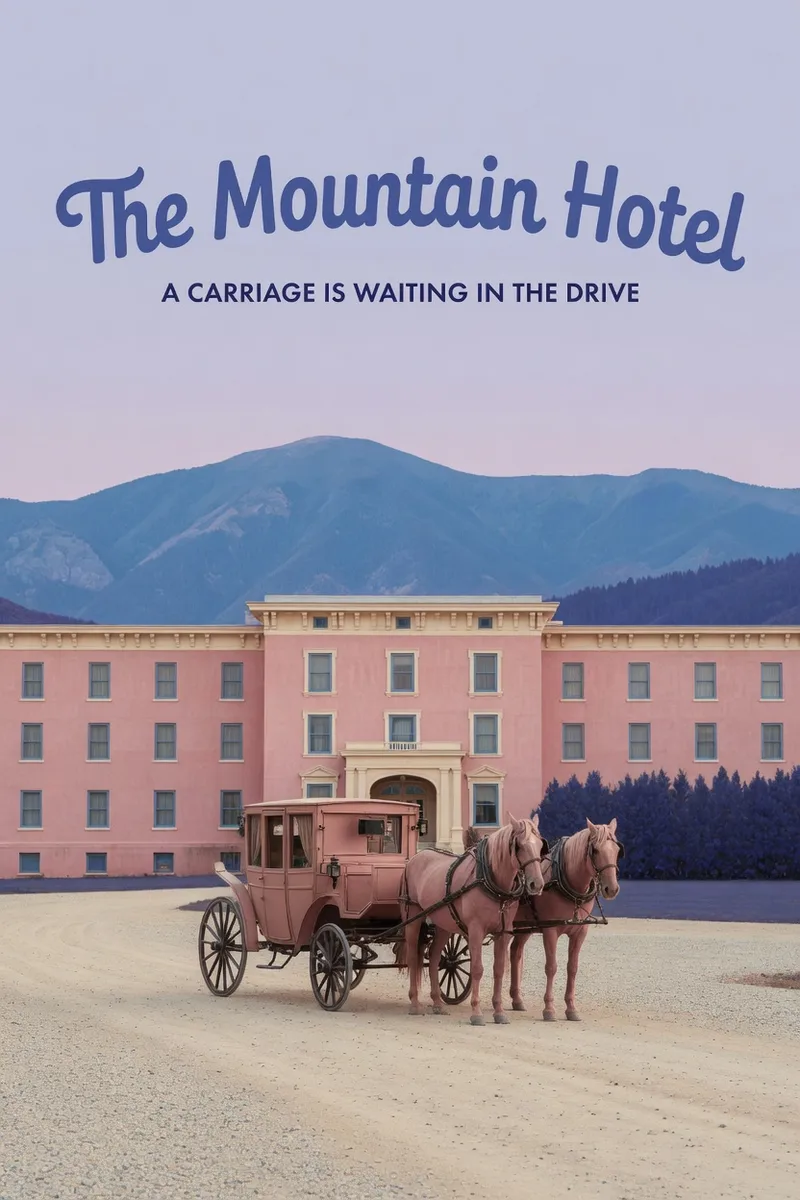 Image
ImageWes Anderson–Style Poster
Turn a one-sentence theme or reference photo into a movie poster or scene with Wes Anderson–style order and theatrical atmosphere. People, animals, buildings, and props are arranged into clear little worlds through frontal or symmetrical framing, retro production design, carefully designed spatial relationships, and a restrained sense of anticipation, humor, or detachment. The style is expressed through the structure of the image—not just layered filters and retro adjectives. Posters default to a 2:3 portrait format with an English main title and subtitle. When you need a text-free film still or movie scene, the canvas can be adjusted to a suitable aspect ratio. Titles are treated as part of the overall composition, with attention to typography, reading flow, scale, rhythm, and negative space. The palette, film tones, lighting, and material textures work together in service of the theme while preserving important content from the photo, including people’s identities, key structures, the number of people, poses, and recognizable markings. You will receive the finished image and the actual image prompt used. If you only need a prompt, photo-editing suggestions, or a visual review, you can specify that directly. Suitable for creating retro movie posters, character scene portraits, architectural and prop displays, nature-themed images, and stylized work based on source images.
 Image
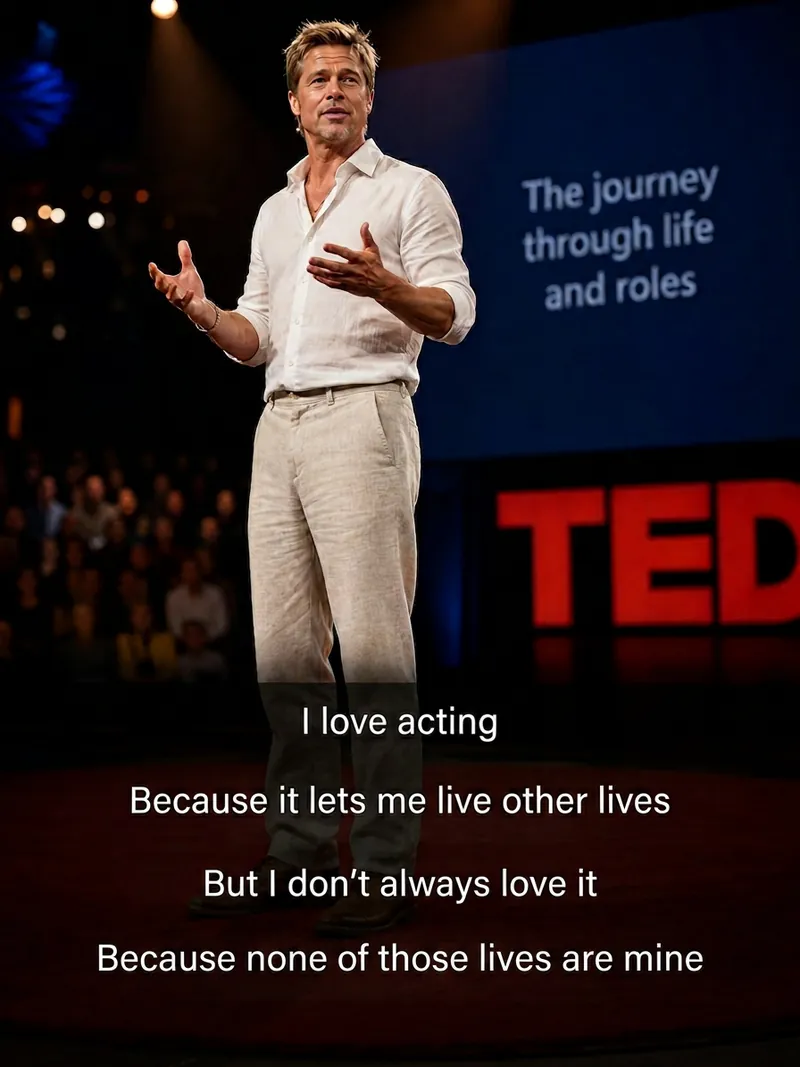
ImageCinematic Quote Portraits
Turn a portrait photo and a quote into a vertical quote poster with a cinematic narrative feel. Facial features, hairstyle, and identity are kept as consistent as possible with the reference photo, while the quote’s emotion shapes scenes such as an interview, an intimate conversation at home, a courtroom statement, a seaside monologue, a rainy nighttime street, or a retro Hong Kong-inspired setting. Ideal for character quote graphics, mood posters, and social media content. Choose a preset template or customize the scene, clothing, pose, and atmosphere. The Skill also supports speaking mouth shapes, Chinese-English bilingual text, classic typography, subtitle styles, minimalist designs, and Hong Kong-inspired color tones, with output in 3:4, 9:16, or 1:1 formats. Longer quotes are condensed and line-broken for poster presentation, keeping the text concentrated near the bottom of the image so it does not cover the subject’s face and remains clear and readable. The final deliverable is an AI-generated cinematic quote poster, accompanied by the selected scene, text style, and aspect ratio. Because the text is rendered directly by AI, complex or lengthy quotes may occasionally contain incorrect characters. If the text is inaccurate, shorten the quote or request a new generation.
 Image
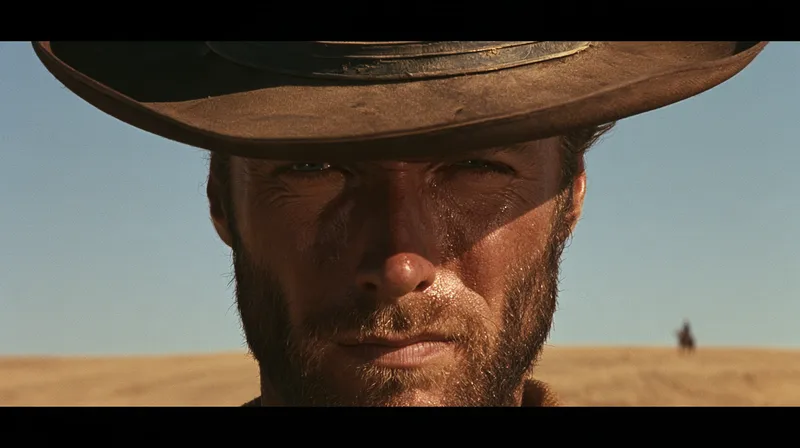
ImageSun-Baked Western Style
Turn a one-line scene description or reference image into Chinese and English still-image prompts with a Leone-style, sun-baked Western atmosphere. Preserve the original character relationships, spatial positions, and period setting while enhancing close-up pressure, distant scale references, and deep horizontal space. This works for stylized transfers of character close-ups, two-person interactions, wide environments, and scenes without people, and can also target specific corrections when the image drifts from the intended direction. The image centers on hard sunlight cut by hat brims or solid edges, using tobacco brown, ochre yellow, and restrained faded blue to create a hot, layered color relationship. It also incorporates weighty materials such as cotton cloth, worn leather, limewashed walls, and wooden rails. Characters are not simply stretched into distorted close-up faces; when no people are present, the same visual tension comes from placing a foreground subject against distant buildings or small objects. You will receive complete prompts for native Chinese ImageGen and English Midjourney. They can be used to generate separate images at a specified aspect ratio and quantity, or to plan fixed elements and variations for a series. This Skill focuses on writing still-image prompts: it does not automatically add gunfights, cigarettes, or violent props, and it does not mistake text prompts for actual image results.
Information
- Version
- v4
- Last updated
- Runtime credits
- Usage-based
- Models
- Auto
- Use cases
- Images & design
- What you get
- ImagePrompt
- Visual styles
- 3D
