
Mystery Drama Intro Generator
Create a mystery drama opening from one image
Mystery Drama Intro Generator
Create a mystery drama opening from one image
Showcase
Description
Upload a real person's photo to generate a roughly 15-second mystery detective drama opening. It defaults to a Japanese neo-noir illustration collage and jazz atmosphere, with on-demand adjustments supported.
Recommended by
Dancang
Why we love this skill
Transforms a portrait photo into a 15-second Japanese neo-noir mystery intro, blending rainy cityscapes, evidence walls, jazz rhythms, and film grain. It delivers a cinematic finished piece directly rather than just storyboards or prompts.
Best for
Content creators looking to turn a real person's photo into a mystery detective style short video opening.
How to use this Skill
Provide your input
Upload a clear portrait photo and choose landscape, portrait, or another aspect ratio. You can also specify your title, style, music, and duration requirements.
Run the Skill
The system uses the photo as a visual reference to create a roughly 15-second mystery detective drama opening, adjusting visuals, text, pacing, and music as requested.
Review your result
Receive a mystery drama opening video starring that person, featuring urban rainy night and evidence collage elements along with the corresponding atmosphere.
Related Skills
View all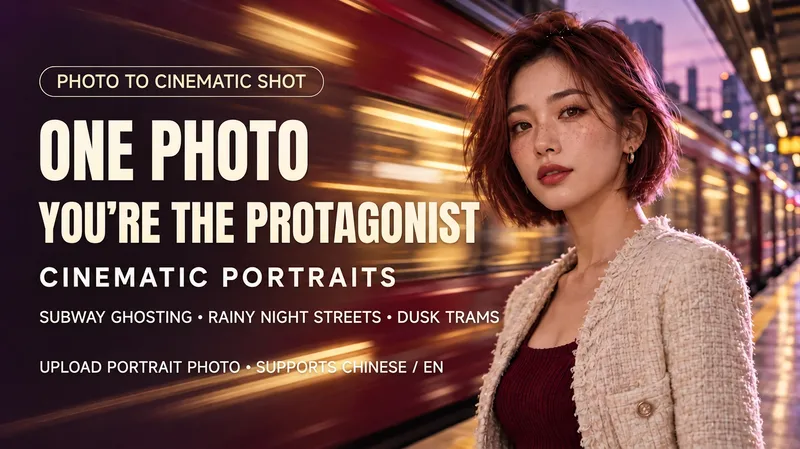 Image
Cinematic Portrait Generator
Upload a photo to generate a portrait in the style of a rushing subway, a rainy night street, or a golden-hour tram. Keep the person sharp while the trains, traffic, and lights behind them create motion blur. Customize outfit, expression, color grading, blur intensity, and framing. By default, it outputs a text-free 3:4 vertical image, making it ideal for avatars, personal portraits, and social media posts. Supports both Chinese and English, and allows you to create fictional characters using text prompts. Turn your photo into a cinematic portrait with a city in motion. Upload a portrait and choose a rushing subway, a rainy street or a golden-hour tram. Keep the person sharp while city lights flow behind them. Customize outfit, expression, color, blur strength and framing. Chinese and English supported; one vertical, text-free still image by default.
 Image
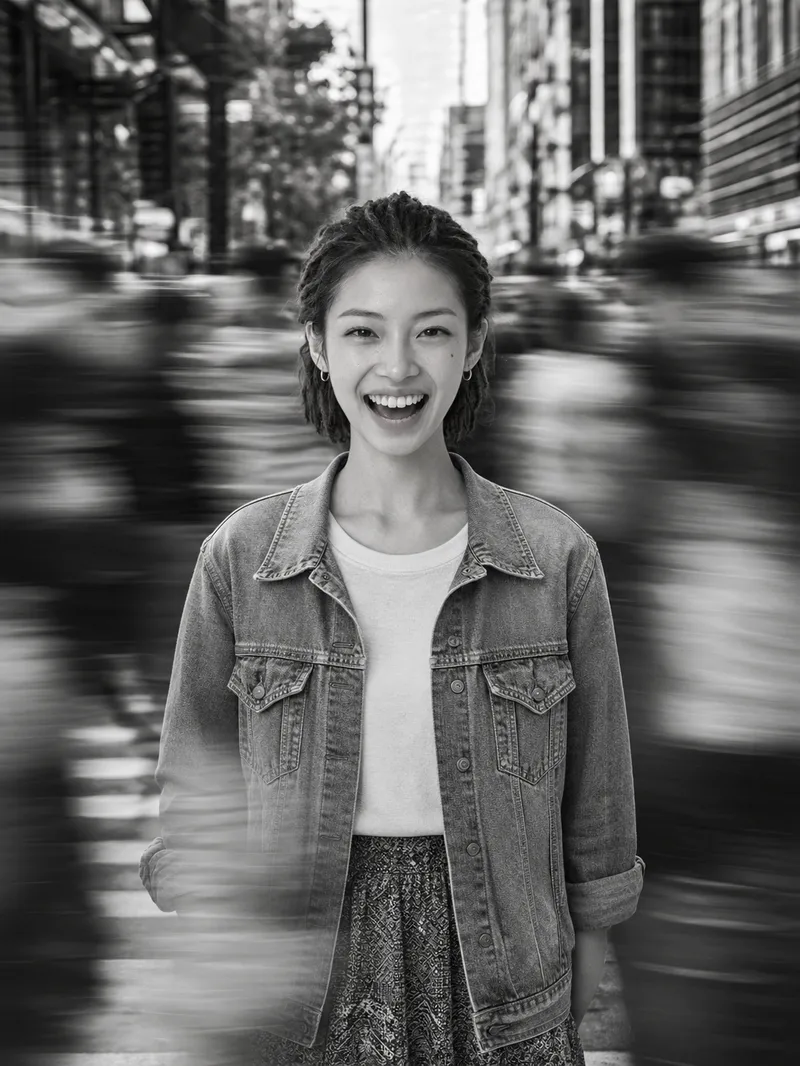
Cinematic Street Portrait
Upload a single clear portrait reference photo to create an image, with the aspect ratio, light direction, focal length, and other details adjustable as needed. Using the uploaded reference photo as the sole basis for the person, this Skill creates a cinematic black-and-white street portrait with a sense of calm amid the bustle. The person’s identity is strictly preserved, including facial features, expression, skin tone, age, gender, body type, hairstyle, accessories, and clothing. They are placed at the center of a constantly moving crowd, with only the subject remaining sharp while the surrounding people and foreground show horizontal motion trails. The result has a pure black-and-white, high-contrast look with natural side lighting and a documentary street-photography feel reminiscent of film grain.
 Image
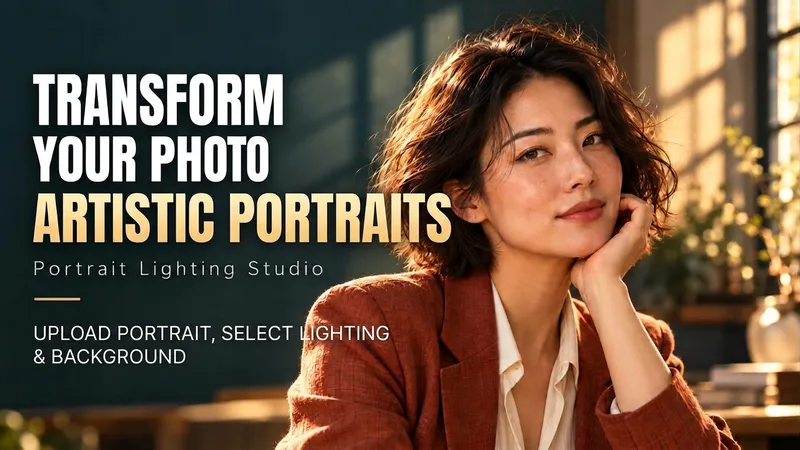
Portrait Light & Shadow Studio
Upload portraits, adjust lighting, poses, and backgrounds to generate window soft-light, night scene, or studio-style portraits. Upload a portrait photo or describe a fictional character to create photographic avatars, personal portraits, and magazine-style portraits. The Skill combines the subject's visible features to arrange poses, lighting, framing, clothing, and environment, ensuring natural hand gestures, grounded body posture, and directional lighting. Three original scenes are ready to use: • Warm Pottery Window: Terracotta and warm wood tones, with a natural medium shot near a studio window. • Rainy Night Set: Warm light in a movie theater porch, cold wet street tones, and expressive gazes. • Coastal Golden Breeze: Sunset rim lighting, sea breeze, and relaxed full-body travel portraits. Professional headshots, solid-color studios, black-and-white portraits, and custom themes are also supported. Uploading a photo preserves primary clothing and accessories by default; to change outfits, backgrounds, or poses, simply specify your request. By default, it generates one 3:4 vertical text-free image per run; you can change the aspect ratio, create a series, or request Chinese, English, or bilingual prompts. Multiple images are generated separately, and after generation, subject recognition, hands, feet, support points, and lighting are verified. You can say: "Use this photo for the rainy night set, keep the hairstyle, and change to a dark jacket." or "Create a mature woman with short curly hair walking naturally in the coastal sunset."
Information
- Version
- v5
- Last updated
- Runtime credits
- Usage-based
- Models
- Auto
- Use cases
- Images & designVideo & audio
- What you get
- Video
- Visual styles
- CinematicCollageFlat
