xiaoxiaodong P116 | Doodle
By xiaoxiaodong
Description
Recommended by
淡苍
Why we love this skill
Transforms photos into pastel doodle posters while preserving the subject, clarity, and precise 50:50 contrast. Supports multiple layouts and wallpaper formats for polished, consistent delivery.
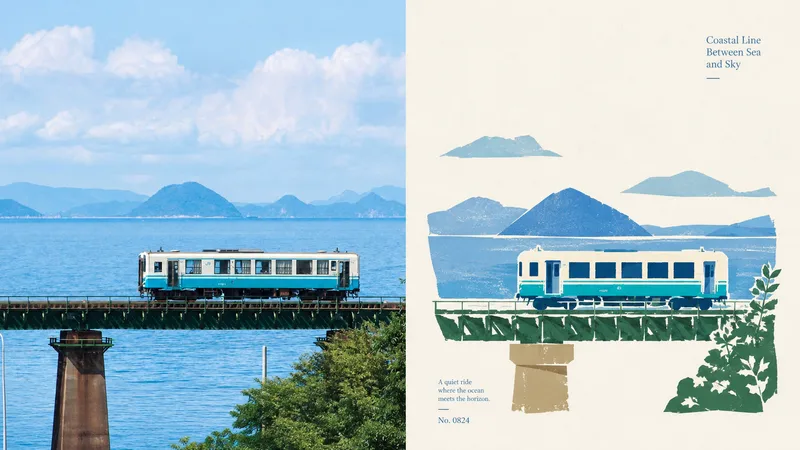
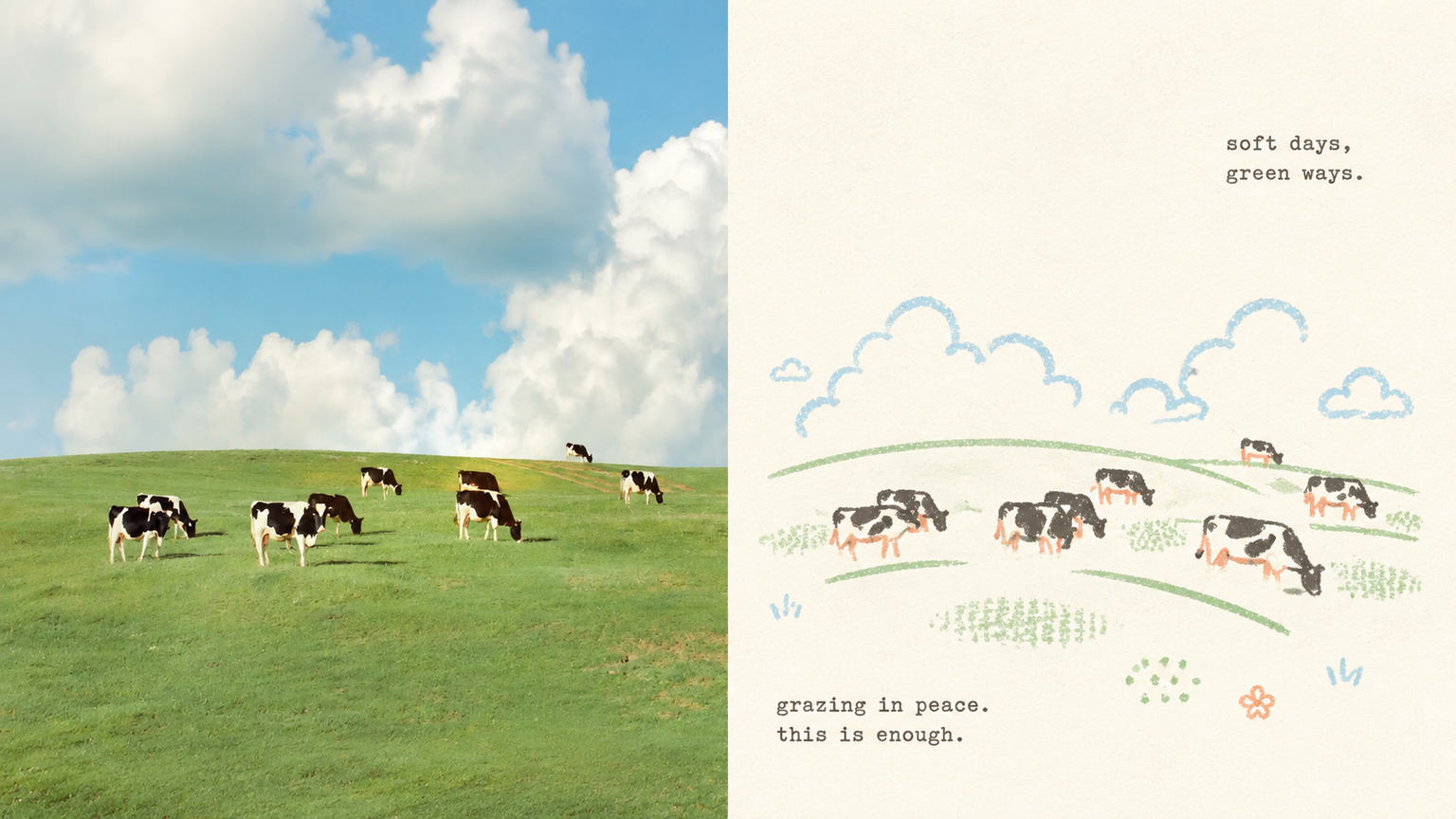
Some photos are truly moving not because of how much information they contain, but because of a single subject, a particular pose, a few colors, and the emotion captured in the image. Panel 116 keeps the real photo in the upper half, then translates the lower half into pastel crayon doodles on an extremely light paper surface: coarse-grain outlines, a few soft color blocks, minimal symbols, and small-scale subjects that leave room to breathe. Ideal for these situations You want to preserve the photo’s identity and natural texture while creating a lighter poster that feels more like an art publication. You don’t want to trace every object, create a realistic redraw, or fill the background with details. You only want to retain the core subject, relationships, and visual memories. You like bright, soothing pastel colors but don’t want anything gloomy, low-contrast, fluorescent, or cheaply candy-colored. You need the same style to produce consistent results across top-and-bottom layouts, left-and-right layouts, pure designs, multiple aspect ratios, four-end wallpapers, or catalog batch processing. What it solves for you It removes secondary information from complex photos so the subject isn’t overwhelmed by details and decoration. It uses clear colored lines and a light paper background to maintain recognizability and keep the subject from blending into the background. It ensures the split composition contains exactly two 50:50 regions, with no title strip, bottom bar, or third section. Each image is generated directly from the current original in a single pass, without sending samples, intermediate results, or work from other Panels back into the model.
Related Skills
View allxiaoxiaodong P108 Folk Cut
When the subject of a photo is highly recognizable but weakened by a complex background, excessive decoration, or ordinary filters, 108 reorganizes the information through new folk-art paper cutting: the real photo remains above, while the section below keeps only the subject, outline, pose, and narrative relationships, transforming them into flat paper-cut forms, a seal-like main visual, and printmaking texture. Best suited for Art posters, publication covers, or exhibition images that preserve the identity of a photo while adding cultural and handcrafted character. A preference for silhouettes, color blocks, engraved lines, positive and negative space, and paper grain over realistic illustration, smooth vectors, or 3D. Stable output in the same style across top-and-bottom, side-by-side, pure design, wallpaper, multiple aspect ratios, and catalog batch processing. What it solves for you Removes irrelevant backgrounds and duplicate objects so the subject is not overwhelmed by decoration. Extracts the 2–4 most distinctive colors from the photo to create vivid but restrained folk-art color blocks. Unifies the two-zone structure of every finished piece: a strict 50:50 split, with no added title bar, footer, or third band. Quick check: Is Panel 108 right for you? What you get: A complete poster with the real photo on top and a new folk-art paper-cut design below At-a-glance characteristics: A small-scale, seal-like subject; flat paper-cut color blocks; printmaking grain; and generous warm-white space How the original image is respected: Identity, structure, pose, lighting, and color are preserved; the lower section only simplifies and symbolically reconstructs them
xiaoxiaodong P119 | Fabric
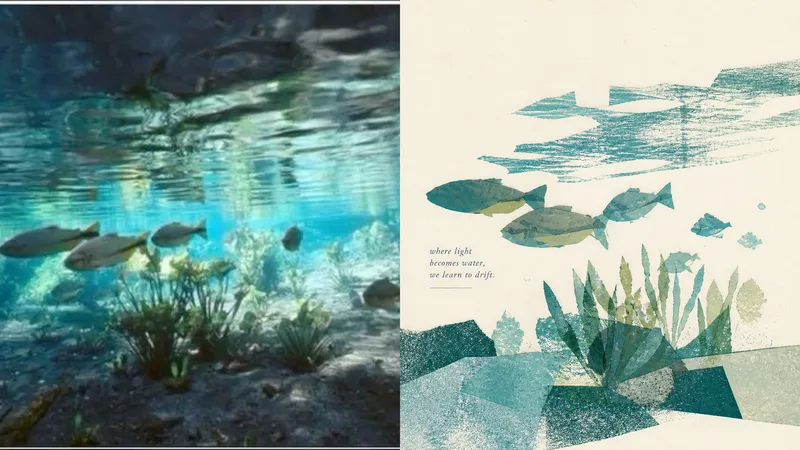
When the people, objects, or actions in a photo are worth preserving but the background is too crowded, Panel 119 distills the central subject into a hand-sewn textile collage. A few large fabric pieces, raw-edge appliqué, and a small amount of embroidery create a compact visual focal point, while generous negative space gives the linen-and-cotton fibers and stitchwork room to be seen. Best for Preserving the true identity of people, everyday objects, and travel memories while adding a warm fabric touch. Distilling the subject, outline, structure, posture, and narrative relationships from a complex photo without redrawing every element of the original scene. Working with lively yet soft 2–4-color fabric palettes and restrained, editorial-style copy. Creating consistent styles for top-and-bottom, left-and-right, pure-design, multiple-aspect-ratio, four-edge wallpaper, or catalog batch processing. What it solves for you It actively removes most of the background and unrelated details to prevent visual information from piling up. It builds recognizability with a few large fabric pieces and hand-stitched details, avoiding a cheap handcrafted look or templated collage style. It strictly uses only two 50:50 areas on the canvas, with no title band, bottom bar, or third section. Each image is generated in a single pass from the current original image, avoiding a second round of stylization on intermediate results.
xiaoxiaodong P106: Soft Pixel
Photos often contain too many details, yet what stays memorable may be just a silhouette, a gesture, a sense of distance, or a patch of color. Panel 106 selects 2–4 visual anchors that define the subject’s identity from the original image, then reconstructs them as a soft, clear pixel memory with geometric order: from a distance, it looks like a refined abstract composition; up close, you can still tell that it is your photo. Works well when Your photo is complex, but you don’t want to lose its identity: Remove secondary objects and trivial structures, keeping only the silhouettes, poses, directions, and color relationships that truly define the image. You want an abstract poster without turning it into unrecognizable decoration: Use a regular grid, hard-edged color blocks, localized dithering, and positive and negative space to let the subject gradually emerge from the abstract order. You like a fresh, soothing look but dislike a cheap candy-like feel: Recompose a soft, bright limited palette from the original image, using colors such as creamy white, peach pink, milky blue, and mint green for a sweet but balanced result. You need flexible delivery in a consistent style: Supports top-and-bottom comparisons, side-by-side comparisons, pure designs, multiple aspect ratios, four-device wallpapers, and batch processing of image folders. What it solves for you It does not simply shrink the photo, apply a filter, or pixelate each object individually. Instead, it reorganizes the visual memory directly from the original image in a single pass. The 2–4 anchors work together to form one single-focus image, rather than being split into cards, grids, or a collage wall. Comparison mode always has exactly two 50:50 areas: top-and-bottom places the original image on top and the design below; side-by-side places the original on the left and the design on the right, with no extra third strip. Get started quickly Use XXD Panel 106 to process this image for me, starting by recommending the most suitable composition and size.
xiaoxiaodong P116 | Doodle
By xiaoxiaodong
Description
Recommended by
淡苍
Why we love this skill
Transforms photos into pastel doodle posters while preserving the subject, clarity, and precise 50:50 contrast. Supports multiple layouts and wallpaper formats for polished, consistent delivery.
Some photos are truly moving not because of how much information they contain, but because of a single subject, a particular pose, a few colors, and the emotion captured in the image. Panel 116 keeps the real photo in the upper half, then translates the lower half into pastel crayon doodles on an extremely light paper surface: coarse-grain outlines, a few soft color blocks, minimal symbols, and small-scale subjects that leave room to breathe. Ideal for these situations You want to preserve the photo’s identity and natural texture while creating a lighter poster that feels more like an art publication. You don’t want to trace every object, create a realistic redraw, or fill the background with details. You only want to retain the core subject, relationships, and visual memories. You like bright, soothing pastel colors but don’t want anything gloomy, low-contrast, fluorescent, or cheaply candy-colored. You need the same style to produce consistent results across top-and-bottom layouts, left-and-right layouts, pure designs, multiple aspect ratios, four-end wallpapers, or catalog batch processing. What it solves for you It removes secondary information from complex photos so the subject isn’t overwhelmed by details and decoration. It uses clear colored lines and a light paper background to maintain recognizability and keep the subject from blending into the background. It ensures the split composition contains exactly two 50:50 regions, with no title strip, bottom bar, or third section. Each image is generated directly from the current original in a single pass, without sending samples, intermediate results, or work from other Panels back into the model.
Related Skills
View allxiaoxiaodong P108 Folk Cut
When the subject of a photo is highly recognizable but weakened by a complex background, excessive decoration, or ordinary filters, 108 reorganizes the information through new folk-art paper cutting: the real photo remains above, while the section below keeps only the subject, outline, pose, and narrative relationships, transforming them into flat paper-cut forms, a seal-like main visual, and printmaking texture. Best suited for Art posters, publication covers, or exhibition images that preserve the identity of a photo while adding cultural and handcrafted character. A preference for silhouettes, color blocks, engraved lines, positive and negative space, and paper grain over realistic illustration, smooth vectors, or 3D. Stable output in the same style across top-and-bottom, side-by-side, pure design, wallpaper, multiple aspect ratios, and catalog batch processing. What it solves for you Removes irrelevant backgrounds and duplicate objects so the subject is not overwhelmed by decoration. Extracts the 2–4 most distinctive colors from the photo to create vivid but restrained folk-art color blocks. Unifies the two-zone structure of every finished piece: a strict 50:50 split, with no added title bar, footer, or third band. Quick check: Is Panel 108 right for you? What you get: A complete poster with the real photo on top and a new folk-art paper-cut design below At-a-glance characteristics: A small-scale, seal-like subject; flat paper-cut color blocks; printmaking grain; and generous warm-white space How the original image is respected: Identity, structure, pose, lighting, and color are preserved; the lower section only simplifies and symbolically reconstructs them
xiaoxiaodong P119 | Fabric
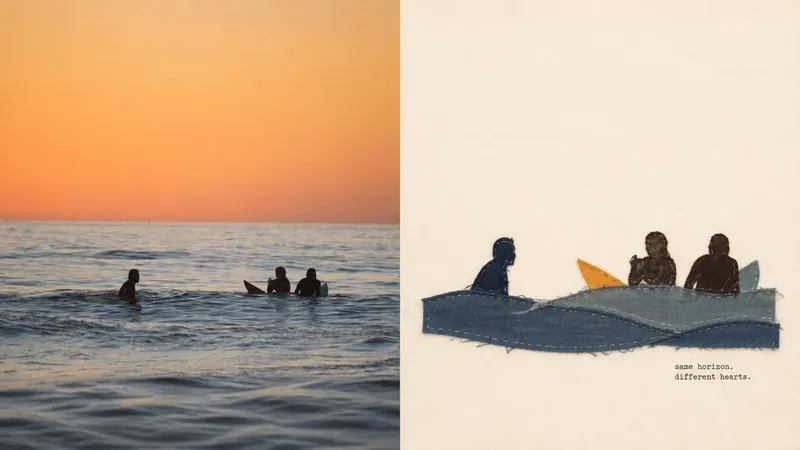
When the people, objects, or actions in a photo are worth preserving but the background is too crowded, Panel 119 distills the central subject into a hand-sewn textile collage. A few large fabric pieces, raw-edge appliqué, and a small amount of embroidery create a compact visual focal point, while generous negative space gives the linen-and-cotton fibers and stitchwork room to be seen. Best for Preserving the true identity of people, everyday objects, and travel memories while adding a warm fabric touch. Distilling the subject, outline, structure, posture, and narrative relationships from a complex photo without redrawing every element of the original scene. Working with lively yet soft 2–4-color fabric palettes and restrained, editorial-style copy. Creating consistent styles for top-and-bottom, left-and-right, pure-design, multiple-aspect-ratio, four-edge wallpaper, or catalog batch processing. What it solves for you It actively removes most of the background and unrelated details to prevent visual information from piling up. It builds recognizability with a few large fabric pieces and hand-stitched details, avoiding a cheap handcrafted look or templated collage style. It strictly uses only two 50:50 areas on the canvas, with no title band, bottom bar, or third section. Each image is generated in a single pass from the current original image, avoiding a second round of stylization on intermediate results.
xiaoxiaodong P106: Soft Pixel
Photos often contain too many details, yet what stays memorable may be just a silhouette, a gesture, a sense of distance, or a patch of color. Panel 106 selects 2–4 visual anchors that define the subject’s identity from the original image, then reconstructs them as a soft, clear pixel memory with geometric order: from a distance, it looks like a refined abstract composition; up close, you can still tell that it is your photo. Works well when Your photo is complex, but you don’t want to lose its identity: Remove secondary objects and trivial structures, keeping only the silhouettes, poses, directions, and color relationships that truly define the image. You want an abstract poster without turning it into unrecognizable decoration: Use a regular grid, hard-edged color blocks, localized dithering, and positive and negative space to let the subject gradually emerge from the abstract order. You like a fresh, soothing look but dislike a cheap candy-like feel: Recompose a soft, bright limited palette from the original image, using colors such as creamy white, peach pink, milky blue, and mint green for a sweet but balanced result. You need flexible delivery in a consistent style: Supports top-and-bottom comparisons, side-by-side comparisons, pure designs, multiple aspect ratios, four-device wallpapers, and batch processing of image folders. What it solves for you It does not simply shrink the photo, apply a filter, or pixelate each object individually. Instead, it reorganizes the visual memory directly from the original image in a single pass. The 2–4 anchors work together to form one single-focus image, rather than being split into cards, grids, or a collage wall. Comparison mode always has exactly two 50:50 areas: top-and-bottom places the original image on top and the design below; side-by-side places the original on the left and the design on the right, with no extra third strip. Get started quickly Use XXD Panel 106 to process this image for me, starting by recommending the most suitable composition and size.
Find your next favorite skill
Explore more curated AI skills for research, creation, and everyday work.