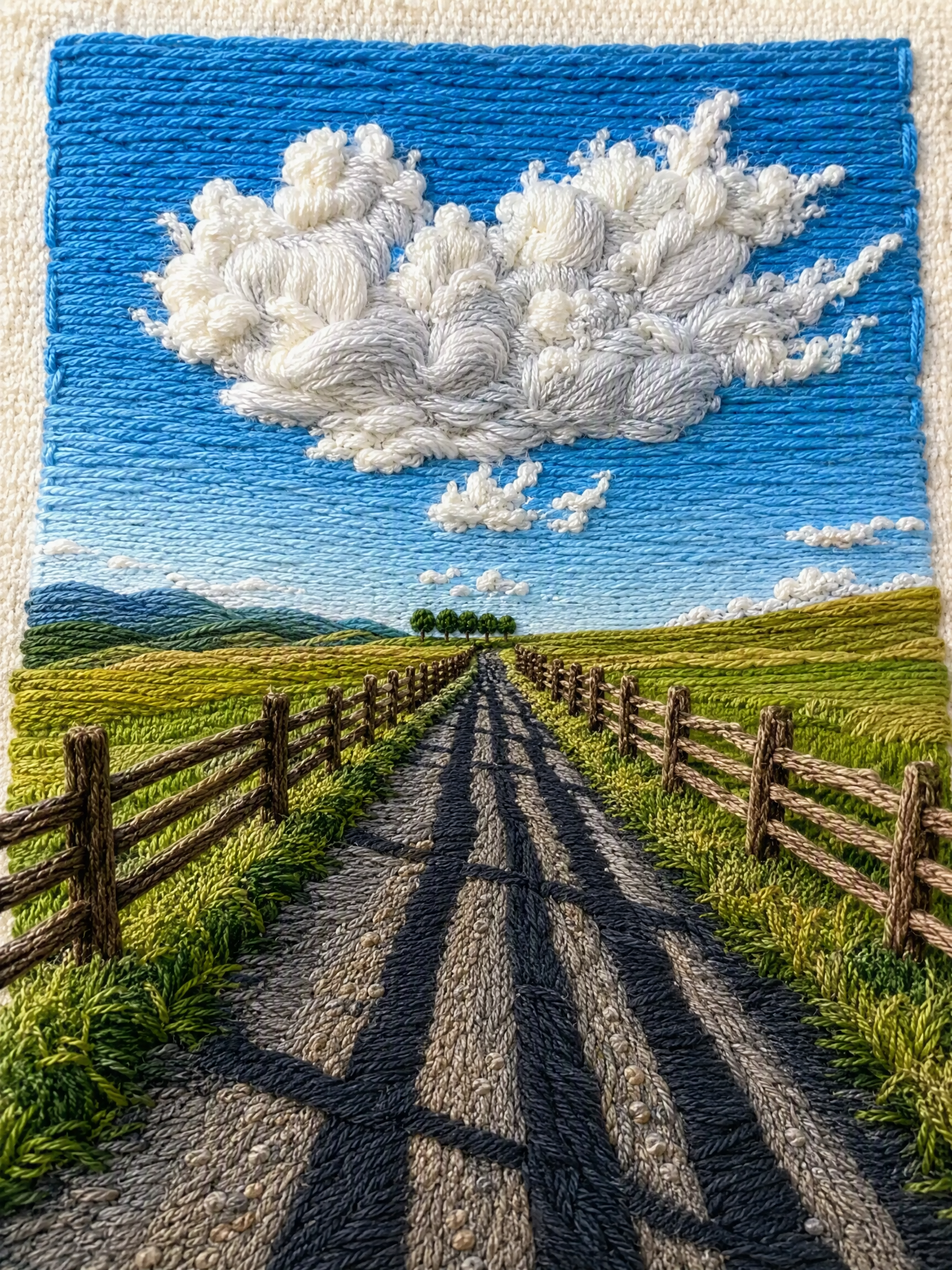
One-Click Yarn Embroidery
Turn one photo into split stitched art
One-Click Yarn Embroidery
Turn one photo into split stitched art
Showcase
Description
Turn a single photo into a vertical, top-and-bottom comparison image: the top half is a pixel-level reproduction of the original, while the bottom half is a three-dimensional embroidered recreation made from physical yarn. The two sections are equal in width and height and joined seamlessly. Supports two modes: embroidery with three lines of text, or pure embroidery without text. You can also override the craft, material, and visual style as needed. (If you need to fit the Skill field length limit, you can use this existing sentence: Upload one image to generate a vertical, seamless comparison image with an exact recreation of the original on top and a three-dimensional yarn-embroidery recreation below; supports embroidery with three lines of text or pure embroidery without text, and allows the craft, material, and visual style to be overridden as needed.) Suitable for launching a Xiaohongshu account with visual posts, sharing images on WeChat Moments, and adding images to WeChat Official Account posts.
Recommended by
Dancang
Why we love this skill
Precisely transforms a photo into a seamless comparison: the original above, and refined three-dimensional yarn embroidery below. Supports text and text-free modes while preserving pose, color, and material detail.
Related Skills
View all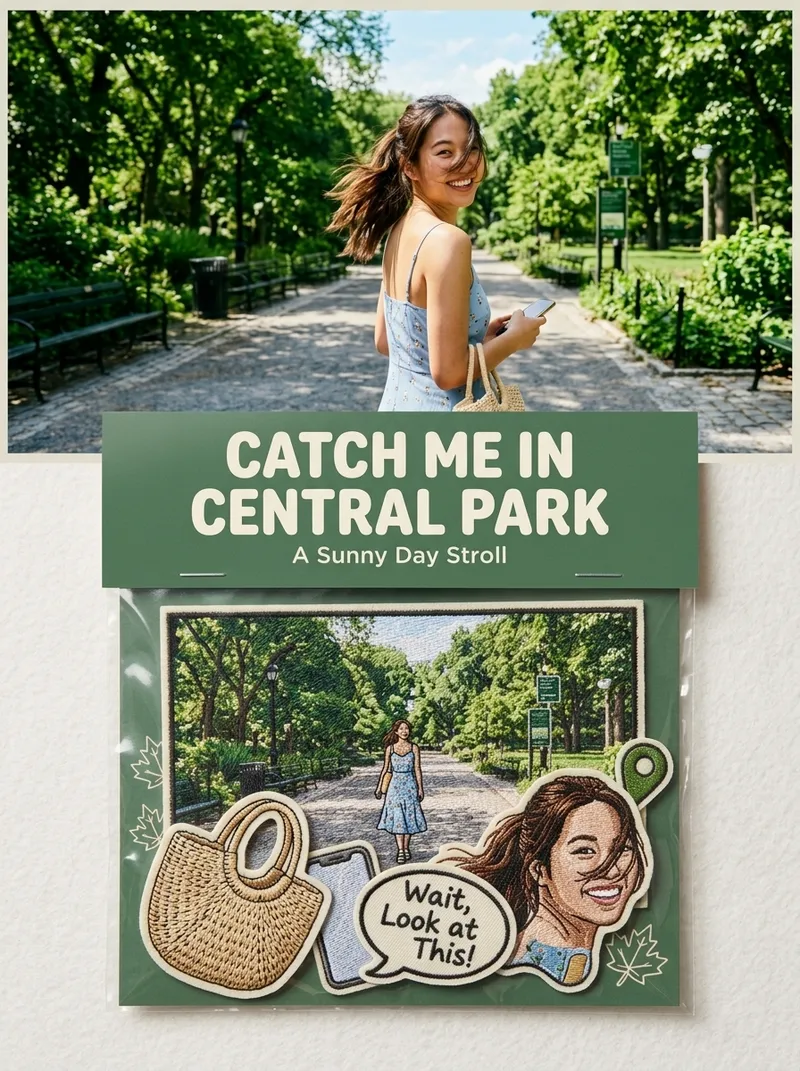 Image
ImagePhoto to Embroidered Patches
Suitable for: growing a Xiaohongshu account, taking custom merchandise orders, and selling customized digital materials. Upload one or more photos to independently generate a 3:4 product photography-style image for each one: the original photo in the upper half, and a custom embroidered patch set based on the photo in the lower half (transparent plastic bag + header card + 5–7 embroidered patches), with realistic embroidery texture and a cultural-creative e-commerce product detail image style.
 Image
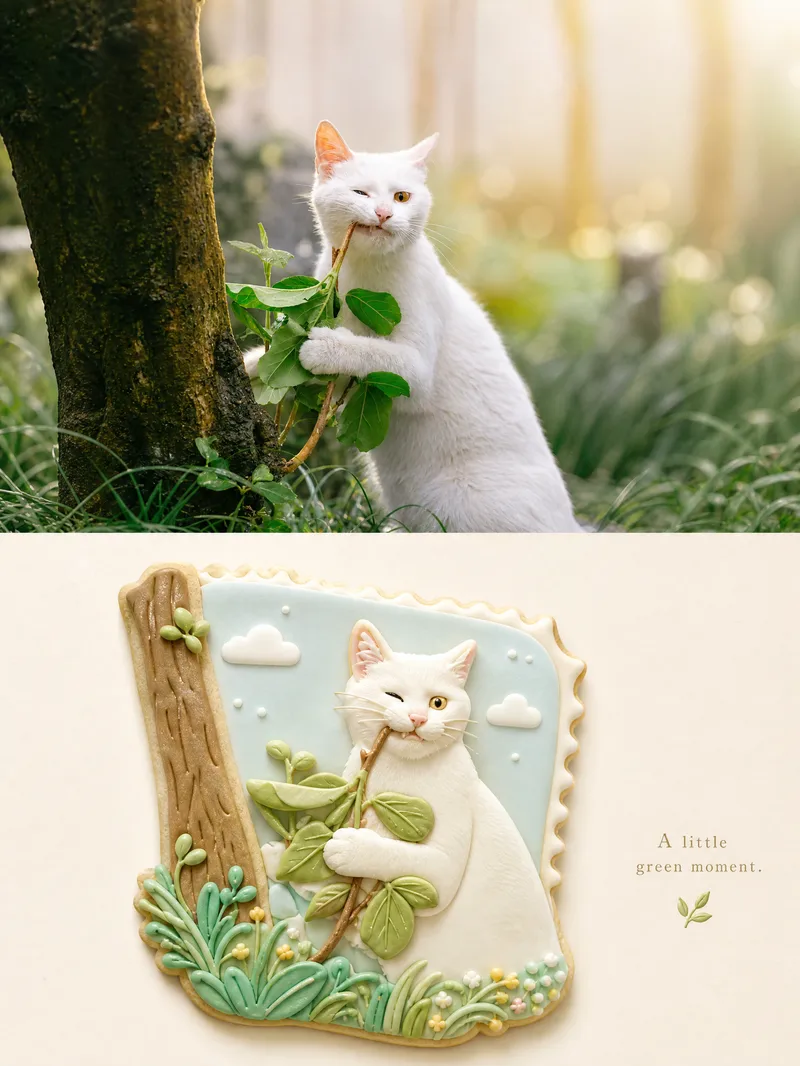
ImageSplit-Material Photo Poster
Upload one photo to create a premium 3:4 top-and-bottom split poster: the top half faithfully preserves the original photo with light color grading, while the bottom half uses semantic compression and visual metaphor to rebuild it as a complete, cohesive miniature bas-relief world in one unified material—such as frosted cookies, wool felt, layered paper cutouts, polymer clay, embroidery, stained glass, or mosaic tiles—or a material of your choice. By default, it outputs a single poster. You can change the material and the whitespace ratio: more whitespace creates a more collectible feel, while less whitespace is more eye-catching. When needed, lock the top half and color palette, replace only the material, and generate a series of “one poster a day” designs. Ideal for transforming ordinary photos into series-based visual content for covers, merchandise, and interior pages.
 Image
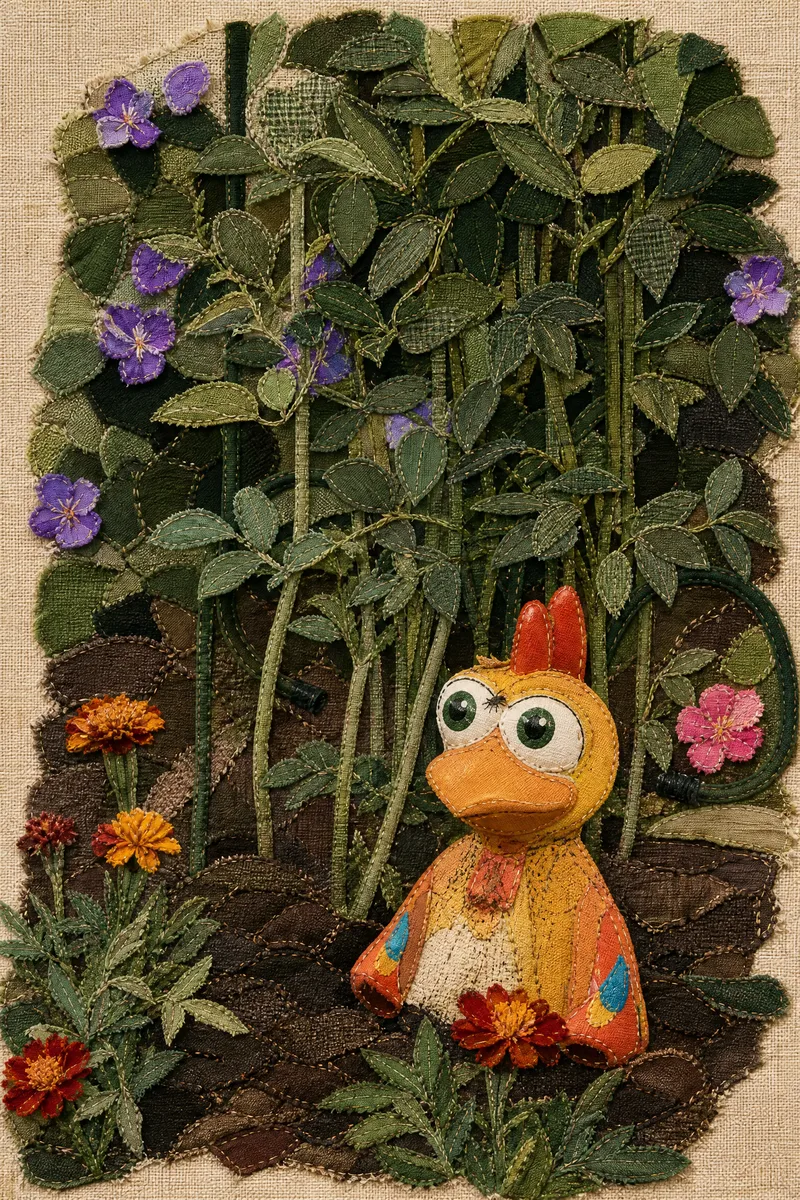
ImageFabric Art Studio
Give every ordinary photo the warmth of textile art. Upload a photo to transform it into a unique handmade fabric collage. Light beige coarse linen backgrounds, retro plaid cotton, natural burlap, frayed edges, fine hand-stitched details, and layered patches interweave to create a rustic, warm, vintage, and whimsical visual effect. Whether it's magnificent landscapes, cute pets, portraits, city architecture, or everyday moments, transform them into creative textile collage artworks while preserving the original composition and main features. Key Highlights One-Click Art: Turn real photos into unique fabric collages. Authentic Handcrafted Texture: Features fibers, frayed edges, patches, stitches, and fabric layers. Break the Frame: Allow elements like clouds, peaks, and branches to extend naturally. Versatile Subjects: Suitable for landscapes, people, pets, architecture, and still life. No Experience Needed: Upload an image to start without professional design skills. Turn daily memories into treasured fabric art, and let every photo tell its own textile story.
Information
- Version
- v3
- Last updated
- Runtime credits
- Usage-based
- Models
- Auto
