Product Image to Promo Video
Turn product images into promo video storyboards
Product Image to Promo Video
Turn product images into promo video storyboards
Showcase
Description
Static product images don't sell; making them dynamic does. Product Image to Promo Video takes your product images and directly produces promotional videos: first defining selling points and target audience, then designing 15-30 second storyboards (handheld display, contextual camera movement, detail close-ups, before-and-after comparisons), and generating scene-by-scene visuals into a complete video. Hard rules: the product appearance strictly follows your provided image without changing styles or colors; no fabricated efficacy or test data; no medical or prohibited category promises.
Best for
Ideal for merchants, operators, and content creators who need to quickly turn product images into short marketing videos.
How to use this Skill
Provide your input
Upload product images and provide details such as selling points, target audience, and desired duration.
Run the Skill
Distills selling points from the images and details, designs a 15–30 second promotional storyboard, generates scene-by-scene visuals combined into a video, and provides editing and subtitle suggestions.
Review your result
Receive selling points and audience overview, storyboard script, product-consistent storyboard visuals, editing suggestions, and the final promotional video.
Related Skills
View all Video
Viral E-Commerce Video Studio
Turn a single product image into a high-converting promotional video plan designed for immediate buyer engagement. Following the optimal 15–20 second high-retention pacing, it breaks the video down into four acts: capturing attention within the first 3 seconds through pain points or visual hooks, highlighting textures and craftsmanship with macro close-ups, showing real-life immersive use with before-and-after contrasts, and driving sales with product displays and limited-time offers. Each scene includes bilingual image generation prompts (maintaining consistent product appearance, color, and logo), camera and physical motion instructions (such as rapid zooms, panning, lighting sweeps, and sliding water droplets), along with a voiceover script, subtitle timeline, tone and emphasis notes, BGM beat suggestions, and compliance filtering to automatically avoid restricted promotional terms. Target Audience - E-commerce sellers and manufacturers: Create main product and detail page videos for proprietary items. - Live-streaming hosts and operations: Batch-produce short video assets before broadcasts. - Agency teams, MCNs, and ad optimizers: Test multiple creatives a day to quickly find high-ROAS winners. - Cross-border and independent site sellers: Generate English voiceover versions for TikTok and Reels. - Local businesses (dining, beauty, home): Promote new arrivals and special events. - Freelance editors and videographers: Deliver commercial scripts quickly and double efficiency.
 Video
All-in-One Showcase Video
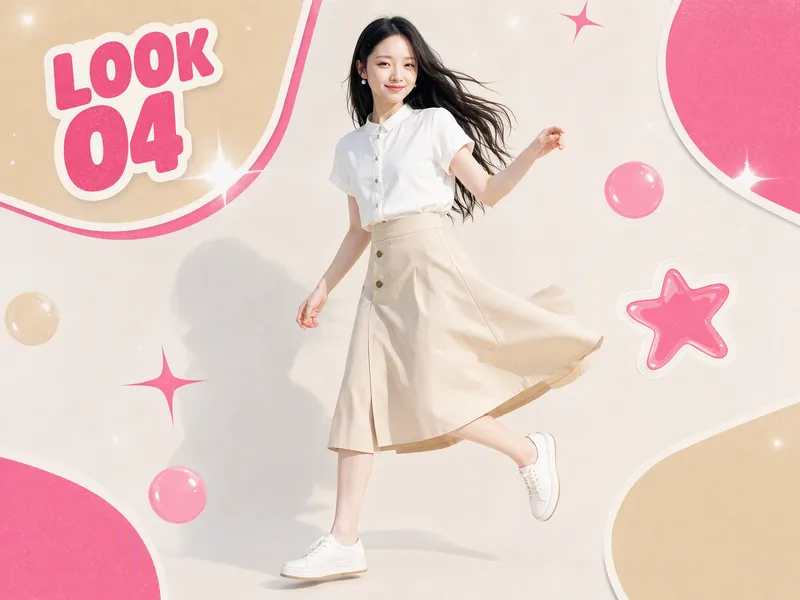
Ways to monetize: 1. Build an account and earn through product sales and brand deals (fashion creators and product recommendation accounts can use it to produce daily outfit changes and review clips. One person can maintain a steady output, then earn commissions and brand partnerships as the content grows.) 2. Take on client work for merchants (clothing stores, small brands, small-appliance sellers, and consumer electronics merchants all need product showcase videos and short ads. Upload their products, deliver finished videos, and charge per video, package, or month.) 3. Create videos for your own products (store owners can use it to make showcase videos for every new product, saving on model, photography, and editing costs and putting more budget toward advertising.) 4. Produce at scale to help teams work more efficiently (agencies and MCNs can integrate it into their production workflow so the same team can create more content across more products and accounts.) Put anything on a person for a one-shot showcase. Upload a person’s photo, then upload anything you want to feature: clothing, shoes and bags, accessories, perfume, hats, phones, earbuds, small appliances, sports equipment, food, and drinks. It automatically generates premium person-centered showcase images and turns them into a coherent, beat-synced short video with music. If no person photo is provided, it automatically designs a model. The default is 15 seconds in 9:16, while duration, aspect ratio, and style can all be customized. Who it’s for: fashion creators, e-commerce sellers and store owners, product-promotion short-video creators, brand content teams, and anyone who wants to turn their favorite products into polished showcase videos.
 Video
Virtual Fashion Runway Generator
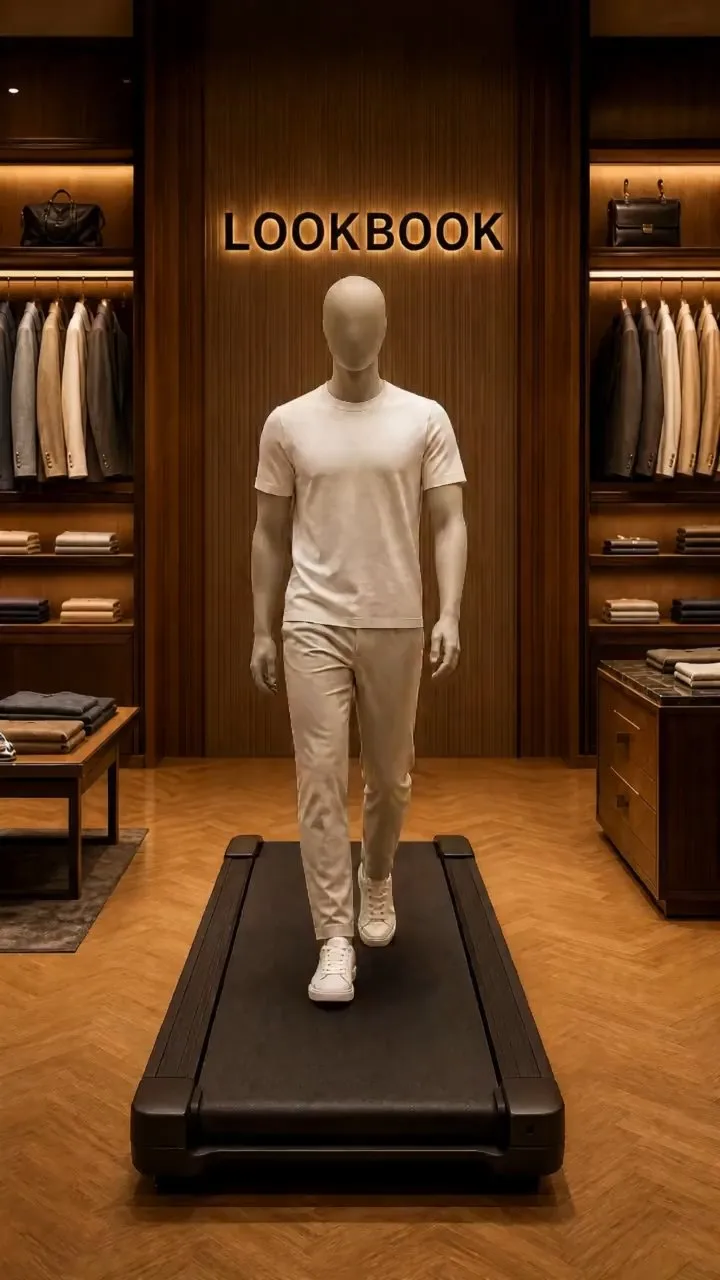
【Target Audience】: 1. Taobao, TikTok, and Xiaohongshu apparel store owners with no budget to hire models for new arrival videos. 2. Fashion, e-commerce, and clothing review bloggers who need to batch-produce "one person, multiple outfits" content. 3. Fashion studios and designers looking to quickly create lookbooks or sample showcases. 4. Short-video agencies creating batch runway clips for apparel clients. 5. AI content creators looking for outfit change videos with contrast hooks. 【Monetization Ideas (for buyers)】: Sell own goods: Use finished videos for product arrivals and product detail pages, replacing hired model shoots. Take client orders: Provide apparel businesses and small brands with "clothing image to runway video" services, priced per outfit or per video. Content accounts: Run fashion runway accounts to monetize through traffic, e-commerce commissions, and sponsored deals. Brand customization: Create fixed-scene series videos with brand text for small brands, delivered monthly. 【What It Can Do】: Automatically creates scene anchor images to lock in camera angles, lighting, and the runway. Generates outfit-by-outfit static frames, changing only the clothes while keeping the scene and poses consistent. Uses video models to generate the complete video at once, with an optional 1.3-second weird mannequin movement opening hook. Produces videos without uploading portraits by automatically generating faceless 3D mannequin models. 【Video Specifications】: 9:16 aspect ratio, with each outfit lasting about 2 seconds by default. A single finished video is under 15 seconds for about 6 outfits; longer ones are automatically segmented. 1–12 clothing images.
Information
- Version
- v2
- Last updated
- Runtime credits
- Usage-based
- Models
- Auto
- Use cases
- Video & audioMarketing & growthE-commerce & sales
- What you get
- ImageVideoScript
