
Generate Long Image Q&A Poster
Create long image Q&A poster from content
Generate Long Image Q&A Poster
Create long image Q&A poster from content
Showcase
Description
Based on the title, several Q&A pairs, and footer content provided by the user, generate a vertical Q&A promotional poster HTML with a blue-white color scheme, right angles, and no shadows, then output a high-definition screenshot. The layout and color scheme are fixed and reused consistently; users only need to replace the text content.
Why we love this skill
One-click generation of beautiful long posters from complex Q&A content. The unique blue-white design and meticulous layout present information professionally and clearly.
Related Skills
View all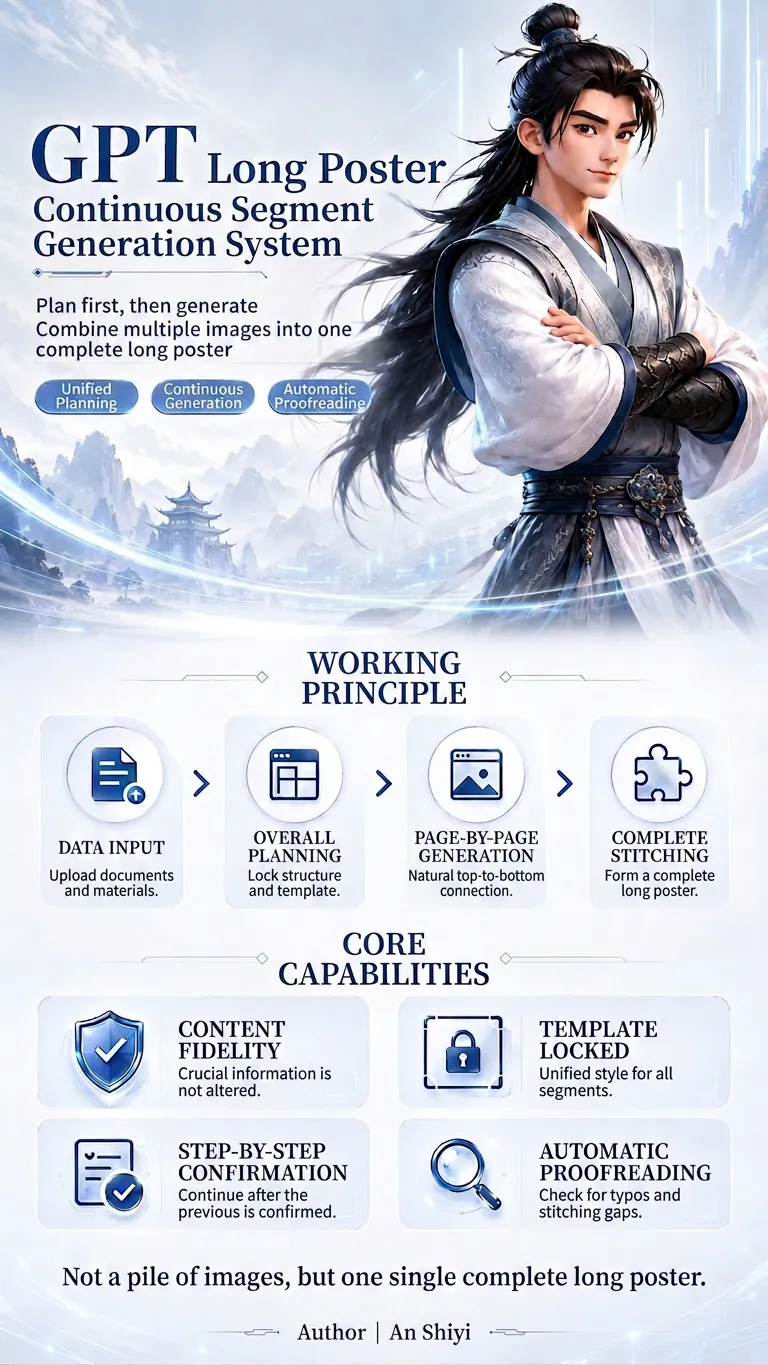 Image
ImageExtra-long Poster Generator
This is a GPT planning and generation system specifically designed for creating continuous extra-long posters. It can identify different tasks such as redesign, partial replacement, and template expansion; extract and protect key information like prices, names, benefits, and dates at varying levels of priority; and then unify the planning of the poster's information flow, segment count, and visual master template. When using it, simply upload your files and assets, and specify the aspect ratio, style, and purpose. The system will first output a complete plan, and after confirmation, generate each segment one by one. It supports content fidelity, master template locking, text whitelisting, segment-by-segment confirmation, automatic proofreading, and seam checking, reducing issues such as inconsistent styles, text errors, duplicated content, and disconnection between sections, ultimately producing a coherent and unified long poster.
 Webpage
Course Enrollment Poster
Using a fixed seven-section structure, this Skill confirms your materials and directly generates a JPG vertical, long-form course enrollment poster (it does not generate a webpage). You can choose from styles such as cyber-tech, minimalist business, warm and vibrant, or premium dark green. Provide the instructor’s photo as a reference image to maintain visual consistency, and the text will be rendered exactly as provided in your materials.
 Image
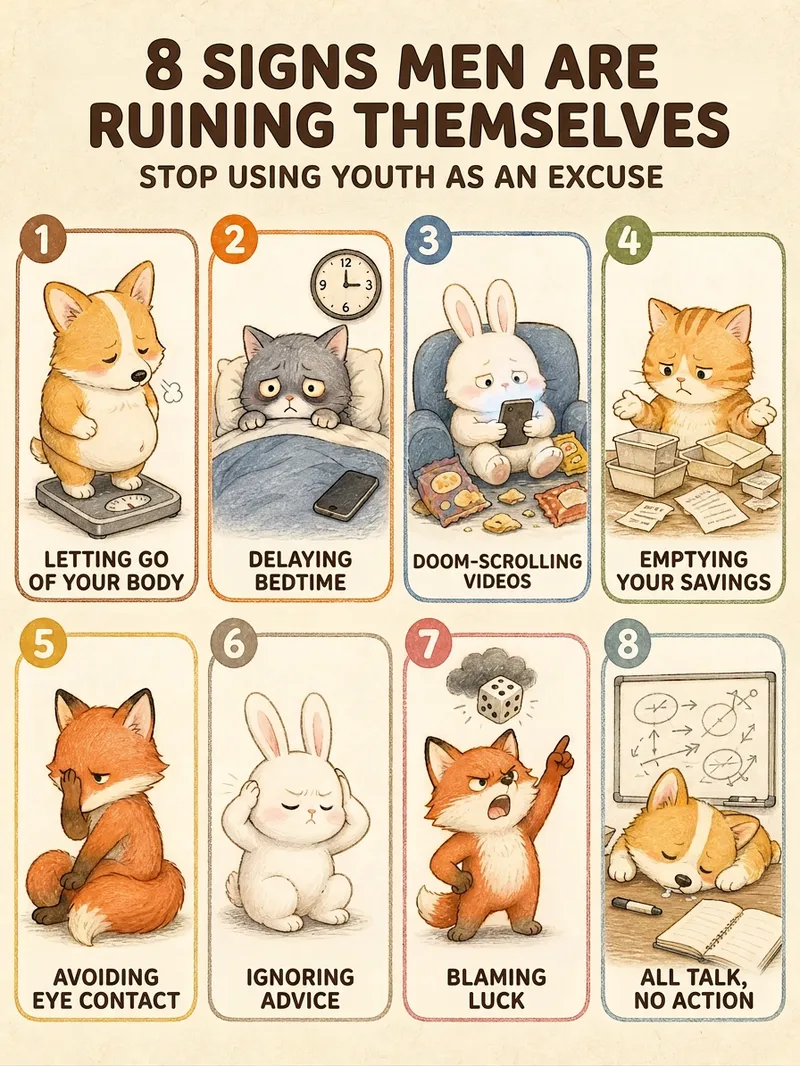
ImageHealing List Graphic Generator
Give it a single sentence, and get a publishable graphic. Say "7 types of people to avoid" or "10 happiest moments in life"—it handles the rest: deciding how many items to include, writing the copy for each point, choosing the layout, and locking in the character and color scheme to deliver a finished product. ■ What the final image looks like Creamy textured paper background + rounded card grids + a chibi hand-drawn illustration per card + 4-6 character tags. Numbers in the title are enlarged and recolored so "8", "7", or "10" stand out at a glance; small green leaves and pink flowers accent the corners in a 3:4 vertical format, ready for RED without cropping. ■ Three pitfalls it helps you avoid · No garbled Chinese text — the title and card tags are crystal clear. · No broken grids — 3 to 12 items have matching layouts, keeping grid sizes uniform. · Consistent character style — create one today and another next week; the character and color palette remain consistent. ■ Adapts to your topic automatically For relationships (types of people to avoid, annoying behaviors) -> uses chibi animals to keep it lighthearted. For daily life (happy moments, healing small things) -> uses the same girl for better user resonance. Deep topics get steady colors, while warm topics get candy colors—no manual selection needed. ■ Who this is for Creators posting daily to maintain follower growth | Solopreneurs managing multiple accounts | Consultants, teachers, and parenting advisors with insights who struggle with design | Beginners starting a side hustle without design skills | Global creators making English and Traditional Chinese content. In short: others give you a graphic, this gives you a sustainable content series. Supports Simplified Chinese, Traditional Chinese, and English. Defaults to a 3:4 vertical format, perfect for RED, WeChat Channels, and Moments without cropping.
Information
- Version
- v3
- Last updated
- Runtime credits
- Usage-based
- Models
- Auto
