
Riso Poster Studio
Figma Draw-inspired retro splatter posters
Riso Poster Studio
Figma Draw-inspired retro splatter posters
Showcase
Description
Provide copy, keywords, reference images, or web links, and the Skill will automatically understand and organize the information to generate promotional poster images in a Risograph print art style. The default format is 16:9 landscape, with support for adapting to 9:16 portrait or 1:1 square. Visual features include abstract irregular shapes, halftone, pixel, grain, and Risograph print textures, bold high-contrast colors, minimal text, and freely overlapping shapes in the composition.
Recommended by
Dancang
Why we love this skill
Minimal information meets bold visual expression, blending abstract shapes, color misregistration, halftones, grain, and splatter for a distinctive Risograph print feel.
Related Skills
View all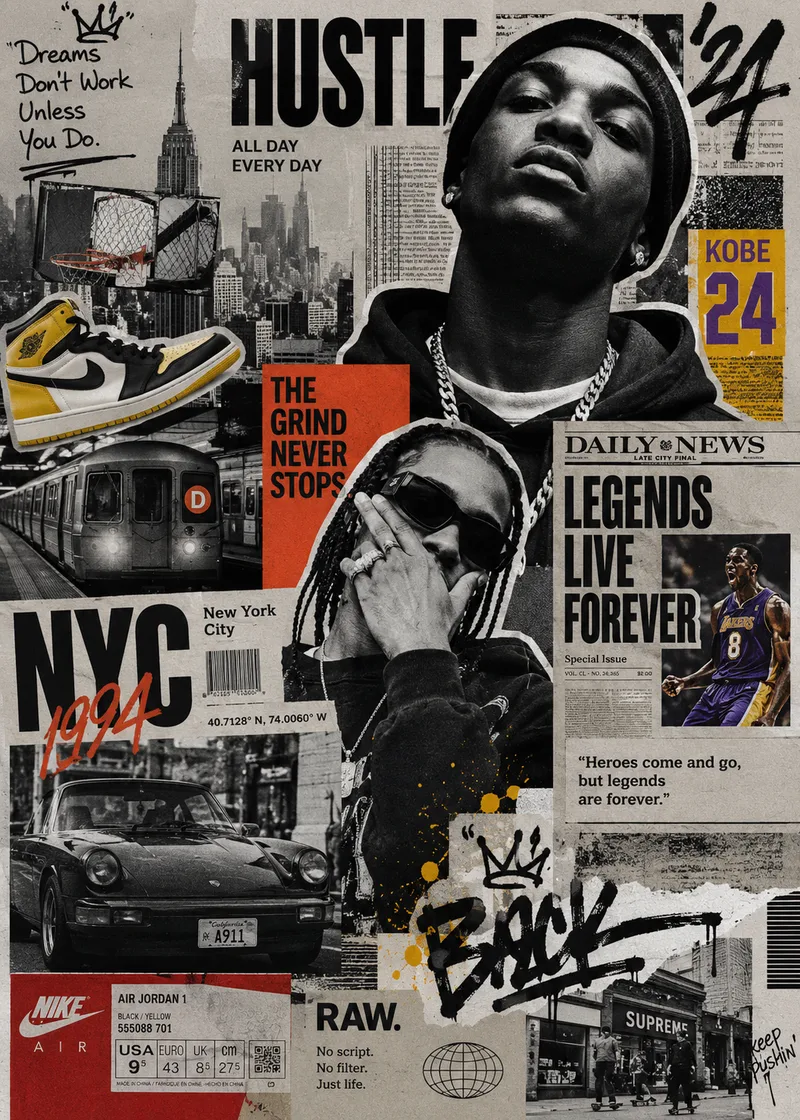 Image
ImageStreet Culture Collage
A Skill for generating street culture editorial collages. It recombines user-provided portraits, products, sneakers, cars, posters, text, and other custom assets with elements from magazines, newspapers, zines, street photography, Hip-Hop, sports, music, and fashion culture to create highly layered Editorial Collage artwork. The Skill supports multiple color modes, including black and white, black and white with selective accent colors, and vintage full color. Through techniques such as subject cutouts, cropped assets, cross-page layering, oversized typography, handwritten doodles, newspaper details, film grain, and printed-paper textures, it creates asymmetrical collages with a nostalgic street culture feel. Users can let AI generate assets based entirely on a theme or freely specify and customize their own, so every piece maintains a cohesive visual language while expressing a distinctive theme.
 Image
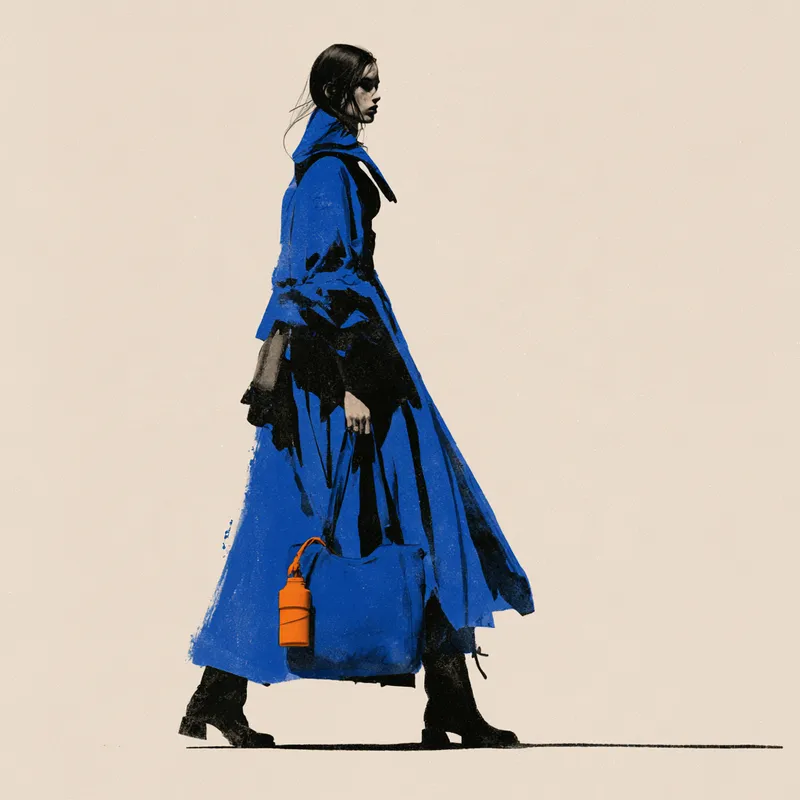
ImageLimited-Color Photo Print Ad
Turn a product or person into prompts for a limited-color photographic print advertising poster, while preserving realistic human proportions, clothing folds, object thickness, and key structural details. Use electric blue as the dominant color with small amounts of orange for contrast, combined with warm-white negative space, bold black shapes, and compressed light and shadow. The subject should have strong contours and clear layout relationships—without becoming an ordinary color photo, vector cartoon, or an image covered in dirty, distressed grain. Whether the input is text or a product reference, organize the composition around the product’s identity, the person’s pose, relationships between components, and the requested aspect ratio. User-specified product colors, proportions, and portrait or landscape orientation take priority; do not add text, trademarks, or unrelated props without instruction. By default, provide Chinese prompts for AI image generation and English Midjourney prompts, or generate only one type on request. Textures can range from a clean warm-white background to controlled, localized printed halftone dots, making this suitable for e-commerce visuals, portrait posters, and brand concept art.
 Image
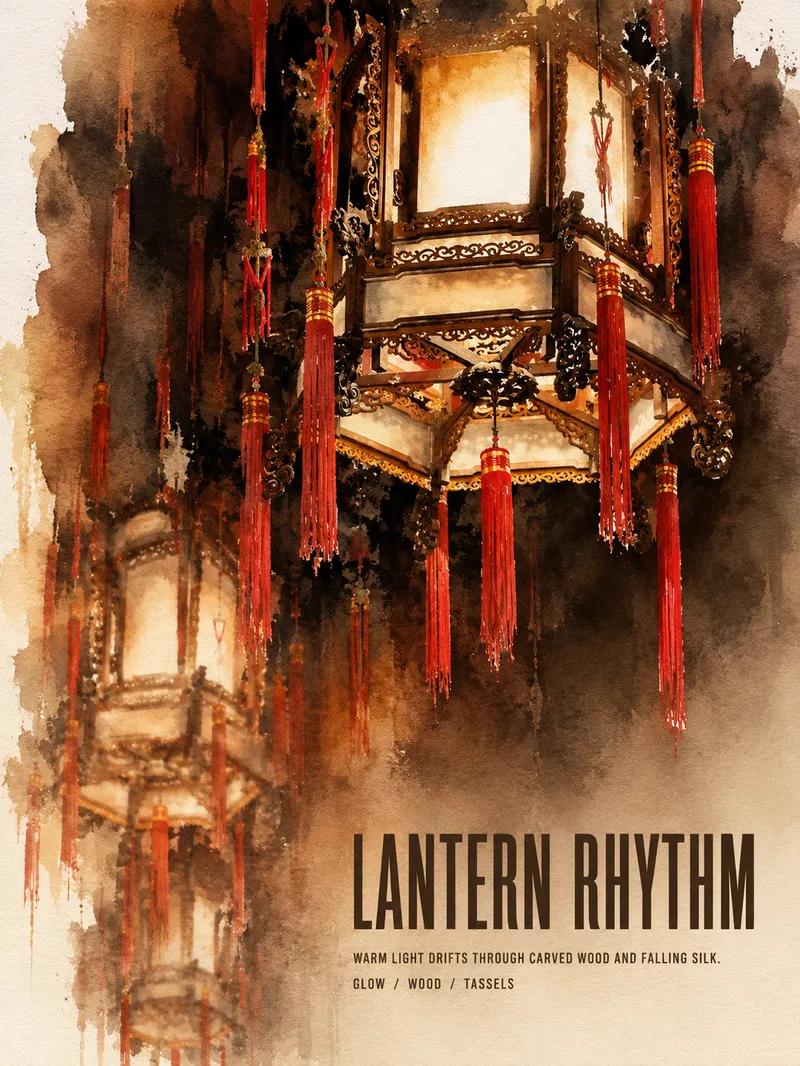
ImageTurn Photos into Art Posters
Upload a photo of a person, pet, building, travel scene, street view, vehicle, product, still life, or everyday moment. The Skill first identifies the details that matter most to preserve, then automatically selects an artistic approach—such as translucent watercolor, coarse screen printing, knife-mark rubbing, impasto, or conceptual collage—based on the composition, colors, lighting, and mood. It rearranges the subject’s scale, negative space, material field, and English headline so text and imagery weave together naturally, generating a 3:4 vertical art poster with a clear visual focal point and collectible appeal. You can also specify the artistic material, an English or Chinese title, aspect ratio, color direction, mood, intended use, or a text-free mode. If you don’t specify, the Skill will decide automatically and generate the poster directly.
Information
- Version
- v5
- Last updated
- Runtime credits
- Usage-based
- Models
- Auto
