AI Skill Optimizer
AI Skill Optimizer
Showcase
Description
Use this Skill when you need to update, optimize, modify, fix, refactor, split, or validate an existing SKILL; correct its trigger conditions, streamline bloated content, adjust its resource structure, or turn a rough workflow into a maintainable SKILL.
Related Skills
View all Research
Skill Evaluator
Enter the name, link, or instructions for the AI Skill to evaluate, then conduct an evidence-based initial quality review in real-world usage scenarios. Keep the six-question quick test (4 positive, 1 negative, and 1 ambiguous), and separately verify automatic selection and execution after explicit invocation; successful manual invocation does not count as successful automatic triggering. Use direct scoring across five dimensions: triggering 30%, execution 25%, cost 15%, robustness and boundaries 15%, and safety 15%. Distinguish between evidence from this test, historical run evidence, static checks, and unverified items. Do not provide an overall score or star rating when key evidence is incomplete. Assess safety based on data access, external transmission, and operational authorization—not on the author's identity or endorsement. Block recommendations in cases of serious unauthorized access. Produce a one-page, conclusion-first report showing the tested scope, unverified items, and prioritized improvement suggestions, and automatically create a record. Say “deep review” to add independent repeat tests and source checks; the budget will be confirmed before execution. This Skill only evaluates and provides recommendations; it does not automatically modify the Skill being evaluated. Suitable for quality checks of self-created Skills, rechecks of installed Skills, and pre-installation screening of marketplace Skills; the six-question results do not represent full certification.
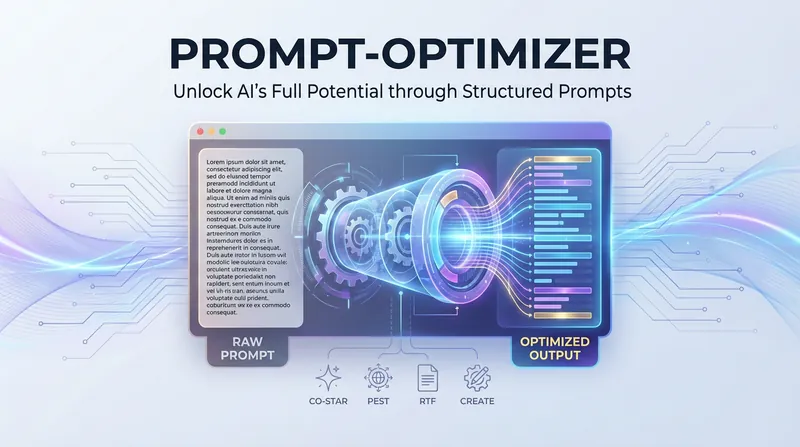
AI Prompt Optimization Expert
The AI Prompt Optimization Expert focuses on improving prompt quality through a systematic framework, helping you convey your intent precisely and making AI output more stable and predictable. Whether you need to refine existing prompts, build complex task descriptions from scratch, or find professional templates for specific scenarios, this skill provides comprehensive support. It can not only restructure vague requests into structured prompts, but also identify and fix common logical flaws through a diagnostic process. The skill includes a variety of proven optimization frameworks and can flexibly switch strategies based on the nature of the task. For example, for formal documents and professional content, it strengthens the background and audience dimensions; while for code generation or data processing tasks, it focuses more on role definition and specific constraints. In this way, it ensures every prompt has a clear goal, a defined style, and a well-structured output format. In addition, it covers specialized templates for a wide range of high-frequency scenarios, from copywriting and data analysis to technical documentation. You can directly use these proven structures and quickly fill in key details such as core selling points, data descriptions, or reader background. During optimization, the skill also checks against a quality checklist and uses multiple iterations and side-by-side comparisons to help you master essential prompt engineering techniques, significantly reducing communication costs and boosting productivity.

Six-Dimension Skill Analyzer
Deeply analyze any Skill at the product level. Use a six-dimension framework—positioning precision, product structure, packaging and presentation, pricing logic, iteration path, and go-to-market launch—to provide quantitative scores and actionable improvement recommendations. Suitable for: learning the design logic behind successful Skills, diagnosing and optimizing your own Skill, deciding whether a Skill is worth buying, and conducting side-by-side competitor comparisons. Not suitable for: Skill usage tutorials, technical implementation analysis, or simple feature introductions. Triggered when the user says, "Help me analyze/break down this Skill," "What do you think of this Skill?" or "Help me see what I can improve in my Skill."
Information
- Version
- v3
- Last updated
- Runtime credits
- Usage-based
- Models
- Auto
