Space Organization Planner
Space Organization Planner
Showcase
Description
Bid farewell to clutter and generate a personalized space organization plan with one click! Smartly analyze items, output a visual checklist and a tidy render to transform your space.
Why we love this skill
This skill transforms photos of your cluttered space into a professional organization plan, complete with a detailed item checklist and organizing tips, making home storage intuitive and easy.
Related Skills
View all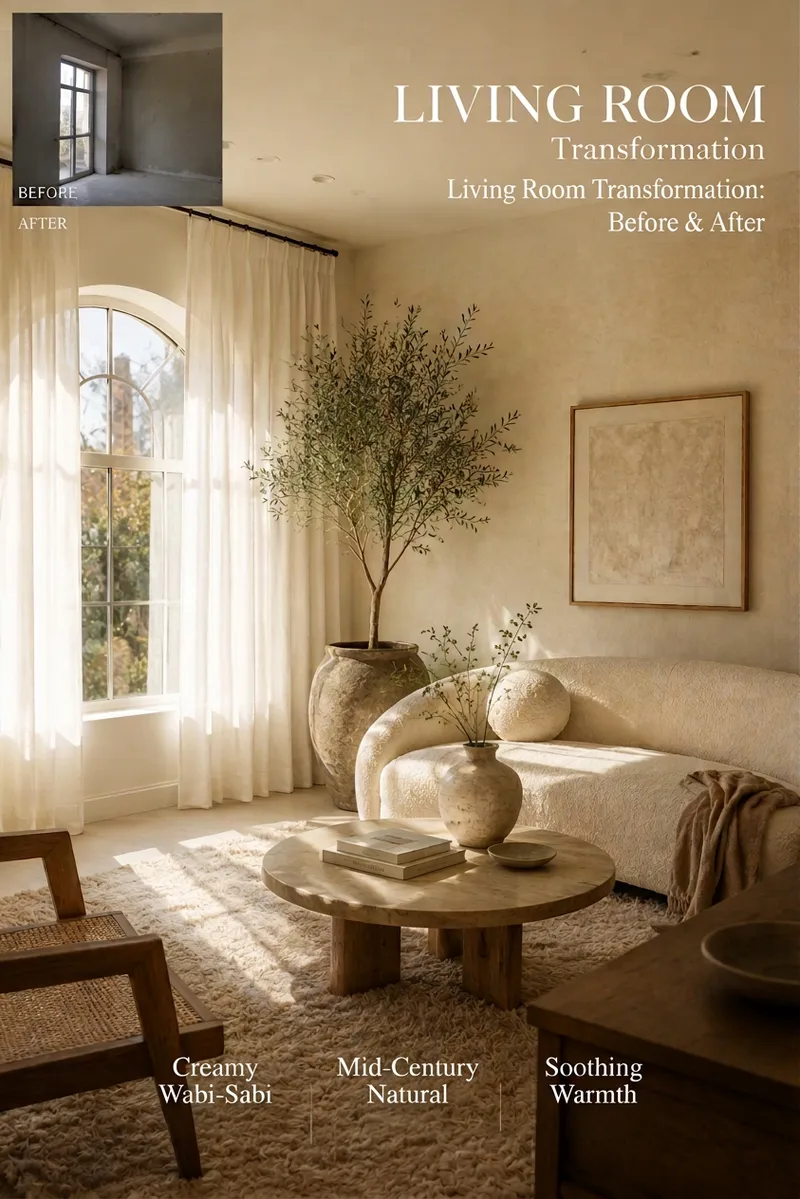 Image
ImageAI Interior Decor & List Generator
An AI-powered space transformation tool designed for renters, home bloggers, homestay owners, and interior designers. Simply upload a photo of a bare room, empty space, or rental, and AI will accurately preserve the original door and window structures while instantly generating high-definition, viral-style renovation photos. At the same time, it outputs a detailed soft furnishing procurement list complete with budget breakdowns, product specifications, and color matching, making it easy for any space to transform into a dream room with zero hassle!

Rental Room Makeover Generator
An AI room makeover assistant tailored for young renters, solo livers, students, and home transformation creators. Adhering to the golden rules of renting—no demolition, no wall damage, low budget, and fully reversible—it takes a standard photo of your rented or old room and instantly generates high-definition, trending-style makeover visuals while outputting a detailed, low-cost soft furnishing shopping list and practical tips, helping you easily achieve your dream room on a tight budget.
 Image
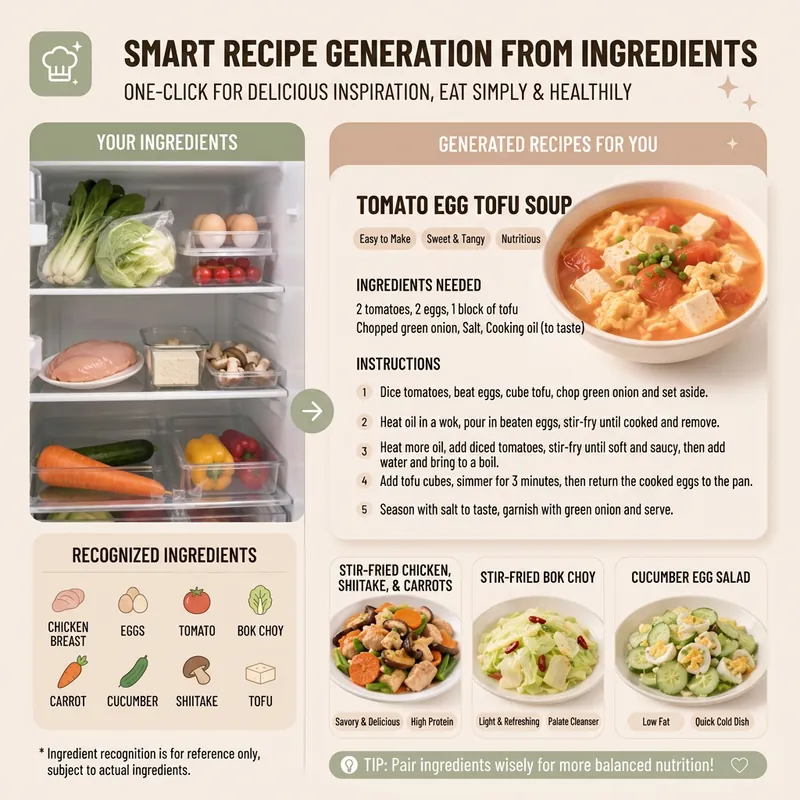
ImageSmart Recipe Generator
Still worrying about what to cook every day? The "Smart Recipe Generator" assistant is your dedicated home cooking advisor! Whether you want to clean out your fridge, make the most of the ingredients you have, or need fresh cooking inspiration, it can provide thoughtful service. Just tell it what's in your fridge, or directly upload a photo of your ingredients. It will intelligently identify them and recommend 2–3 delicious and practical home-style dishes based on your ingredient list. You'll see the difficulty, estimated cooking time, and recommended reason for each dish, plus a clear indicator of which dishes can be made with the ingredients you already have and which require a few extra items. Even if you have no idea what ingredients to use, it can still recommend seasonal dishes and provide a shopping list. Once you pick a dish, it immediately provides detailed cooking steps, including ingredient quantities, prepping requirements, step-by-step instructions, and practical tips, so you can get started easily. Even better, you can ask it to generate a beautiful 9:16 vertical recipe card at any time. With a light, fresh design, the card condenses the whole recipe onto a single image, so you can see everything at a glance while cooking and easily view it on your phone. Say goodbye to complicated cookbooks and enjoy the convenience and fun of smart cooking!
Information
- Version
- v3
- Last updated
- Runtime credits
- Usage-based
- Models
- Auto
