Ebbinghaus Memory Assistant
Ebbinghaus Memory Assistant
Showcase
Description
Make knowledge truly stick in your mind Based on the scientific principle of the forgetting curve, automatically schedule 8 rounds of spaced review (same day, 1 day, 2 days, 4 days, 7 days, 15 days, 30 days, 60 days) to convert short-term memory into long-term memory. Supports inputting any content: foreign language words, exam focus points, reading notes, professional concepts, work knowledge, unlimited types, freely categorizable. Three review methods: dialogue Q&A, email reminders, visual calendar. Data is persistently saved, so learned content is never lost. Just tell it what you want to remember, and let the system handle the rest.
Recommended by
Nico@YouMind
Why we love this skill
This skill is based on the Ebbinghaus forgetting curve, providing intelligent spaced review to ensure efficient memorization of knowledge points. Its uniqueness lies in supporting multi-scenario applications, from knowledge input to email reminders, comprehensively aiding learning.
Related Skills
View all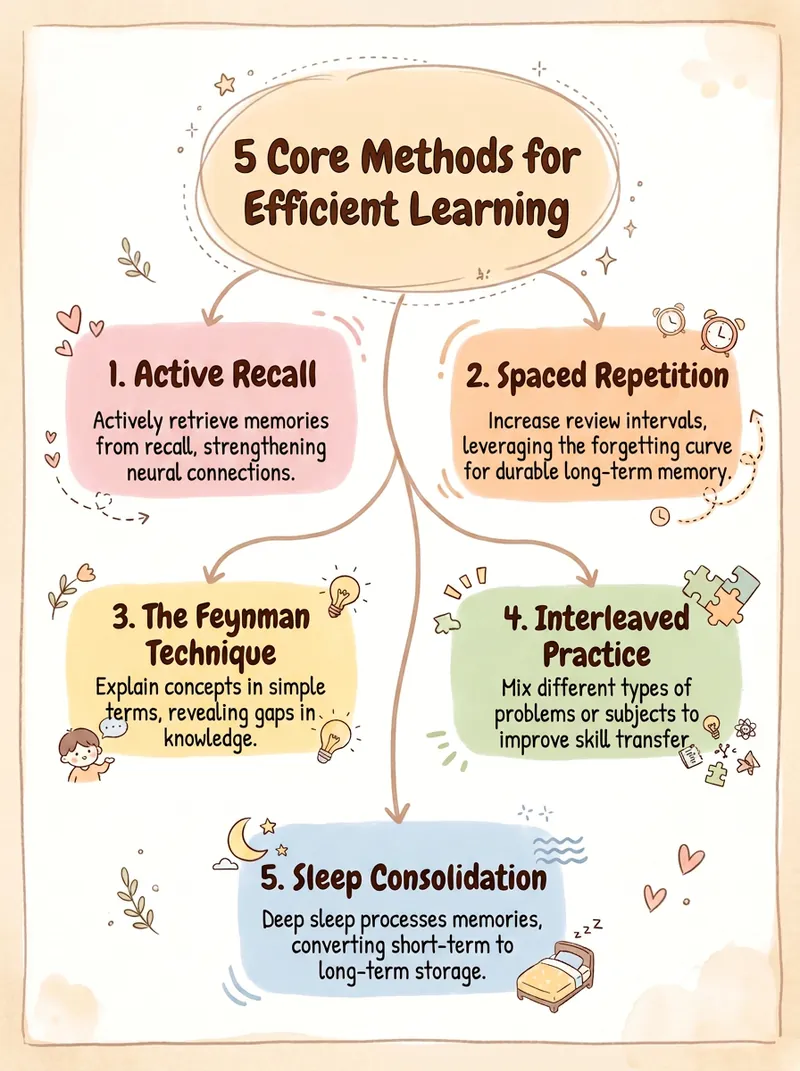
Concept & Mind Map Generator
Studying but not retaining, flipping through notes as if you never saw them? Trying to create a mind map for Xiaohongshu, but the software takes forever, the color scheme ends up looking cheap, and exports are full of AI-generated giveaways. Paste a piece of content or a topic, and instantly generate a publishable knowledge graph—beautiful, clear, and logically sound. ✨ Core Capabilities 1. 4 diagram types: Mind Map (review), Concept Relationship Diagram (who influences who), Knowledge Framework (systematization), Process Flow Diagram (development timeline) 2. First shows a text structure for your approval, then generates the diagram—no mistakes, no rework 3. 5 styles: Creamy Journal, Business Minimal, Tech Blue, Morandi, Black & White Wireframe—one-click switching 4. 4 aspect ratios: Xiaohongshu 3:4, Square 1:1, Presentation 16:9, Portrait 9:16 5. Anti-AI-vibe guardrails: no purple-white gradients, no 3D plastic look, no rigid symmetry; clean lines with no tangles 📱 Use Cases Students reviewing key points, knowledge creators making infographics, teachers preparing presentation images, reading notes, illustrations for WeChat Official Accounts or Zhihu articles—ready to post on Xiaohongshu to collect saves. One piece of content, one image says it all—turning 'can't remember' into 'remember at a glance'.
 Image
ImageEfficient Study Planner
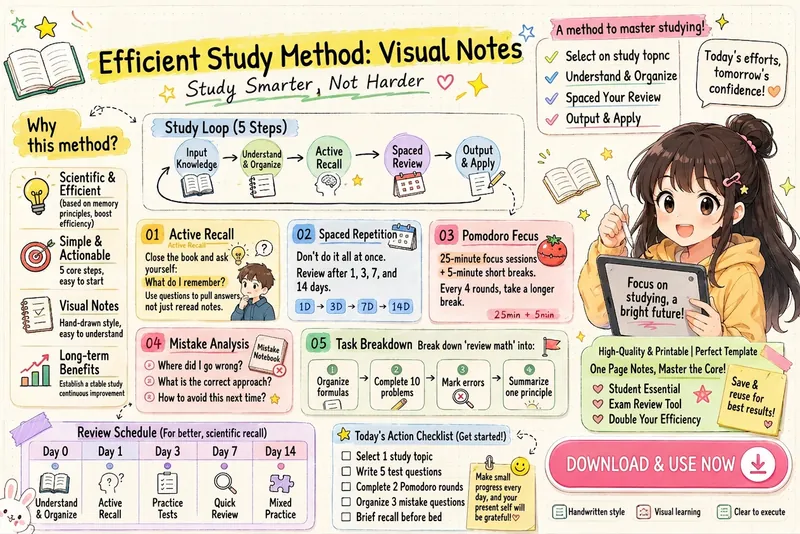
Transform your learning methods into clean and cute iPad handwritten illustrated notes. Automatically organize modules such as the learning loop, active recall, spaced repetition, Pomodoro timer, mistake review, task breakdown, review schedule, and action checklist. Generate highly readable infographics suitable for knowledge cards, study materials, Xiaohongshu notes, and course handouts.
Mero — AI Memory Manager
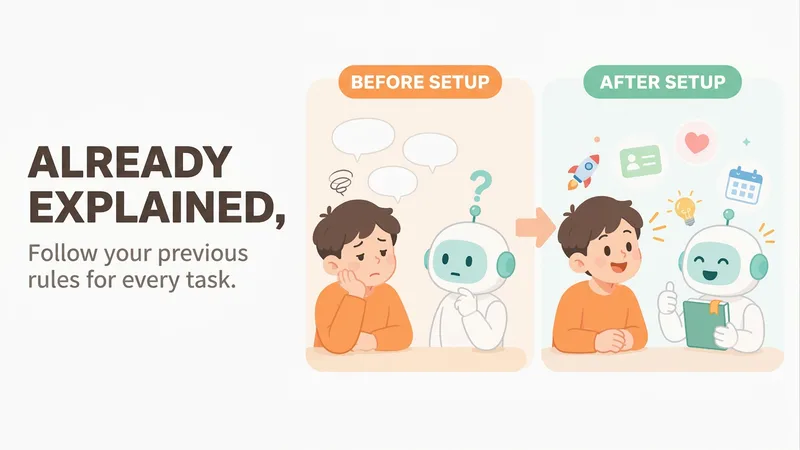
【What problem does it solve?】 Do you have to explain the same things every time you ask AI to do something? “Keep the answer short.” “Don’t use that kind of canned phrasing.” “Write in my voice.” “Give me the conclusion first.” “I work in product—don’t explain the basics.” You may have said these dozens of times, but start a new conversation and AI forgets everything. 【What changes after setup】 You only need to say these things once. After that, AI follows your usual rules first: · Writing articles: It automatically uses your voice, and avoids words and formatting you’ve said you don’t want · Writing weekly reports or proposals: It knows what you do and what you’re currently working on, so you don’t need to explain the background first · Asking questions: Answers come in the length and style you want 【What you’ll get】 1. A project called “My Memory Bank,” organized into “Who you are / How to work with you / What you’re working on / Your preferences,” which you can open, edit, or delete at any time 2. A “memory notebook” stored in the project you’re using, which AI reads before every conversation 3. A prepared “Who I am” profile that you can paste into your YouMind personal settings so it applies to all projects; you can also send it directly to Doubao, ChatGPT, or other AI tools 4. Automatic weekly organization: duplicates are removed, outdated items are archived, and contradictions are brought to your attention 【How to use it】 You don’t need to learn any special steps—just mention things naturally in everyday chats: “Remember, do it this way from now on.” “Forget that.” “Change it to this.” “What do you remember about me?” It also automatically records new details you mention in passing, such as changing jobs, starting a new project, or having a deadline next week. 【Who it’s for】 People who often use AI to write or get things done and are tired of repeating the same instructions. No technical knowledge is required. 【How to get started】 The first time, tell it one or two things you often repeat to AI, such as “Use simpler language and give more examples,” or simply say “set me up.” 【Privacy】 Personal matters such as health, emotions, and finances are not remembered by default. Web clippings and other people’s articles are not treated as information about you. You can ask at any time what it remembered and why.
Information
- Version
- v1
- Last updated
- Runtime credits
- Usage-based
- Models
- Auto
