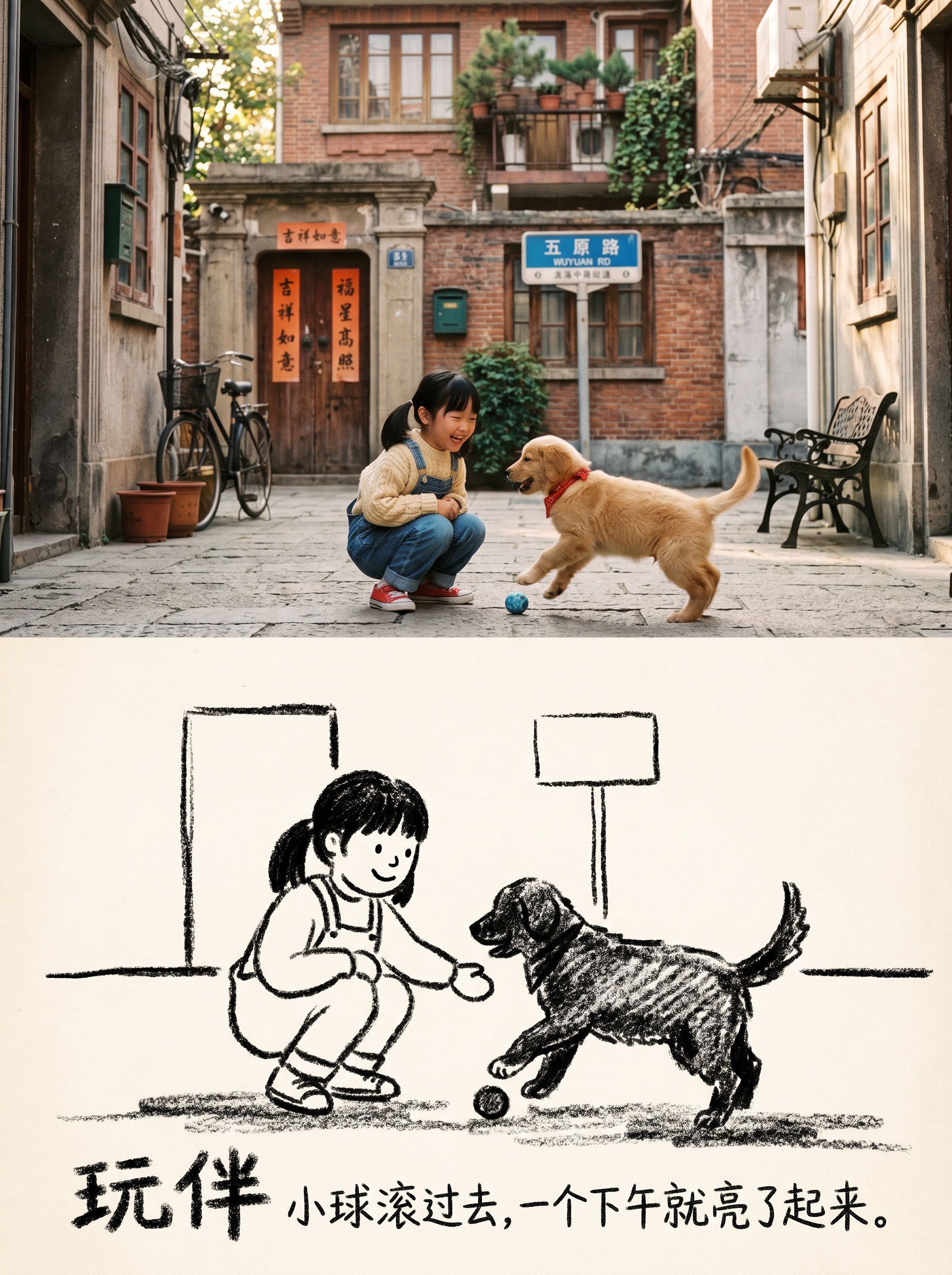
Storyful Sketch Photo
Editorial posters with photo and crayon sketch halves
Storyful Sketch Photo
Editorial posters with photo and crayon sketch halves
Showcase
Description
Turn one or more photos into 3:4 editorial posters with a premium design: the upper half preserves the original photography, while the lower half becomes a black-and-white crayon sketch illustration. Each poster includes a restrained title and short line of text, with the language following your input. Ideal for turning everyday photos into magazine-style or vintage picture-book-inspired cover images. Each photo becomes its own poster; multiple photos are never combined into one scene.
Recommended by
Dancang
Why we love this skill
Turns each photo into a split poster: a faithful original on top and a black-and-white crayon story below, blending documentary texture with vintage picture-book editorial style.
Best for
For anyone who wants to turn everyday photos into magazine-style or vintage picture-book-inspired posters.
How to use this Skill
Provide your input
Upload one or more photos. Each photo is processed separately and will not be combined into one image.
Run the Skill
After you submit the photos, the tool turns each one into a vertical editorial poster with an upper and lower section, plus a short title and line of text.
Review your result
Get an individual 3:4 poster: the upper half keeps the original photography, while the lower half becomes a black-and-white crayon sketch with restrained text design.
Related Skills
View all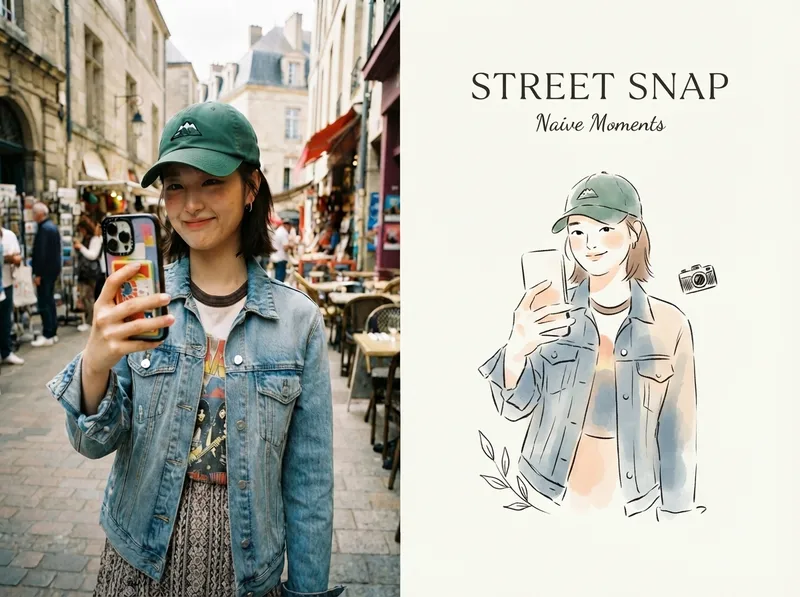 Image
Viral Photo Illustrator
Perfect for Xiaohongshu, Moments, WeChat Official Account covers, profile pages, and documenting travel, outfits, fitness, everyday moments, and life as it happens. Upload any portrait, street shot, food, travel, or everyday photo. AI works like an illustrator with a keen sense of negative space, extracting only the most recognizable subject, pose, and story from the image. It redraws them as a relaxed, playful illustration with hand-drawn texture, then places it beside the original to create a polished comparison poster ready to share. · Faithfully preserves the original photo with only subtle, magazine-style color grading—no distortion or face swapping · Automatically reads the photo’s mood and matches it with styles such as doodle, ink wash, sketch blocks, and thick gouache · Generous negative space + a handwritten short phrase, like an editorial illustration from an independent magazine · A soft, soothing curated palette drawn from the original image to naturally complement the photo · Defaults to a 4:3 side-by-side layout; can also be changed to top-and-bottom, portrait, or 16:9
 Image
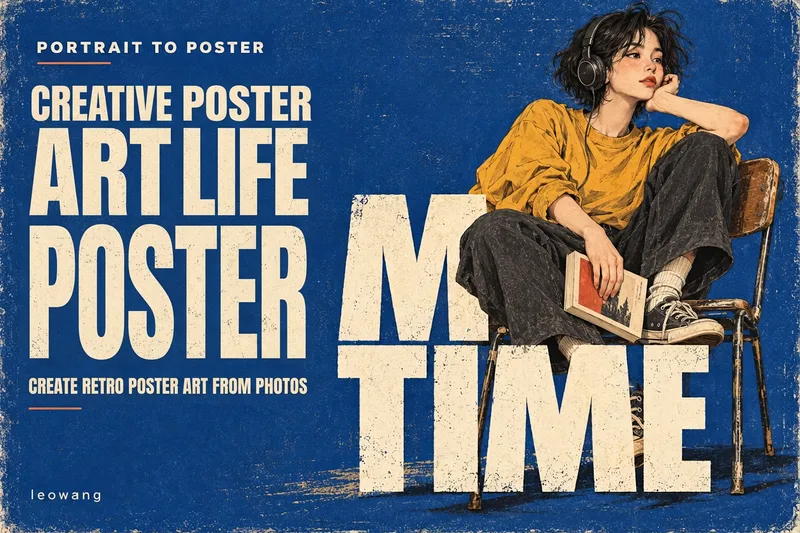
Portrait to Retro Poster
Upload a real-person photo to transform daily moments like drinking, cycling, shopping, or resting into a textured retro typographic poster. It preserves visible features, outfits, and poses while cleaning up cluttered backgrounds. Characters are redrawn using delicate ink lines, color blocks, and paper textures. Short titles are then designed around the actions so that figures and huge typography overlap in the foreground and background. Each poster features an independent composition tailored to the pose rather than a generic template. It defaults to a 3:4 vertical format with cobalt blue paper texture and off-white large lettering. Color schemes, titles, languages, and illustration directions can be customized. Execution is supported in hosts with image capabilities. Image fidelity and typography accuracy depend on the model and source photo quality. Other art styles are optional directions and have not all been thoroughly tested. Product Design: leowang.
 Image
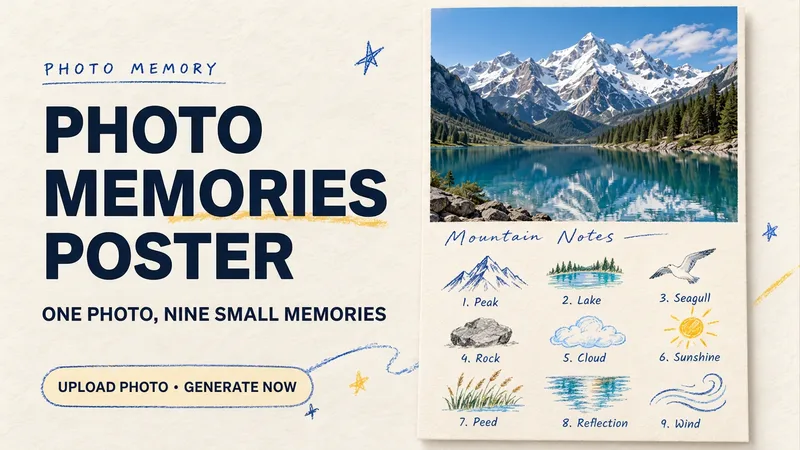
Photo Memory Poster
Some photos in your album deserve to be remembered with care. Upload an original photo of a trip, a coffee break, a pet, or an everyday moment to turn it into a textured memory poster with paper grain and drawn strokes: the top half preserves the real moment, while the bottom half illustrates the details worth remembering as nine small crayon-and-colored-pencil icons. Each photo is output separately in a 3:4 portrait layout, with no multi-photo collage. The top and bottom each take up half the page, with a loose nine-grid layout, short handwritten title, and small caption, creating the feel of a private visual diary. Colors adapt to the photo instead of using a fixed scenic template. Just upload a photo and optionally add a title. The Skill extracts memorable details, creates the image, and checks the subject, nine icons, and actual layout divisions. When an image tool with reference-image support is available, it can generate the image directly. Strict layout separation and fidelity to the original photo also depend on the editing and assembly capabilities of the runtime environment; if the requirements cannot be met, this will be explained. Suitable for travel keepsakes, pet collections, lifestyle journaling, and social sharing. The showcase images are demonstrations using locally created original AI scenes, not examples from real users; on YouMind, the Skill has been trialed with input guidance for missing photos, while complete image generation still awaits testing. Image-generation usage is subject to the current platform.
Information
- Version
- v3
- Last updated
- Runtime credits
- Usage-based
- Models
- Auto
- Use cases
- Images & design
- What you get
- Image
- Visual styles
- EditorialHand-drawnBlack and white
